
Marketing Studio
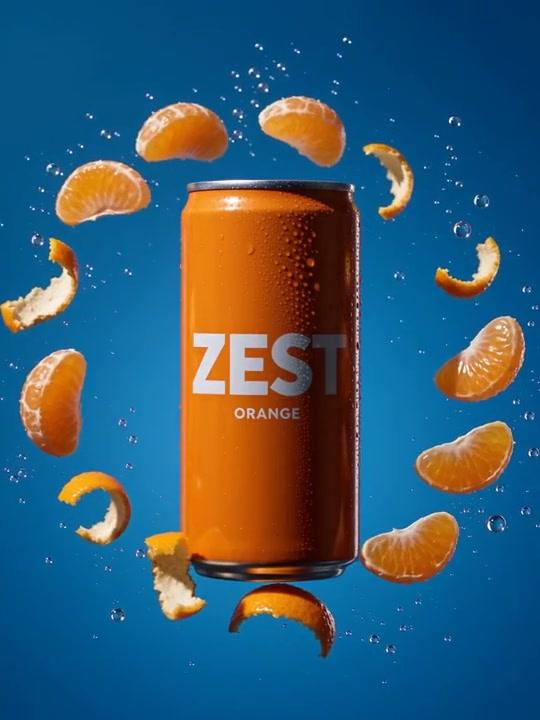
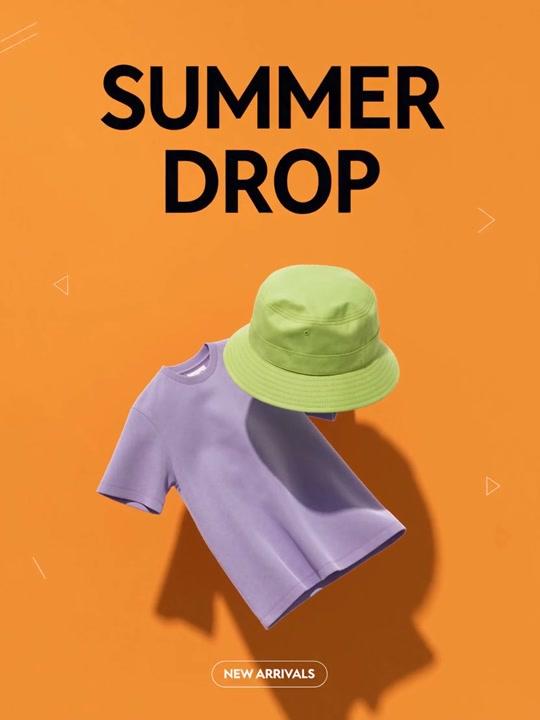
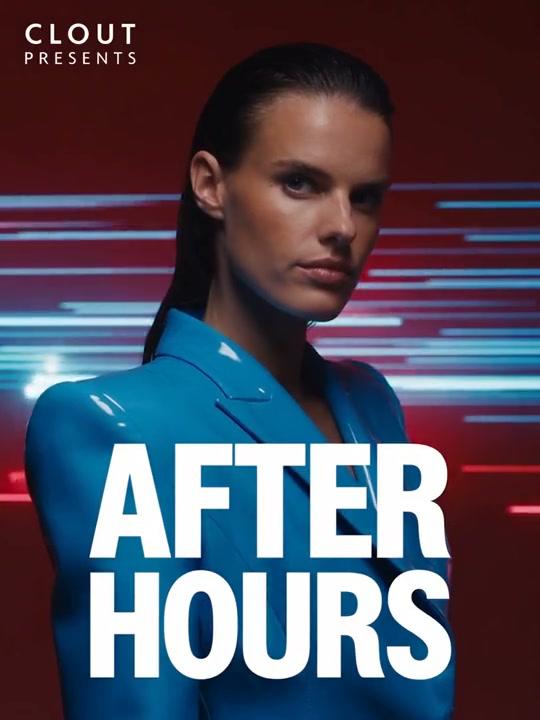
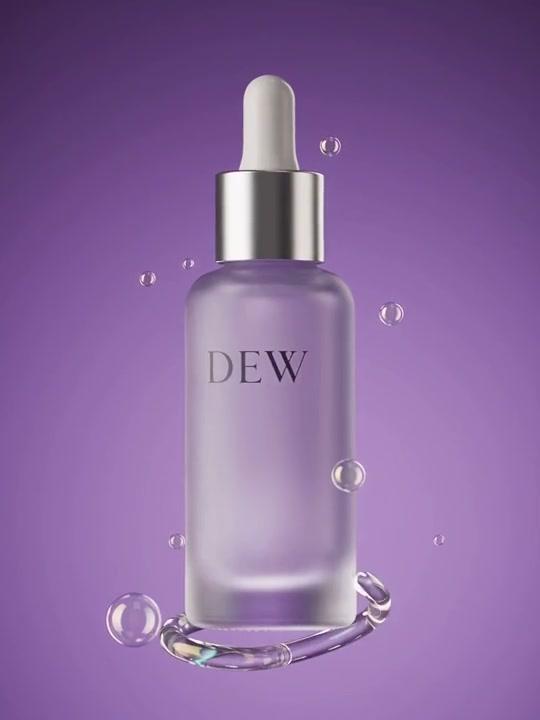
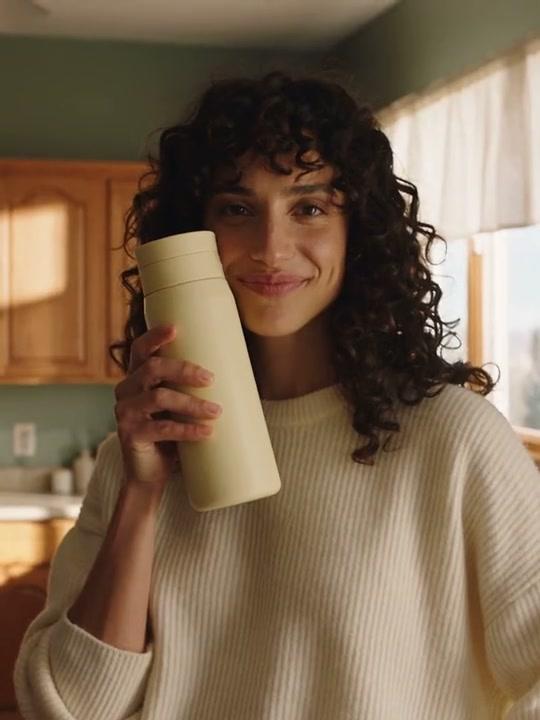
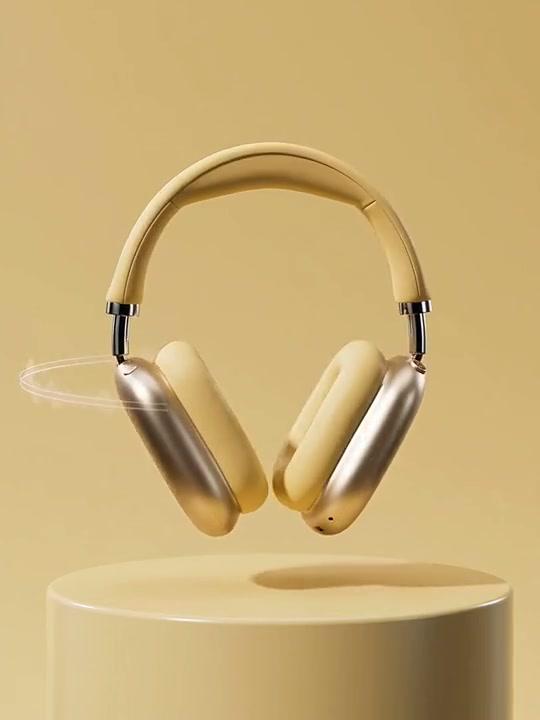
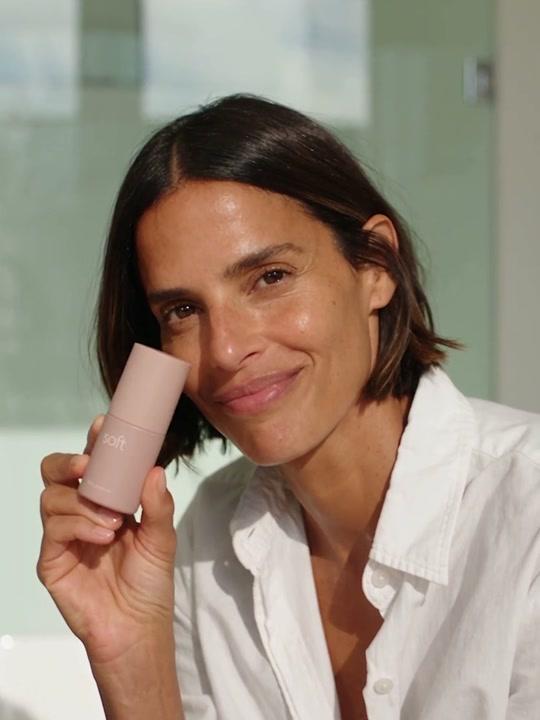
AI ad generator for
product images and videos
Create product ads, campaign photos and creator-style videos.
One studio to show your business at its best.
A starting point for every idea
Made for what you sell
Launch a product, fill your feed, refresh a listing.
Find a look and make it your own.
From your product to your next post
Bring your brand
into the picture
- 01
Start with your product
Paste a product link, upload photos, or choose from your saved products.
- 02
Make the creative yours
Pick a template and describe your idea. Add one of your AI influencers for creator content.
- 03
Generate, review, download
Choose image or video, set the format, and create up to four variations. See the credit cost before generating.
Choose the creative your ad needs
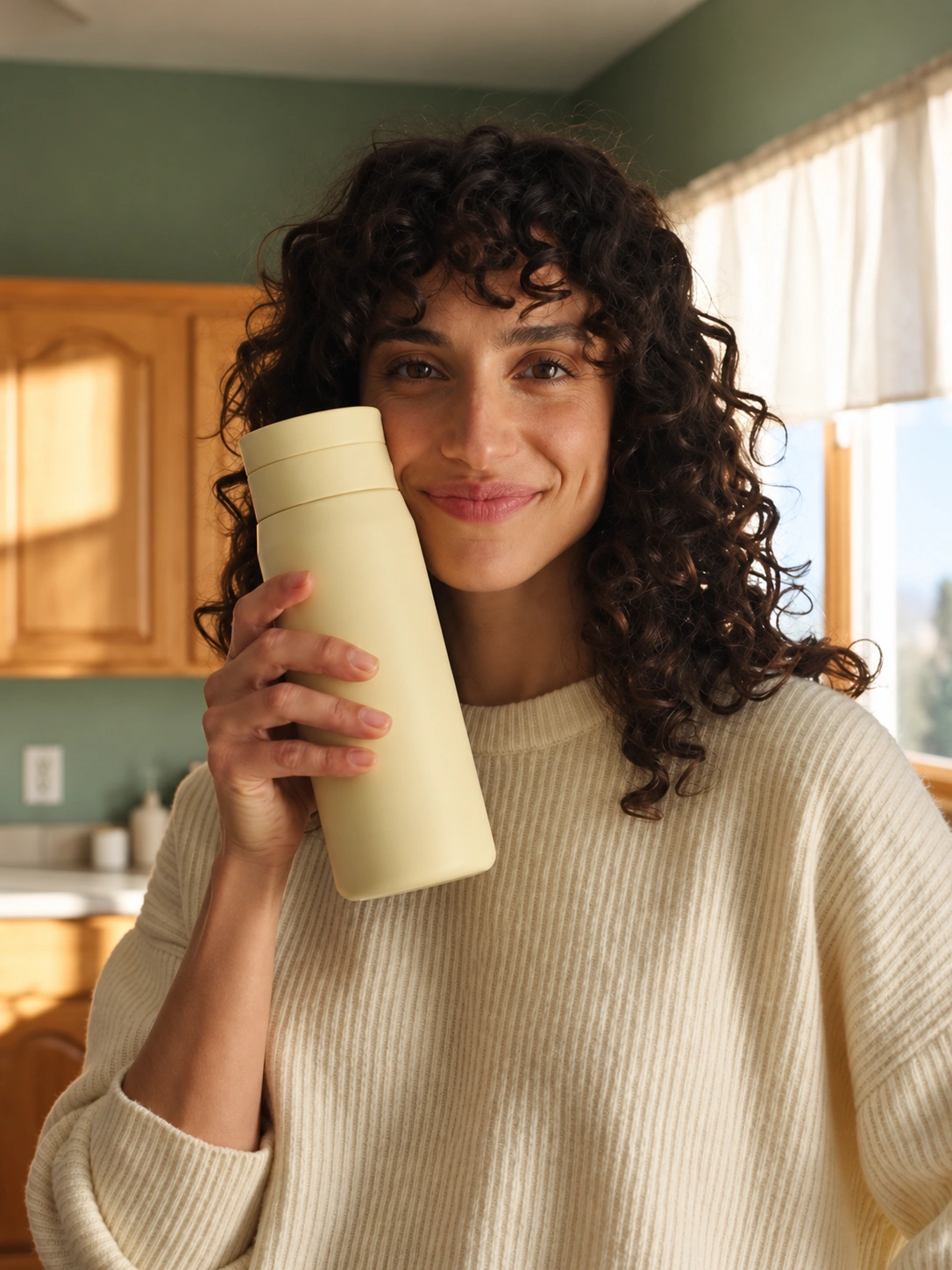
A product image can establish the item. A short demonstration can show one action. A creator-style explanation can give the message a recognizable speaker. Start with the job of the asset, then choose the template and references.
Keep product facts tied to approved sources. A generated scene can illustrate a concept, but it is not evidence of a customer experience or a performance result. Review the complete image or clip before using it in a campaign.
AI product photography for catalog and lifestyle images
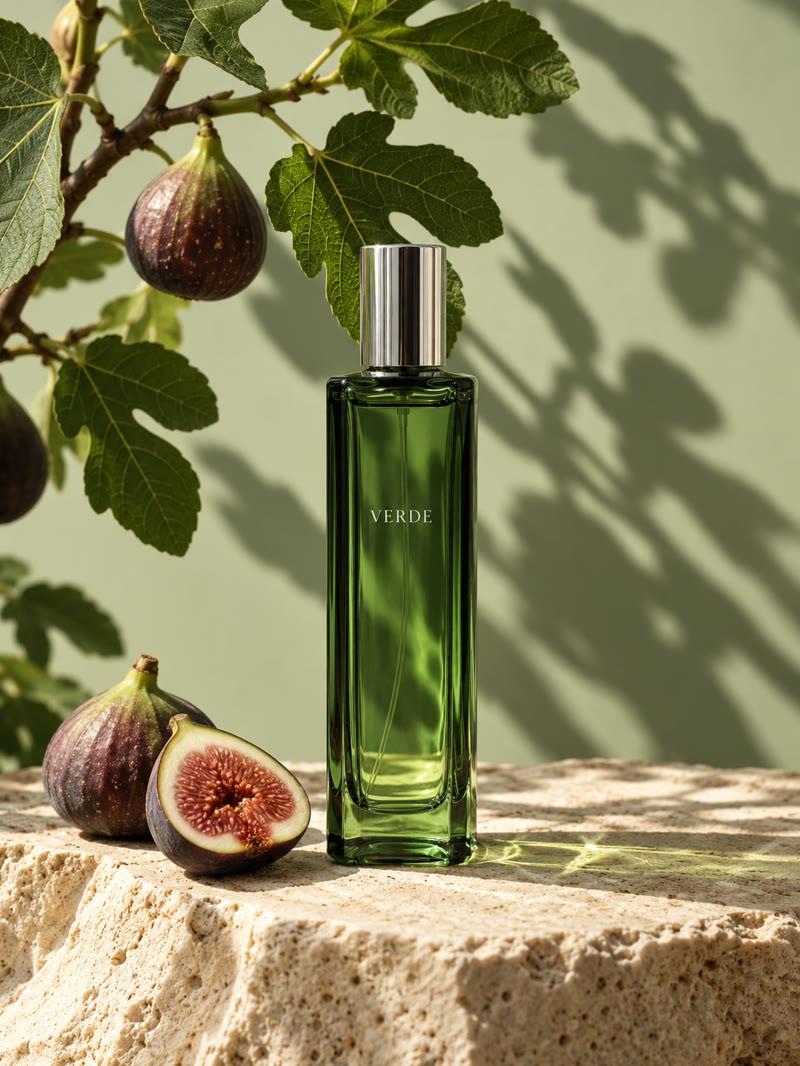
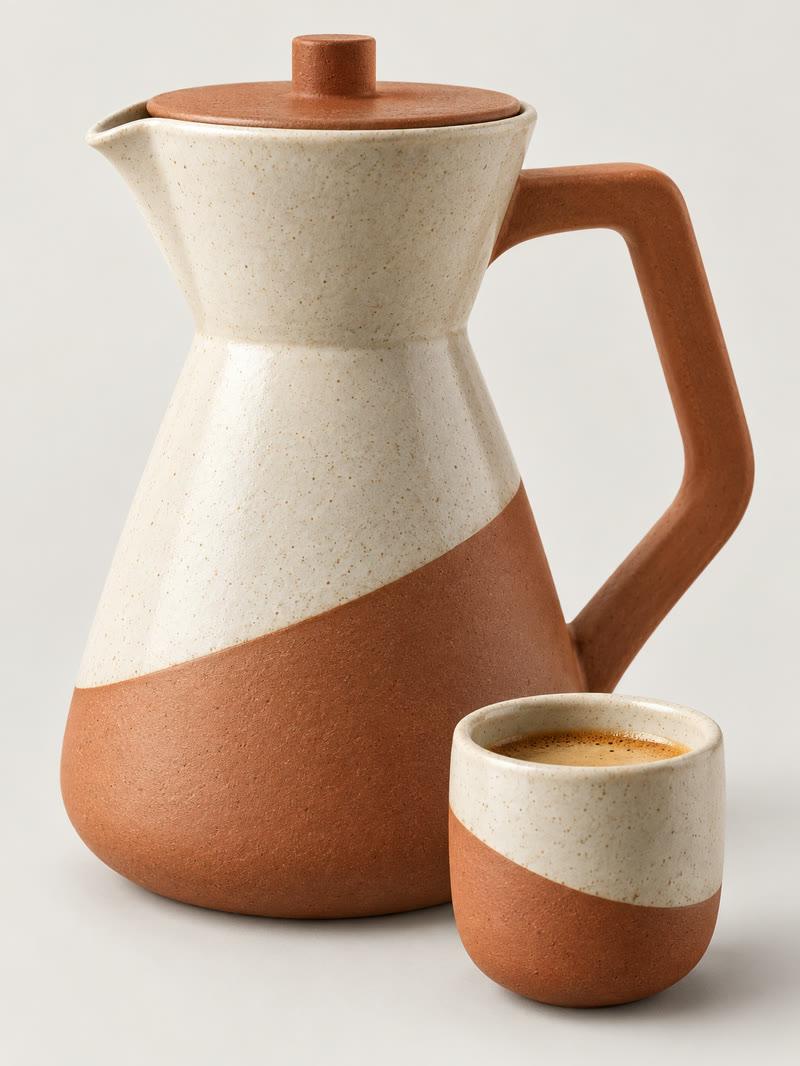
Start with a photograph of the exact product variant. Plan the setting and light around that reference, then compare the returned shape, color, label and accessories before approving it. Our AI product photography guide includes perfume, skincare and ceramic-product prompt exercises and a downloadable shot worksheet. The prompts are planning examples, not guaranteed results.
AI food photography for restaurant creative
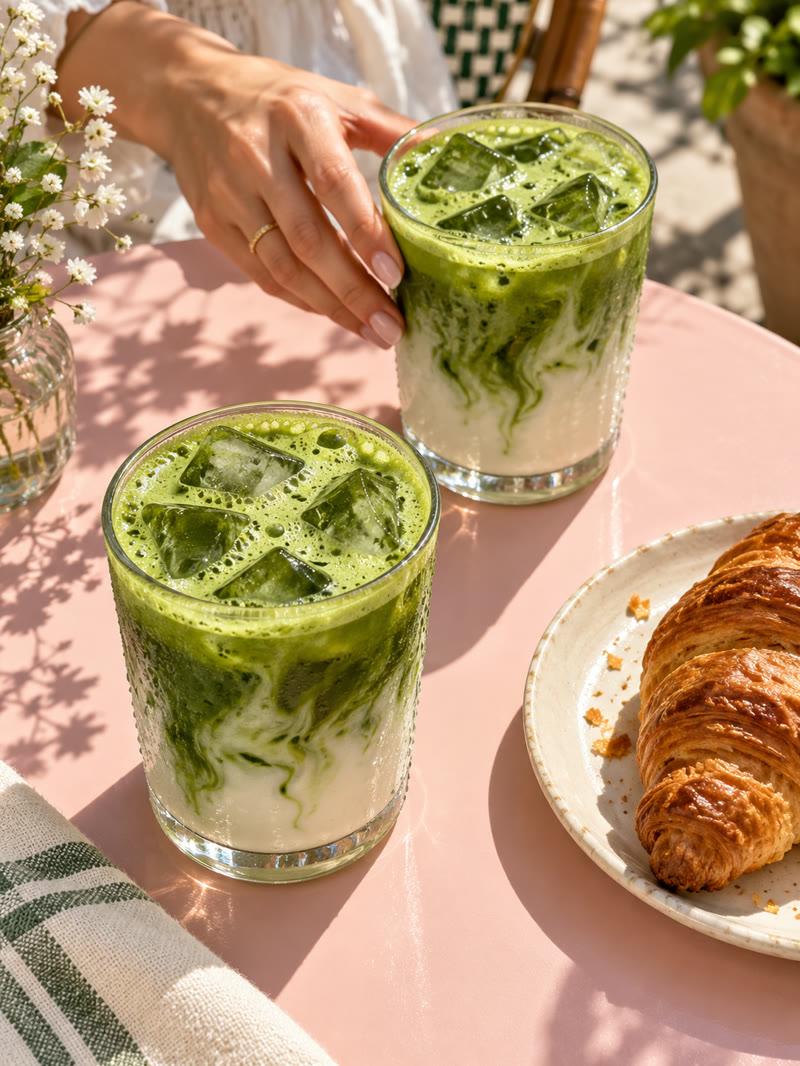
Use a reference of the actual serving for menu work. Preserve the visible ingredients, portion and plating while testing backgrounds and light. The AI food photography guide includes an inspected fictional-dish edit and a review record. Its generated concept does not establish what a restaurant actually serves.
AI stop motion style for a product reveal
Give one product a clear starting position, one action and a readable finish. Begin with a fixed camera and review the whole clip for changing packaging or unplanned objects. Follow the AI stop motion video workflow to plan stepped movement and distinguish visual cadence from export frame rate. Check the selected operation before requesting motion.
Questions about creating AI ads
What can I create with the Clout AI ad generator
Marketing Studio offers product-led images and videos, including campaign photos, ads, posters and creator-style content. Choose a currently available template and supported operation for the asset you need.
Should I add real product references
Yes. Use approved photos and product facts when the creative represents an item you sell. Compare the actual output with the correct variant, packaging and included accessories before publishing.
Can I create both image ads and video ads
The studio includes image and video workflows. These are separate outputs with different motion and review needs; choose the actual supported operation and format before generating.
Does Clout publish ads to an advertising account
This page describes creating downloadable creative assets. It does not establish automatic campaign launch or publishing to an advertising account. Review and publish accepted assets through your chosen destination.
How much does an AI ad cost
The selected workflow and settings determine the generation quote. Review the displayed workspace credit cost before generating. This page does not promise a fixed price, free unlimited generation or advertising results.
Give your next idea a look
From a new drop to your everyday content. Start creating in Marketing Studio.
Open Marketing Studio