What a character expression sheet is for
A character expression sheet explores facial acting while keeping the character recognizable. It answers a different question from a turnaround: what happens to this face when the character is pleased, startled or doubtful? Keeping the view and scale stable makes it easier to see whether an expression changed or the character design drifted.
Celsys’s model-sheet tutorial separates expression studies from turnarounds. Use that distinction to keep a useful reference set: the turnaround establishes views and proportions; the expression sheet establishes a range of facial performances. The six-panel worksheet here is an original planning aid with an invented mascot example.
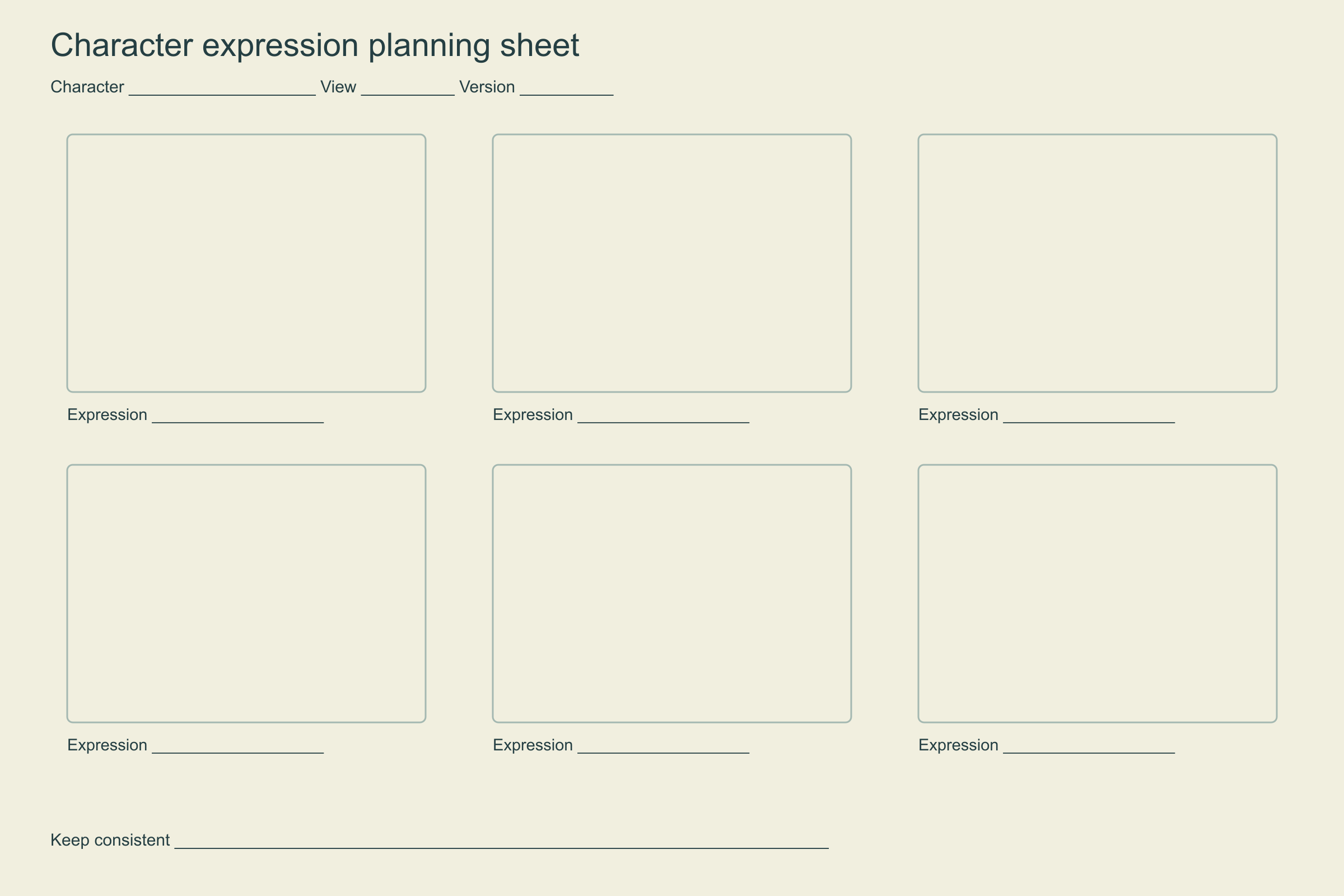
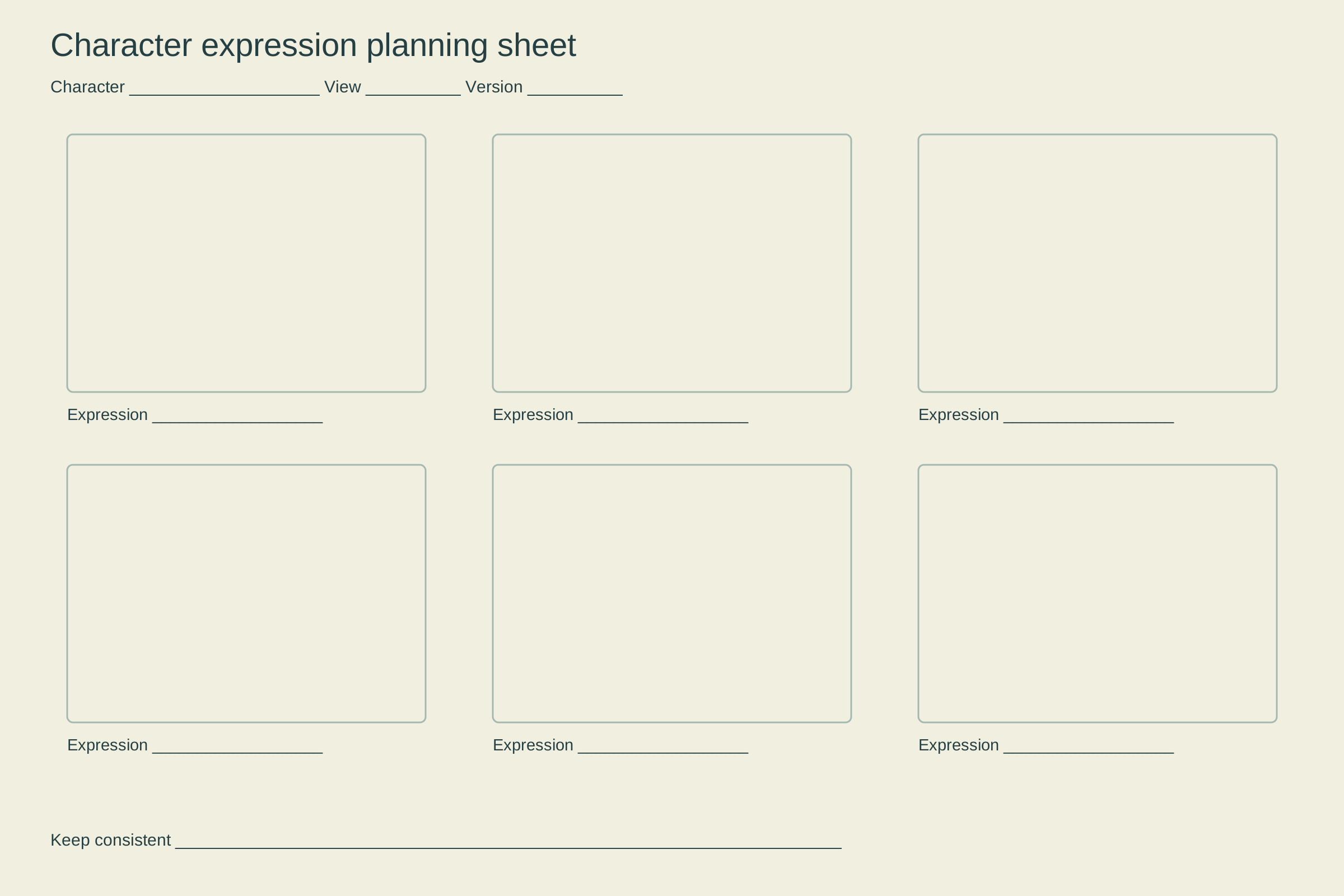
Download the six-panel expression template
Use the 2400 × 1600 PNG expression sheet template or the editable SVG expression sheet template. The blank layout provides six panels, expression labels and fields for the character, view and version. It contains no uploaded photos, generated faces or automated assessment.
Begin with a neutral anchor in the first panel. Choose five additional states that serve the story or campaign instead of treating a six-panel grid as a complete inventory of human emotion. Write precise performance notes under the drawings: a restrained smile, one raised brow or an open-mouth startle is easier to reproduce than an unexplained label.
Compare the original six-state example
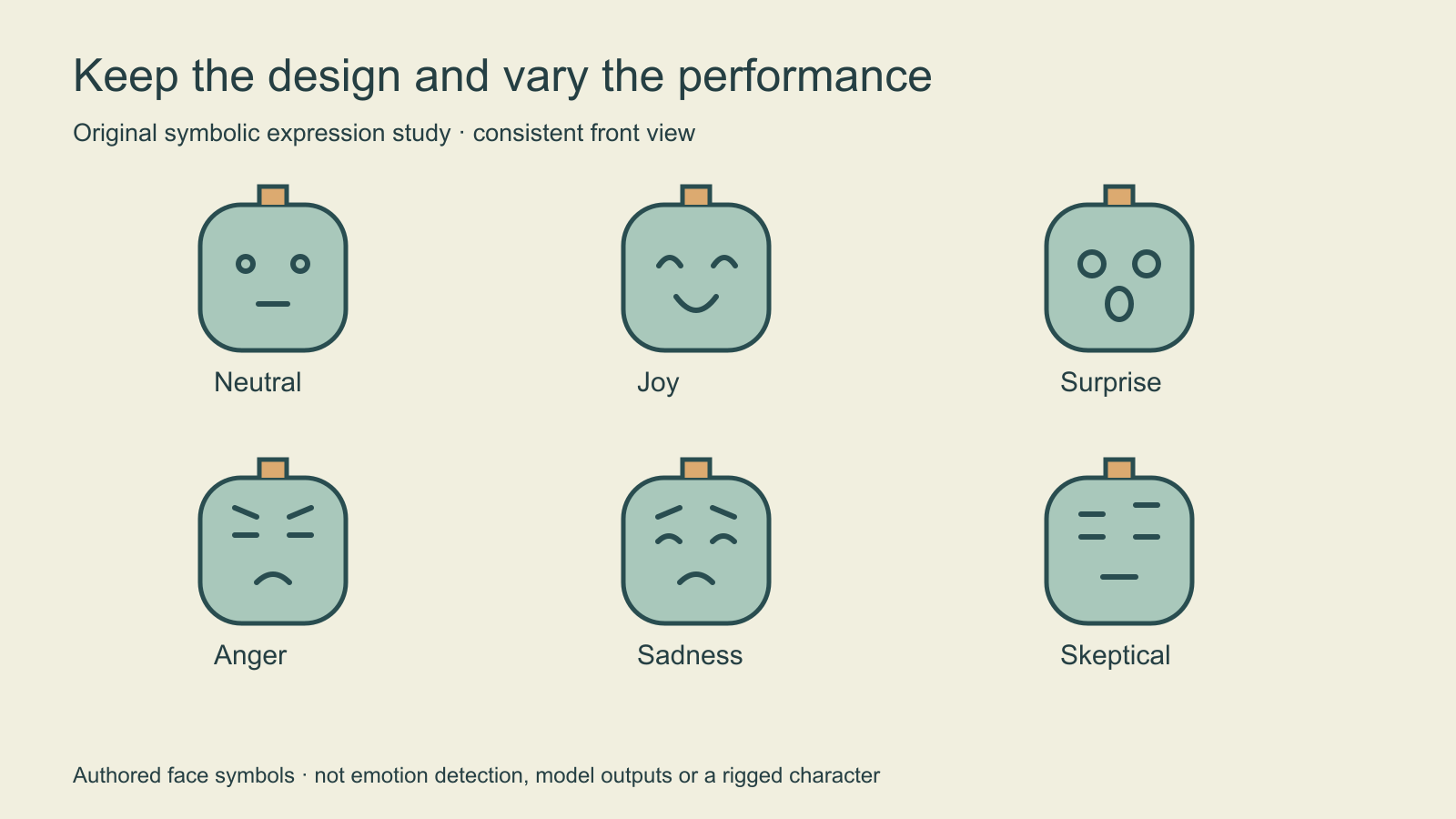
The Pebble courier example keeps the rounded head, antenna, outline and viewpoint stable. Eyes, brows and mouth carry the expression changes. The joy drawing uses curved eyes and a smile; surprise opens the eyes and mouth; skeptical changes the brow relationship. These are intentionally simplified design choices, not claims that one facial pattern universally identifies a person’s feelings.
Use the neutral drawing to check what stayed fixed. If the head becomes narrower, the antenna changes height or the eyes move substantially between panels without an acting reason, the sheet is introducing a design change. Decide whether that change is intentional before approving the expression as a reusable reference.
Build readable facial acting in controlled steps
- Approve a neutral face and record its view, crop and important proportions.
- Choose a specific performance and write the intended visible change.
- Explore the eyes and brows, then the mouth and cheeks, while comparing the anchor.
- Check the expression at a small display size and remove details that obscure it.
- Label the accepted version and keep rejected or unresolved drawings outside the master set.
An expression can change the face silhouette through squash, stretch or an open jaw. Consistency does not mean freezing every contour. It means knowing which features define the design and which can move for the performance. Keep a note for deliberate exaggeration so another artist does not mistake it for an error.
Separate intensity from a different emotion
A mild smile and an exaggerated grin can belong to the same performance family. If intensity is the main decision, compare those variations side by side before filling the grid with unrelated states. Keep the viewpoint stable during that comparison. Changing the head angle, lighting and expression together makes the source of a mismatch harder to identify.
For a campaign, choose states that support the actual scenes: neutral presentation, a small positive reaction and a clearly readable surprise may be more useful than six extreme faces. For a story, include the transitions the character needs. Label references by the intended performance rather than treating them as a diagnosis of an actual person.
Brief an AI exploration without losing the anchor
Use the approved original Pebble courier face as the design anchor. Keep the same front view, head silhouette, antenna, palette and framing. Explore a restrained skeptical expression through one raised brow and a subtle mouth change. Preserve the character design and plain background. Return a proposal for manual comparison with the neutral reference.
This original brief has not been tested with paid inference. Use only a workflow that supports your intended inputs, and compare actual outputs before accepting them. Inspect identity-related features separately from the requested expression. The face consistency guide explains a manual review approach and local brief builder; it does not automatically prove identity preservation.
Keep the accepted neutral reference as the master. Repeatedly using a changed result as the next anchor can make small differences accumulate. Save the model label, reference version and acceptance notes with the output if you are exploring a generated series.
Hand off acting references and animation requirements separately
An expression sheet is not a lip-sync rig. Speech may need mouth shapes associated with sounds, timing, transitions and an actual animation setup. A six-state expression grid does not establish those requirements or deliver an animatable character. Specify the intended medium before asking a collaborator to turn static references into motion.
Use the blank expression review CSV to record the anchor, intended performance, preserved features and decision. Pair approved facial acting with a four-view character turnaround when multiple camera angles are needed. For an original reusable creator, explore Clout’s saved-character workflow and its currently supported inputs. The downloadable worksheet itself neither uploads media nor generates faces.