Open Plugins in ChatGPT, select the + button, and choose Add custom MCP server.
Name it Clout, paste the server URL below, and choose OAuth authentication.
Create the plugin, sign in to Clout, and authorize the workspace you want to use.
Start a chat, select Clout with @, and describe what you want to create.
Server URL
https://app.tryclout.ai/api/mcp
Custom connections depend on your ChatGPT account and workspace permissions. This setup does not require a public directory listing.
A conversation can become anything
Copy an idea, then ask your connected assistant to make it yours
8 workflows found
Images
Realistic images
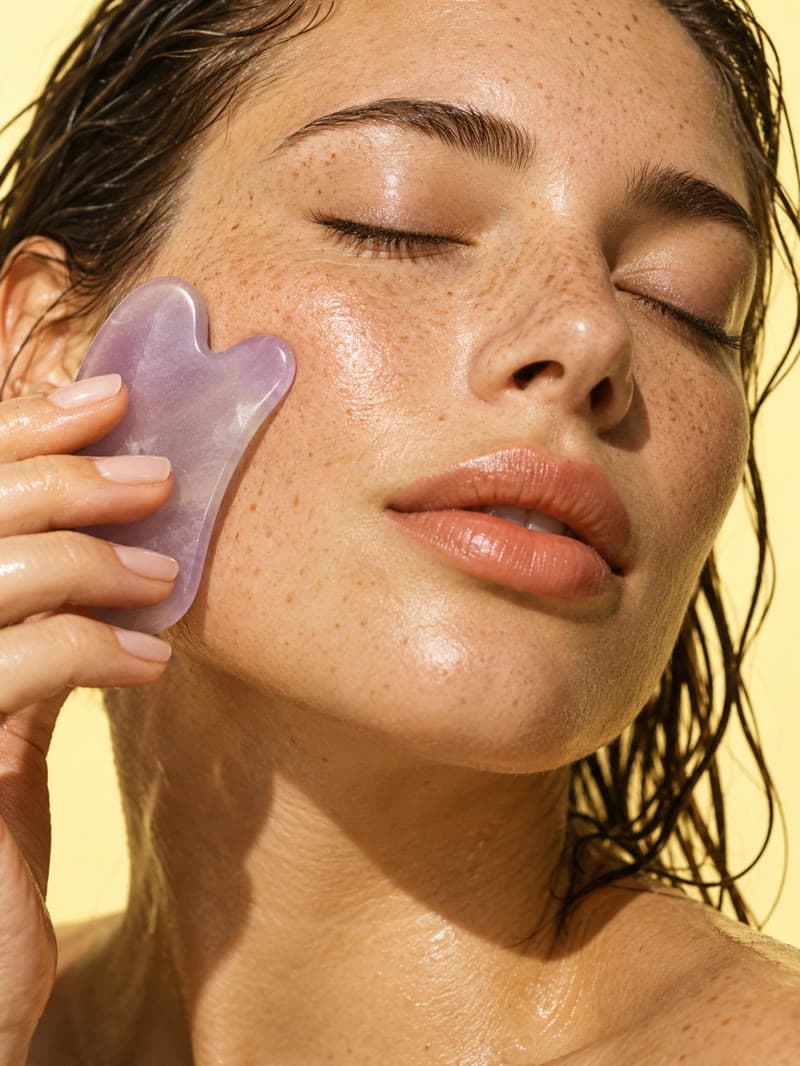
Natural skin, thoughtful lighting, and the details that make a portrait feel real.
View prompt
Use Clout to create a realistic editorial portrait of an adult woman in soft morning window light, with natural skin texture, a cream knit sweater, and a quiet warm background. Use a vertical composition. Show me the available model options and credit cost before generating.
Characters
AI influencers
Create your character and keep a familiar face across new photos and scenes.
View prompt
Help me create an AI influencer in Clout: an adult fashion creator with a distinctive style and a consistent face. Start by asking me about their appearance and personality, then show the credit cost before creating the character.
Marketing
UGC videos
Bring your product and AI creator together in a natural, creator-style video.
View prompt
Use Clout to make a creator-style UGC video for my product. Help me select a saved product and AI influencer, write a natural hook and short script, then show the plan and credit cost before generation. Ask for any missing product details.
Marketing
Marketing campaigns
Turn your product into styled photos, social ads, and campaign variations.
View prompt
Use Clout Marketing Studio to create three different product image concepts for my next campaign. Help me select or add my product, suggest templates and aspect ratios for social ads, and show the total credit cost before I choose what to generate.
Video
Images into motion
Describe a new scene or give a favorite image movement, energy, and life.
View prompt
Use Clout to animate my product image into a short vertical video. Keep the product shape and label consistent, add a gentle camera orbit and realistic moving reflections. Ask me for the reference image and show model options and credits before generating.
Characters
Lip sync
Pair a photo or video with speech and let your character do the talking.
View prompt
Help me create a lip sync video with Clout using one of my saved AI influencers. Ask me for the script or audio, help me choose a supported voice and model, and confirm the duration and credit cost before creating it.
Video
Faceless stories
Build a story with a script, narration, and scenes that carry the idea.
View prompt
Use Clout to plan a 30-second faceless video about a hidden night market that appears once a year. Use an atmospheric anime style. Draft the narration and scene plan for my review, then show the credit cost before generating the video.
Video
Cinematic worlds
Plan a cinematic sequence, shape each shot, and bring your world to life.
View prompt
Use Clout Cinema to plan a short cinematic sequence of a traveler discovering a floating kingdom above the clouds. Show me a storyboard with consistent world details and camera direction, then confirm the credit cost before generation.
Your Clout workspace
Same characters Same creative possibilities
Your assistant works with your saved influencers, products, and media. Generations use your existing Clout credits, and your creations stay with your workspace.
Review the workflow and credit quote before starting a generation
Connect with your Clout account
Sign in with OAuth and choose the workspace your assistant can use
Keep creating in the conversation
Check progress, find your results, and build on the idea together
A few things you might be wondering
What is Clout MCP?
MCP connects your AI assistant to Clout's creative tools. Your assistant can help choose a model, work with your saved characters and products, start a generation, and check its result without making you repeat your brief in another app.
Do I need a separate API key?
No. Connect the server URL, sign in to your Clout account, and authorize a workspace with OAuth. Your assistant uses that connection rather than a password or an API key pasted into the chat.
How do credits work?
Generations use the same Clout workspace credit balance as the studio. Costs depend on the workflow, model, and settings. Ask your assistant to show the quote before starting, then approve the generation when you're ready. Connecting and browsing the catalog do not generate media.
Can I use my existing influencers and products?
Yes. Connect the Clout workspace that contains them, then ask your assistant to find a saved influencer or product. You can use those references in supported image, video, marketing, and UGC workflows.
Where do my finished creations go?
Your assistant can check generation progress and return the finished output. Your creations also belong to the connected Clout workspace, so you can continue working with them in the studio.
How do I disconnect my assistant?
Open Connected AI clients in Clout, sign in, and disconnect the client and workspace you want to remove. This revokes that connection's access and refresh tokens. Generations already submitted can still finish, and your existing creations stay in your workspace. Manage connected AI clients
Is the ChatGPT plugin in the public directory?
The public directory listing is not available yet. You can use the custom MCP connection described above if your ChatGPT account or workspace supports it. A custom connection is separate from a published directory plugin.

 Connect Claude

 Images