What belongs in a character reference sheet
A character reference sheet is a compact visual specification for one approved design. It combines the image that defines the character with the colors, costume details, proportions and notes someone else needs to draw or generate the next asset. It should settle important decisions, while making unresolved ones easy to find.
Julio Robledo’s Celsys model-sheet tutorial separates construction, turnaround, color, expression and pose studies. This guide organizes those kinds of references into a practical handoff pack. The overview sheet points to detailed studies instead of squeezing every angle and expression into one unreadable thumbnail.
Download the free reference-pack template
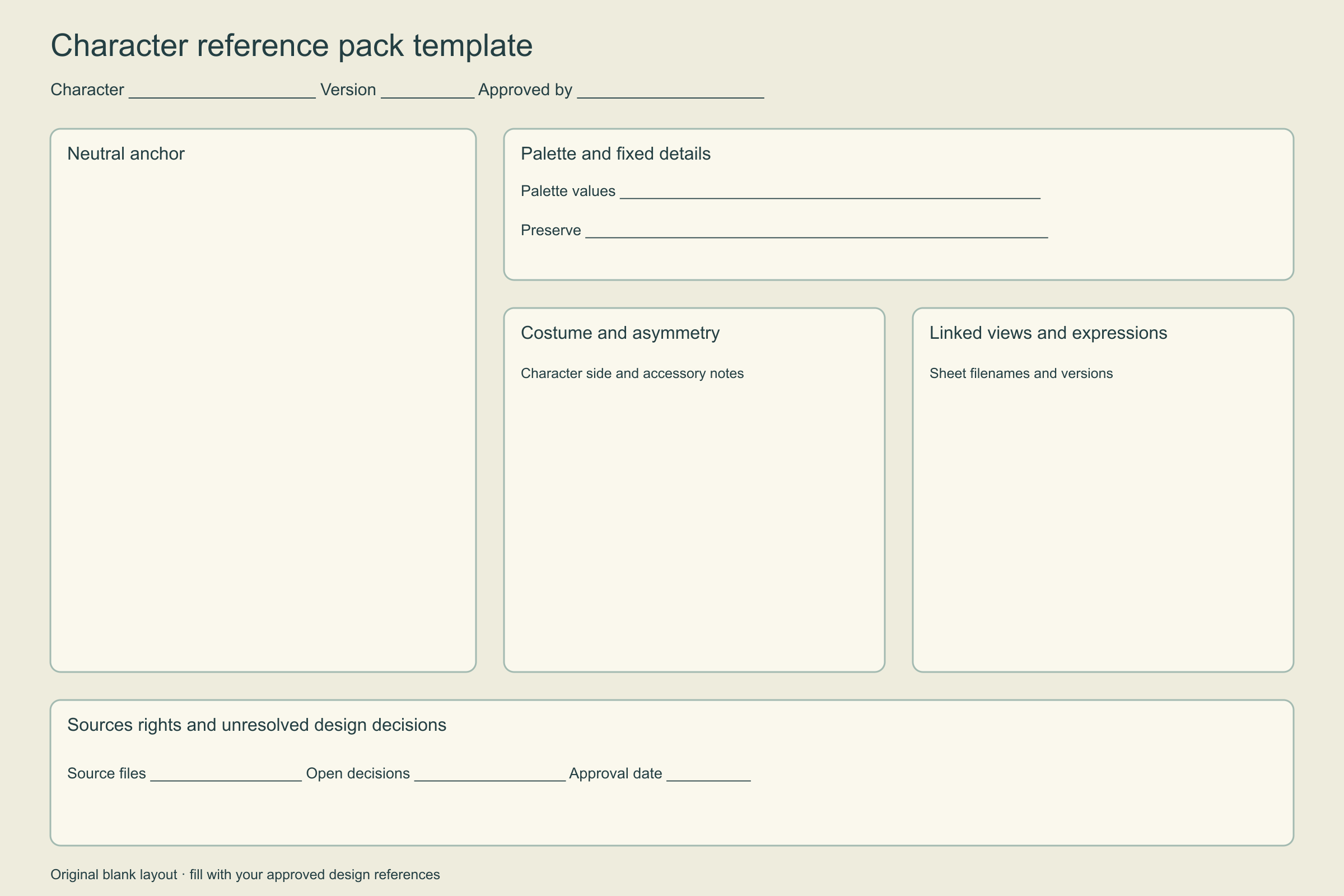
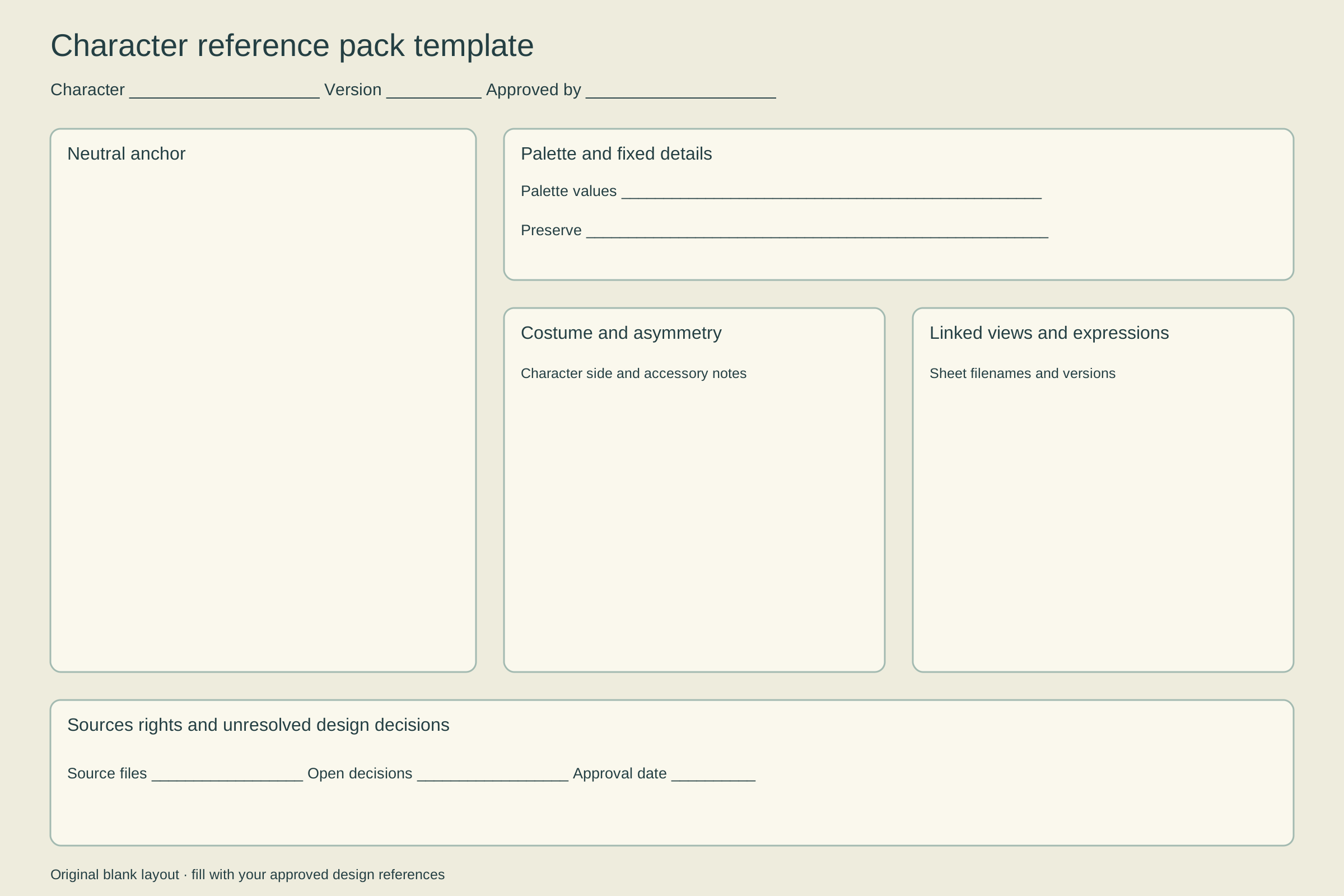
Download the 2400 × 1600 PNG reference sheet template or the editable SVG reference-pack template. The layout has space for a neutral anchor, palette, fixed details, costume notes, linked sheets and approval information. Add your own approved art in a compatible editor. The PNG is a flat layout; the SVG contains editable vector shapes and text, with no embedded font or native animation rig.
Use the template as a decision map. Start with the neutral reference, then fill the fields that matter to the next deliverable. An original mascot for a still campaign may need fewer views than a character that turns through an animated scene. More panels do not help if the critical costume attachment remains unexplained.
Read the original Pebble courier example
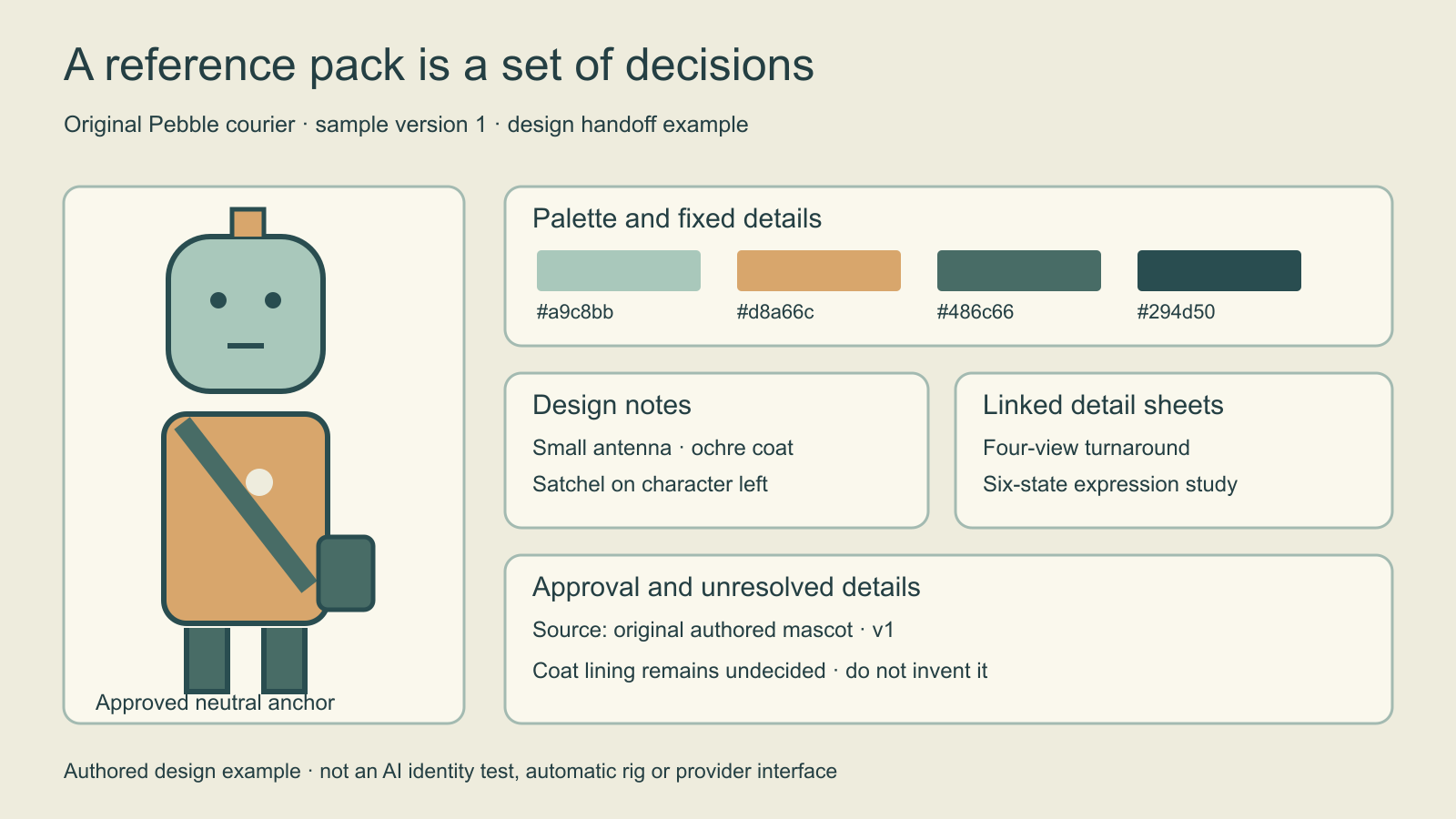
The example names a sample version and separates approved details from an open decision. Pebble courier has a mint head, ochre coat and dark green satchel on the character’s left. The palette values describe the flat artwork in this example. A lit render can look different, so keep the base palette reference beside lighting studies rather than sampling a shadow as the official color.
The coat lining is deliberately unresolved. That note is more useful than hiding the gap: a back view or moving coat may expose it later. Until a designer approves that region, record any proposed solution as a candidate. Do not silently treat an AI-generated guess as established character history.
Choose an anchor and write the fixed details
| Pack element | What to record | Why it helps |
|---|---|---|
| Neutral anchor | Approved source filename and version | Makes the master identifiable |
| Palette | Base colors and material notes | Separates design from scene lighting |
| Costume | Layers accessories and character-relative sides | Avoids mirrored or invented details |
| Detail sheets | Turnaround expression and pose filenames | Keeps the overview readable |
| Approval record | Accepted version reviewer and open decisions | Prevents conflicting masters |
Keep an unambiguous neutral view with a readable silhouette and crop. A dramatic portrait can be a useful mood reference, but a concealed eye, cropped shoe or deep shadow leaves design questions unanswered. Label it by its actual role. If you include a scene reference, state that it controls the environment rather than the face or clothing.
For asymmetric features, write character left or character right. Page-left changes when the character turns. Include small detail callouts for a clasp, emblem or hair part that could otherwise migrate between sides. Use stable filenames so a note about the accepted reference still points to the right file after revisions.
Link detailed views without duplicating them
Use the turnaround sheet guide for front, three-quarter, profile and back views with aligned landmarks. Use the expression sheet guide for facial acting from a consistent view. The pack overview should identify which versions are approved and where to find them. It does not replace the larger drawings when close comparison is needed.
A pose study can establish typical posture and gesture. Keep that separate from a neutral turnaround when an extreme action changes the silhouette. A lip-sync project also needs speech-related mouth shapes and timing; a few expression drawings alone do not provide an animatable performance system. Ask the actual delivery requirements to determine the pack’s depth.
Use the pack in an AI character workflow
Use the approved Pebble courier v1 neutral reference as the character anchor. Preserve the mint head, short antenna, ochre coat and character-left satchel. The attached palette defines base design colors; the scene reference controls only the environment. Treat the coat lining as unresolved and keep it out of view. Create a proposal for review against the master.
This original brief is a planning example. Download the editable reference-pack brief and replace the sample details with your own. Check the selected model’s actual reference inputs; a text instruction does not create a dedicated identity-control feature. Inspect the returned file at a comparable crop before accepting it.
For practical manual checks, read the face consistency guide. Its checkpoint advice applies to Qwen; the broader habit is to compare the requested change separately from defining features. A pleasing new scene can still introduce the wrong face, costume or accessory.
Approve a version before the next handoff
Use the blank reference-pack review CSV to record each file, its role, version and unresolved details. Archive earlier accepted versions with clear labels when the design changes. Keep experimental candidates outside the master pack so a teammate does not accidentally use an attractive rejected variation.
For an original reusable creator, explore Clout’s saved-character workflow. Preserve the approved references with your character and review the supported generation inputs. This downloadable pack is a manual planning resource, not an automatic sheet generator, identity score or 3D reconstruction. If a larger campaign needs several related deliverables, the Supercomputer workflow guide shows how to specify a batch and review its dependencies.