For frame-level planning and review, use the onion skin frame viewer.
What match on action means
Match on action cuts between views during an action so the movement continues across the edit. A person can begin opening a case in a wide shot and finish in a closer view. The second shot must belong to the same moment of that action, rather than accidentally restarting it.
Adobe's continuity editing overview describes the technique as maintaining the flow of action across different views. Our exercise isolates that relationship with a moving parcel. For an AI drama, the same planning question applies to a reach, turn, step or object handoff: which part of the movement should the incoming take continue?
This guide owns the continuous-action workflow. For linking different subjects through a shared shape, use the graphic match-cut guide. For concealing a join under an obstruction, use the invisible-cut study. The production choices are related, but their acceptance criteria differ.
Watch continuing action beside a deliberate replay
Watch this clip and view its details
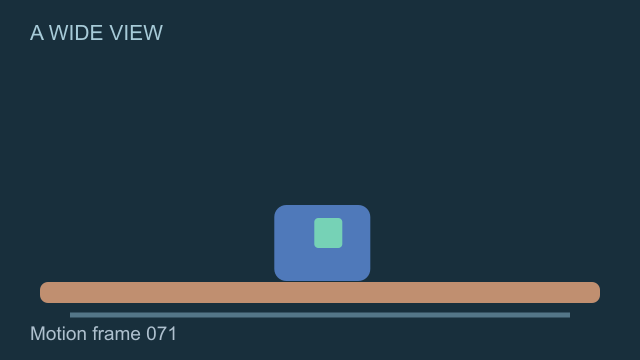
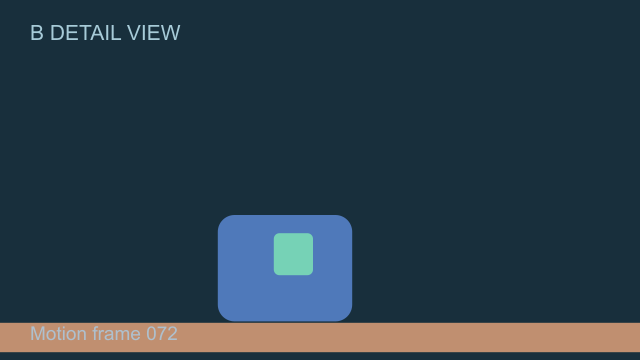
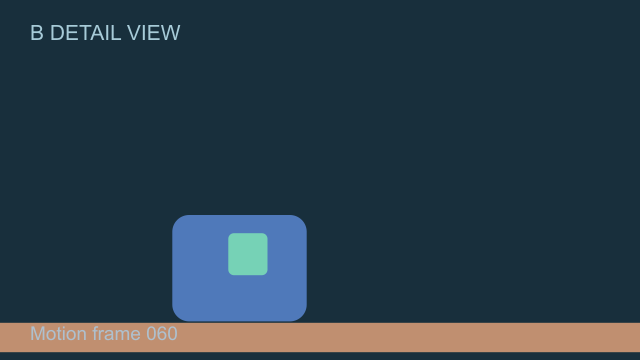
The silent six-second study uses one original authored parcel motion and two schematic framings. Both panels show the same wide view for the first three seconds. Both then switch to a detail view. The left continues the action; the right deliberately replays the previous half-second.
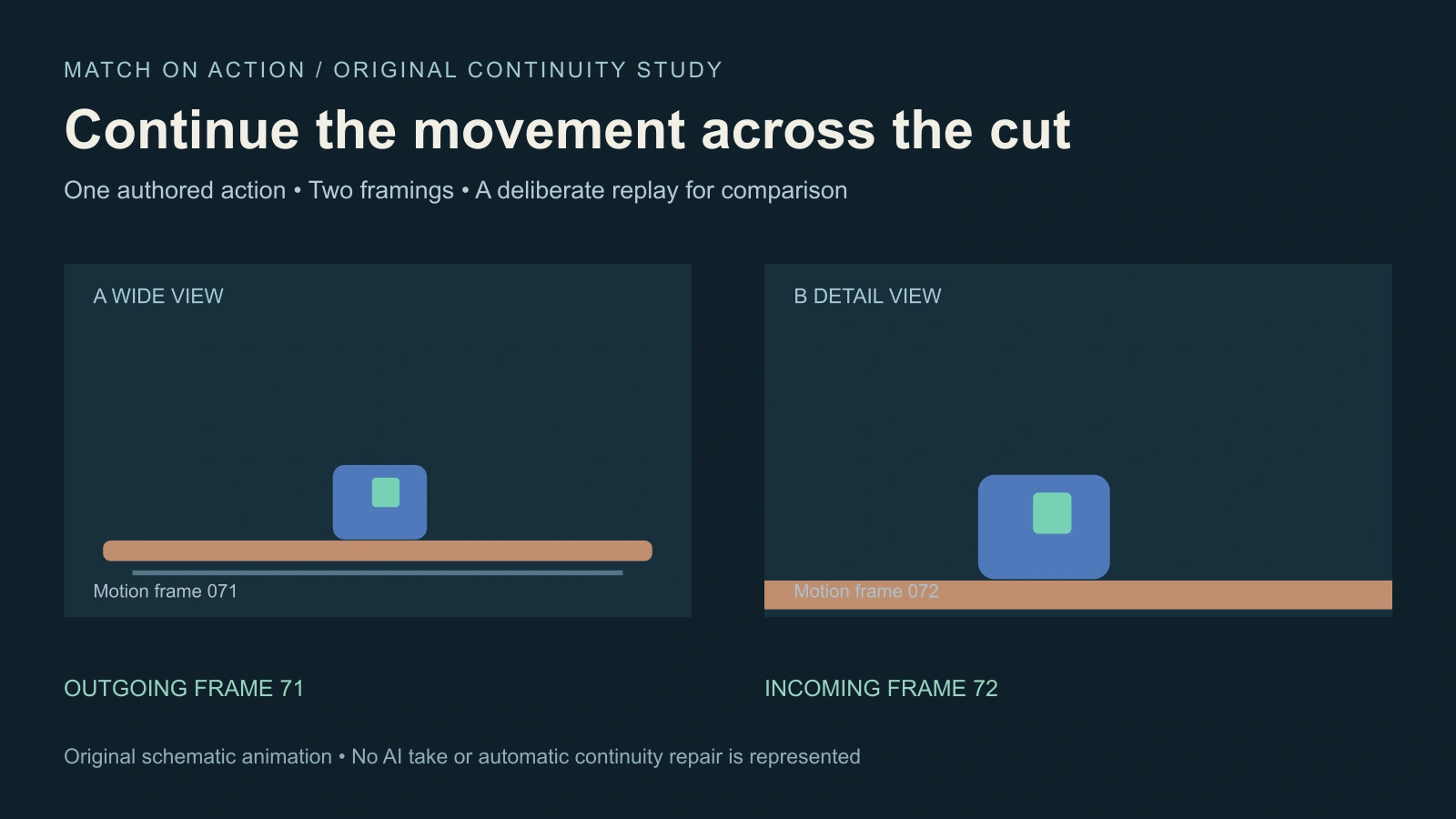
The comparison contains 144 frames at 24 fps. Outgoing frame 71 cuts to incoming motion frame 72 on the left. On the right it cuts to motion frame 60, then continues from there. The parcel's design and travel direction remain fixed so the repeated phase is the variable to inspect.
These are conventional vector-animation exports, not AI-generated takes or a physically rendered camera simulation. The fixture demonstrates the constructed timing difference. It does not measure whether every viewer perceives a cut as seamless or establish that a model can preserve a human action.
Inspect phase direction and object state at the boundary
| Property | Question at the cut | Possible failure |
|---|---|---|
| Action phase | Does the movement continue from the outgoing moment | A reach or step repeats |
| Direction | Does travel still fit the established space | The subject reverses without motivation |
| Object state | Is the same object open closed held or released | A closed case becomes fully open too early |
| Contact | Do hands feet and props maintain a plausible relation | A held item floats after the cut |
| Ending | Does the continued action reach the intended result | The incoming shot ends before completion |
Do not demand identical screen coordinates from two different framings. A closer view changes apparent scale and can relocate the subject within the image. Match the action's meaning and temporal phase while preserving understandable scene geography. Pixel alignment alone does not establish continuity.
For a conversation or two-person exchange, connect this record to the multi-shot coverage plan. For a look followed by its target, use the eyeline-match workflow. Each relationship should have a concrete review question.
Prepare one action before writing two shot prompts
Our production brief is Parcel Pass. One cobalt parcel with a teal badge moves right along a fixed tabletop. The action has a starting position, a readable travel direction and an ending. The native example makes this movement mechanically simple; a real character scene adds performance, hands, contact and prop ownership to inspect.
Wide shot brief — Establish the accepted character, tabletop and parcel. The character begins moving the parcel toward the agreed destination. Keep enough of the action before and after the likely cut to give the editor options. Preserve the parcel's shape and badge.
Detail shot brief — Show the same action from the planned closer view. Preserve the object state, hand contact and direction. Include an overlapping portion of the movement so the editor can choose the continuation point. Do not ask the model to begin from a completely different prop position without planning the join.
These are untested creative briefs. Use the actual reference, start-frame or video-conditioning controls available in the selected operation. A shared prompt does not prove that two generated clips depict the same moment. Keep the accepted references and inspect both returned takes.
Find the edit in the actual source handles
Place the wide and detail takes in your editing timeline. Identify the outgoing moment of the action and look for a plausible continuation in the incoming clip. Use the surrounding motion rather than selecting two attractive stills in isolation.
Trim the join, play it at normal speed, then inspect the nearby frames if something feels repeated or missing. A small timing change can help when the source handles contain the needed action. If the incoming take never contains that phase, retiming or trimming cannot invent correct hand contact or a missing prop state.
For the native example, the per-frame mapping makes the edit construction explicit. It records the output frame, time, view and motion frame used on each side. That map explains this fixture; your generated takes need their own observed source ranges.
Keep sound timing separate from motion continuity
A sound cue can carry attention through a cut, but it should not hide an incomplete word, duplicated impact or physically inconsistent action. Review the picture-only edit, then listen to the combined sequence. Decide whether an impact belongs to the outgoing event, the incoming event or a deliberately designed bridge.
The J-cut and L-cut guide demonstrates moving the audio boundary independently of the picture boundary. That is a split-edit decision. It does not automatically repair a repeated visual action or authorize slipping a visible speaking performance out of sync.
Use the decoded report for the claim it actually proves
Open the outgoing frame, continuing incoming frame and replayed incoming frame. The scoped media report includes actual MP4 metadata and a decoded boundary check of the parcel's location in the known schematic coordinate system.
The decoded check confirms forward continuation in the intended panel and earlier-phase replay in the comparison panel. It does not prove that a real actor's performance matches, that a generator preserves anatomy or that a cut earns a particular audience response. Keep a technical fixture check distinct from your creative acceptance decision.
Download the brief and review your own takes
The Parcel Pass scene brief preserves the original exercise and its limitations. The blank action-continuity ledger has fields for actual takes, outgoing and incoming phases, direction, prop state, contact and the first visible defect. Result fields remain empty until real material is reviewed.
Develop original cast references and scene ideas in Clout AI Cinema, then evaluate its currently supported generation operations. Check the selected inputs, duration and quote before a run. Assemble accepted takes in your editor and inspect the delivered export. This page does not add an automatic action-matching processor.
For a complete episode, connect the action beat to the AI short-drama plan. When a detail must explain the action, use the insert-shot workflow. Plan the viewer's understanding first, then decide how much of the movement each shot needs to carry.