Choose the production job before a model winner
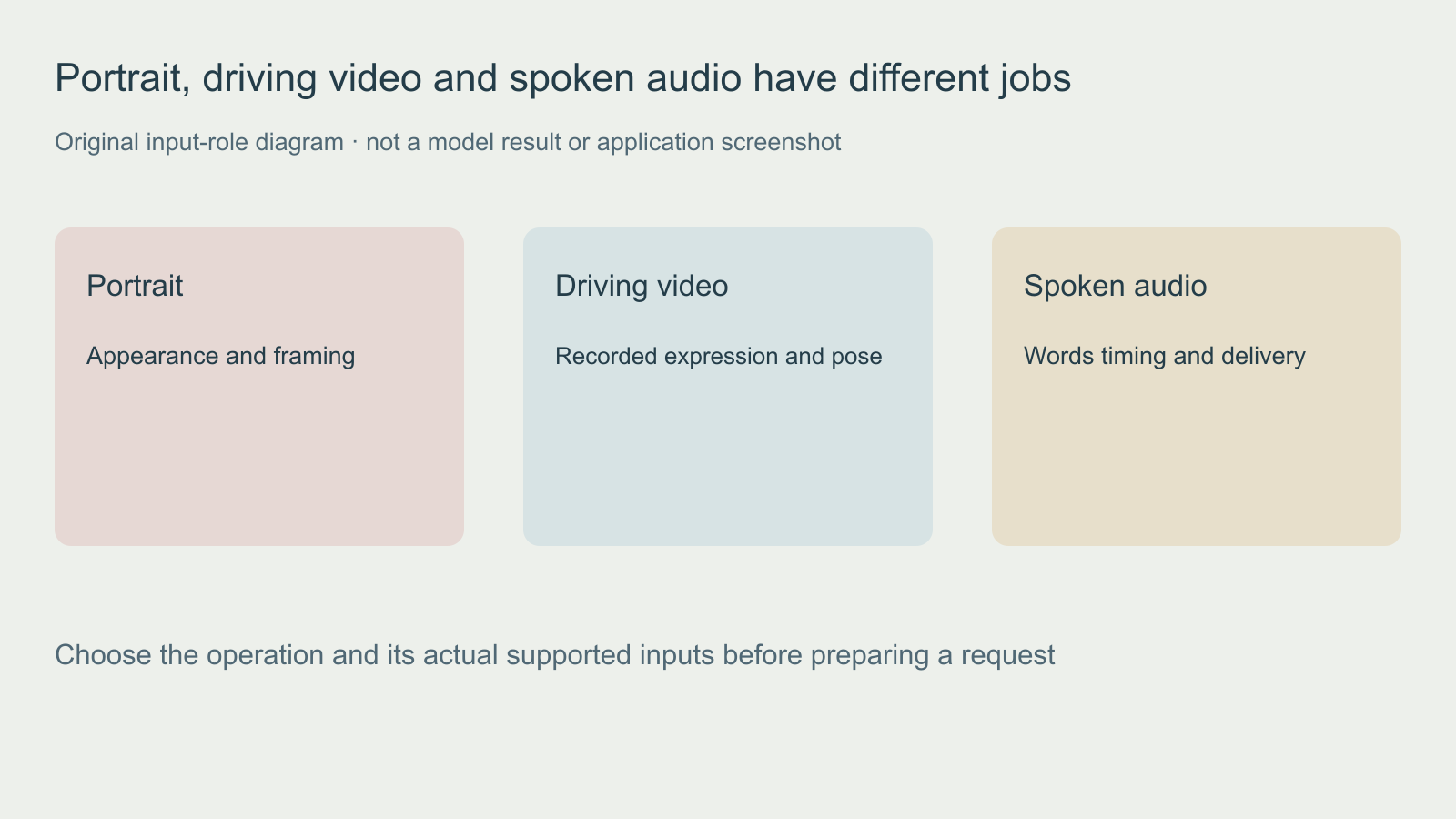
A fictional character message and a revised dialogue shot can look similar in a search result, but they begin with different assets. In the first job you may have only a still portrait and approved speech. In the second you may already have face footage with an accepted performance and need to evaluate a different speech track.
| Production question | SadTalker route | Wav2Lip route |
|---|---|---|
| What starts the job | Portrait plus driven audio | Face input plus target audio, including existing face video |
| What needs particular review | Generated head motion, identity and mouth behavior | Mouth region, chin, boundaries and continuity with the supplied footage |
| What a valid media file proves | Only that the container can be read | Only that the container can be read |
| What this article measured | No model inference or quality score | No model inference or quality score |
The official SadTalker project documents portrait and audio inputs. The official Wav2Lip repository documents face and audio arguments. Its research code terms restrict commercial use; verify the exact license for your intended deployment. The repository and a current commercial hosted service are separate products.
Build two honest test briefs
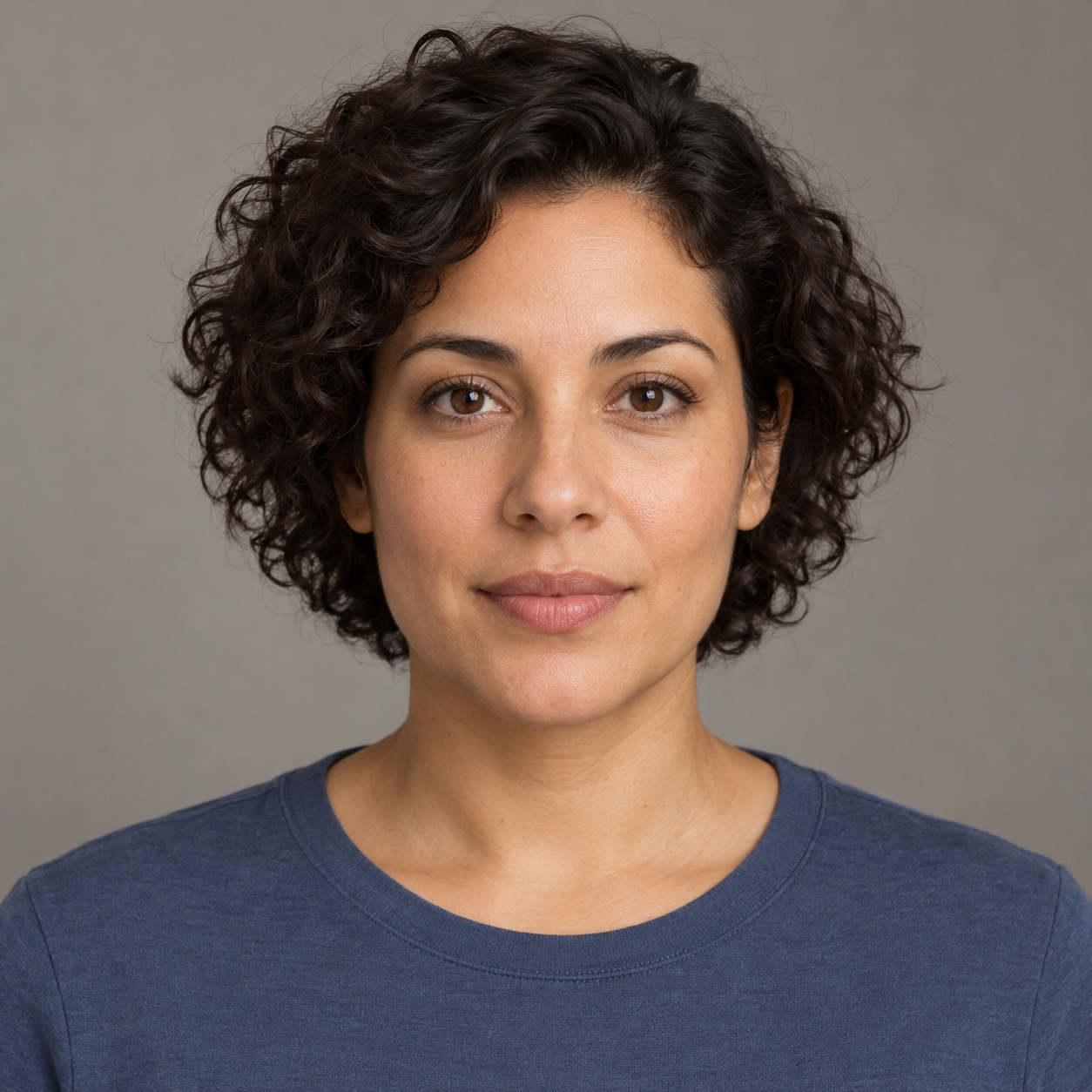
Brief A is a new portrait message using the original fictional source below and your own recording of our script. Brief B starts with your own permitted face video and an approved target audio track. Keep the starting material visible in the ledger: using different jobs can answer a production-fit question, but it does not create a controlled head-to-head model benchmark.
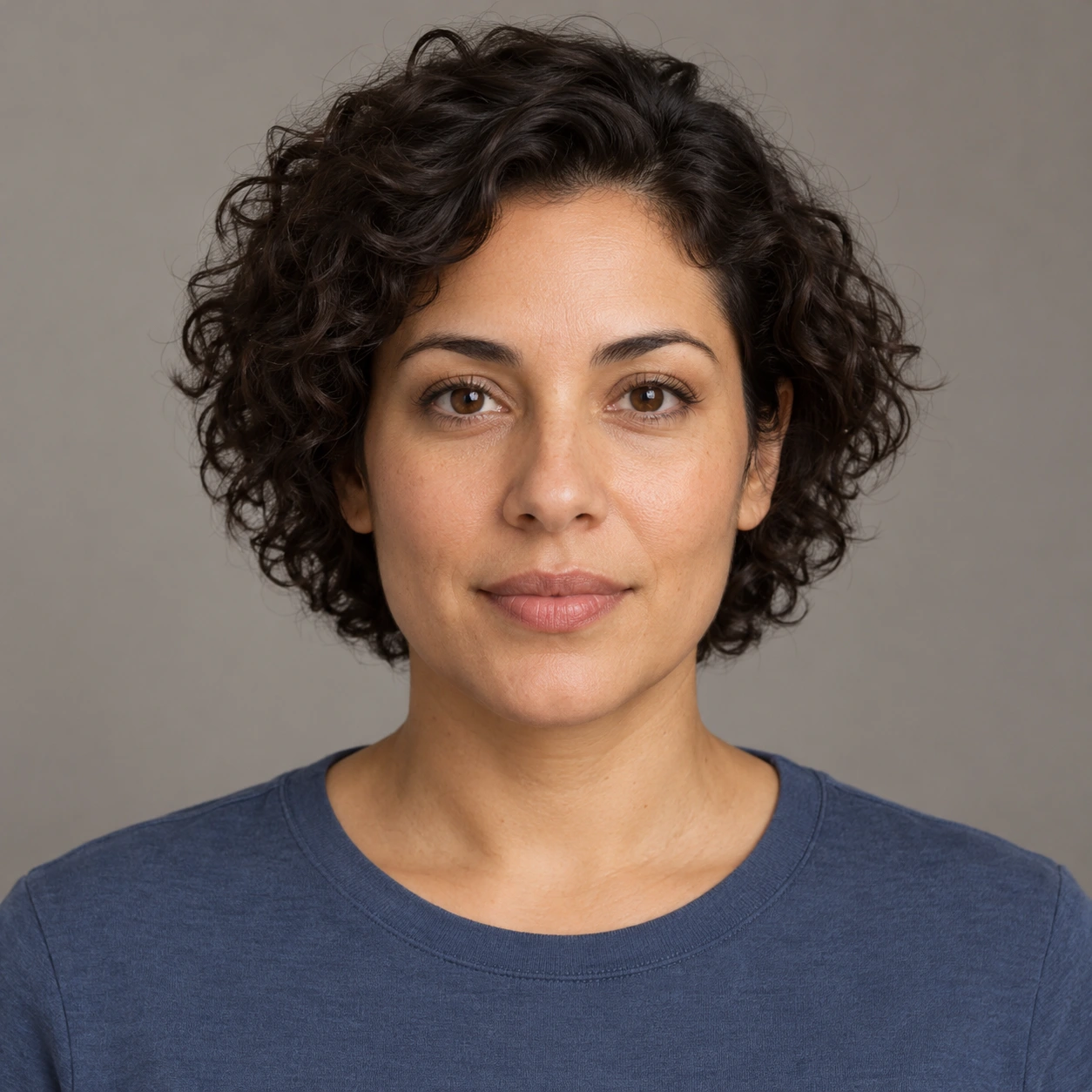
Download the original source portrait. Keep the unmodified original alongside your test. This is a preparation asset, not evidence that a model has detected its face or generated a successful animation.
Use the original script for a repeatable line. Preserve the exact recording, source and returned file for each run. If an interface crops the face or changes frame rate, record that preprocessing. A hidden crop can explain a changed chin or hair boundary without establishing an overall model-quality difference.
Read the actual input arguments
# SadTalker project environment
python inference.py --source_image source.png --driven_audio speech.wav --result_dir results

# Wav2Lip project environment
python inference.py --checkpoint_path path/to/checkpoint.pth --face face.mp4 --audio speech.wav
These are illustrative commands for separate project environments. No checkpoints were downloaded and neither model was executed for this guide. Follow each official implementation's setup and verify its current terms before running or deploying it. File extensions alone do not establish that the intended streams or a usable face are present.
Rehearse a restrained performance before recording
This original eight-second schematic is a recording plan: neutral start, planned blink, small turn and return. It is authored animation, not a human performance, usable face-driving footage or a model output. Record the plan with your own permitted performer and review that recording before inference.
Watch this clip and view its details
Open the motion plan watch page or download the silent planning clip. It contains no spoken audio.
Evaluate an audio driven lip sync route
For a versioned existing-visual-source workflow, use the MuseTalk dialogue dubbing guide and its original recording brief and review ledger.
Use a comparison ledger without invented scores
Download the blank workflow comparison ledger. Record the implementation, revision, source, driver type, audio, preprocessing and observed defect intervals. Leave unavailable measurements empty. Record elapsed time only from an actual run with a declared device and timing boundary.
Use descriptive decisions such as “acceptable for this close-up” or “reject because the chin changes during the final word.” A single accepted take does not prove general superiority. If the inputs differ, say so in the result. Do not convert a subjective preference into a percentage quality claim.
Check local media roles before inference
The free read-only portrait input checker uses an existing ffprobe to inspect local files. Run python3 check-portrait-inputs.py --source source.png --driver driving.mp4 --mode motion for a video driver, or use --driver speech.wav --mode speech for audio. It prints metadata only, installs nothing and makes no network requests. Unknown frame counts fail the motion-role check conservatively. A match verifies media roles only, not face detection, compatibility, word accuracy or successful inference.
Review the whole take against a written brief
Watch once at normal speed without pausing. Then inspect the start, each intended action, the return to rest and the last frame. Log the first visible defect with a timestamp. A recognizable first frame does not establish that the face stays recognizable through a turn.
| Check | Question | Record |
|---|---|---|
| Identity | Do the hairline, eyes, nose and jaw remain the intended character | First change and whether it persists |
| Motion | Does the requested movement happen once and end cleanly | Action order and unwanted repeats |
| Mouth | Do the lips and teeth remain coherent during speech or rest | Specific word or frame interval |
| Edges | Do the chin, hair and shoulders separate cleanly from the background | Warping, crop or boundary movement |
| Handoff | Does the exported file reopen with expected picture and sound | Actual duration, dimensions and audio presence |
Use the blank portrait animation review sheet and input manifest. Record your actual run rather than filling the sheet with predicted scores. Change one input or setting at a time so a better result has a traceable cause.
Pick the next workflow from the missing input
Have a portrait and speech but no face video? Start with the SadTalker preparation guide. Have a recorded visual performance to transfer? Use the LivePortrait guide. Need character body motion or replacement in a scene? Use the Wan Animate guide. For hosted lip-sync planning, see the Higgsfield Speak and lip-sync timing guide.
Build the accepted portrait into a scene
A talking portrait is one shot in a production. Decide who speaks, what the listener does and where the cut belongs before generating several variations. Use the AI short drama workflow for scene structure and multi-shot guide for coverage and continuity. A close-up should answer a story question rather than simply demonstrate moving lips.
Explore Clout AI Cinema for the available project and scene workflow, and Image and Video for supported generation operations. This guide does not establish that Clout hosts these open-source models or imports their local runtimes.