What one shot in film means
A one-shot scene presents its action as a continuous view rather than cutting between camera setups. A genuine uncut take and a sequence assembled to look unbroken can create a similar viewing experience, but they have different production methods. Record which route you mean before planning a scene.
The Columbia Film Language Glossary discusses the long take as part of film form and distinguishes examples made continuous through editing. A long take is about duration within a film's editing context, not a universal number of seconds. Our ten-second reference below is a short camera-planning exercise, not a claim to define that threshold.
If you searched for a film shot in one take, begin with the examples below. If you want to create the effect for an AI drama or product scene, continue to the original reveal study and planning brief. A single-person dialogue shot, one accepted attempt and a continuous-shot sequence describe different things.
Examples of uncut takes and continuous-shot appearances
| Film | Production distinction | What to learn from the distinction |
|---|---|---|
| Rope | Multiple shots joined to create a continuous appearance | Apparent continuity can depend on planned joins |
| Birdman | A continuous-shot effect supported by editing | The viewer's experience and the production method are separate questions |
| Victoria | An example of a genuinely unbroken feature take | Rehearsal and full-sequence coordination matter |
The BFI history of single-take films discusses these examples and the different means behind their continuous appearance. Use that distinction when describing your own work. An assembled sequence should not be presented as an unedited recording merely because its joins are hard to see.
These examples are context for the technique, not a ranking or an exhaustive movie list. The production exercise here uses original geometry and a deliberately simple reveal so the planning decisions remain easy to inspect.
Decide why the scene should remain continuous
Choose the information the viewer should discover without a cut. A continuous approach can keep attention on a changing spatial relationship: a hidden prop becomes visible, a listener is revealed or a character reaches a destination. The move should explain that change rather than simply keep the camera busy.
For a short drama, write the turn in one sentence. For example: a character notices the object that contradicts the previous line. Then ask whether remaining in the same view strengthens that discovery. If a reaction close-up tells the story better, the multi-shot coverage workflow may be the more useful production choice.
Keep the actor's action and camera movement distinct in the brief. A camera moving to the right is not the same as a person turning right. Record what stays fixed, what moves and which detail must become readable at the ending.
Watch the original continuous-camera reveal
Watch this clip and view its details
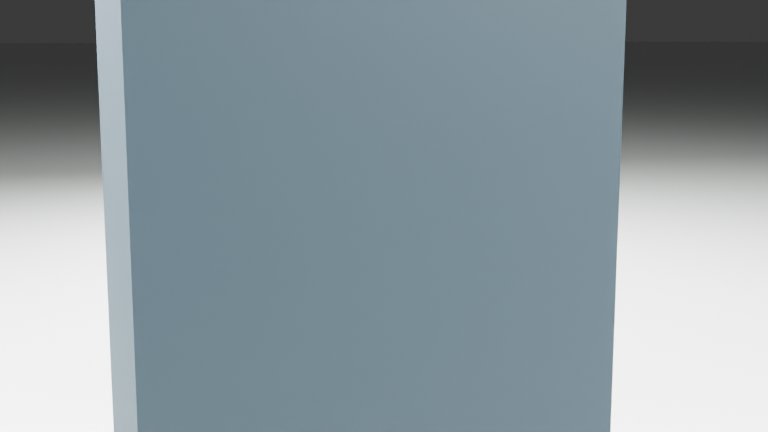
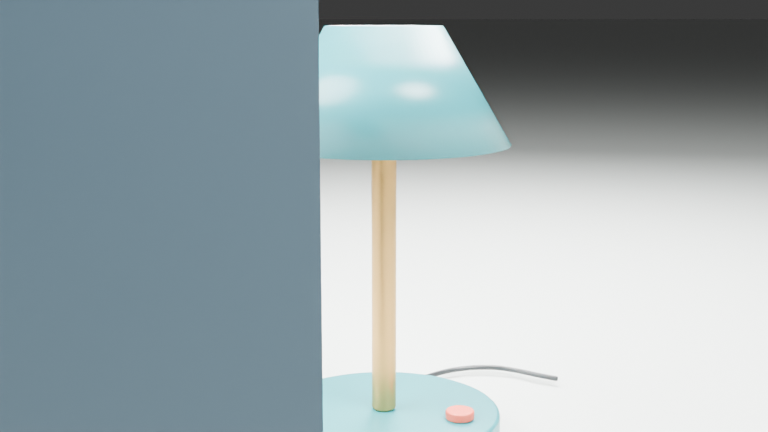
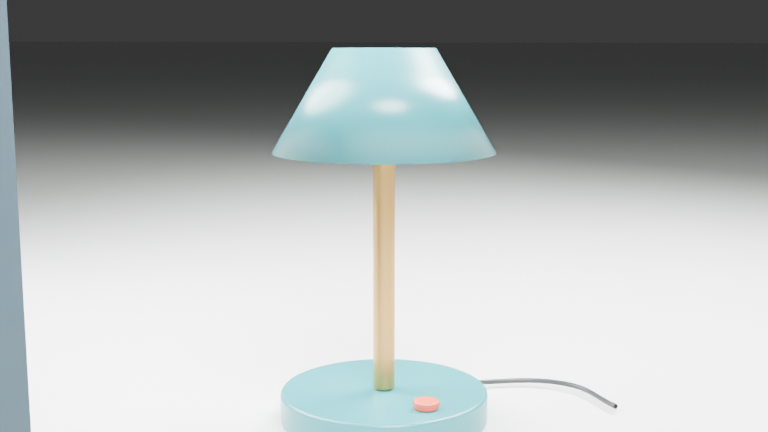
This silent ten-second native Blender study uses one camera and one authored frame sequence. It begins behind a foreground partition, moves sideways to reveal an original desk lamp and ends with a hold. The lamp, coral switch, cable and lights remain in place throughout.
Open the dedicated continuous-camera reference page. The export contains 240 frames at 24 fps and 768 by 432 pixels. It demonstrates an intended camera path in an authored scene. It does not demonstrate an AI model maintaining identity, generating a long film or hiding a join between separate clips.
The opening obstruction is deliberate. Watch when the lamp becomes readable and whether the final hold gives you time to inspect the switch and cable. A reveal is a change in information, not just a change in camera coordinates.
Plan an opening a reveal and an ending
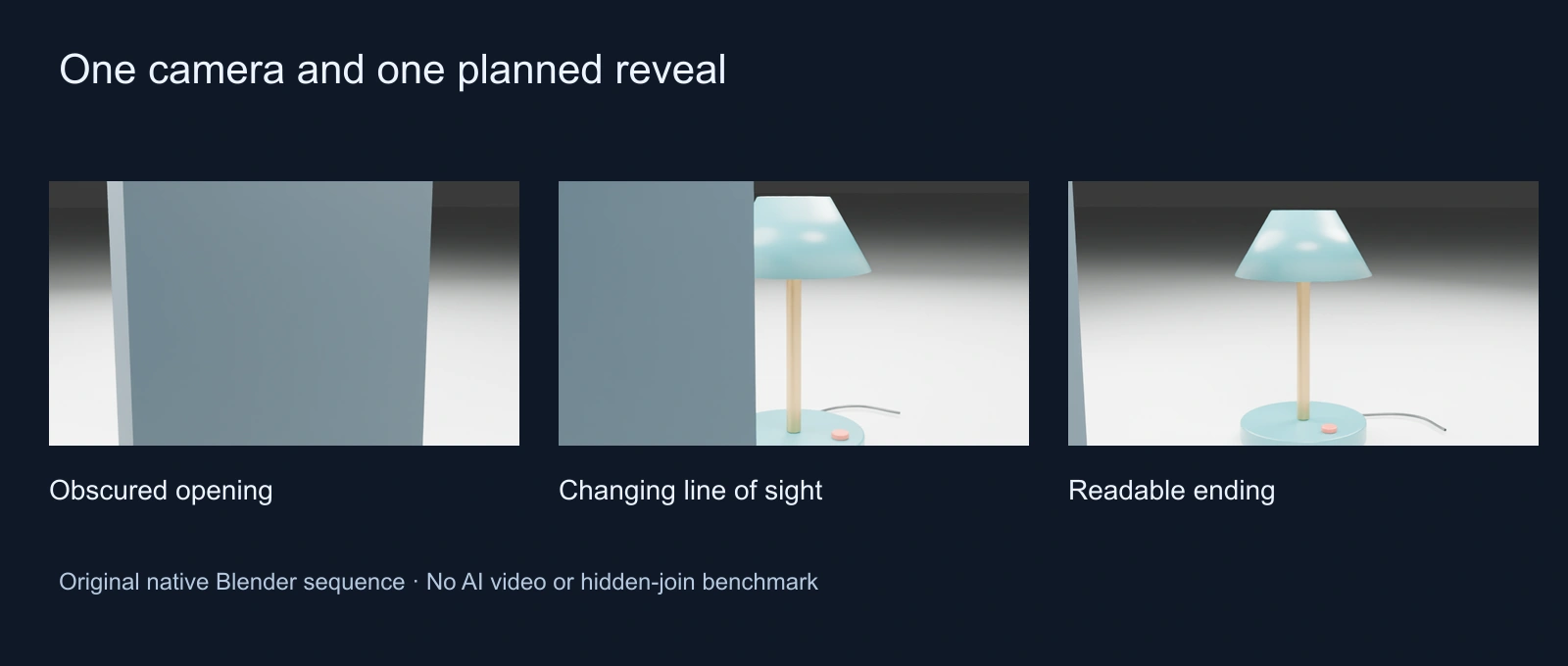
| Beat | Original study | Question for your scene |
|---|---|---|
| Opening | Foreground partition obscures the lamp | What does the viewer know before the move |
| Reveal | Sideways camera travel changes the line of sight | Which new detail changes the meaning |
| Ending | Camera holds on the lamp and switch | Is there time to understand the discovery |
The written plan allocates roughly one second to the starting hold, seven to travel and two to the ending. These are creative choices for this authored exercise, not a timing prescription that a generator has been shown to obey. Review the actual file to decide whether the pacing works.
Download the original scene brief and blank take ledger. Adapt the revealed object and dramatic meaning while keeping the opening, motion and ending explicit.
Inspect the full-size opening frame, reveal frame and ending frame separately from the scaled planning strip.
Use a spatial blockout before adding complexity
Keep a simple plan of the foreground obstruction, subject and camera corridor. Check the line of sight at the beginning, middle and end. If the camera passes through a wall, a beautiful final frame does not repair the broken path that leads to it.
The native Blender study and per-frame camera path make this reference inspectable. The scoped export report records its dimensions, duration and provenance. They describe the authored source and export, not the behavior of an image-to-video system.
For the relationship between cropping and moving a camera, use the camera-angle comparison. For scene blocking, use the previsualization guide. A crop can tighten the existing picture; moving through a scene changes which surfaces and relationships become visible.
Write a continuous-shot AI brief around one discovery
One continuous view of the approved room and original lamp. Start behind the foreground partition with the lamp obscured. Move the camera sideways through the clear corridor until the lamp and coral switch are readable, then hold the ending. Keep the lamp geometry, cable, light direction and background fixed. No change of location or subject action during this first test.
This is an original unexecuted direction. Use the selected workflow's actual reference, duration and camera controls where supported. The words one continuous view are an intention to review, not evidence that a returned clip contains no cut, identity change or sudden camera jump.
Begin with a modest reveal that can fit the selected operation. If the story also needs a speaking actor, approve that recording and performance separately. A camera test with a silent prop establishes nothing about complete dialogue or lip synchronization.
Keep one-generation extension and assembly routes separate
| Route | Production decision | Review boundary |
|---|---|---|
| One generated clip | Ask one operation for the intended continuous scene | Inspect the whole returned clip for actual cuts and continuity |
| Video extension | Continue from an accepted source | Inspect the old-to-new boundary and the new ending |
| Hidden-cut assembly | Join separate accepted segments | Inspect the join and describe the result as assembled |
Use the video extension workflow when the chosen operation supports continuation. Keep the accepted source and inspect the boundary. A repeated gesture, changed prop or new camera height can break the continuous impression even when the nominal duration increases.
If the deliverable uses separate segments, preserve that fact in the take record. You can review an assembled continuous appearance without calling it an uncut take. The native reference on this page contains no join exercise and should not be treated as proof that a particular stitching method works.
For an actual two-source editing exercise, use the invisible-cut guide with its hard-cut control, authored wipe and decoded boundary check.
Review the entire route rather than the best frame
Watch once at normal speed to judge whether the discovery reads. Then inspect the opening, moving foreground edge, newly exposed subject and final hold. Keep a note of the first visible defect and its time rather than assigning an unsupported overall quality score.
- Does the camera move through clear space without an unexplained jump
- Do the subject and prop remain the same across the move
- Does the reveal expose the intended detail rather than replace it
- Does the ending remain readable long enough for the next editorial decision
- For a speaking scene, are the complete words and sound present in the actual export
A flat background or full-frame obstruction can make a boundary hard to notice, so inspect the frames around it carefully. A smooth-looking transition at phone size is not a guarantee that a join, geometry change or timing problem will remain unnoticed in the delivery file.
Build the scene around the dramatic turn
For an AI drama, connect the move to the character's changing knowledge. The camera might reveal the object that explains a warning, or stay with a person while the room's significance changes. Keep the scene's objective clear before adding more movement.
Use the AI short drama guide to plan the turn and the script-to-shots guide to decide what belongs in the action and dialogue. A continuous view is one way to stage that meaning; it does not replace the need for a readable scene.
Develop original cast references and scene ideas in Clout AI Cinema and explore supported visual operations in Image & Video. Check the selected operation and current quote before generation, then review the actual exported take. This authored reference is a planning resource rather than a claim of an automatically generated uncut feature film.