Choose AI image generation models by the file and revision workflow you need. A product photograph, a reference-led edit, a text-heavy poster and an editable icon are different jobs. The model with the most attractive gallery image may still produce the wrong kind of deliverable.
This guide compares four documented model paths and supplies an original four-task evaluation pack. It is a shortlist for your own production test, not a hands-on ranking. We have not submitted the pack to these providers or measured their quality, speed or cost.
Start with the output rather than the model name
Write down whether you need a raster image, an editable vector, a changed source image or a finished layout with revisable text. Then identify the inputs you have: a written scene, one product photo, several subject references or a style sample.
Keep the model family separate from the exact operation. A platform may expose several generations, editing tools and export formats. A familiar brand name in a menu does not establish that the selected route accepts your references or returns the file you need.
Four documented model paths to evaluate
| Path | Documented capability | Useful first evaluation |
|---|---|---|
| FLUX 2 generation or editing | Image generation and multi-reference editing | A product scene and one controlled reference change |
| Recraft raster or Vector variant | Separate raster and native vector choices | A hero image or an icon requiring editable paths |
| Ideogram design model | Text and layout-focused image generation | A short poster with exact copy and composition rules |
| Lucid Origin guidance workflow | Separate content and style guidance inputs | One product form with an independently specified style |
These are documented workflow differences, not measured winners. Confirm the exact variant available in your account. An older provider endpoint and a newer consumer interface can expose different features even when they share a family name.
FLUX for generation and reference led editing
Black Forest Labs’ FLUX 2 page documents generation, editing and multi-reference control for its Pro and Flex routes. This makes the family relevant to evaluating both a new product scene and a change guided by owned images. Reference limits and settings belong to the exact selected endpoint.
For a first edit, change one surrounding material while keeping the product fixed. Compare handle attachments, edges, reflections and contact with the surface. A pleasant overall composition can conceal a changed product. Continue with the FLUX Pro workflow or FLUX Flex guide for route-specific preparation.
Recraft when raster and vector delivery differ
Recraft’s model page distinguishes raster models from Vector variants that produce editable scalable SVG. Its current documentation also separates newer family variants. Choose the exact raster or vector operation rather than assuming that every Recraft output is a native vector file.
For an icon, inspect the actual exported paths. A PNG placed inside an SVG wrapper does not offer the same editing behavior as vector shapes. For a photograph, inspect pixel dimensions and crop instead. Our Recraft guide explains those separate delivery checks, and the SVG inspector guide helps distinguish path content from embedded raster material.
Ideogram for a text and layout test
Ideogram’s design-model page describes multilingual text and layout controls. Use that documented positioning to choose a test, not to assume flawless lettering. The cited page describes a specific model generation; it is not a claim that this version is the latest option in every interface.
Our poster task uses two exact lines: MORNING CLUB and SATURDAY 10AM. Check every character and the relationship between title, supporting line and artwork. Also test the revision you actually need, such as changing the date without disrupting the layout. Read the Ideogram editing guide when your job begins with an existing image.
Lucid Origin for separate reference roles
The Lucid Origin API guide documents distinct content and style guidance fields. Content guidance concerns form and content; style guidance concerns appearance. Those are different instructions even when both begin with an uploaded image.
For a product campaign, label the reference that defines geometry separately from a painting that suggests palette or texture. Our Lucid reference-role example supplies original inputs for discussing that distinction. The inputs are preparation assets, not evidence of a completed Lucid generation.
Use the same creative task with model specific requests
Download the original four-task evaluation pack. It contains a new product photograph brief, a reference-led edit, an exact-text poster and a native-vector icon brief. All tasks are marked not_run with no generation identifiers or output URLs. It is a portable creative specification, not an API payload that can be sent unchanged to each provider.
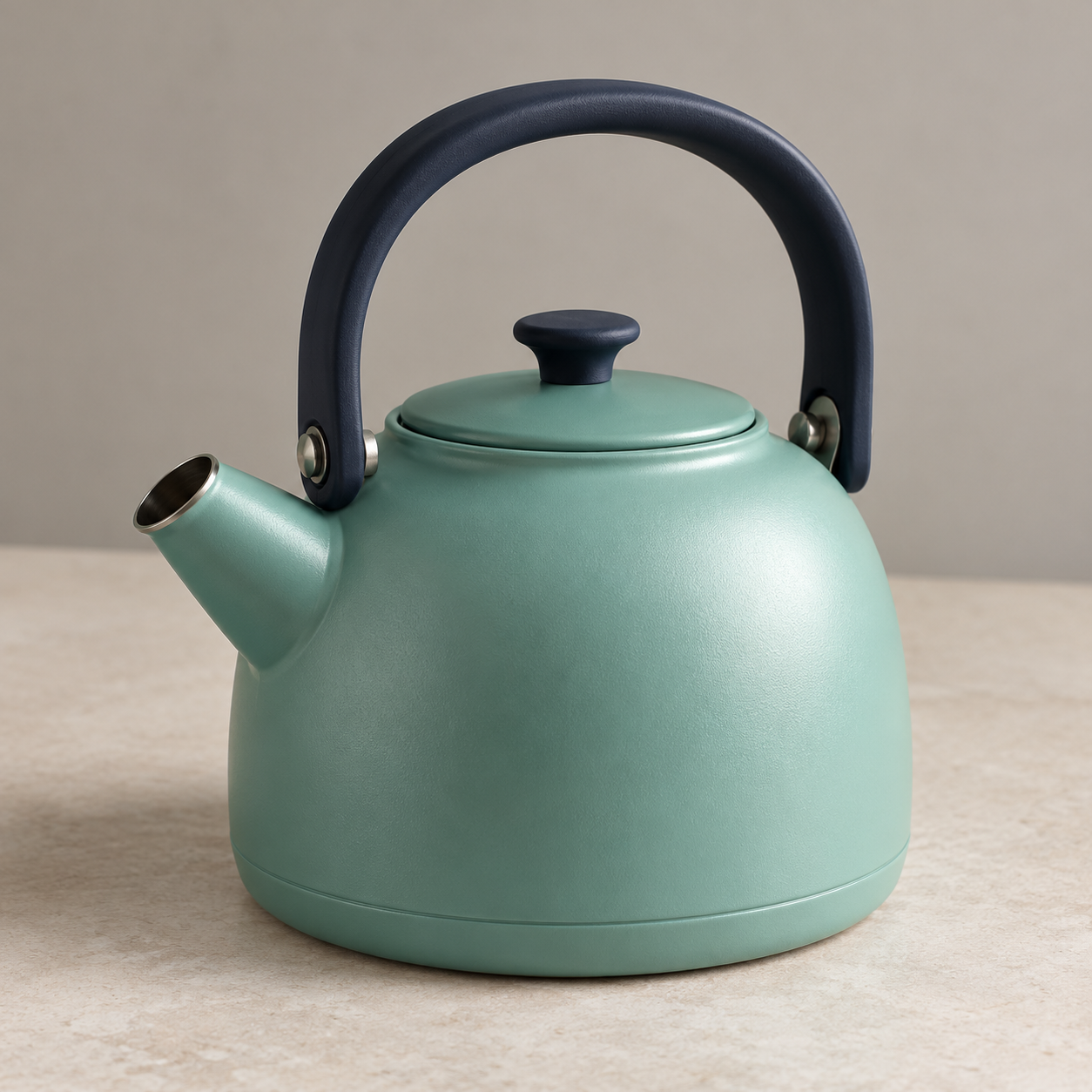
The edit task uses the owned fictional kettle reference. Keep the source file fixed across the routes you test. Map its role to each documented input format, record the exact model and operation, and preserve the actual request. A missing reference should be recorded as an unsupported or unprepared task rather than scored as a visual failure.
For a fair creative comparison, keep the intended message and acceptance conditions consistent. Do not force identical parameter names onto incompatible APIs. Record any change in size, reference strength or output type so the result can be interpreted honestly.
Choose from accepted exports and revision effort
Use the blank review ledger to track the actual model, output file, charge and acceptance decision for each task. Include rejected attempts when assessing the work required to finish an asset. Keep different tasks separate: a strong icon result does not establish product-photo fidelity.
Open the actual downloads, inspect them at delivery size and make one meaningful revision. Keep exact text editable when the project requires repeated copy changes. Confirm the selected provider’s current terms and account access before committing a larger production batch.
Explore Clout Image and Video for current available operations. This shortlist does not claim that every external model is integrated there. For a complete assembly after image approval, use the worked commercial workflow to plan layout, titles and shot timing.