Zirva AI brings image, video, avatar and other creative tools into the service at zirva.ai. This review covers its public product pages, individual pricing, Mirage, Canvas and MCP entry point, then compares the buying decision with Clout for creator campaigns and AI filmmaking.
Clout publishes this guide as a competing platform. We checked the public interface on October 23, 2026. This is a product and workflow comparison based on those pages, not a paid generation test. The original lamp reference and inspection materials below are authored planning assets; they are not Zirva or Clout model results.
What is Zirva AI
Zirva presents itself as one place to work with multiple AI models. Its public navigation includes Image, Video, Canvas, Prompt Helper, MCP and Music Studio. The feature list also names face swap, image upscale, multishots, motion control, lip-sync and avatars. Those entry points describe different production jobs: creating a still, animating an accepted source, changing a character or building a sequence.
Choose the job first. An image model listing does not establish a video model's inputs, and an attractive community example does not establish that your selected plan and settings reproduce it. Record the operation, model, reference requirements and output conditions for the specific task you intend to run.
Zirva AI pricing with Monthly selected
The individual pricing page displayed these dollar amounts after we explicitly selected Monthly. Credits are the displayed monthly allocations, not a verified count of finished images or videos.
| Individual plan | Displayed monthly price | Credits per month |
|---|---|---|
| Starter | $9 | 110 |
| Creator | $19 | 360 |
| Pro | $49 | 1,000 |
| Studio | $129 | 2,900 |
Annual and Team are separate choices. Do not read a discounted annual monthly equivalent as a monthly renewal price. The cards attach unlimited labels to named features, including Music Studio and Nano Banana 2 Lite; those labels do not establish unlimited use of every listed model. Check the current feature conditions and the quote for the operation you need.
We found different numbers across public surfaces. The FAQ's cheapest-plan answer displayed £8 per month billed annually with 25 credits, while the Monthly pricing view showed the table above. Keep those observations separate. Confirm currency, billing frequency, renewal amount and credit allocation in the current checkout before buying rather than combining the two descriptions.
A useful budget starts with accepted work. Record the quote for your chosen image or video settings, then retain the actual charge and result of every attempt. A larger credit allowance is not automatically a lower cost per usable clip. Review Clout's current plans and workflow quote separately; credits from two platforms are not interchangeable units.
What Zirva Mirage changes in the workflow
Zirva's homepage describes Mirage as swapping a character into a video while keeping the scene. Evaluate that promise with a reference you have permission to use and a source clip whose action you can inspect. Decide whether the goal is a different identity, wardrobe continuity, a particular performance or all three before approving the attempt.
Watch the entire returned clip. Check the opening, turning points, occlusions and ending for the intended person, hair, clothing, hands and background. Record a concrete defect and its timestamp. One convincing preview frame cannot establish that a character replacement stays coherent through movement.
For a recurring creator, compare that task with the Clout AI Influencer workflow. Creating an original character and placing a character into an existing performance are related production choices, but they require different source material and acceptance criteria.
Zirva Canvas and MCP for connected creative work
The homepage advertises Canvas as a visual way to chain image, video and audio work. Before building a large graph, trace one approved image through one video operation to its saved export. Retain each source and returned file so a later revision does not obscure which stage changed the product, character or scene.
Zirva also displays an MCP entry point. Selecting it in the logged-out interface opened sign-in during this review. We did not connect an assistant, inspect an authenticated tool catalogue or run a request. Its public documentation index lists getting-started, prompting, presets and billing topics; that index alone does not verify a particular MCP payload or public API method.
For an assistant-led Clout route, inspect Clout MCP and Plugin and choose the supported creator, image, video, marketing, faceless or cinema operation. Compare the actual task and returned asset, including any approval and quote steps exposed by the chosen route.
Zirva AI vs Clout for real production tasks
| Your task | Zirva route to evaluate | Clout route to evaluate | Accept only after checking |
|---|---|---|---|
| Product still and short ad | Image and video tools with the selected model | Marketing Studio and Image and Video | Product shape, markings, action and delivery crop |
| Recurring creator content | Avatars, character tools or Mirage for the intended source | AI Influencer | Identity across the complete set of images and clips |
| Short drama or cinematic scene | Video, multishots and Canvas where they fit the plan | AI Cinema | Shot order, dialogue, props, continuity and ending |
| Assistant-led creation | The advertised MCP route after verifying account access | MCP and Plugin | Selected workspace, operation, quote and actual output |
This maps entry points rather than declaring a benchmark winner. A shared model name does not prove identical controls, preprocessing, pricing or exports. Test the workflow you will use to deliver the project, including the editing needed after generation.
For an idea-to-Shorts and source-video comparison, see the Lakai AI review and original short planning brief.
Considering an AI ad course instead of another production platform? See our AvatarHype review and ad planning exercise to separate training costs from generation and editing.
Try the original Blue Task Lamp comparison brief
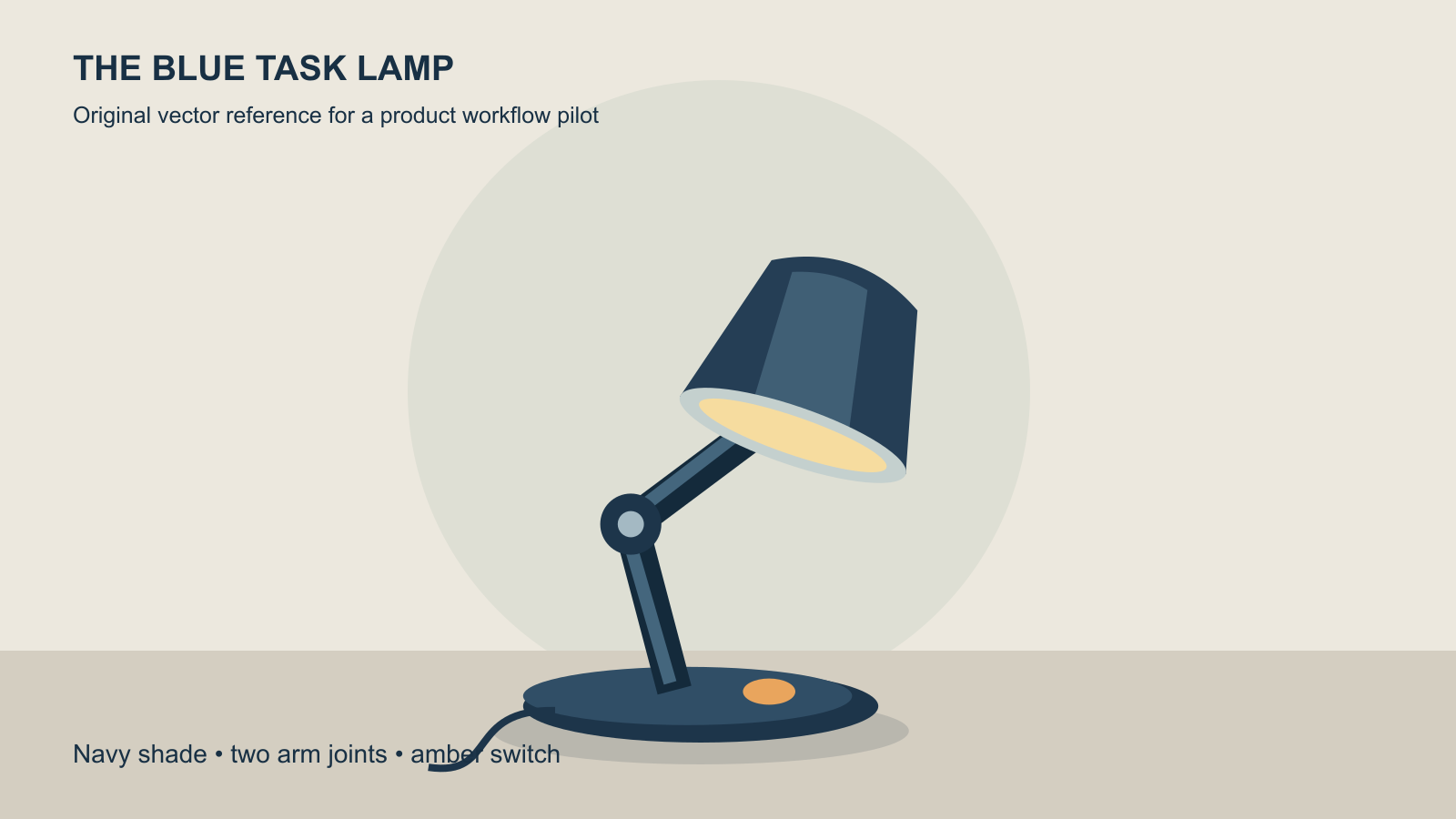
The Blue Task Lamp exercise asks for one clean still and a short, restrained product video from the same approved reference. Preserve the navy shade, two arm joints and amber switch. These details make the review specific: a changed switch position or an extra arm segment is observable without inventing a numerical quality score.
Download the original reference PNG, its editable vector source, the complete pilot brief and a blank review ledger. No generation has been run against this reference for the article.
Use the approved navy task lamp on a plain warm desk. Hold a fixed camera on the complete lamp and make one restrained change in its light. Preserve the shade opening, two arm joints, oval base and amber switch. Keep the frame free of lettering, added logos and extra objects. Choose the duration and crop in the selected tool's supported controls.
This is an original, untested creative direction rather than an executable request or a guarantee of model compliance. Begin with one simple action. When that result is accepted, change one production choice for the next attempt so you can identify what improved or failed.
Review the full file and calculate accepted-work cost
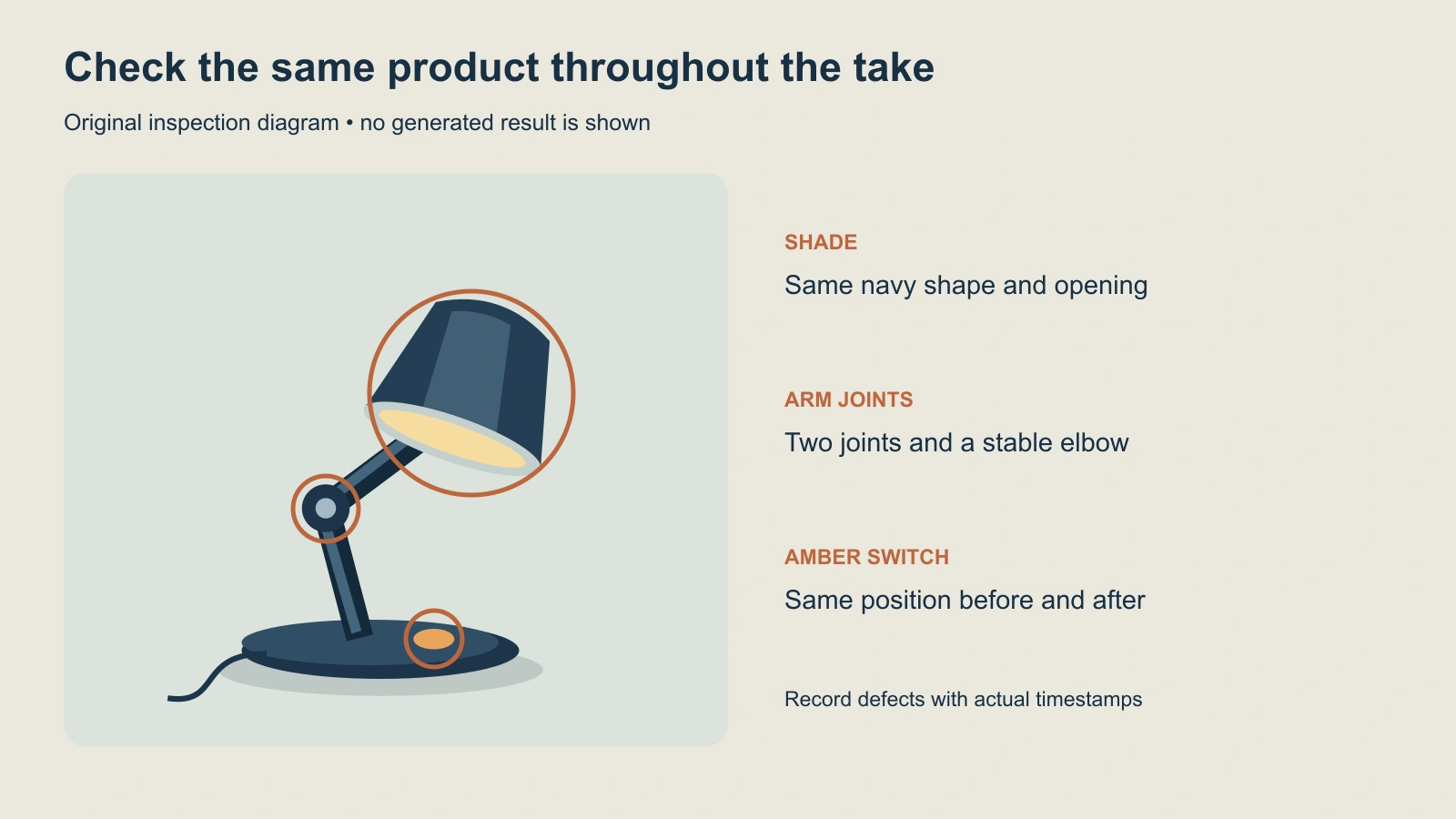
Reopen the saved export and inspect its real duration, dimensions, crop and sound. Compare the product at the start, during the action and at the end. Keep the exact reference, prompt version, selected model, quote, actual charge and returned file with the review record. Leave missing information blank until observed.
For a completed pilot, divide its actual total spend by the number of accepted deliverables only when that count is positive. If nothing meets the brief, record the spend and zero accepted files. Keep manual finishing time beside the cost rather than treating an unfinished export as a published ad.
For dialogue and coverage, adapt the AI short drama workflow and multi-shot guide. For other multi-model services, compare the separate Sunra AI and Sume AI and Sume Labs reviews. Choose the platform whose verified workflow and accepted output fit the work you need to publish.