For a local height-to-normal conversion with OpenGL and DirectX export, use the free normal map creator and native material study.
A surface can look convincing in one square image and reveal a grid when repeated across a floor, wall or product scene. A tileable texture needs continuity at the joins and enough variation inside the tile to avoid a distracting repeated motif. Check both before placing it behind your product or cinematic character.
For a tone-driven graphic dot treatment, use the halftone pattern generator and inspect its PNG or SVG export separately from seamless tiling.
Test a tileable texture in the free preview
Load a PNG up to 10 MB and 1024 by 1024 pixels, or choose one of the original examples. The tool displays three repeats across and three down. Your file stays on your device. Use the horizontal and vertical controls to shift the texture with wraparound, or press Center the wrap boundary to move the joins away from the outer frame.
Download repeat preview PNG exports the nine-tile arrangement. Download offset tile PNG exports one shifted tile at its original dimensions. Transparency is retained in the PNG; the checkerboard behind the preview is only a viewing aid. A shifted file moves the location of a boundary, so save the original as well.
The periodic example is an authored color field. The seam example adds a deliberate dark strip. Compare them at zero offset and at half-width and half-height. A strip can remain visible even when the exact image edge has moved into the middle of the repeat.
Try an original tileable wood texture study
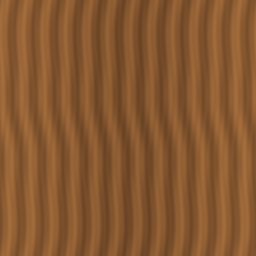
Load wood grain study displays an original procedural brown grain pattern. Download the 256 by 256 wood grain PNG and inspect its repeated view. Its periodic numeric functions make it a controlled join exercise. It is not a photograph, an AI output, a scanned wood species or a production PBR material.
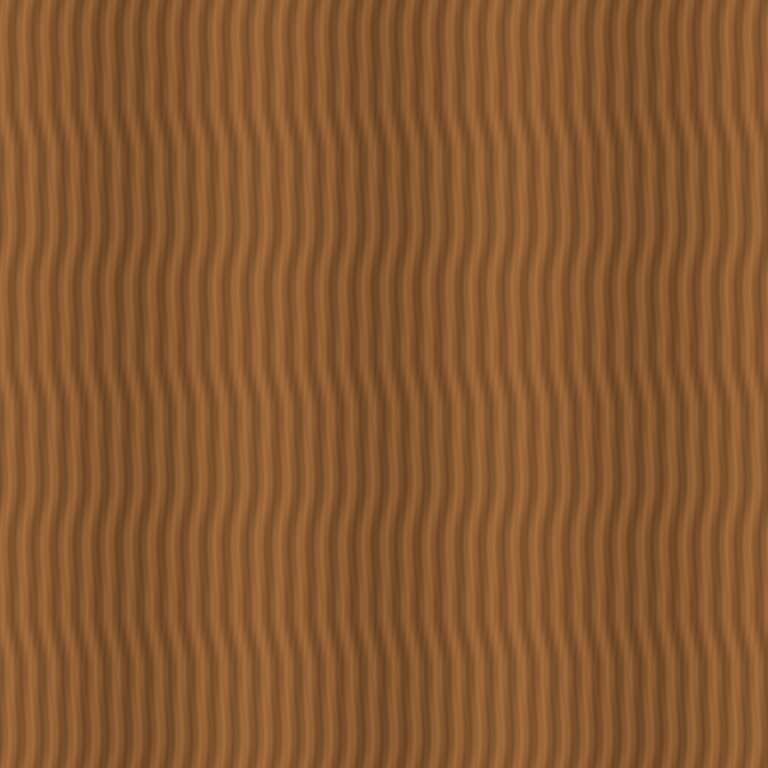
For a real wood surface, decide what should continue through the border: grain direction, plank spacing, color and wear. A long dark knot can repeat conspicuously even when the border is continuous. Rotate or vary the material only where the delivery workflow allows it, then review the whole object rather than a small cropped patch.
Make a texture tileable without hiding the problem
- Start with a surface viewed straight on under even illumination. Strong perspective or a light hotspot can create an unwanted repeating band.
- Repeat the image at least three times in each direction. Identify edge breaks separately from repeated interior features.
- Offset the image by about half its width and height in an editor that wraps pixels. Repair the joins now visible inside the tile while preserving the surrounding pattern.
- Repeat the edited version again. Inspect every new join, including the corners, and compare against the original.
- Apply it to the intended object and camera distance. Check pattern scale, visible repetitions and lighting before delivery.
Offset alone does not make an image seamless. Painting over one border can create a new border elsewhere. Keep a versioned source and repeat the inspection after each repair. If the material has long straight lines, use those lines as alignment references rather than blurring the whole surface.
Read the pixel differences as diagnostics
The tool reports mean absolute differences across opposite edges and between adjacent internal pixels. It compares premultiplied RGB and alpha on a 0 to 255 scale so fully invisible RGB does not inflate the diagnostic. These numbers help identify a hard edge but do not certify seamlessness or visual quality.
A valid periodic image samples neighboring positions at its last and first texels; those texels do not have to be identical. Conversely, matching border colors can still leave a visible change in slope, grain direction or repeated lighting. Inspect the grid at the intended delivery size and treat the numbers as supporting evidence.
Use generated surface references carefully
For an AI-assisted product or environment concept, create and inspect a surface reference in Clout Image and Video, then test the actual saved image here. A prompt such as “evenly lit wood grain, straight-on surface, no cast shadow, no perspective” is an untested production direction, not a guarantee of a seamless result. Keep the image generator's supported controls and output dimensions in mind.
Use a native material workflow for the final asset. This page does not claim that Clout extracts physically accurate roughness, normal or displacement maps from a color image. The displacement map study explains actual surface movement, while the UV unwrapping study shows why a correct tile can still stretch on a mesh.
Download the original inspection resources
Keep the periodic color tile, deliberate seam tile and numeric source for a reproducible comparison. For transparent artwork, use the alpha association lab before blaming every edge on the tile itself.