A texture can be seamless in a flat preview and still stretch when wrapped around a model. UV unwrapping controls how the model's faces address a two-dimensional texture. Before generating more material variations, check that the mapping preserves the proportions and density your asset needs.
Once the mapping is ready, use the native texture-painting study to inspect a saved color image on the mesh.
What UV unwrapping means
UV coordinates connect locations on a mesh surface to positions in an image or procedural texture space. An island is a connected group of mapped faces. A seam lets a surface open into separate pieces, much like choosing where to cut a package so it can lie flat.
The Blender unwrapping introduction outlines seam marking, face selection, unwrap operations and test-image inspection. The best seam placement depends on the object and final view. A seam hidden on one shot can become visible in a turntable or close-up.
Inspect the original native checker study
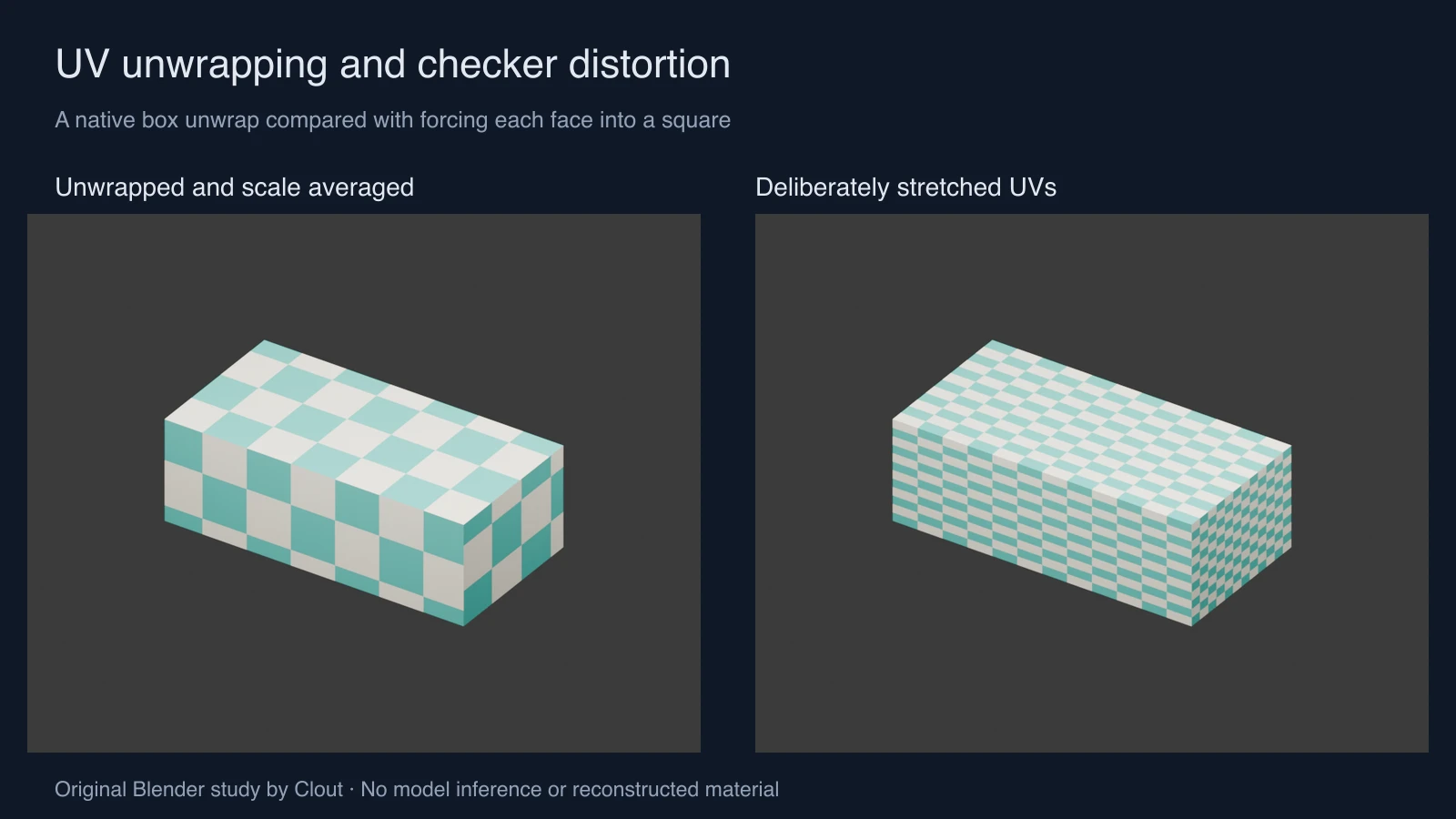
Our rectangular box measures 2.4 by 1.2 by 0.8 Blender units. The script applies its scale, marks every edge as a seam, selects all faces, runs Angle Based unwrap, averages island scale and packs the islands. A UV-driven checker then makes the mapping visible. This creates six islands for a simple teaching example; it is not a universal seam strategy.
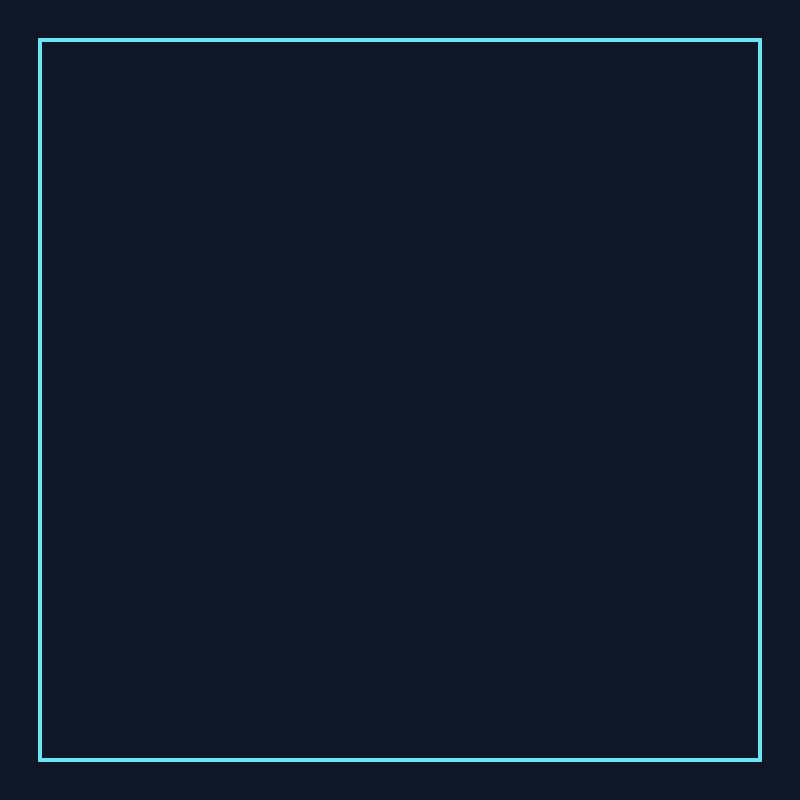
The comparison deliberately assigns every face to the same unit UV square. Because the faces have different world proportions, that mapping stretches the checker. It also overlaps the faces, which would be unsuitable for many unique baked-texture workflows. Overlap is a separate decision from stretching: intentionally shared tiling materials can use overlaps where the destination allows them.
The measured UV-area-to-world-area ratio is approximately 0.05510 for every face in the averaged unwrap. The forced-square mapping produces ratios from approximately 0.34722 to 1.04167. These values support the density comparison for this box. Equal area ratios alone do not prove that an arbitrary island has no local distortion.
Download actual UV coordinates and native files
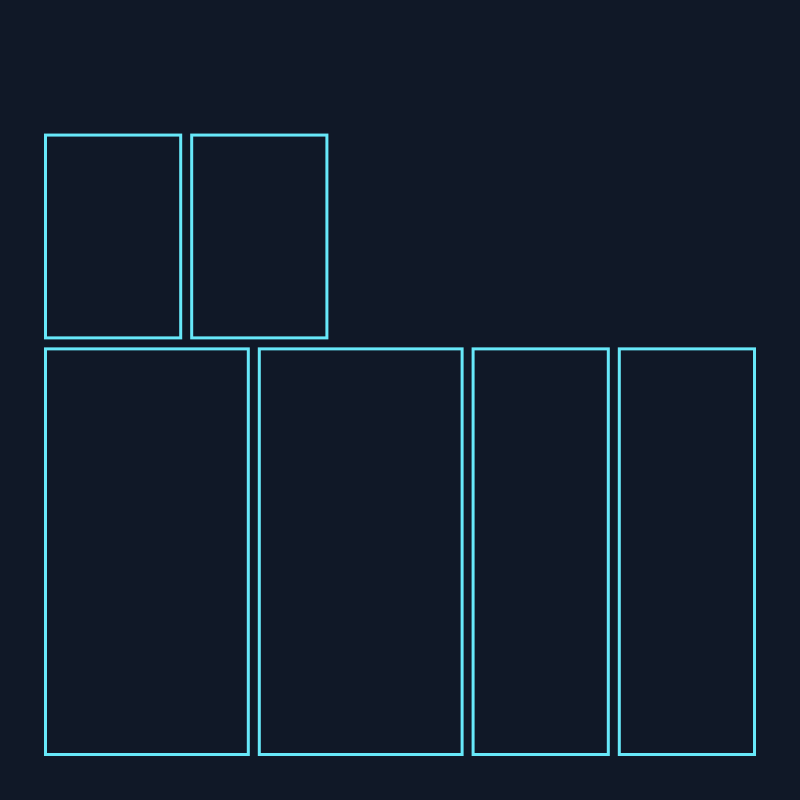
Open the unwrapped package project and deliberately stretched project. Compare their actual unwrapped layout and overlapping square layout. The SVG outlines come from exported loop UV coordinates rather than a hand-drawn substitute for an unwrap.
The measurement JSON contains each face's UV coordinates, UV area and world area. Use the Blender reproduction script to rebuild the examples into a new output directory. The original native renders were produced with Blender 5 and Eevee; no AI mesh generation or automatic reconstruction is claimed.
Unwrap a simple product model in Blender
- Check the object's dimensions and transforms. Apply scale when appropriate for your asset pipeline, and keep a source copy before changing an established rig or shared asset.
- Choose seams based on the final views and surface continuity. For this box exercise, every edge is a seam so each face becomes its own island.
- Select the relevant faces in Edit Mode and run the intended UV unwrap operation. Inspect the resulting islands rather than assuming a default cube layout is suitable.
- Assign a checker through the UV coordinates. Look for long rectangles, sudden changes in density and unintentionally mirrored regions.
- Adjust island shape and relative scale, then pack with the padding needed for your resolution, filtering and mipmap workflow.
- Test the actual material on the object at delivery distance. Recheck visible seams after export into the destination renderer or engine.
Separate stretch, density and padding
| Problem | Visible clue | Next inspection |
|---|---|---|
| Stretch | Checker squares become long rectangles | Island shape and face proportions |
| Uneven density | Checker cells are much larger on one face | Relative island scale and intended detail allocation |
| Insufficient padding | Neighboring island colors bleed into edges | Resolution, filtering, mip levels and bake dilation |
| Unintended overlap | Different faces address the same image region | Whether the material is shared or uniquely baked |
There is no universal padding value for every texture. A margin that looks adequate at full resolution may fail at smaller mip levels. Conversely, some surfaces intentionally receive more texture space because they appear closer to the camera. Record the reason instead of forcing equal density into every production asset.
Use a generated concept after the mapping check
Explore surface appearance in Clout Image and Video or plan a product scene in Marketing Studio. If the deliverable is a native 3D asset, apply and inspect the approved texture using the destination tool. Clout generation does not replace the UV validation demonstrated here.
Next, use the tileable texture inspector to test repeats and the displacement map study to inspect geometry versus shading. Keep the same reference, camera and acceptance rule while changing one material decision at a time.