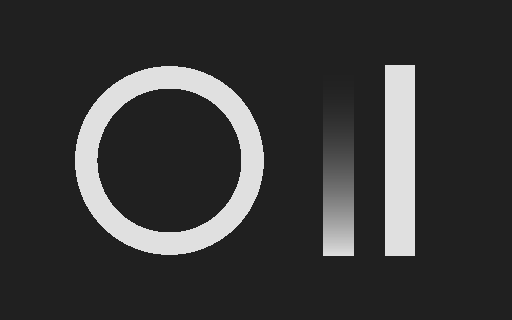
You can make a specular map online by converting a deliberate brightness design into a grayscale control image, then testing it in the shader that will use it. The free creator above supplies output limits, a brightness curve and a reversal control. Download the PNG together with its JSON record so the exported image remains tied to the settings that created it.
This is an artist-directed mask maker. A bright mark in a photograph might be illumination, a reflection or paint; its brightness does not identify the material’s physical reflectance. Choose what the mask should control before treating its white areas as a particular surface finish.
Make and export the specular control mask
- Choose a PNG, JPEG or WebP brightness design up to 16 MB, with sides from 16 to 2048 pixels and no more than four million decoded pixels.
- Set Output minimum and Output maximum. Keep the minimum no higher than the maximum.
- Adjust Mask curve to redistribute intermediate values. Endpoints stay within the chosen range.
- Use Reverse input brightness when the intended control should follow the opposite pattern.
- Download the PNG and JSON, import the PNG as data and test the intended material input.
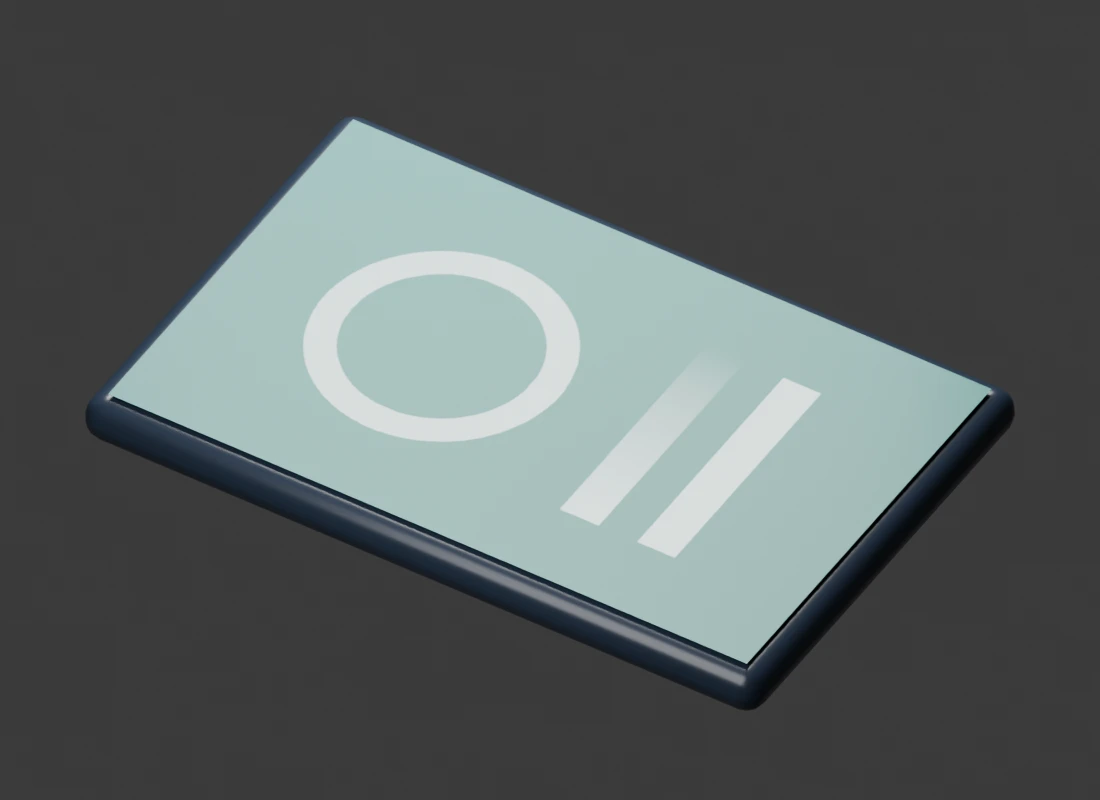
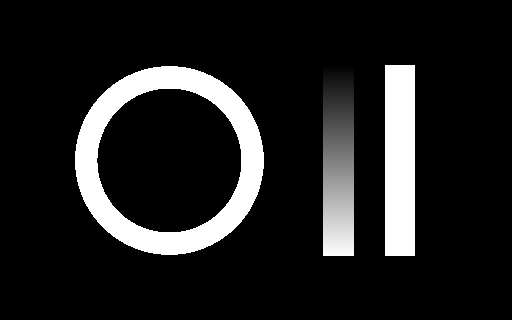
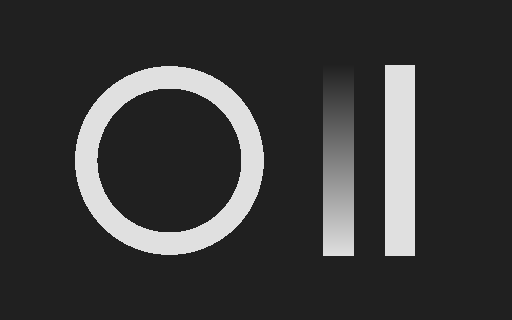
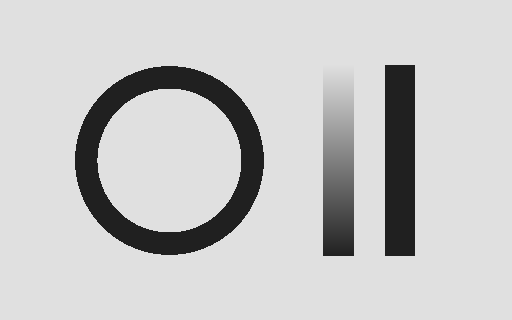
The default range is 32 to 224 with curve one and no reversal. An opaque black source pixel maps to 32 and an opaque white pixel maps to 224. The original demo includes a ring, a solid stripe and a gradient stripe so you can inspect both endpoints and intermediate values. Curve two changes the gradient while preserving the endpoints.
The output is opaque grayscale stored in an RGB PNG. Transparent source pixels blend toward the chosen output minimum, including when brightness is reversed. Retain an opacity mask separately if your material needs transparency; this export is a surface-control image.
What a specular map controls
A specular map varies the control your receiving shader assigns to specular response. Its meaning depends on that shader and material workflow. A grayscale intensity control is not interchangeable with every colored specular texture, a calibrated RGB normal-incidence reflectance map or a metalness map.
In Blender’s current Principled material, Specular IOR Level adjusts the specular layer relative to IOR. The Principled BSDF documentation describes the default 0.5 as no adjustment, zero as removing reflections and one as doubling the response at normal incidence. Roughness controls microfacet roughness, while Metallic blends the material model. Those are separate controls.
Start with the receiving application’s documented input. Decide whether you need a scalar control mask, a roughness map or another material representation. Do not rename a grayscale file and assume its values have acquired a different physical meaning.
Compare specular level and roughness with the same image
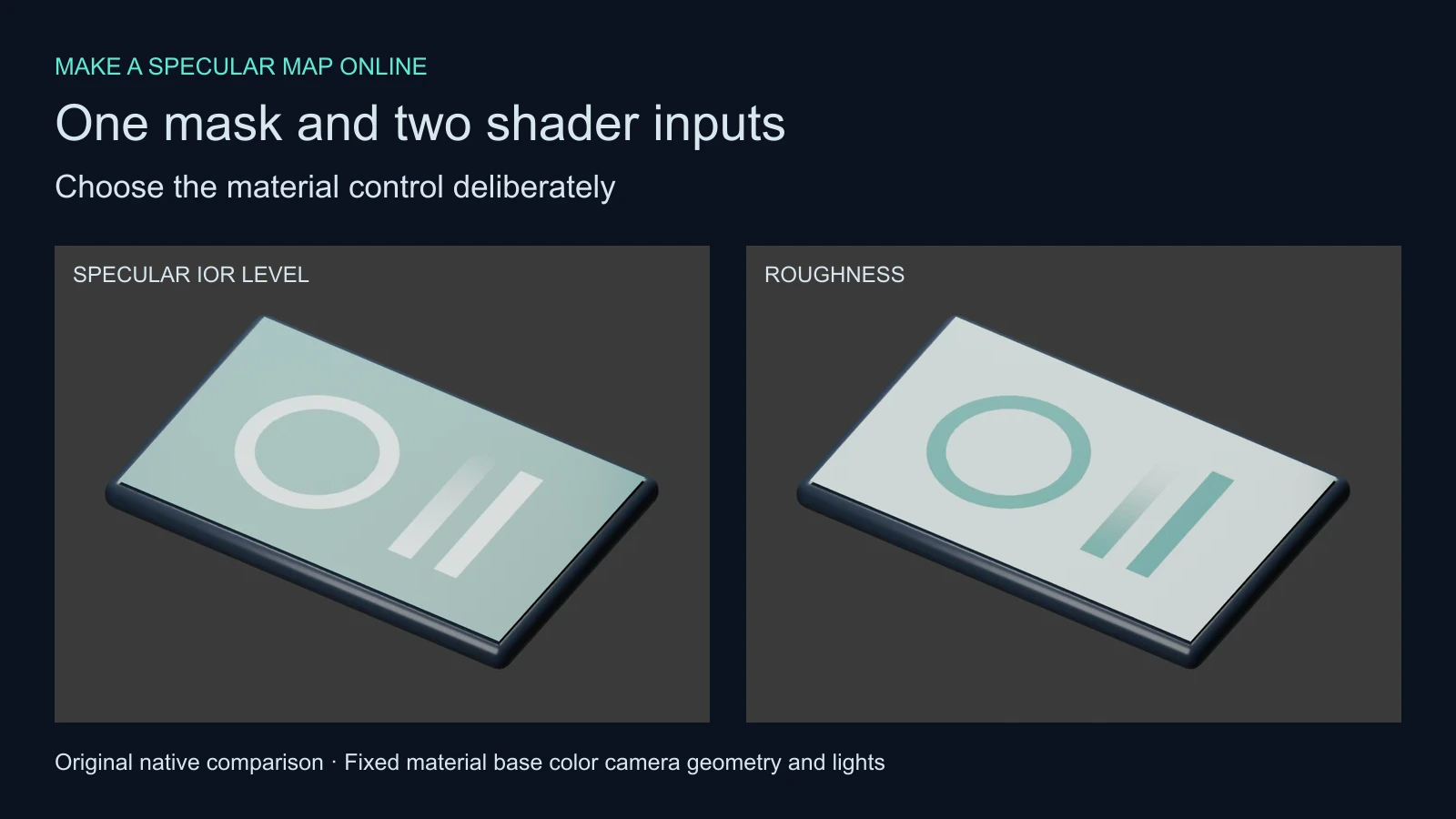
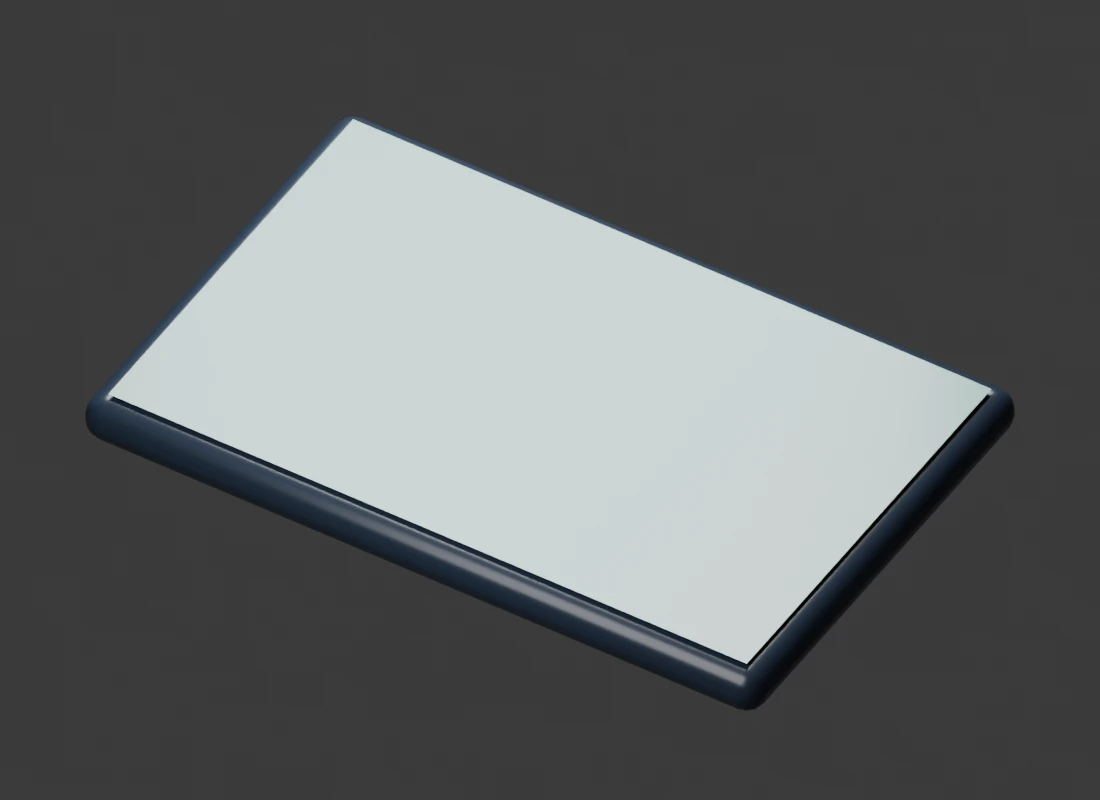
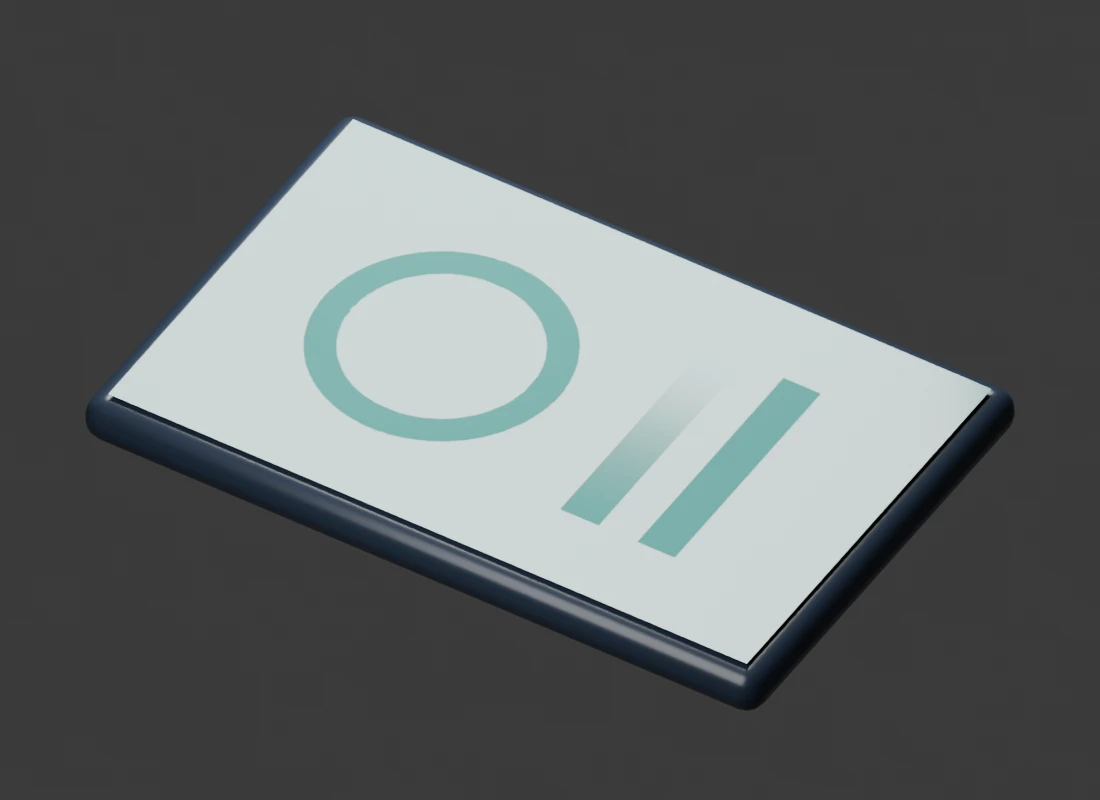
We rendered an original teal panel three ways. The uniform reference uses Specular IOR Level 0.5 and roughness 0.21. The specular case connects the generated image to Specular IOR Level while retaining that roughness. The roughness case connects the same image to Roughness while keeping Specular IOR Level at 0.5.
| Render | Image connection | Held constant |
|---|---|---|
| Uniform | No image connected to either control | IOR material color geometry lights and camera |
| Specular mask | Specular IOR Level | Roughness at 0.21 and Metallic at zero |
| Roughness mask | Roughness | Specular IOR Level at 0.5 and Metallic at zero |
Inspect the uniform render, specular control render and roughness control render at equal size. The ring and stripes produce visibly different responses when the image goes into a different socket. This is a controlled example under our fixed lights, not a prediction that every brighter map region will look brighter in every scene.
The panel keeps four vertices and no modifiers. The support underneath has its own bevel. These images demonstrate material shading, not displacement, a recovered surface scan or a generated 3D asset.
Set up the exported mask in Blender
Add an Image Texture node, load the PNG and set its color space to Non-Color. Connect Color to the intended scalar input. Our saved material connects it to Specular IOR Level, uses IOR 1.5, Metallic zero and constant roughness 0.21. Check that the receiving mesh has the UV layout you intended.
Use a simple base color and fixed lights while comparing versions. Save a uniform reference first, then connect the mask. Inspect the full surface, not just the brightest patch. After the basic connection is correct, test the material under the lighting and camera movement of the actual delivery.
Download the native Blender project and shader comparison record. The project packs the generated image and opens with the specular connection. We reopened it and checked the data color space, linked socket, constant roughness and unchanged panel geometry.
Use a deliberate design instead of photographed highlights
For an original product casing, decide which printed or coated regions should change the material response. A ring graphic and two stripes can be a useful design mask when their brightness values are intentionally assigned. A highlight already baked into a photographed casing needs a separate interpretation.
Explore the visual direction in Clout Image and Video or prepare a product campaign in Marketing Studio. Then make a dedicated material-control pass for the areas you intend to vary. Keep the approved color reference and this control pass as separate files. This tool does not extract physical material properties from a Clout image or another generated picture.
The Adobe Bitmap2Material output list treats specular, roughness, metallic and other representations as distinct outputs. A production material can need several coordinated maps. Use the normal map creator for intended height-to-normal shading, and the displacement guide when geometry should move.
Read the curve and transparency assumptions
The helper computes weighted luminance from decoded RGB bytes. It optionally reverses that normalized brightness, raises it to the selected curve and maps it between the output limits. Source alpha blends that mapped value toward the minimum. It rounds to eight-bit grayscale and writes opaque alpha.
A curve greater than one moves intermediate brightness toward the minimum; a curve below one lifts it toward the maximum. Reversing the input changes which parts of the design receive higher values. It does not perform an application-specific conversion between specular and roughness workflows.
The JSON records the settings and observed output byte range. The values are unitless image controls, not a measured coating thickness or a calibrated reflectance estimate. JPEG noise, compression edges and unwanted gradients can become control variations. Inspect the exported map before assigning it to a large surface.
Inspect the original masks and reproduce the study
Download the original brightness design, default mask, reversed mask, curve two mask and default settings record. No AI model was used to create these procedural assets.
The local helper, input builder, native scene builder and artwork builder preserve the exercise. The reproduction notes describe the sequence with new output directories.
An independent NumPy calculation matched all 163840 pixels in each of the three published masks. The independent verifier requires NumPy and Pillow. Read the validation record and asset hash manifest. These checks establish the saved arithmetic and scene setup, not physical accuracy for an arbitrary upload.