StreamEval evaluates interactive streaming video generation, where instructions or references change while output continues. For a creator or developer, the useful question is practical: did the requested change appear, arrive when needed and preserve the rest of the scene?
This guide adds a locally executed CPU mock run and inspectable review materials. We completed the synthetic example, validated its saved attempt and inspected its receipts. No generative model, paid API or judge scoring was run. Treat the observations as a harness exercise, not a reproduction of the paper’s model results.
For a separate autoregressive training release and an original motion continuity reference, see the Looking Ahead and Future Chunk Prediction guide.
What is StreamEval
The StreamEval paper, dated October 20, 2026, describes 300 scripted cases across avatar dialogue, avatar performance, world generation, instruction editing and reference editing. Cases last 15 to 300 seconds and test changing requests alongside preservation requirements. Its evaluation separates task execution, state consistency, visual fidelity and audiovisual coordination.
The authors report that visually strong results need not execute requests reliably. This guide does not reproduce their leaderboard or rank models. Use the primary paper and official repository for the current benchmark protocol. Our original contribution below is a concrete inspection of one synthetic mock attempt.
Separate the request receipt and visible outcome
| Observation | What it establishes | Next review question |
|---|---|---|
| A request was scheduled | The case specified a change at a time | Was the request actually handed to the system |
| An acknowledgment was returned | The adapter reported a state for that event | What visible effect appeared and when |
| Frames arrived | The receiver collected output observations | Did the imagery preserve the intended scene |
| The activity completed | The runner reached its completion condition | Did each request meet a separately inspected acceptance criterion |
This distinction is useful outside a benchmark. A streaming avatar may continue producing frames while responding to the wrong instruction. A video edit may change the requested color while also changing the subject’s identity. Keep request execution and preservation as separate entries in your review rather than collapsing them into one impression of quality.
Inspect the executed CPU mock run
We used repository revision a3a7b10ef0f9d5fb708d1186b4b0e00b8a5a66c7 in an isolated Python environment. The upstream synthetic generator created local test assets, and the mock ran instruction editing case sa.v1.901.instruction_edit. The activity was 15000 milliseconds long. It received 380 frames, saved 60 samples and reported completion. Validation reported one attempt and zero invalid attempts.
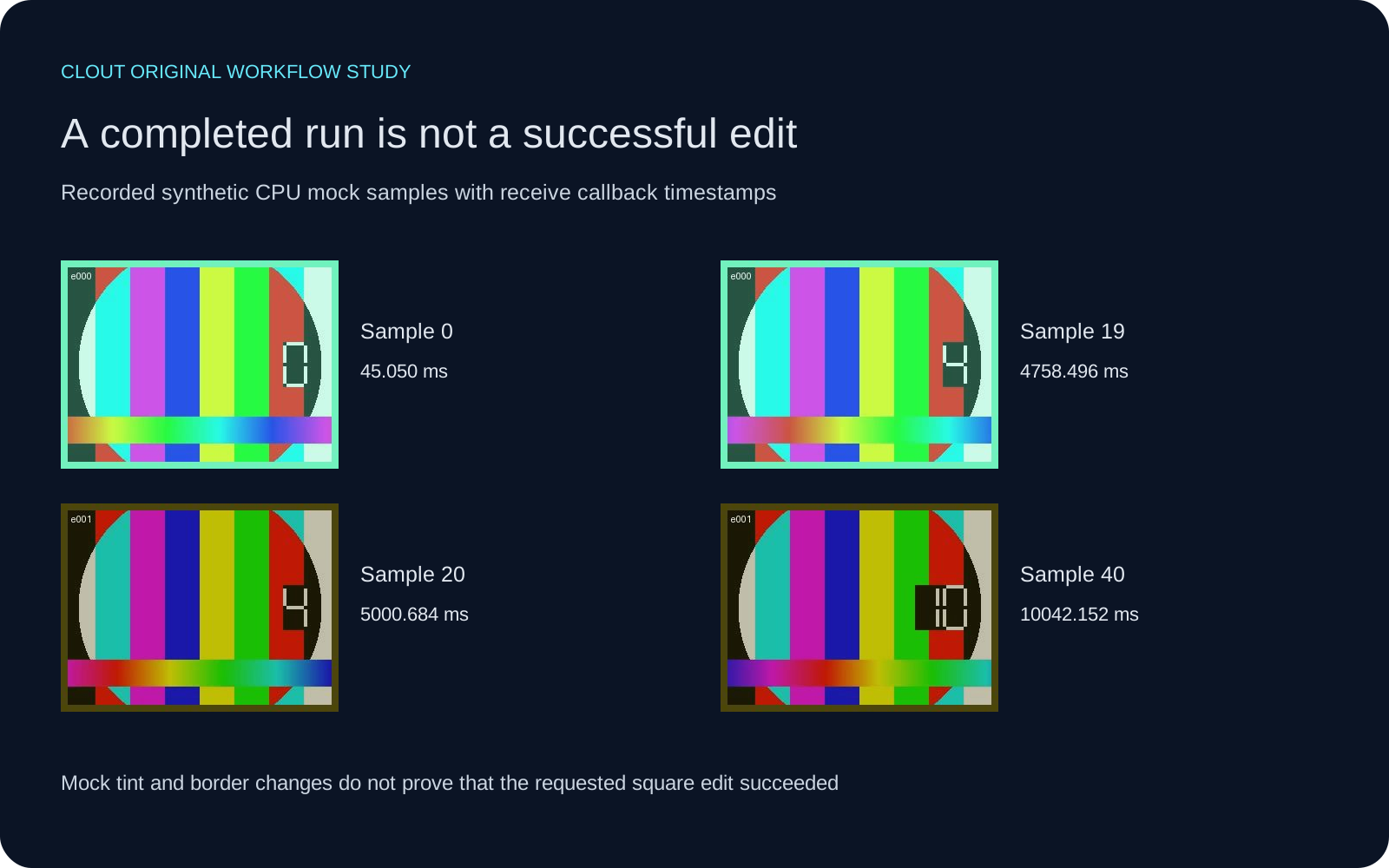
The mock is a CPU stand-in. Its source echoes incoming editing footage and adds an event-dependent tint and border. The two text requests ask for a red square and then a reset. A change in the mock overlay is not proof that either semantic request succeeded. There is no learned generation or visual judge behind these samples.
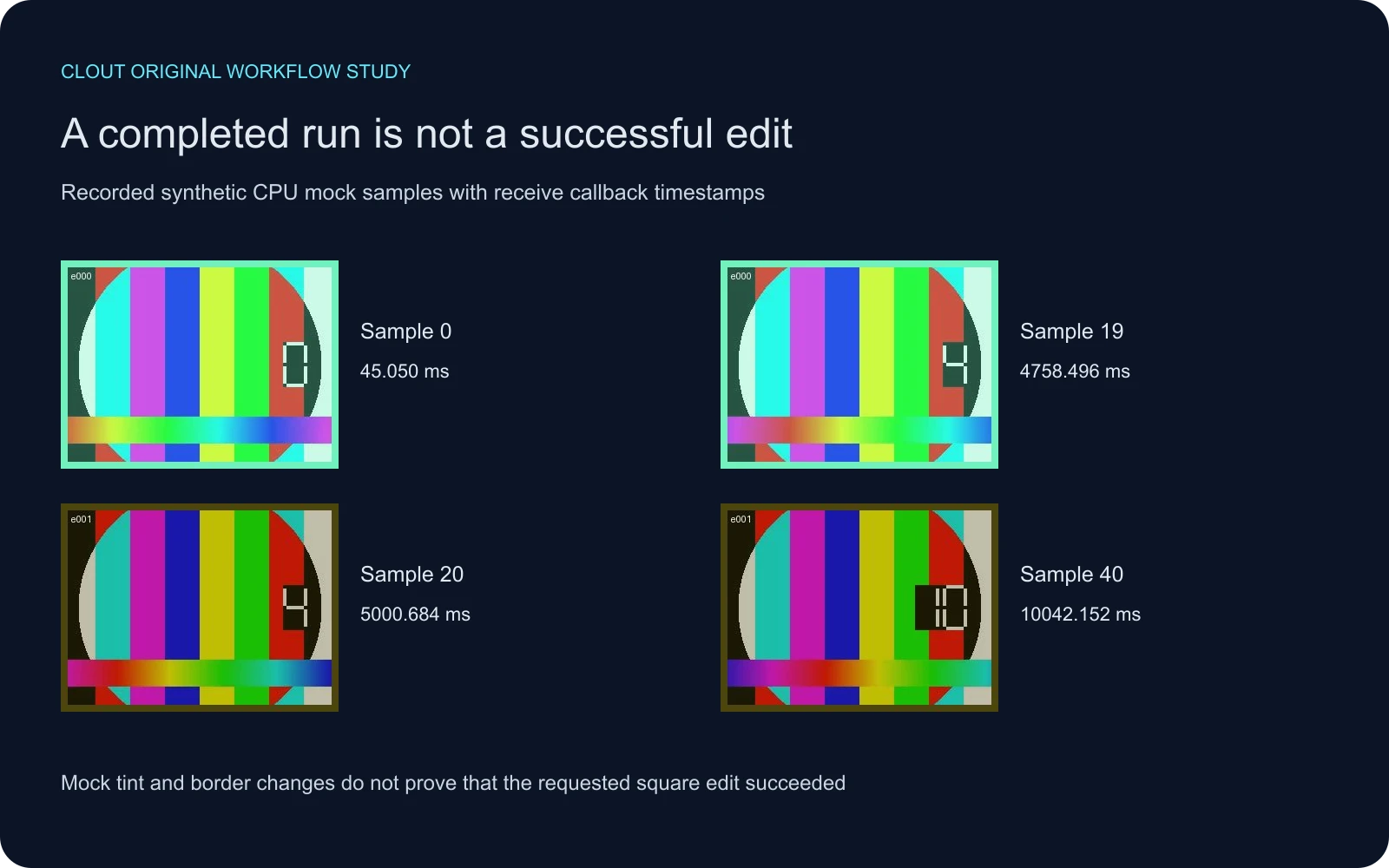
The sheet shows four of the 60 saved samples, not all 380 receipts and not a complete session video. The sample metadata labels timing as receive callback. We have not measured physical display timing or annotated the first successful visible effect.
Read the acknowledgments without inventing response latency
| Event | Due from activity start | Reported acknowledgment | Acknowledgment delay from due | Visible effect |
|---|---|---|---|---|
| e000 make the square red | 0 ms | applied | 0.348125 ms | Not measured |
| e001 reset the square | 5000 ms | applied | 0.061833 ms | Not measured |
These small delays come from same-host monotonic timestamps in a local mock. They are acknowledgment delays from scheduled due time, not model inference latency, network latency or the time to a correct visible edit. The mock can acknowledge an event without understanding its language. Do not use these values in a product speed comparison.
Our derived observation record includes the source revision, raw result hash, selected sample hashes and relative event times. It excludes host identifiers, process IDs, absolute paths and unrelated metadata. It is an allowlisted publication record rather than a byte-identical native result file.
Inspect delivery gaps in the local timing lab
Download the 380 receipt timestamps, paste them into the local timing lab and select receive callback. The timestamps are rebased to the first receipt and include receipts before the timed activity. Their full span therefore differs from the activity duration. Do not trim them silently or compare their rate directly with a model’s encoded frame rate.
The observed receipt sequence has a largest gap of about 50.711 milliseconds and a nearest-rank P95 gap of about 48.089 milliseconds. Those describe this capture only. They cannot establish a visually smooth screen, successful edit, missing frame count or production service reliability. Compare the video stuttering guide for the difference between media presentation cadence and receiver observations.
Reproduce the harness exercise
Inspect the pinned source revision and its installation instructions before executing it in your own isolated environment. After installation, the example uses the synthetic generator, the mock model and a saved-run validation command. Replace the relative paths consistently if you choose another output folder.
python -m streameval.benchmark.synthetic --out mock-example
streameval run --model streameval.models.mock:MockModel --track instruction_edit --case sa.v1.901.instruction_edit --benchmark mock-example/set --data mock-example/data --out mock-example/attempt
streameval validate-run mock-example/attempt --benchmark mock-example/set --data mock-example/data
At the pinned revision, our CPU unit run passed 48 tests with nine slow tests deselected. That is not the complete upstream test suite. Validation checks the saved attempt structure and required artifacts; it is not an independent semantic assessment. Keep those scopes attached to any results you share.
The published sample materials retain the upstream license and notice. Download the contact sheet SVG, local asset builder and asset hash manifest to inspect this page’s derived materials.
Design a useful interactive video pilot
Start with a scene that has one unambiguous requested change. Keep a written list of what must remain: character identity, background layout, prop position and camera direction. Schedule a second request only after defining how you will judge the first. A reset request also needs a precise target state rather than an assumption that any later frame counts as a reset.
Review the entire returned sequence. Record the request time, the available acknowledgment, the first inspected correct frame, any later regression and any preservation failure. Leave an unmeasured field empty rather than filling it with a receipt timestamp. If the clocks differ, establish the alignment before subtracting times. A precise-looking number from unrelated clocks is still unusable evidence.
For a character performance, check whether the action is readable while identity remains coherent. For a product edit, check that the intended appearance changes without corrupting markings or geometry. For a connected dramatic scene, inspect props, eye lines and the consequences of each instruction across the subsequent shots.
Apply the review discipline to creator work
StreamEval addresses interactive systems. A finished scene from an asynchronous creator workflow has a different timing contract. Use Clout AI Cinema for planning and creating connected scenes or Image and Video for a focused shot, then review the actual saved output. This article does not claim that Clout implements the StreamEval protocol or has a benchmark score.
The short drama workflow and multi-shot guide help define the story and continuity criteria before generation. Preserve that brief with the final accepted file. A completed job is the beginning of creative review, and the record should make clear what you actually inspected.