

A snowman image can be a friendly winter greeting, a quiet seasonal background or the starting point for a short story. Choose the picture for the message you want to send. A warm painted illustration and a realistic snowy scene create different expectations, even when both show the same familiar subject.
This gallery provides two original images and a separate editable greeting layout. The painted snowman wears a mustard beanie and cobalt scarf against a peach sky. The wide photographic-style scene shows a handmade snowman with a red scarf in a quiet garden. Both are fictional generated artwork made for this page, rather than photographs documenting an actual place or winter event.
Choose a snowman picture for the job
| Asset | Suggested use | Available personalization |
|---|---|---|
| Square painted snowman | Friendly winter greeting or illustrated post | Add your own separate caption or text layer |
| Wide realistic scene | Seasonal background or landscape post | Add a short message in the clear left side |
| Square editable greeting | Personal card with a short message | Edit the two live SVG text elements |
Neither original image contains lettering. That gives you control over the words rather than locking your message into the artwork. The separate SVG shows one complete greeting layout with editable text above an embedded copy of the wide image.
The square illustration and realistic landscape are different original designs. They are not a before-and-after transformation or evidence that one character was preserved across styles. If your project needs one recurring snowman, approve a character reference first and compare each new result with it.
Download the painted snowman
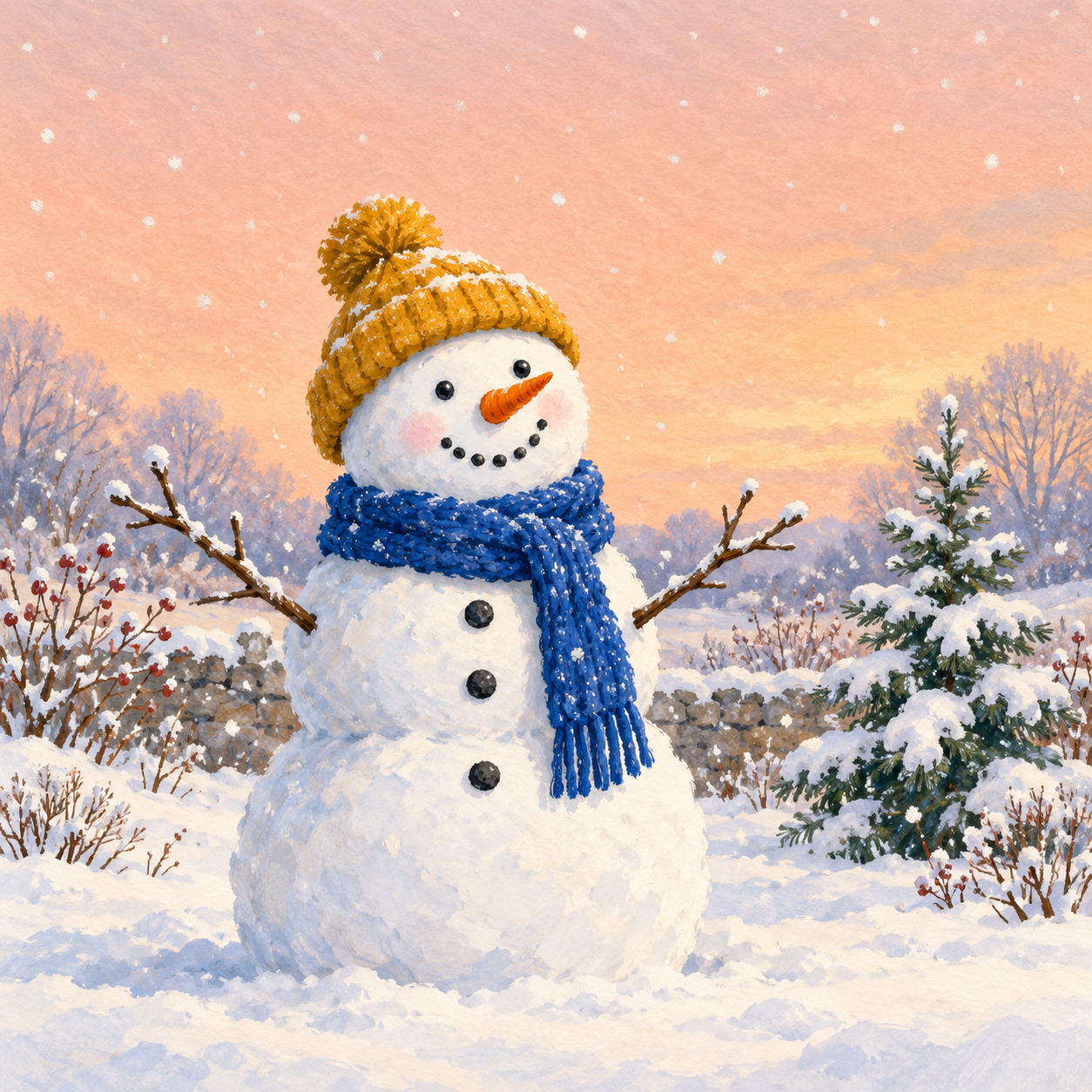
Download the painted snowman
The painted snowman has three irregular snowballs, two dark pebble eyes, a carrot nose and a gentle pebble smile. Its cobalt scarf and mustard beanie provide contrast against cream snow. The peach sky and visible painted texture give the picture a warm illustration style without a holiday-specific slogan.
Download the native 1254 by 1254 image when you want to retain the brush texture. A screenshot of the page captures the smaller displayed version and may include interface elements. Keep the original source for future layouts so you do not repeatedly rebuild from compressed social uploads.
The complete hat and twig arms are inside the frame. When adding text, keep it away from the face and narrow twig tips. The open sky offers space for a short line, but a full paragraph would compete with the picture. If your message needs several lines, use a separate panel as the editable card does.
Download the realistic winter scene
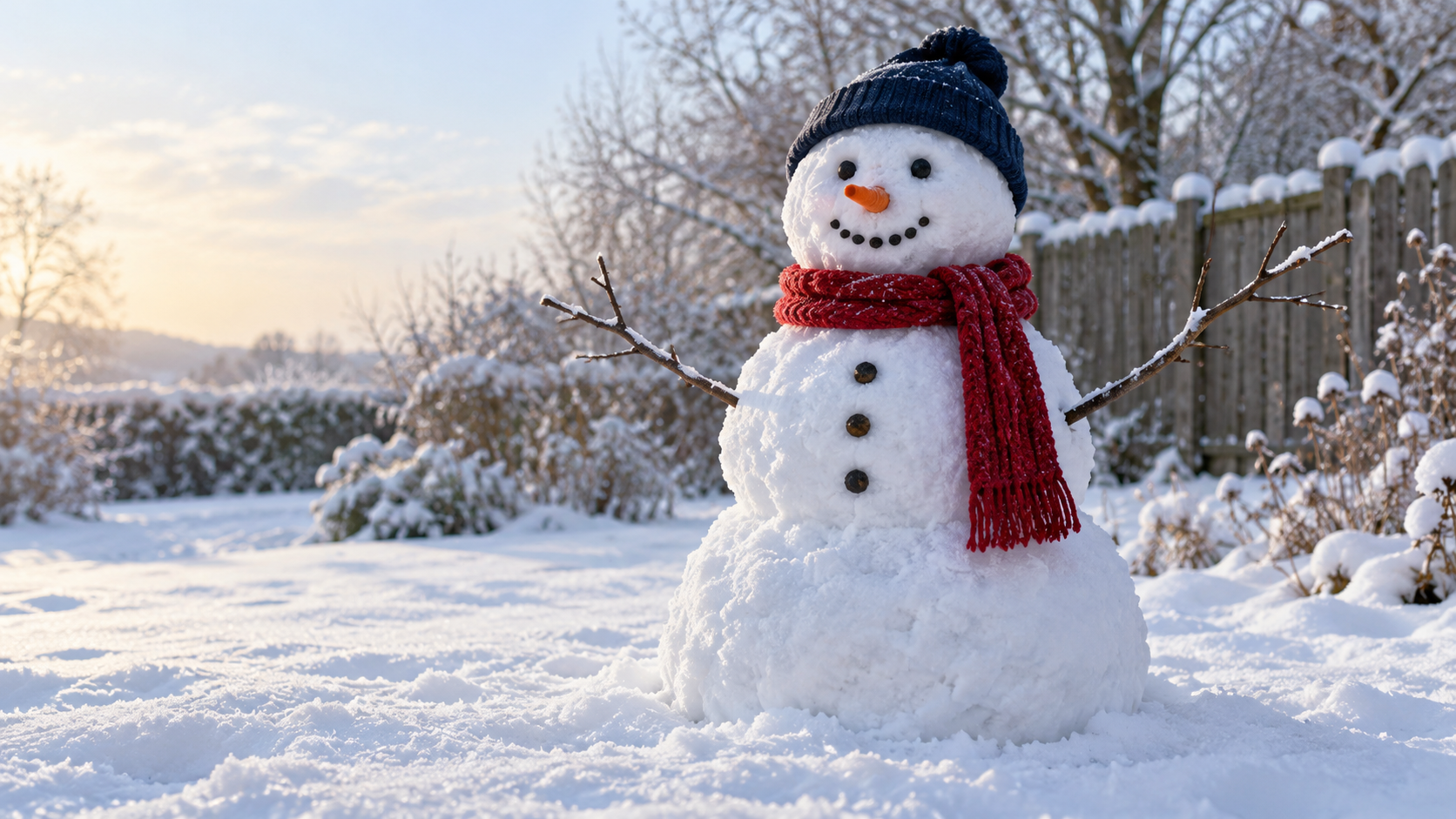
Download the wide snowman image
The wide image takes a natural photographic direction. A red scarf and navy beanie sit on gritty snow with cool blue shadows and warm afternoon light. A wooden fence and bare branches give the background a garden setting. There are no people, location labels or event details.
Its native dimensions are 1672 by 941. Use that landscape shape for a wide greeting or a seasonal background. A square or vertical crop may remove the arms or the quiet left-hand space. Preview your intended crop before placing a message. Stretching the file to a taller shape distorts the snowman and does not create the missing surroundings.
A realistic appearance does not make this documentary photography. Caption it as an imagined winter scene or greeting rather than claiming it records snowfall in a particular town. If you are announcing a real community event, place the actual date and venue in a checked text layer and use your own event photograph when the image needs to document it.
Edit the winter greeting card
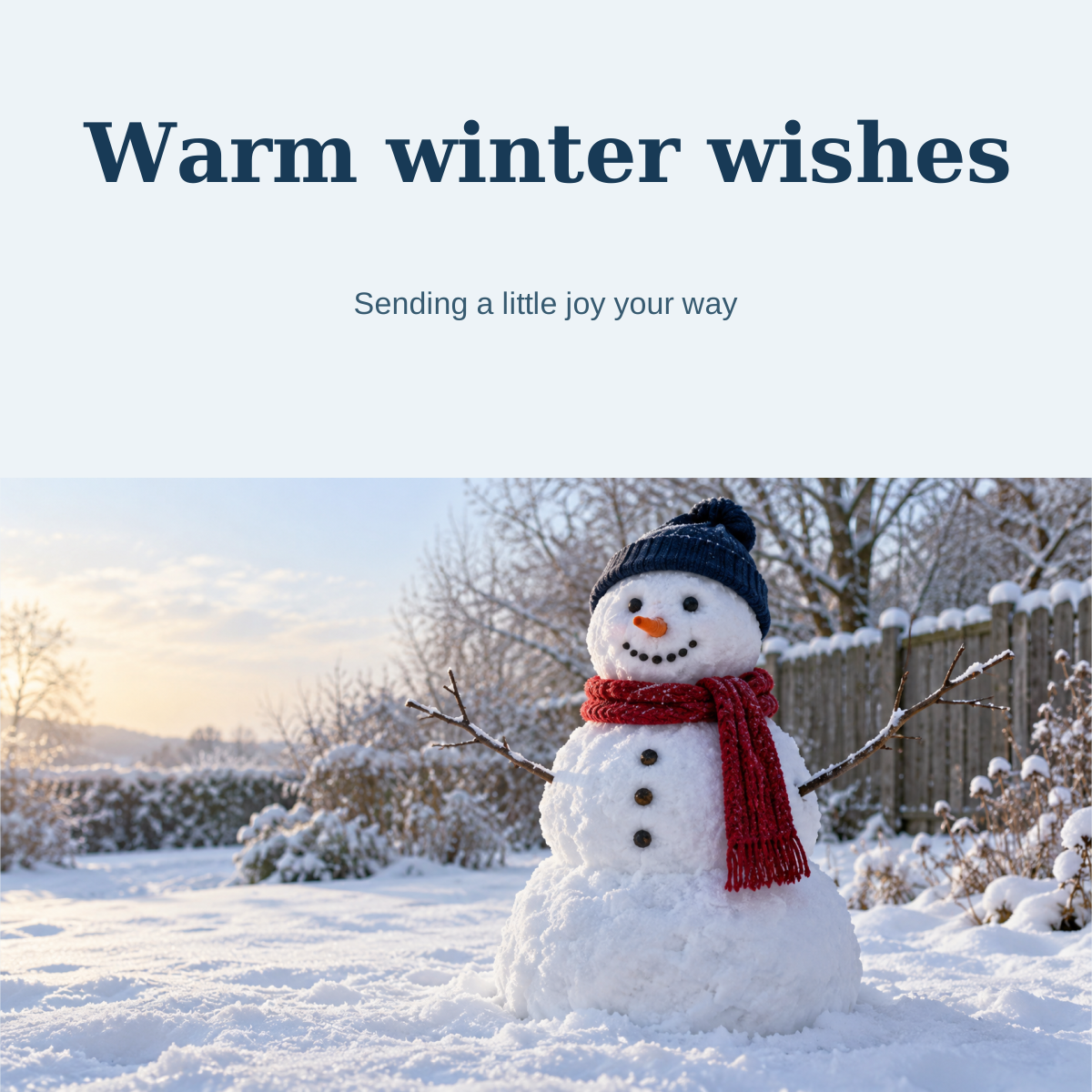
Download the editable winter card
The square card is a 1200 by 1200 SVG. It keeps the wide snowman image intact in the lower portion and places two live text elements in a pale blue area above it. The original picture is embedded in the file, so the download does not depend on a separate image URL.
- Save a copy of the SVG
- Open the copy in an editor that supports SVG text
- Change the main greeting and personal message
- Keep each line short enough for the available space
- Preview the complete layout at its final display size
- Export a finished PNG or other format your destination accepts
The headline uses Georgia and the smaller message uses Arial. An editor can substitute fonts, which changes line width and spacing. Check the greeting after importing and again after exporting. The editable source is useful for personalization, but it does not establish identical rendering in every design application.
The SVG changes its own text, not pixels inside the original image. Since both gallery pictures are text-free, you can also build a different layout in your preferred editor without removing old lettering first.
Write a caption that adds context
A caption can keep the greeting personal without placing all the words over the snowman. Try a short line suited to the relationship and destination.
- Sending a little winter joy your way
- Cold outside and warm wishes from us
- A small snowman with a big smile
- Here's to cozy moments and good company
For an invitation, use the real event information rather than adapting a vague greeting into a promise. Include the date, time, place and any practical details people need. Check those details in the final file instead of assuming they survived a visual revision.
Avoid putting the caption over bright snow without reviewing contrast. A darker text panel or restrained shadow may help, but it still needs inspection on a phone. The message should be readable without zooming, and it should leave enough space for the snowman's expression to carry the visual joke or mood.
Create an original recurring snowman
Create an original friendly snowman with three irregular snowballs, a short carrot nose, two dark pebble eyes, a gentle pebble smile, a cobalt scarf and a mustard beanie. Keep the entire hat and twig arms inside the frame. Use a quiet snowy garden and leave clear sky for a separate greeting. Exclude words, logos and watermarks.
An effective character brief separates identity from setting. Keep the face, scarf and beanie consistent when you change the background, action or season-specific message. Review the actual output for those details; listing them in the prompt does not guarantee every generation preserves them.
For a short story, give the snowman one simple action and a clear camera direction. A static greeting does not prove that twig arms, facial details or snow texture will remain stable through motion. Generate and inspect the finished clip before treating it as a reusable series format.
Plan a winter content set in Clout
Build an original character and a winter visual direction in Clout, then create photos or videos with a clear role for each asset. A greeting can introduce the character, a playful scene can give it a story and a follow-up can invite viewers back. Review every result before turning the set into a recurring posting routine.


