

A hello image should make a small greeting feel personal. Choose a playful illustration when the recipient enjoys something cute, a clear floral card when your own message matters most, or a creator portrait when you are introducing the face behind a content series. This gallery gives you those three directions with original downloads and an editable greeting template.
These are evergreen greetings. They do not depend on the day of the week, a holiday or the time someone opens the message. If you want a morning greeting or a Tuesday card, use the separate galleries linked below. A simple hello can work whenever you want to reconnect without making the image carry an entire conversation.
Download the hello image that fits your message
The three square gallery images are 1254 × 1254 lossless WebP files. Download the original file rather than taking a screenshot. The download preserves the source pixels; the smaller image displayed on the page is a preview. Keep the original beside your editable design so you can change the layout without repeatedly resaving a compressed copy.
| Image | Best starting use | Add alongside it |
|---|---|---|
| Painted waving cat | A cheerful personal hello | One sentence for the person receiving it |
| Paper-cut floral background | A greeting with your own wording | Editable greeting message and sender |
| Fictional creator wave | A creator introduction or return post | Context for the character or series |
A playful hello with a waving cat
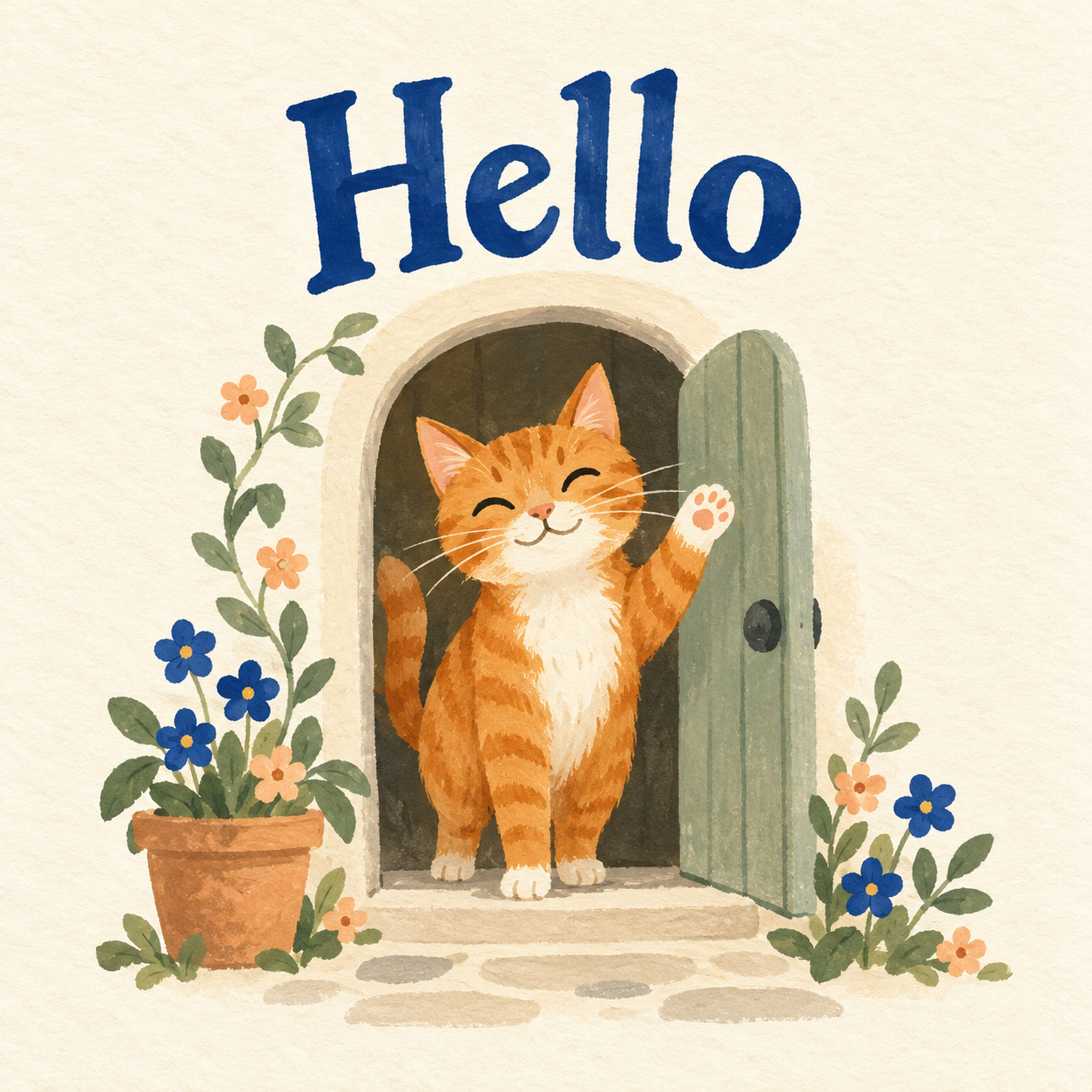
A playful original greeting with a complete readable Hello
Download this hello imageThe original painted card pairs a friendly orange cat with one readable word: Hello. Its cream background and blue lettering keep the greeting clear while the doorway and flowers give it a little personality. The cat is an original illustration, not a character from a named cartoon.
Use the complete square when sharing it directly. A tight crop can remove the greeting or the raised paw, which changes the point of the card. If your destination adds an automatic preview crop, inspect that preview before sending. The whole word and the cat's face should remain visible.
A message such as “This little wave made me think of you” adds a personal reason for sending the image. For someone you have not spoken with recently, “A small hello from me — how have you been” can open a conversation without asking the artwork to explain everything.
A floral background for your own words
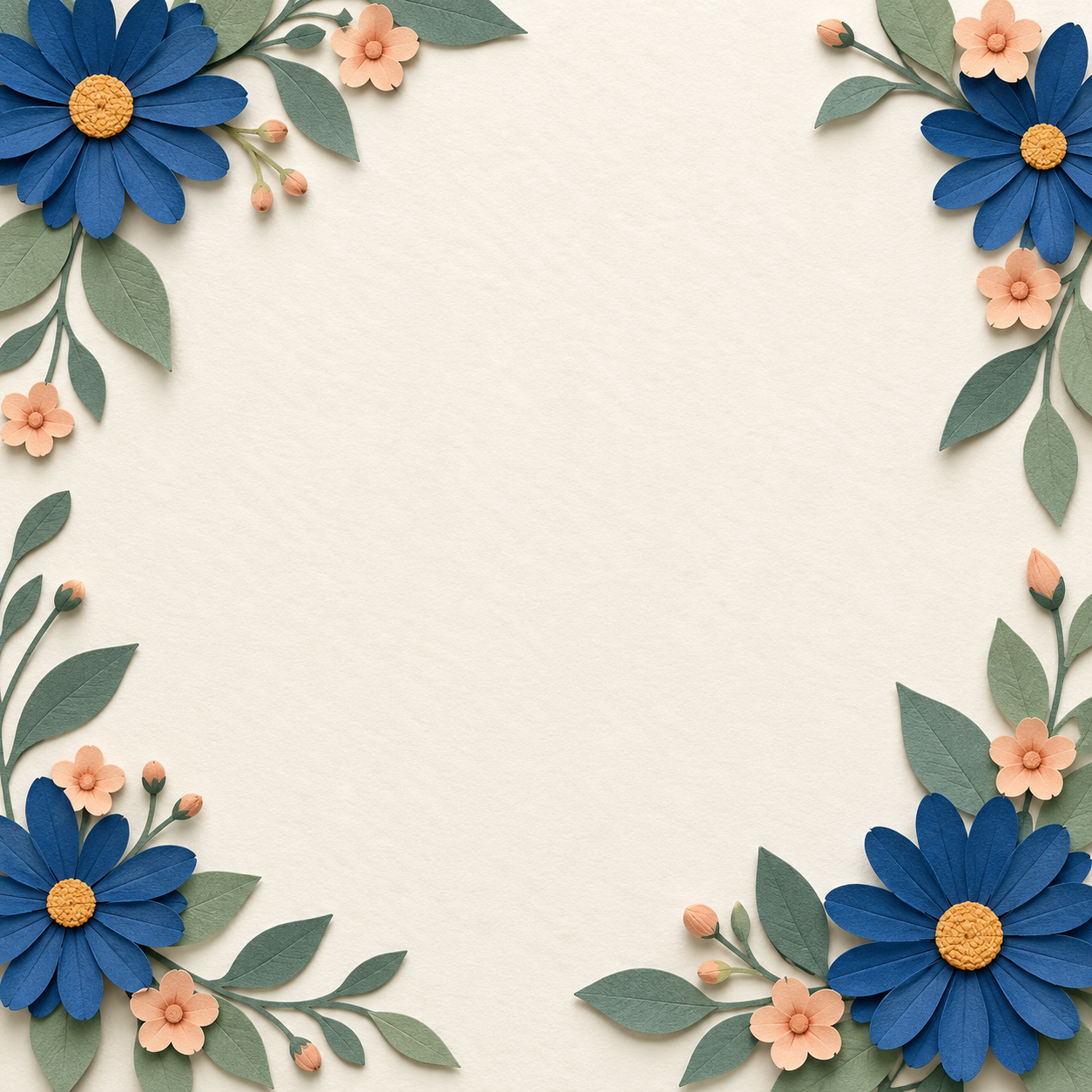
A clean center for editable greeting words
Download this hello imageThe paper-cut floral image leaves a large cream center clear for editable text. Blue daisies, peach blossoms and sage leaves frame the corners. It is a background rather than a finished personal message, so use the editable SVG below or add your own text layers in your design editor.
Keep the greeting larger than the message. A single word such as Hello can lead, followed by one short line and an optional sender name. Avoid shrinking a long paragraph to make it fit. Put the longer thought in the accompanying message and let the image do the simple job of saying hello.
The restrained palette helps the wording remain legible. Dark blue on cream is easier to separate from the flowers than pale peach text placed over a peach blossom. Leave space between the letters and the decorative edges. Check the exported image at the size someone will actually see on a phone.
A creator portrait with a natural wave

A fictional creator greeting with a clear face and small wave
Download this hello imageThe third image shows a fictional adult creator in a teal sweater, offering a small wave in a warm studio. Use this direction when the person is the visual anchor: introducing a creator, returning to a series or welcoming someone to a channel. The portrait is generated creative artwork rather than a photograph of a real host.
The hand has a clear purpose and the background stays quiet. That makes a simple greeting easier to understand than a scene full of unrelated props. When adapting the direction in Clout, keep your approved creator identity and choose the expression, room and wardrobe that belong to your own series.
You can place “Hello from the studio” in the accompanying caption rather than across the face. If you add a label to the image, keep it away from the eyes and raised hand. The greeting should support the character rather than cover the details that make the character recognizable.
Edit a hello card without regenerating the words
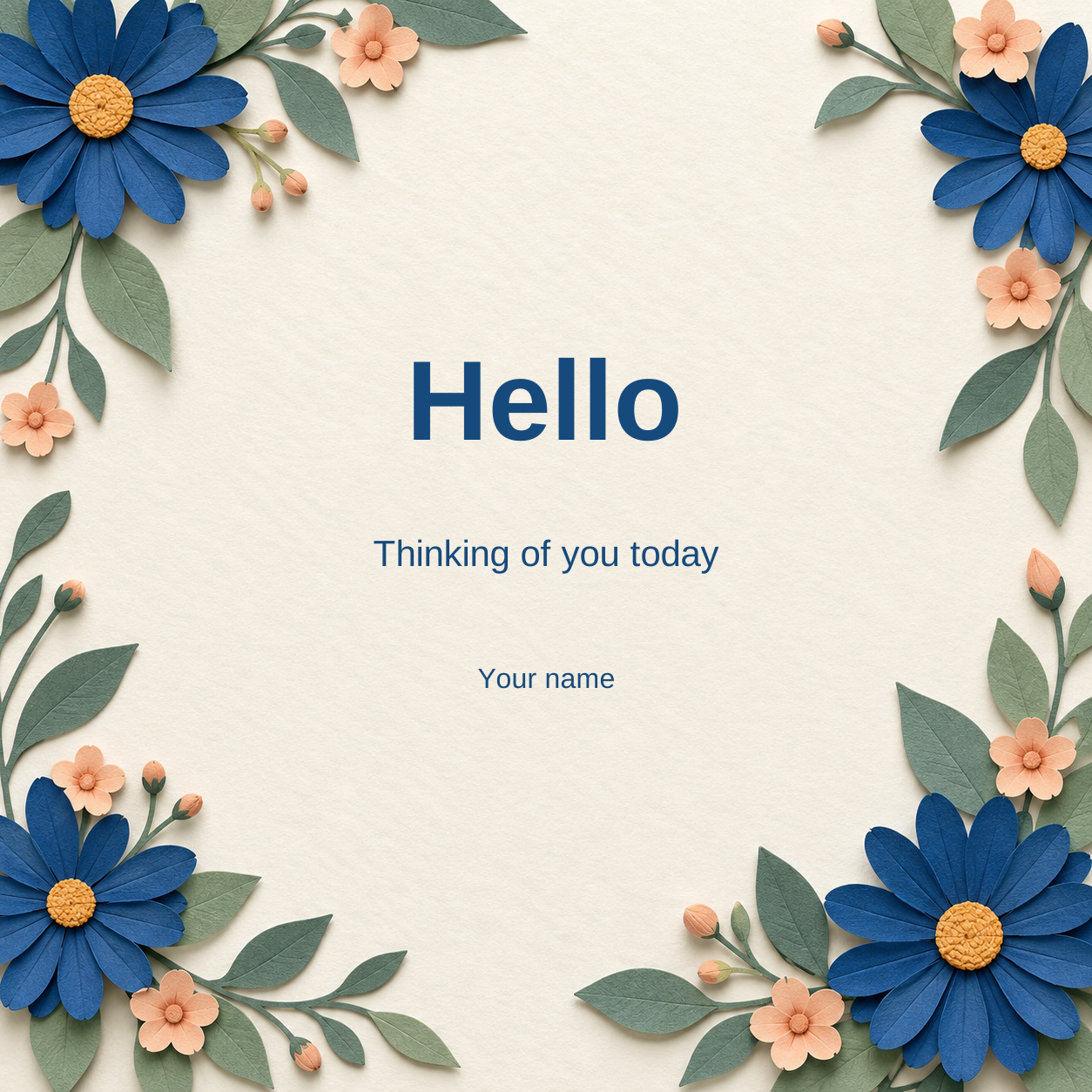
Replace the message and sender before sharing
Download this editable cardThe editable SVG includes the original floral artwork and three separate text layers: greeting, message and sender. It embeds the background inside the file, so you can keep the template and artwork together when moving it between folders. The starting wording is Hello, Thinking of you today and Your name.
Open the SVG in a vector editor and replace the text with your own words. Select each text layer individually rather than flattening the card before editing. Keep an editable master, then export a separate image for sharing. If your editor substitutes a font, inspect the line length and spacing before exporting.
For a longer recipient name or message, adjust the wording first. “Hello Maya” may fit as a single greeting, while a longer name could belong in the message line. The design does not need every available space filled. A short greeting with generous margins usually remains clearer in a small message preview.
Before sending, replace the sender placeholder and read the final wording once. Then inspect the destination preview. A readable editor canvas is not proof that a messaging app will display the complete card without a crop. Keep the original square version available if a platform's automatic layout changes it.
Write a message that sounds like you
Choose a caption by the relationship and context rather than copying the same greeting everywhere. A friend may appreciate a small personal detail, while a creator introduction should explain what the new audience can expect.
- A little hello because you crossed my mind
- Sending a small wave your way
- Hello from my corner of the day
- A friendly face for the next chapter
- Back in the studio with something new to share
- One small hello before the next story
These are original starting lines. Change the wording to match your voice and the reason for the greeting. You do not need an engagement request in every caption. If you ask a question, make it one the recipient or audience can answer naturally.
Build a greeting series around one creator
Create your greeting creator in Clout, then plan connected photos and videos around the same face. A greeting series can change the setting or action while keeping the creator recognizable. Start with one approved portrait and record the fixed details: hairstyle, wardrobe palette, room and overall light.
A useful scene brief is specific: the same adult creator in a teal sweater beside a bright studio window, looking into the camera and lifting one hand in a relaxed wave. Keep the action small. Review the face, fingers and wrist before moving to background details. The first frame of a generated video does not prove that the wave remains coherent through the entire clip.
For a short greeting video, keep the opening expression and movement clear, then add captions in the final edit. Reserve space for the wording without blocking the face. Watch the full clip with and without audio, and preview the final crop on the channel where it will appear.


