Choose the Hunyuan Image checkpoint for the task
HunyuanImage-3.0 is Tencent’s image model family. The official model card distinguishes the base text-to-image checkpoint from Instruct, which adds image editing and multi-image work. Instruct-Distil is a separate checkpoint with fewer recommended sampling steps. Record the full checkpoint name before copying a workflow or settings.
The card dates the original release to September 2025 and Instruct to January 2026. This is a practical coverage guide, not an announcement of a new October release. Choose based on whether you are inventing an image or changing an approved source. A text-only workflow cannot be assumed to accept reference images just because another checkpoint in the family does.
| Your starting point | Workflow to investigate | First acceptance question |
|---|---|---|
| Words and a new concept | Base generation or supported Instruct generation | Did the composition communicate the idea |
| Approved source and a specific change | Instruct image editing | Did the requested region change without losing the source |
| Several reference images | Supported multi-image operation | Did each reference keep its assigned role |
Use an original sailboat practice reference
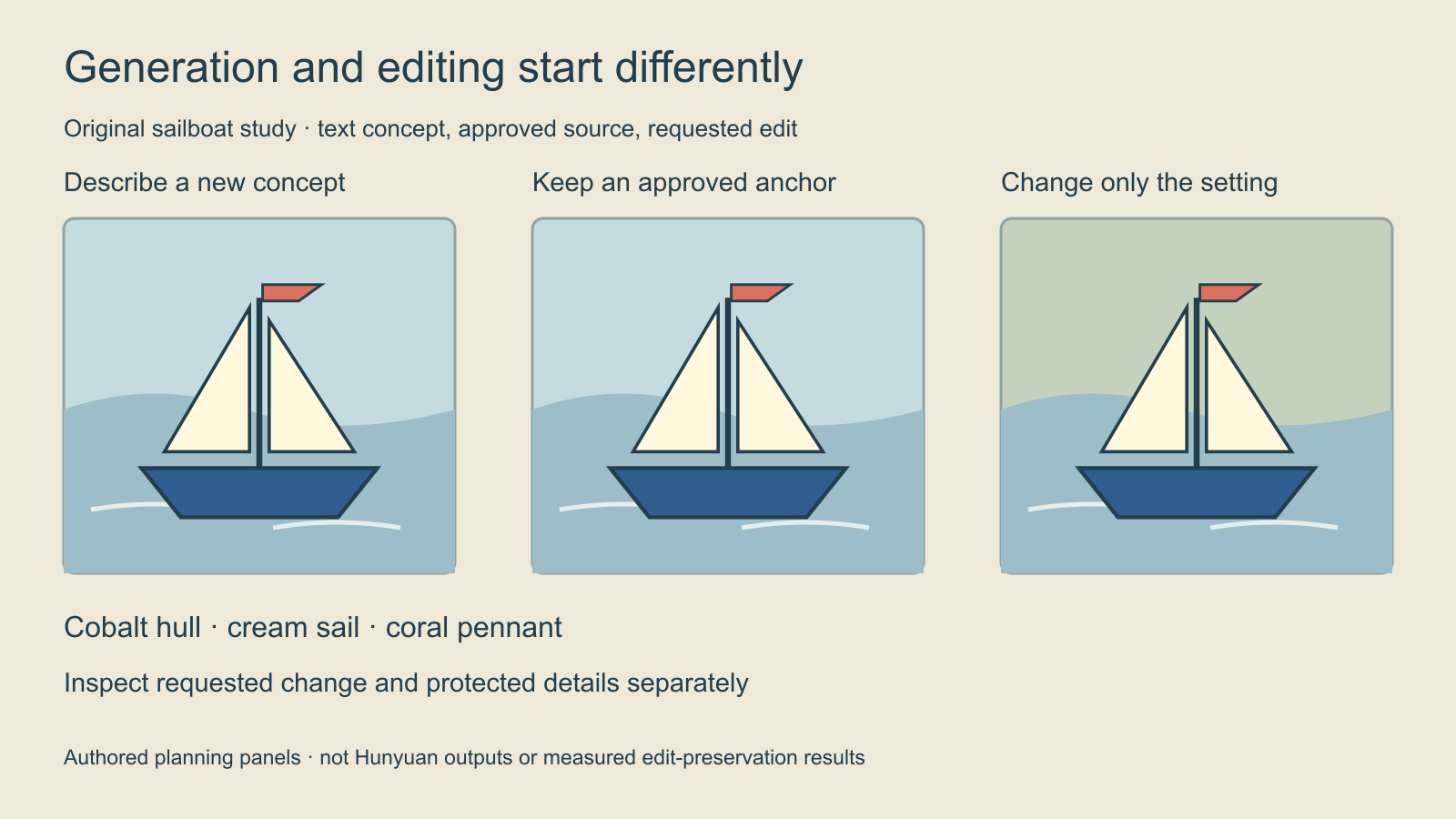
The exercise uses an original toy sailboat with a cobalt hull, cream sail and coral pennant. Download the 1600 × 900 PNG practice illustration or its SVG source. These are conventional authored drawings, not model outputs. The clean silhouette makes it easy to identify which features changed in a later proposal.
The study panels demonstrate reference roles. The anchor defines the boat; a setting direction can ask for a different shoreline or backdrop. Review those decisions independently. A changed atmosphere is not a successful edit if the output also invents a second mast or removes the pennant. Keep the original file untouched for comparison.
Write a generation prompt as a visible composition
For additional scene-writing exercises with another checkpoint family, use the Z Image Turbo prompt guide. Keep its sampling controls separate from Hunyuan settings.
A small original toy sailboat floats on a calm pale-blue pond. It has a cobalt hull, a single upright mast, a cream sail and a small coral pennant. A clear side view keeps the complete boat visible with generous open water around it. Soft overcast light, restrained colors and a simple uncluttered shore. No lettering or additional boats.
This original untested prompt specifies a subject, composition, setting and a few identifiable details. It asks for a new image. If the output is supposed to reproduce an exact approved boat, use the actual source in a supported editing workflow instead of relying only on this description.
Start by checking the count of objects and the overall crop. Then inspect the named details. When a small prop matters, give it a clear role rather than burying it among aesthetic adjectives. Revise one meaningful decision at a time so the next output tells you whether that change helped.
Write an edit as a change plus protected details
Use the attached approved sailboat illustration as the subject anchor. Change the distant background to a quiet green shoreline. Keep the boat’s cobalt hull, single mast, cream sail, coral pennant and side-view composition. Retain the complete boat and calm water. Do not add lettering, another boat or a new accessory.
The request names both the change and the protected features. It is a review contract, not a guarantee that a model will preserve every pixel. Compare the actual output with the source at a similar crop. Keep notes for a changed hull shape, a missing flag or a sail that merges with the background.
If the task uses multiple images, label their roles before submission: subject anchor, environment direction or material reference. Confirm the actual image order in the selected interface. A second attractive boat photograph can make the intended identity ambiguous rather than improve it. Download the editable generation and edit briefs to adapt the exercise.
Check local and hosted requirements separately
Use the official repository and the selected checkpoint’s current documentation for installation, weights and settings. The published native model table lists substantial multi-GPU memory recommendations. A distilled checkpoint’s lower step count does not, by itself, establish that its weights fit your laptop or a smaller GPU.
A hosted service can expose different controls and charges from a native pipeline. Record the provider, full model label, resolution, reference inputs and displayed quote. This guide does not establish a tested local installation, a universal VRAM minimum or a measured runtime. Check the applicable model license and service terms directly before using a deployment for your project.
When comparing implementations, keep the same input and acceptance conditions. Quantization, offloading, rewriting and reference preprocessing can change the setup. A screenshot of a successful run on another machine is not evidence that your environment has the same configuration.
Review the accepted image before extending the workflow
Use the blank image review CSV to log the checkpoint, source version, requested change, protected features and acceptance decision. Judge the intended edit separately from subject drift. If the next job is character work, prepare an approved reference pack and inspect defining features against the master.
For a different editing family, read the Qwen Image Edit guide. For a source image that needs motion, use the separate Hunyuan Video first-frame guide. An image model does not become a video generator because the names share Hunyuan.
Explore Clout Image and Video Studio for its currently listed models and supported inputs. This guide does not add HunyuanImage to Clout. Choose the operation actually available, keep approved references and inspect the finished file before using it in a campaign.