What Hunyuan Video means in this guide
HunyuanVideo-1.5 is Tencent’s video-generation release with text-to-video and image-to-video workflows. The official repository documents the release, inference paths and a separate step-distilled image-to-video checkpoint. This page focuses on briefing and reviewing a first-frame shot, not every model that carries the Hunyuan name.
Record the exact checkpoint and implementation first. A native pipeline, a node workflow and a hosted service can expose different settings. A model-family name in a tutorial does not establish the duration, output size or reference fields supported by your selected route. Keep those settings beside the prompt so an accepted take can be traced to its inputs.
Prepare a first frame that supports the action
Use a source with a readable subject, sensible crop and room for the intended movement. The original sailboat practice illustration supplies a complete boat on calm water. Its cobalt hull, single mast, cream sail and coral pennant are visible checkpoints. It is authored artwork, not a Hunyuan output or a measured image-to-video example.
Before generating motion, decide what is allowed to move. A gentle bob is a small subject action. A fast camera orbit is a different demand because it may expose unseen sides of the boat. If the source does not establish those regions, the resulting view remains a proposal that needs inspection. Avoid asking a tight crop to reveal an entire object without checking how new details are invented.
Describe motion as a short sequence
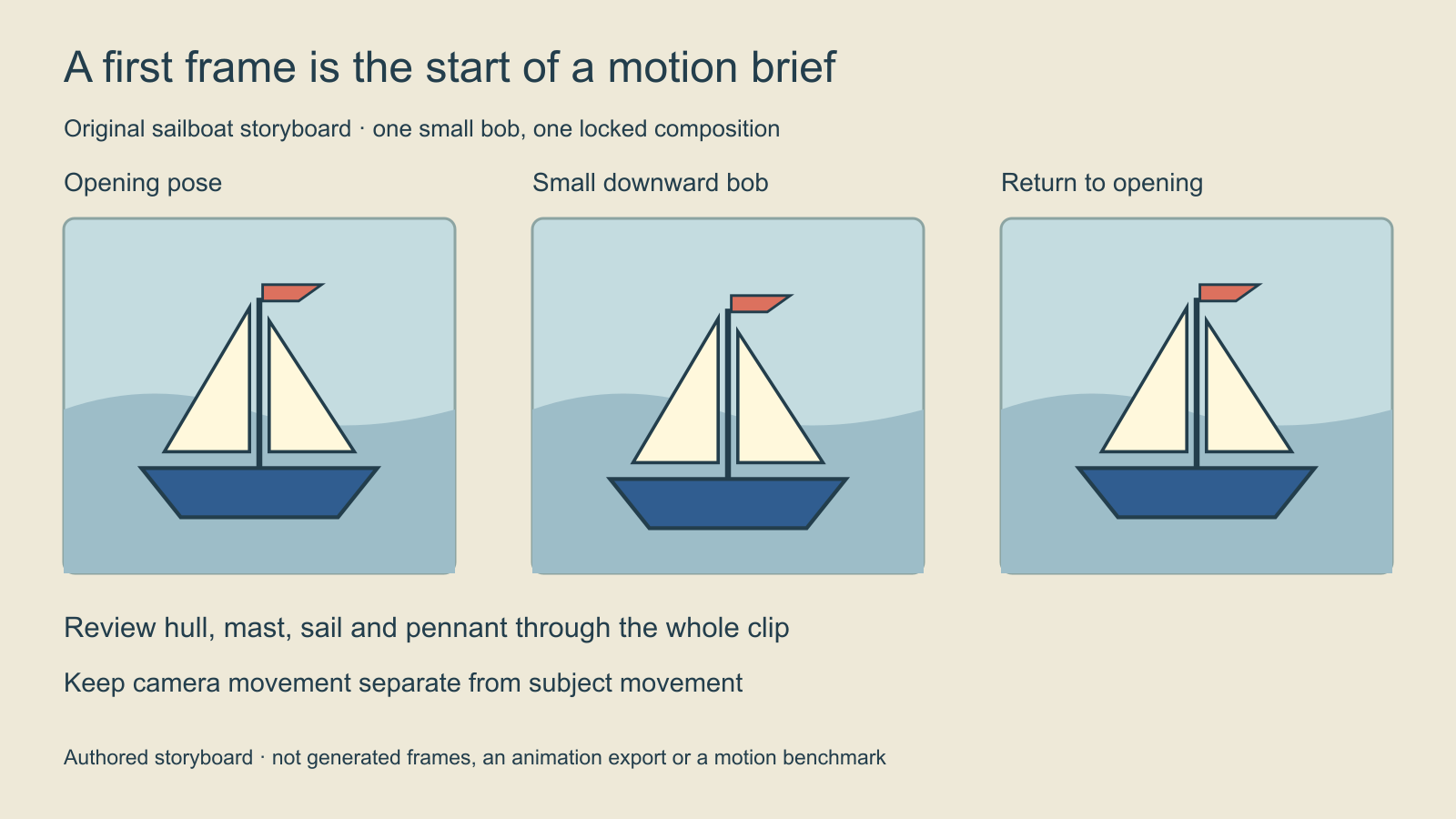
Animate the supplied sailboat illustration as one continuous locked side view. The boat makes one gentle downward bob on the calm water and returns toward its opening position. Keep the cobalt hull, single upright mast, cream sail and coral pennant recognizable throughout. Preserve the simple shore and clear full-boat crop. No camera orbit, cut or additional boat.
This original untested brief describes a controlled motion exercise. It separates camera behavior from subject behavior and gives the shot an ending condition. Set duration and output size through the controls actually supported by your workflow; those settings are not established merely by mentioning them in prose.
The storyboard shows the intended beats so a reader can evaluate the request. It is not proof of generated continuity. Download the editable motion brief, then compare any returned clip with the original source and the intended action.
Use text-to-video when the scene starts from words
A small toy sailboat with a cobalt hull, cream sail and coral pennant floats on a calm pond beneath soft overcast light. In a locked side view, the complete boat makes one gentle bob and settles. Leave open water around the hull and keep the distant shore simple. One continuous shot with no cut or additional boat.
This version describes the whole scene because no first frame is supplied. The image-to-video version instead relies on an actual source file. Do not assume that writing a filename into a prompt attaches it. Confirm that the chosen image-to-video input field contains the intended file before the run.
Keep a clean copy of the submitted prompt. If the selected implementation rewrites prompts, preserve the rewritten text when it is available. Compare the instruction that actually reached the generation stage, rather than attributing a change to the model when an earlier rewrite introduced it.
Choose a checkpoint without borrowing unrelated claims
The official repository describes a step-distilled 480p image-to-video option separately from the original path. Its published speed figures belong to a stated setup; they are not an end-to-end guarantee for another computer, queue or service. Use the exact checkpoint instructions for that path, and inspect the result instead of assuming fewer steps mean an equally acceptable clip.
For native use, consult the repository’s current hardware, software and offloading requirements before allocating a machine. Check the selected implementation and applicable license directly. This guide does not provide a verified local installation or a universal GPU fit claim. For hosted use, check the supported operation and actual quote before submitting the run.
Review the whole clip with a small failure log
| Review pass | Inspect | Record a concrete failure |
|---|---|---|
| Normal-speed action | Whether one bob happens and the shot settles | Boat travels away instead of settling |
| Subject continuity | Hull mast sail and pennant through the movement | Mast splits at the lowest position |
| Composition | Full-boat crop and intended camera behavior | Unexpected orbit exposes an invented side |
| Delivery | Actual file dimensions playback and ending | Export ends before the action resolves |
Watch the complete clip before examining isolated frames. Then revisit the beginning, the largest movement and the end. A convincing opening frame cannot establish that the sail stays attached halfway through the motion. Record where the problem appears and whether it belongs to subject design, motion, camera behavior or export.
Use the blank motion review CSV to keep the source version, checkpoint, action, failing beat and acceptance decision together. Save an accepted take before trying a stronger motion or a new crop. Do not silently replace the first-frame master with a drifted video frame.
Move from a practice shot to a useful creative
For an image that still needs design changes, return to the Hunyuan Image generation and editing guide before adding motion. For another model’s prompt structure and native frame planning, read the LTX prompt guide. Keep its implementation-specific frame rules separate from Hunyuan settings.
Explore Clout Image and Video Studio or Clout Cinema for the workflows actually listed in those products. This page does not add HunyuanVideo to Clout or establish a comparative quality benchmark. Its purpose is to turn a broad model query into a specific shot, input list and review process.