Good Wan 3 prompts read like a brief a camera crew could follow. They name the subject, describe the visible action and say what the camera and sound should do. A stack of adjectives cannot resolve a missing product reference or a scene with too many events for its duration.
Below are six original planning prompts for different jobs. They have not been rendered as a comparative Wan benchmark. Replace fictional details with your own assets, select the appropriate operation and review the complete export before publishing.
Start with the Wan operation
Alibaba Cloud's Wan 3 documentation separates text generation, first-frame generation, endpoint control and reference tasks. It also documents native sound and sequences up to 30 seconds. Inputs and combinations depend on the task and provider; the same prompt is not a valid request for every mode.
In Clout's current Wan 3 configuration, frame inputs and media references use separate routing. Choose a start frame if its exact composition matters. Choose references when the assets should supply ingredients for a newly directed shot. For the broader model family and access questions, use the Wan model guide.
Use a six-part prompt structure
| Part | Write a concrete instruction |
|---|---|
| Subject | An adult potter in a sage overshirt, using the approved identity reference |
| Action | She turns a small bowl once on the table |
| Setting | A sunlit ceramics bench with one cream cloth |
| Camera | A locked medium close-up with both hands visible |
| Audio | Quiet room tone and ceramic contact, no dialogue |
| Continuity | The bowl keeps its cobalt glaze and remains on the table |
Set duration, aspect ratio and resolution in their dedicated controls where available. A sentence saying “1080p” does not replace a resolution setting. If the interface rewrites or expands prompts, record that choice too so you know what the next attempt changes.
Prompt one for a simple image to video shot
Input: one approved still of the potter and bowl. Planned duration: 5 seconds. Goal: restrained motion from an accepted composition.
Begin from the supplied image. The adult potter slowly turns the cobalt bowl a quarter turn on the table, then pauses with both hands beside it. Keep the face, sage overshirt, bowl and bench recognizable. Locked camera, soft daylight, one continuous shot. Quiet studio ambience and a light ceramic contact sound. No dialogue, no cut and no additional props.
Inspect the first frame against the approved still, then the fingers and rim during the turn. If the action deforms the bowl, simplify the movement before asking for a moving camera.
Prompt two for a reference-led product scene
Input: separate identity and flask references in reference mode. Planned duration: 6 seconds. Goal: a readable product moment.
Use the first image for the adult creator's identity and sage shirt. Use the second image for the coral travel flask with its cream lid. At a pale kitchen table, the creator places one hand beside the upright flask and looks toward the camera with a small smile. Gentle forward camera movement, keeping the face and entire flask in frame. Keep the lid attached and the flask shape stable. Soft room ambience, no speech and no added text.
If your provider uses named reference tokens, replace the positional wording with those actual labels. Check the reference-role guide before combining more assets.
Prompt three for a short creator line
Input: an approved creator reference or start frame in the supported mode. Planned duration: 8 seconds. Goal: one understandable line.
One continuous eye-level shot of the adult potter at the workshop bench. She looks at the camera and says once: “Here is the bowl I finished today.” She then smiles briefly and looks down at the bowl. Natural quiet delivery, light workshop ambience, no music, no second speaker and no additional dialogue. Keep the face, shirt and bowl consistent.
Listen for the full line, unexpected words and repeated speech. A visual pass cannot confirm spoken accuracy. If the line is rushed, shorten it or allow more time. Add final captions only after accepting the actual audio.
Prompt four for a three-shot product story
Input: coherent creator and product references. Planned duration: 18 seconds. Goal: three distinct story beats.
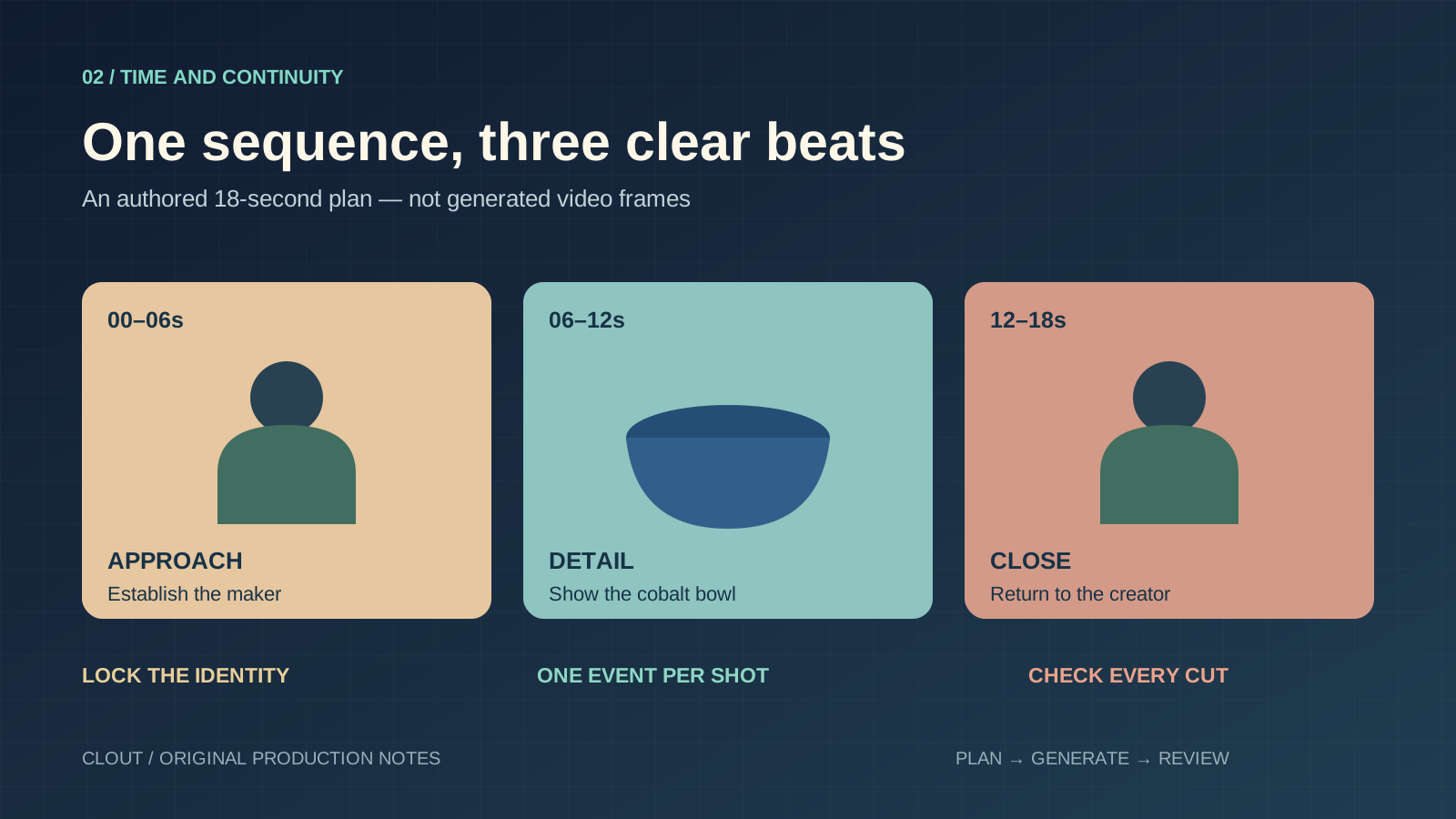
Make a three-shot sequence in one sunlit pottery studio. Keep the same adult potter, sage overshirt and cobalt bowl throughout. 0–6 seconds: wide view, the potter approaches the bench and stops. 6–12 seconds: close-up of the stationary bowl as her hand points to the glazed rim without lifting it. 12–18 seconds: medium shot, she rests her hands beside the bowl and smiles toward camera. One clear cut between shots, consistent daylight and room ambience. No dialogue, extra bowls, wardrobe changes or lettering.
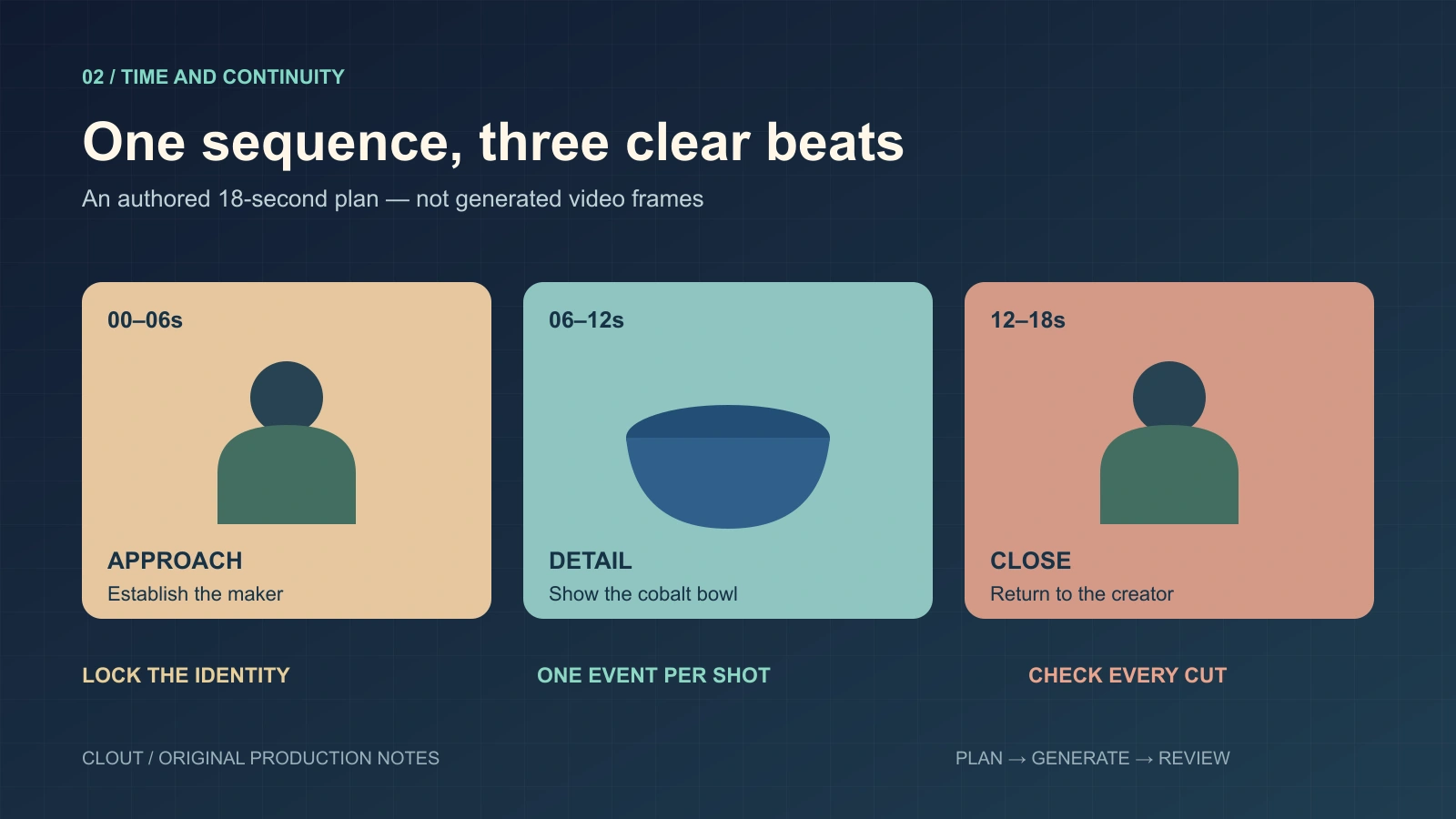
Download the editable planning diagram
The time ranges express the intended pacing; they are not verified frame-accurate output controls. Watch the result for skipped or repeated events. If the sequence fails, generate and assemble separate accepted shots rather than hiding missing beats behind a polished soundtrack.
Prompt five for a camera move with little subject motion
Input: a stable product composition. Planned duration: 5 seconds. Goal: movement that reveals depth.
A cobalt ceramic bowl rests on cream linen on an oak table. Make a slow short camera slide from left to right while the bowl stays completely still. Maintain the rim shape, glaze pattern and table contact. Soft window light remains from camera left. One continuous shot with quiet room tone, no hands, no object rotation and no text.
Compare the object geometry through the move. If newly visible surfaces matter to a real product, supply real photographs for those details in a supported reference workflow.
Prompt six for a constrained lighting revision
Input: an existing source video in a provider operation that explicitly supports editing. Goal: revise lighting while retaining the shot.
Edit the source video to create warmer late-afternoon window light. Keep the existing creator, bowl, wardrobe, action order, camera movement and scene layout. Change only the lighting mood and its coherent shadows. Do not add objects, dialogue, cuts or new gestures.
This is an editing brief, not an instruction to paste into an arbitrary text-to-video field. Confirm that your selected integration exposes editing, then compare the export with the source. Preserve the original audio separately if exact reuse is essential and your editing workflow supports that finishing step.
Download the prompts and track a controlled revision
Download the six-prompt pack and the blank review worksheet. Save the actual model, provider, settings and reference order with each attempt. Count cost per accepted shot using actual charges, rather than assuming every preview becomes usable footage.
When a result fails, name the failure and change the smallest relevant instruction. Missing speech calls for a speech and timing revision. A distorted handle calls for reference and contact review. An unwanted cut calls for a simpler shot structure. Changing every input at once loses the explanation of what worked.
Build your Wan scene in Clout's Image and Video Studio. For a recorded performance whose motion must carry through, compare the Genjutsu and Kling Motion Control workflow comparison.