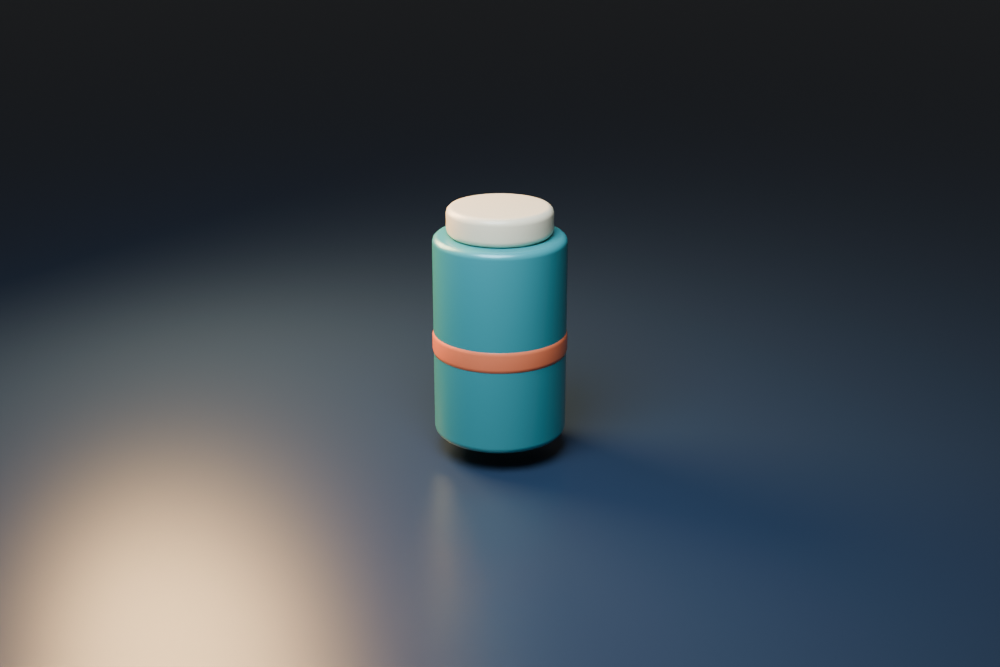
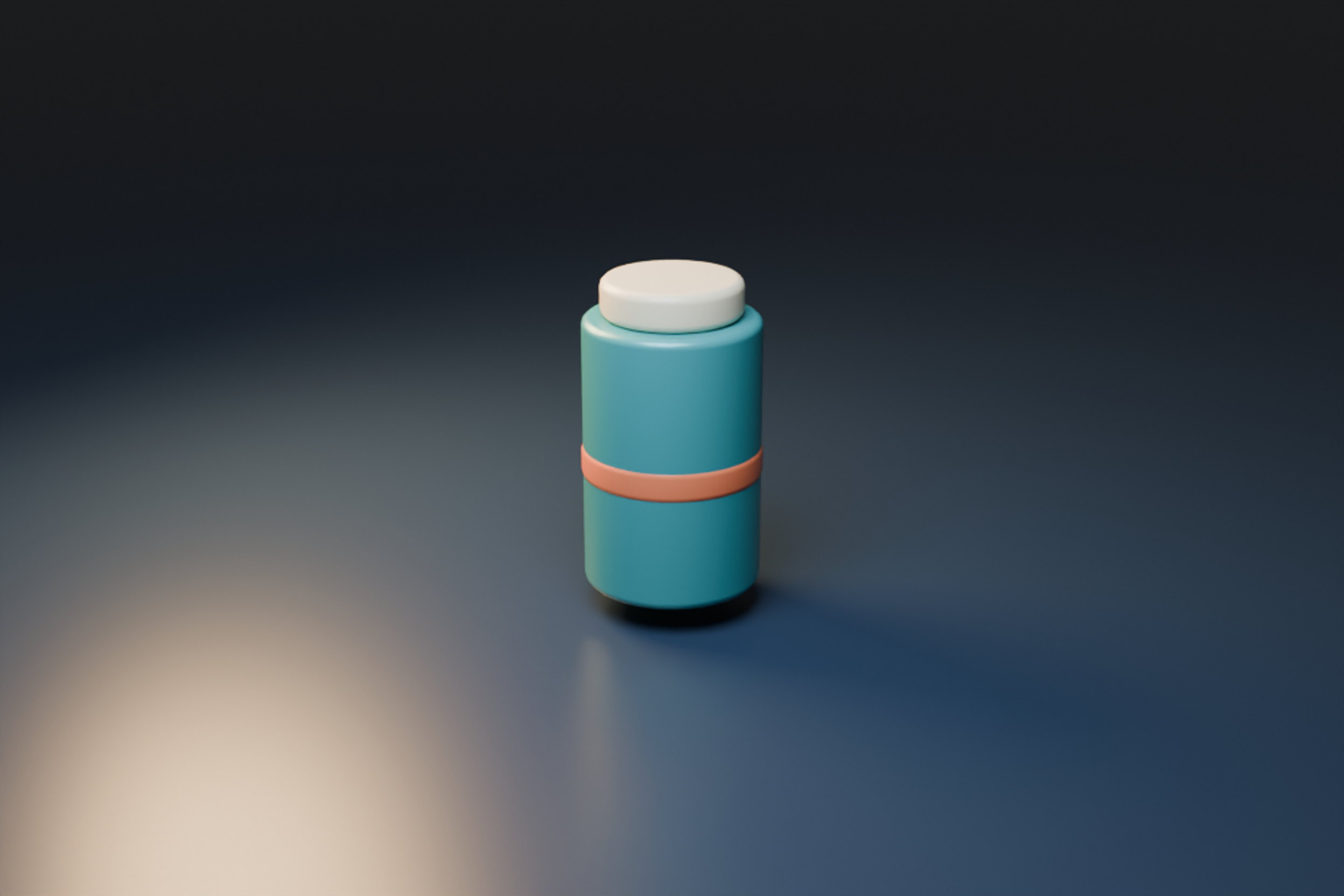
HiDream O1 Image is a unified image model with text-to-image, editing and subject-reference workflows. Before judging a result, confirm which model variant and input path you actually used. The original full model, Dev recipe and Dev 2604 branch are separate release choices.
This guide inspects main revision 2c2d29ff729e48f33e41f49edfdbd81d5ac103b4. The original bottle image and local preparation tool make one practical issue inspectable: your requested output size, processed reference size and delivered model image need not be the same. We have not installed HiDream, downloaded weights or run inference.
Prepare one reference in the free local tool
- Start with the original native bottle reference or choose a PNG, JPEG or WebP from your device.
- Leave Keep original aspect enabled to inspect the pinned single-reference editing route.
- Read the original dimensions, prepared dimensions, resize dimensions and crop origin. Inspect the complete product in the preview.
- Download the prepared PNG and geometry JSON. The ledger describes image preparation, not a generated result or ready runtime configuration.
- To inspect the other route, turn off Keep original aspect and choose a requested target format. The target snaps to a predefined resolution while the reference is prepared according to its own aspect ratio.
Image processing stays in your browser. The tool accepts files up to 16 MB, with at most 16 million input pixels and dimensions between 16 and 16384, with an aspect ratio no more extreme than 32 to 1. Transparent inputs flatten on white. Browser interpolation differs from Pillow, so this is geometry correspondence rather than byte-identical reproduction of the upstream image processor.
Inspect the original reference and prepared geometry
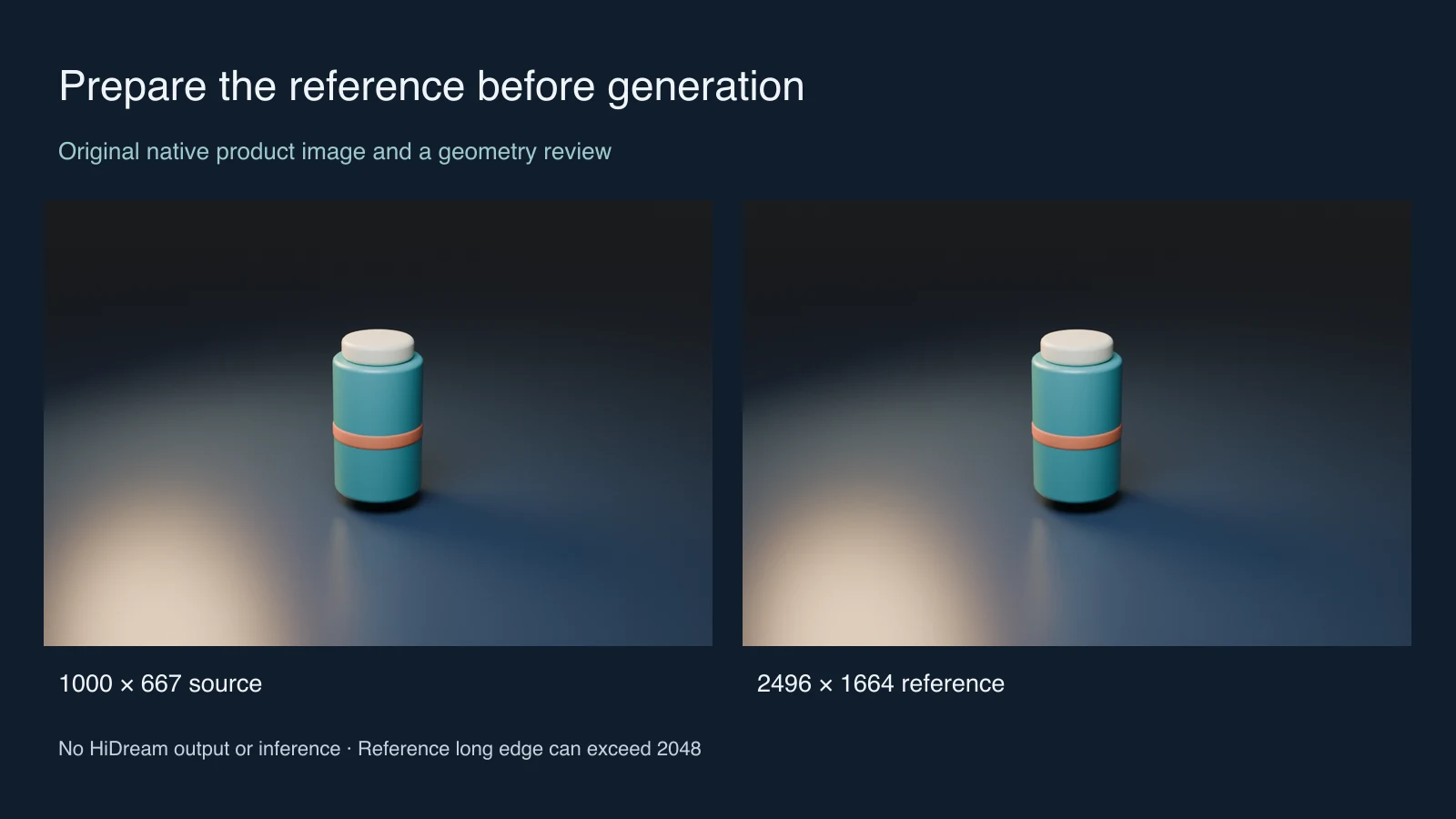
The original native reference measures 1000 by 667. With the keep-aspect route, its planned reference and target are 2496 by 1664. The resize step produces 2496 by 1665, and the center crop removes the final row. No new product detail is created by increasing the dimensions.
Download the prepared example PNG and example geometry ledger. The published PNG uses Sharp cubic resampling; the browser tool uses the browser canvas. Their dimension and crop rules agree, but their pixels are not asserted to match each other or Pillow.
The native reference is intentionally simple: one teal cylindrical bottle, one cream cap and one coral band. Those are observable acceptance checks for a later edit. Keep a clean source alongside the prepared copy so an unwanted change can be traced to preparation, generation or finishing.
Understand the area budget behind the reference resize
The pinned image utility calculates a scale from the requested area budget and source area, then aligns dimensions to a patch grid. The relevant pipeline passes a patch size of 32. It can upscale a small reference and crop after resizing to meet the chosen geometry.
For the keep-aspect path, a side parameter of 2048 means an area budget of 2048 squared, or 4,194,304 pixels. It does not mean every edge must be at most 2048. A 1000-by-250 reference becomes 4096 by 1024 in this geometry check. The long edge is larger while the area remains within budget.
Patch alignment can introduce a small crop or aspect change. Inspect borders, text and any product feature near an edge rather than treating the phrase keep original aspect as a guarantee that every source pixel remains visible. Very large sources can also undergo repeated halving before the final resize.
Separate requested target size from prepared reference size
Without the single-reference keep-aspect override, the pinned pipeline chooses a target from a fixed resolution table by the closest aspect ratio. It does not simply retain the requested pixel dimensions. A requested 1920 by 1080 selects 2560 by 1440, and 1080 by 1920 selects 1440 by 2560.
| Decision | What it controls | What to inspect |
|---|---|---|
| Requested width and height | The aspect-ratio choice for the default target path | The actual snapped target dimensions |
| One reference with keep original aspect | A reference-derived target using the area and patch rules | Upscaling small crops and retained product borders |
| Reference processing without that override | The reference image geometry inside a budget derived from the target | Prepared reference and target as separate sizes |
| Two or more references | A different subject-driven path with reference-count-dependent processing | Input ordering layout and the complete current runtime |
The local tool covers one reference. It does not build a multiple-reference layout, skeleton condition, prompt embedding or runtime tensor. Do not use its JSON as a substitute for the actual inference inputs.
Choose the model and editing recipe deliberately
The release README recommends the full model for editing and documents distinct full and Dev recipes. Its main entry point uses 50 steps for full and 28 for Dev. The Dev scheduler decision treats exactly one reference as editing; the default editing scheduler is flow match. Those are source settings, not our measured speed or quality results.
The same entry point requires CUDA. A locally prepared PNG does not establish that your computer can load or run the model. Check the environment, dependencies, complete checkpoint and intended release path before allocating a generation job. No independent GPU memory minimum or throughput benchmark is supplied here.
Dev 2604 is linked from a separate branch in the release documentation. This guide’s pinned main-path geometry should not be assumed to describe every later branch, ComfyUI wrapper or hosted implementation without checking that implementation.
Run a narrow product edit before expanding the scene
For the supplied original bottle, begin with one desired change. An untested editing direction is:
Keep the bottle silhouette, cream cap and single coral band from the reference. Change only the surrounding studio background to a muted warm gray. Preserve the full cap, base and tabletop contact. Add no product text, extra objects or additional bands.
Retain the source, prepared copy, exact instruction, selected model, seed and returned file. Compare the cap edge, cylinder width, band height and contact shadow at a useful zoom. A plausible new background is not a successful edit if the product also changes.
For a more ambitious campaign, the light painting planner offers an original arch composition and capture workflow. Add the arch only after the simpler product edit meets your acceptance checks. Keep original staging references separate from outputs produced by a model.
For hosted original media, inspect supported inputs in Clout Image and Video or build a product campaign in Marketing Studio. This guide does not claim that Clout hosts HiDream O1.
For exact bilingual package lettering, compare the LongCat Image Edit label workflow and its literal character review sheet.
Inspect the source audit and reproduce the native reference
The pinned source audit records eight small documents: six repository files and two model cards. Its read-only audit script checks document hashes without model weights or runtime execution. The repository license states MIT; its optional prompt-agent workflow also identifies separately licensed Gemma weights. Check the terms of the actual components you intend to use.
The original native bottle project, Blender builder and native record reproduce the source scene. The asset builder and geometry source reproduce the prepared example and comparison with Bun and Sharp. Keep companion files together and choose a new output directory.
For another model’s distinct preparation rules, compare the Qwen Video Edit input guide. The useful habit is the same: inspect the exact implementation, record transformations before inference and review the delivered output rather than inferring success from the requested settings.