

Mage Flow Edit is the instruction-based image-editing route in Microsoft’s Mage Flow code release. Its reference does not travel through a single resize: the pinned implementation resizes it to the output dimensions for VAE encoding and separately caps the image passed toward the vision-language processor. Use the free geometry map to inspect those dimensions before planning an edit.
This guide audits public source rather than reporting a successful model run. Logged-out requests to the linked standard and Turbo checkpoint metadata returned HTTP 401 during this research, so current checkpoint access and runnable deployment are unverified. Confirm a usable authorized checkpoint and its dependencies before allocating production time or compute.
Use the free Mage reference geometry map
- Enter the original reference width and height. The default original lamp render is 1200 by 800 pixels.
- Choose the output rule: source dimensions, a maximum long edge, or an explicit width and height.
- Read Output and VAE reference separately from Before the VL processor. They describe different preparation paths.
- Inspect Output aspect change. A direct resize can alter shape when the requested output has a different aspect ratio.
- Download the JSON and keep the source image, selected implementation revision and actual generation settings with it.
The geometry-only tool accepts whole source and output dimensions from 16 to 4096 pixels and a vision reference cap from zero to 2048. These are local planner limits, not a claim that every resulting configuration is a supported or recommended model resolution. No file upload, image resampling, tokenizer, tensor construction or model execution occurs in the tool.
Understand the output size precedence
In the pinned editing pipeline, supplying both explicit height and width takes precedence. Otherwise a supplied maximum long edge determines the output shape from the primary reference. With neither override, the source dimensions establish the target. Final target dimensions are rounded down to multiples of 16 with a minimum of 16.
| Rule for the original 1200 by 800 source | Output and VAE reference | Before the default VL processor |
|---|---|---|
| Source dimensions | 1200 by 800 | 384 by 256 |
| Maximum long edge 1024 | 1024 by 672 | 384 by 256 |
| Explicit 768 by 768 | 768 by 768 | 384 by 256 |
For the 1024-long-edge route, the aspect-derived short side rounds to 683 before alignment reduces it to 672. The target is therefore slightly wider in aspect ratio than the original source. In the explicit square route, the same landscape source is resized to a square. Neither operation is a center crop in the audited VAE preprocessing path.
The map follows the source’s ties-to-even rounding before alignment where applicable. A maximum long edge is a requested bound, not a guarantee that the final long side equals an arbitrary value: requesting 1000 pixels gives an aligned long side of 992. Keep requested and prepared dimensions distinct in your review record.
Inspect the original lamp reference and resized examples
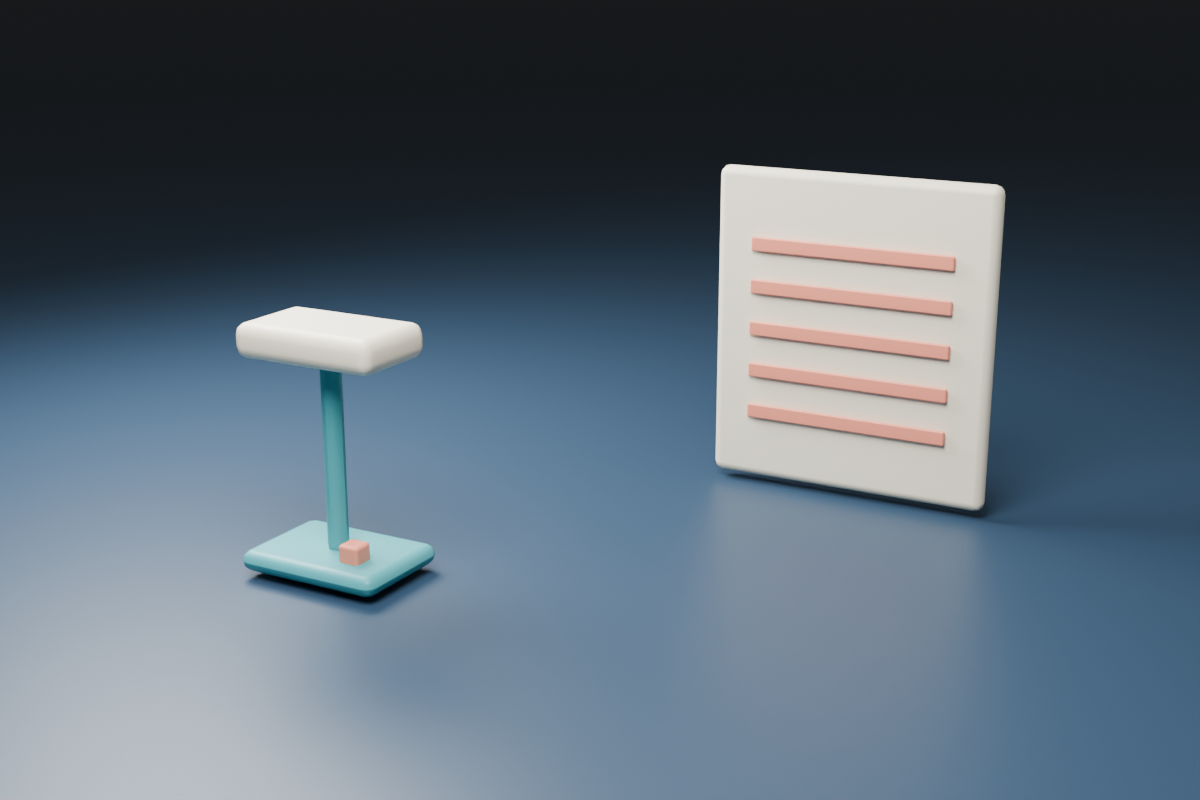
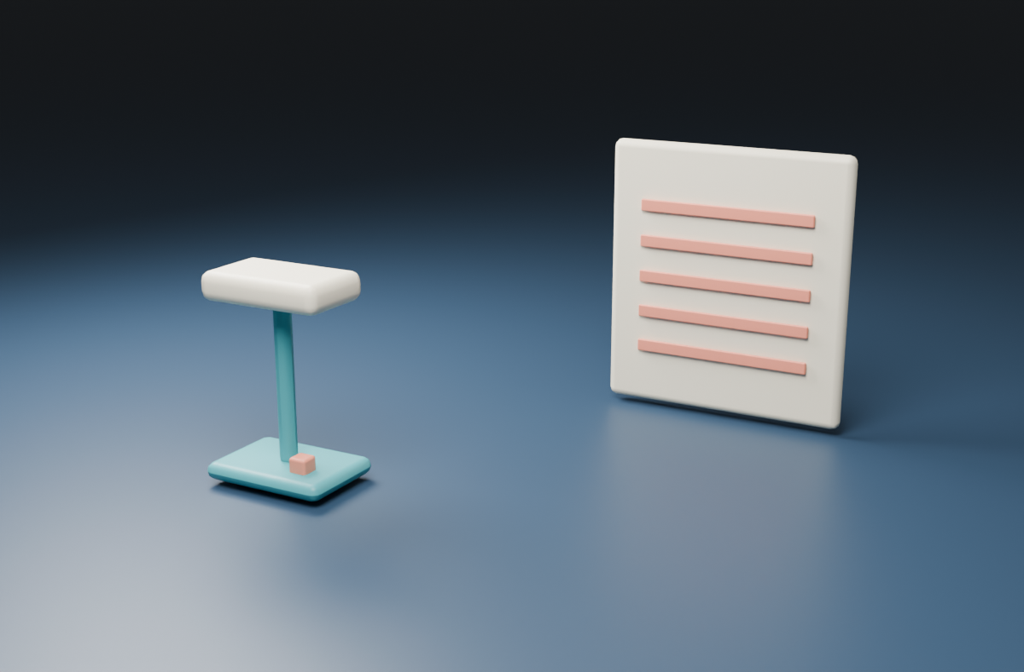
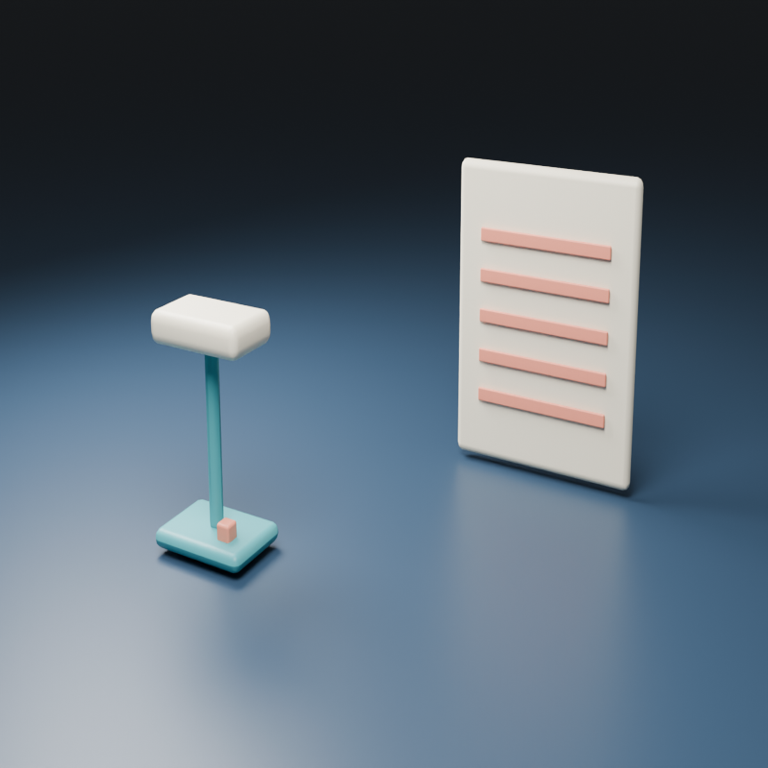
Download the original PNG, aligned long-edge example, explicit square example and default geometry ledger. These are original source and locally resized preparation examples, not Mage-generated edits. Sharp’s cubic pixel resampling is not asserted identical to torchvision or Pillow.
The vision reference cap is a separate path
The audited implementation caps the reference’s long edge before the downstream vision-language processor, with 384 as the default. It preserves aspect ratio at this stage and does not upscale images already below the cap. A zero or disabled cap keeps the original image at this stage. Changing the output shape does not change this reference calculation.
The downstream text encoder implementation invokes a processor for multimodal inputs. The map stops before that processor. Its 384 by 256 result is not a claim about the final tensor grid, number of visual tokens, memory use or perceived detail in an output.
A small detail that remains present in the full-resolution VAE reference may be difficult to inspect in a smaller vision reference. That is a reason to review the preparation paths and an actual returned image; it is not proof that the model will lose that detail. Do not infer model quality from a downscaled preview alone.
Choose an editing task that exposes a clear pass condition
For the original lamp, begin with one visual change: replace the navy tabletop background with a muted warm gray while keeping the lamp’s teal base and stem, cream head, coral switch and the card’s five stripes. This is an untested editing direction for a narrow pilot.
Retain the original source and the prepared geometry record. Compare the returned lamp silhouette, switch, stripe count, shadows and complete frame. If the base becomes round or the card loses a stripe, a pleasing new background does not satisfy the preservation brief. Record actual failed attempts and finishing separately from accepted model output.
When a square deliverable is required, decide how you want the source composed for that shape before inference. An explicit square resize stretches the reference; preparing a deliberate square composition is a separate editorial operation. Keep the approved source and record any crop or padding you apply yourself.
Check the implementation and availability before a run
The official Mage Flow README documents generation and editing variants, including a Turbo editing recipe with four steps and guidance one. Those are upstream instructions rather than measured speed or quality results from this study. Model availability must be checked independently of the source being public.
The audited editing path also includes source-and-instruction screening before active samples proceed. Geometry agreement does not prove that a requested edit will run or pass that screening. This guide does not change those checks or provide a bypass.
The repository publishes an MIT software license. Review the actual checkpoints, encoder and other component terms you intend to use. We did not verify a complete runnable checkpoint, GPU requirement, latency, image-quality benchmark or Clout hosting for Mage Flow.
Connect the preparation to a product campaign
For supported hosted original imagery, explore Clout Image and Video or build variations in Marketing Studio. Choose the operation that supports your approved source and inspect the returned image. The geometry tool does not call those studios or generate media.
Compare the HiDream reference preparation guide for a different implementation’s area-based rules, and the LongCat label workflow for literal text review. For a focus-pull product video, the lens breathing margin planner helps keep framing assumptions separate from image-reference preparation.
For a text-to-image recipe rather than an edit, compare the SeFi Image Turbo preflight.
Reproduce the source audit and original resources
The document audit hashes five small pinned official repository files. Its read-only auditor rechecks them without weights. We compared 24 geometry cases with isolated sizing functions from the hash-checked pipeline and Pillow dimensions. That validation covers sizing, not the full runtime, image tensors or pixels from inference.
The geometry helper builds both preparation ledgers and margin diagrams. The native builder and saved original scene supply the lamp reference. The asset builder produces the resized examples with Bun and Sharp. Use new directories and preserve the companion files and native record.


