

Choose the voice task before choosing settings
An Eleven v4 test starts with the work the voice must perform. A product explanation, character line and live response need different acceptance decisions. Write down the words, intended listener, language, delivery and required ending before judging a candidate. A pleasant first sentence is a weak substitute for reviewing the complete assignment.
This guide focuses on text-to-speech selection and review. The separate ElevenLabs dubbing guide covers existing audio and original-picture assembly. Changing a TTS model does not establish a video dubbing workflow.
What the current Eleven v4 documentation establishes
The official overview, checked October 22, 2026, lists eleven_v4 and eleven_v4_turbo. ElevenLabs positions the first for quality and Turbo for real-time work. Both expose Stability and Similarity; a Professional Voice Clone with v4 also has Clone Strength. Style and Speed sliders and SSML are unavailable. Audio tags can guide delivery but are imperfect. Cross-language accent handling differs from same-language generation. These are publisher descriptions, not results from our own render.
Keep the script fixed and change one variable
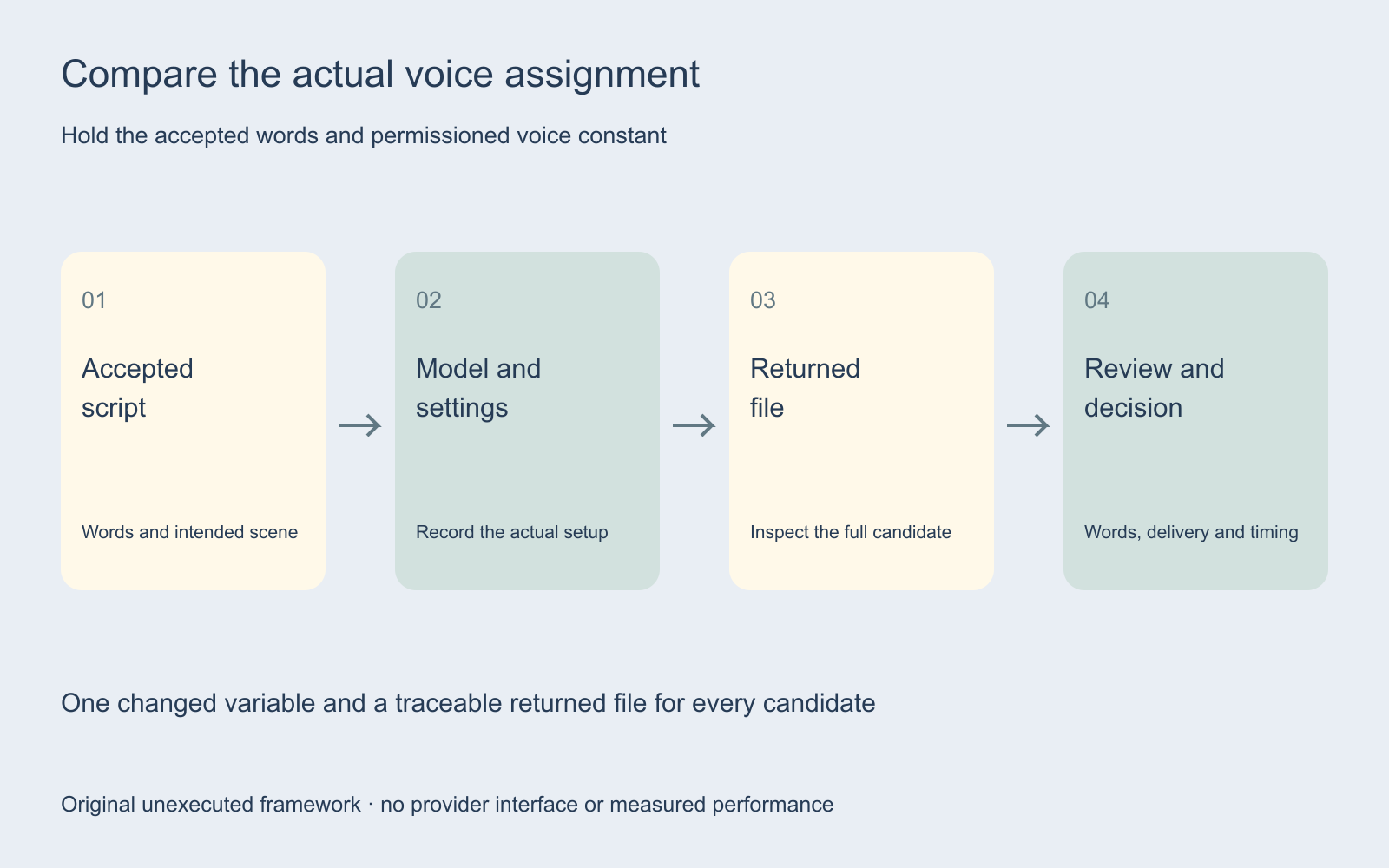
Use the same accepted words and permissioned voice for a paired comparison. Record the selected model, available settings, date and returned file for every candidate. First compare models with a documented configuration. Then adjust one available control while keeping the other choices fixed. Otherwise a preferred take cannot be traced to a particular change.
Keep pronunciation, performance preference and resemblance as separate observations. A reviewer may prefer a performance that does not match the source closely. Record that distinction rather than collapsing every decision into a single unlabelled quality score.
Use an original short script with inspectable requirements
The comparison script uses an imaginary desk-lamp scene. Its neutral line is: “The small amber lamp sits beside the notebook. Turn the shade toward the page, then pause before the next sentence.” A second candidate adds a delivery tag to those same words. Neither candidate has been rendered.
Use the neutral candidate to inspect exact wording and pronunciation. Use the tagged candidate to inspect the intended change in delivery without changing the underlying message. If the model adds a word, omits the ending or speaks an instruction aloud, record the returned behavior. A prompt is a request; the file is the evidence.
Add your real difficult names and numbers only after the source script is accepted. Do not introduce unsupported product claims merely to make the example sound like an ad. Keep the final sentence in the review so a clipped ending does not disappear from the acceptance process.
Separate controls from observable acceptance
| Test decision | Keep constant | Inspect in the returned file |
|---|---|---|
| Model comparison | Voice, words and documented setup | Exact wording and intended delivery |
| One setting change | Model, voice, script and other settings | Specific difference the change was meant to address |
| Tagged script | Spoken words and voice | Requested delivery and unintended spoken instructions |
| Language assignment | Accepted meaning and speaker identity requirement | Actual pronunciation, accent and audience fit |
| Final assembly | Accepted track version | Timing, intelligibility and ending against the picture |
Write a requirement in observable terms: the product name is correct, all accepted words are present, the ending is complete and the delivery suits the scene. Avoid inventing a universal slider recipe or presenting a preference as a measured accuracy result.
Review language and timing in the actual context
For a multilingual assignment, preserve the accepted meaning and have the actual target-language performance reviewed by someone who understands the intended audience. A fluent-sounding sample is not proof that a name, number or promise is correct. Keep the language decision attached to the exact file version.
Watch a voiceover against its intended picture. Check whether the line covers a product reveal or ends after the action disappears. If it does, decide whether the script, performance or edit should change. The ad localization workflow separates visible text, audio, crop and destination review.
Record rejected candidates as well as accepted ones
The acceptance ledger includes model, voice reference, script version, available settings, output ID, wording, delivery, timing, actual elapsed time, displayed charge and decision. Blank fields are intentionally blank; this is a proposed test record, not a benchmark.
If you later compare cost, include rejected attempts and use the actual billing unit. If you compare latency, define the measured start and end events and use repeated observations under comparable conditions. A provider label does not supply your measured time to an accepted production track.
Carry the accepted voice assignment into production
Keep the accepted script, track version and reviewer decision with the edit. A revision to a factual claim or product name should reopen the dependent voice and caption checks. Use the creative brief builder to preserve the assignment before producing more variants.
Explore Clout Marketing Studio for current creative work and inspect the actual selected workflow and quote. This independent guide does not establish Eleven v4 availability inside Clout. No audio request, voice clone or paid comparison was executed for this article.


