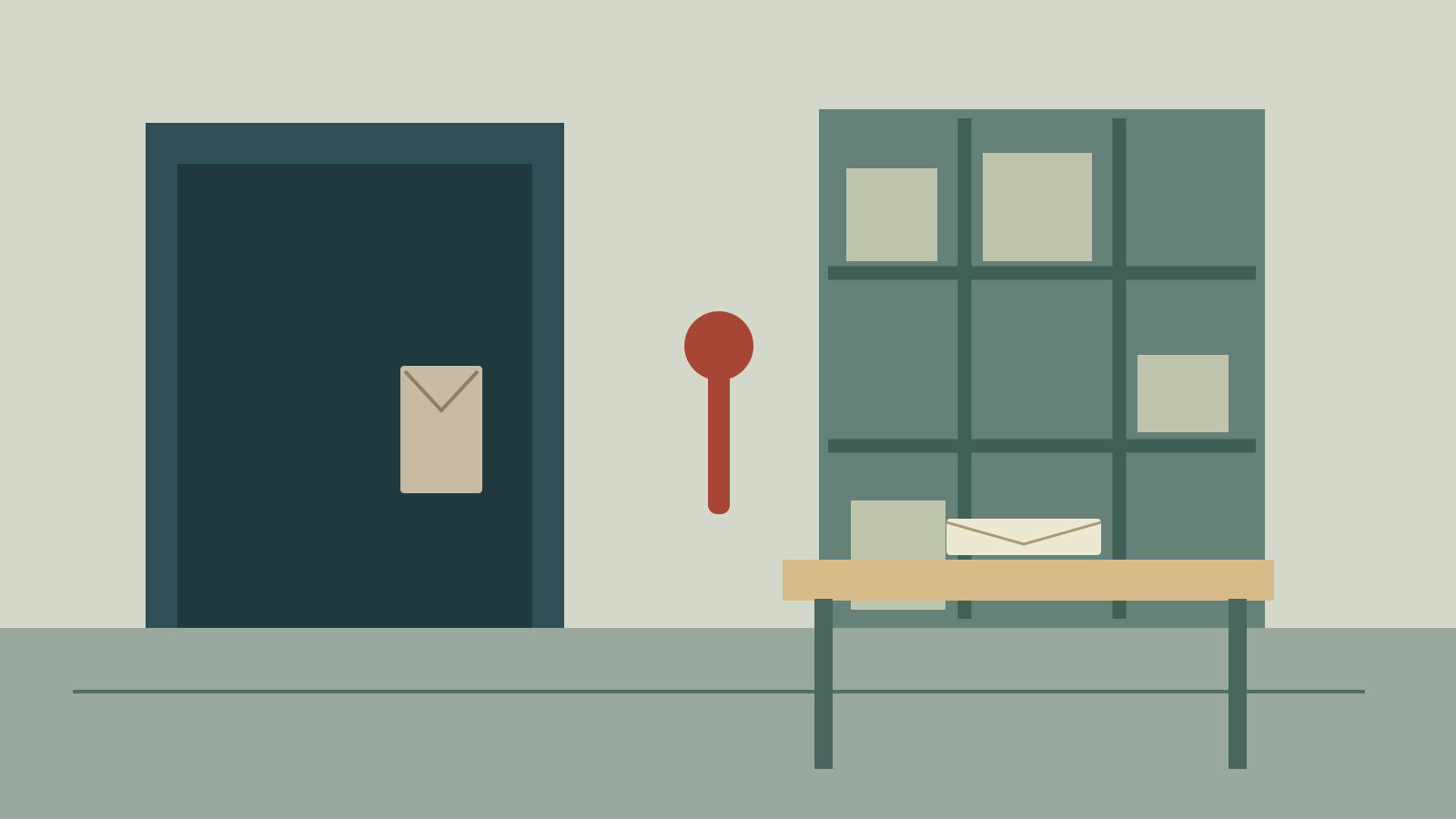
A Dutch angle is a rolled or canted camera composition: the horizon no longer sits level with the frame. It can make a familiar room feel unsettled before the actor moves. The useful question is what changes in the story when the image loses its balance.
This guide uses an original archive-room illustration to compare compositions, then turns the same idea into a shot plan for AI Cinema. The illustrations and browser previews are authored geometry and image transformations, not generated movie frames or a model benchmark.
For interactive research routing, use the LongLive AI project and continuity guide
For a related production workflow, see our panning shot guide and original camera study
What is a Dutch angle shot
The camera rolls around its viewing axis, making doors, shelves and the horizon lean within the frame. It does not need a moving camera. Adobe’s cinematography guide describes the technique as a way to convey tension and unease.
Separate camera height, viewing direction and roll. A camera can be low and level, eye-height and canted, or high and canted. Writing only “dramatic angle” leaves several production choices undecided. Specify what the audience should see and which lines should remain visibly slanted.
| Choice | What changes | What to inspect |
|---|---|---|
| Dutch roll | Orientation of the scene inside the frame | Doorframes and horizon lean |
| Upward or downward tilt | Where the lens points vertically | Ceiling, floor and subject coverage |
| Low camera position | Viewpoint relative to the subject | Perspective and apparent subject scale |
| Post-production rotation | Orientation and usable crop of existing pixels | Edges, lost headroom and enlarged detail |
Compare a level frame with a canted frame
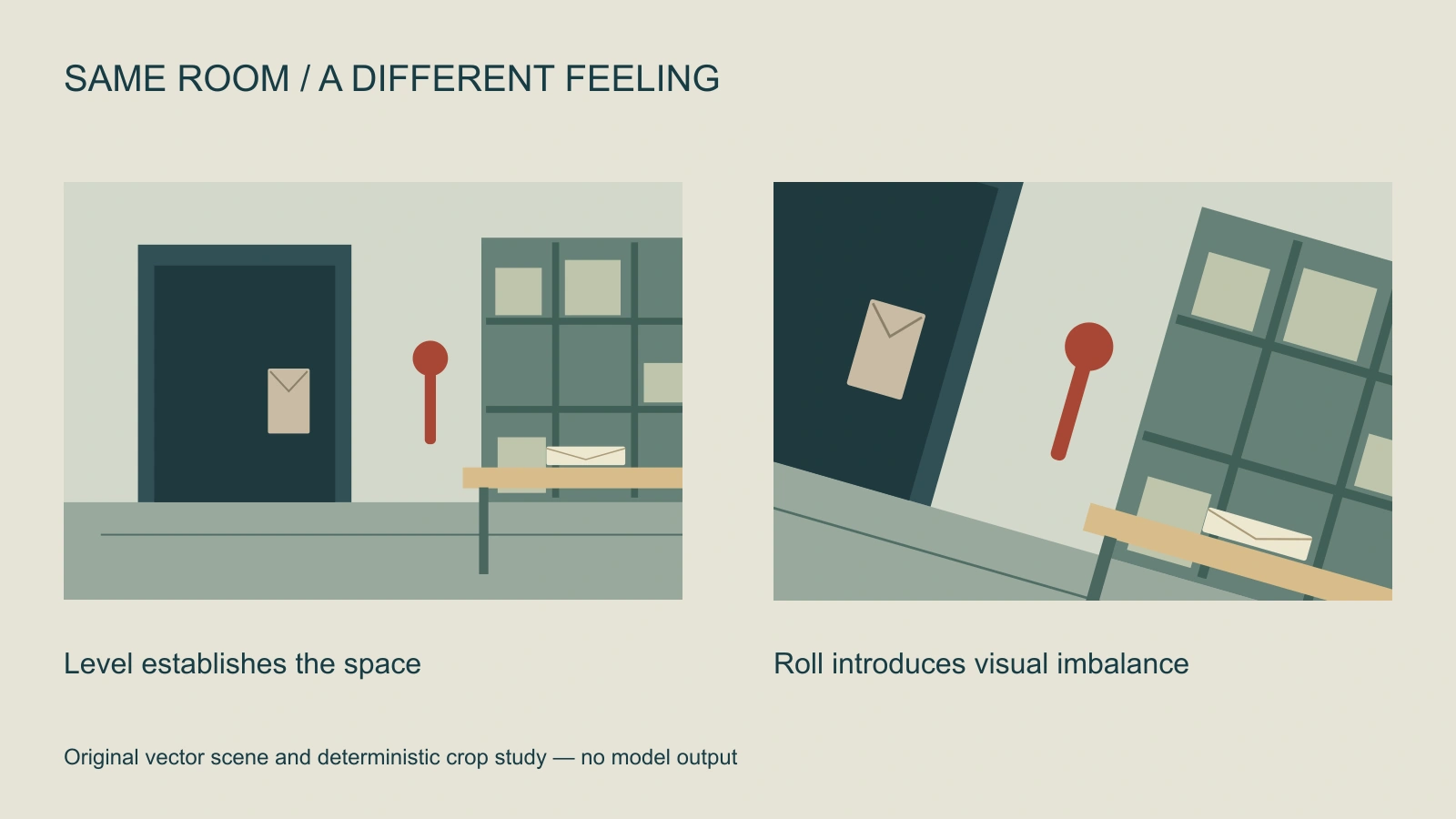
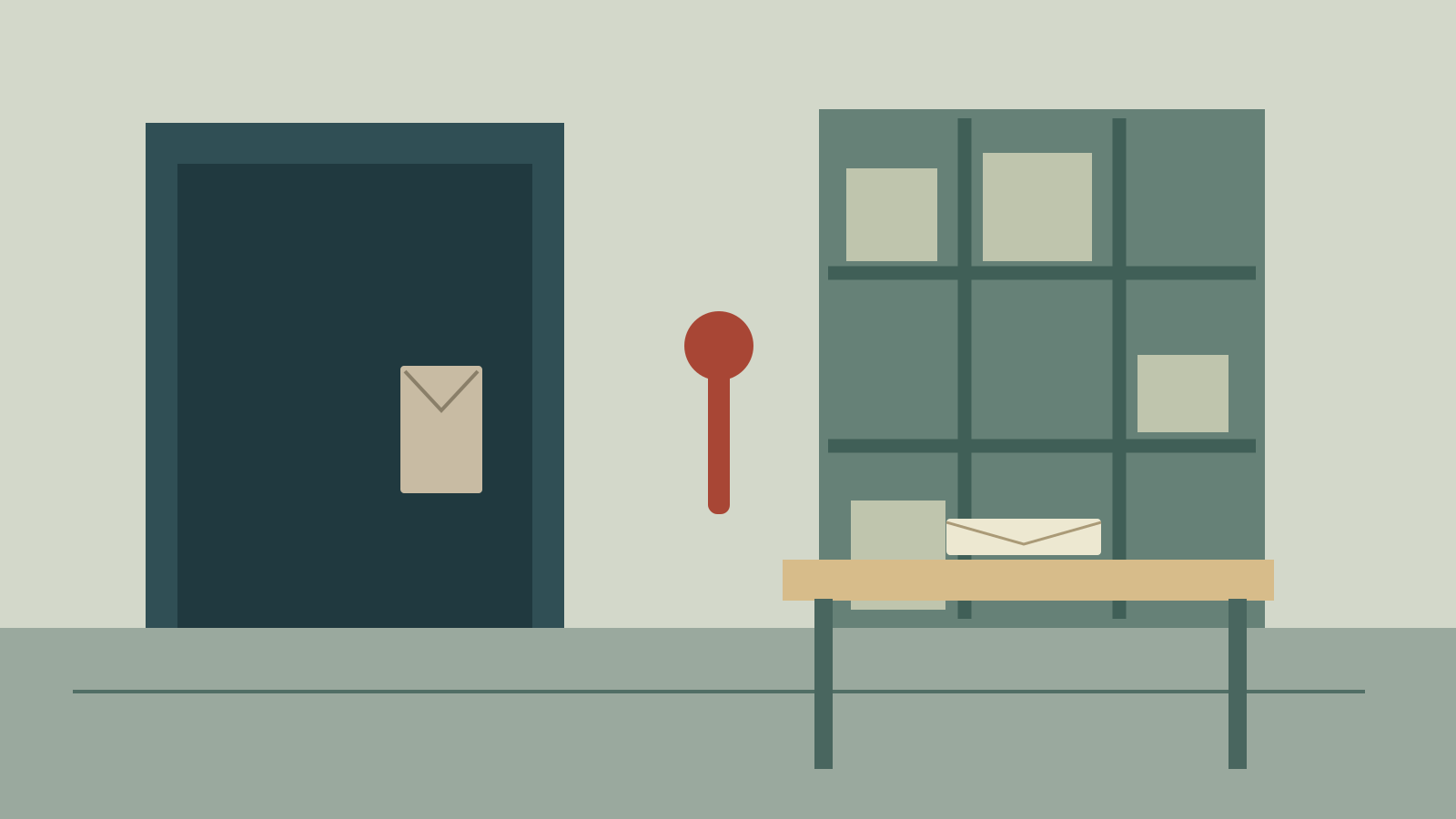
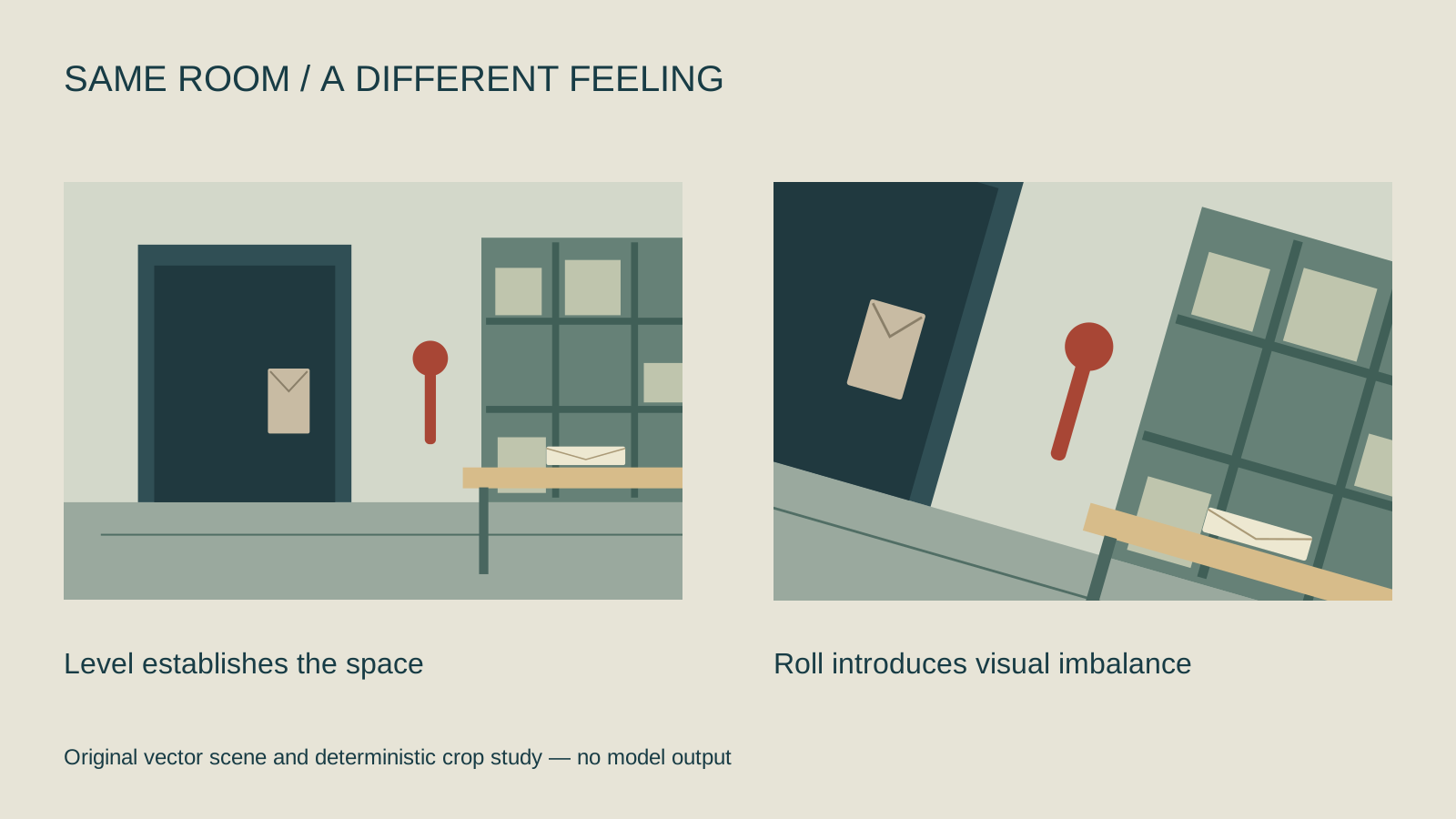
Our room contains a door, a wall lever, shelves and an envelope on a table. The level frame establishes their positions. The canted version uses the same source with rotation and a tighter crop. Notice how the envelope survives while some room context disappears. That is an editing tradeoff, not evidence of better storytelling by itself.
Use the tool above to inspect positive, negative and zero roll. Its fill calculation enlarges the source enough to cover a 16:9 output at the chosen angle. It does not invent the corners that were outside the image. A tightly framed face may lose its hairline or chin as the source enlarges.
Download the original archive PNG, editable vector source and comparison diagram. You can use the sample locally before choosing your own image.
Build a Dutch angle into a short drama
Plan a three-shot discovery: a courier enters the archive, notices that the envelope is already open, and hears the locked door release behind them. Begin level to establish the room. Introduce the canted composition when the courier recognizes the opened envelope. Return to a level wide shot only if the story calls for restored orientation.
- Establish geography: Keep the door, table and envelope readable. Record which side the courier enters and where they look.
- Choose the imbalance: Decide which frame carries the reveal. Use a modest roll first and inspect whether the object still reads.
- Protect continuity: Match the envelope position, sleeve, doorway and light direction in the adjoining shots.
- Review the cut: Watch the sequence at delivery size. Keep the canted shot only if it strengthens the intended beat.
The degree of roll is a creative setting rather than a universal emotion scale. A numerical angle in a text prompt may be interpreted loosely. If exact geometry matters, create a clear reference or perform the rotation in an editor after the source is approved.
Write an AI prompt that separates roll from motion
Medium view of the fictional archive courier noticing an opened cream envelope on the wooden table. Keep the doorway on frame left and the shelving on frame right. Use a canted composition with visibly slanted doorframe verticals. Hold the camera still during the reaction. Preserve the approved character, clothing, envelope and room lighting. No new lettering or extra props.
This is original, untested creative direction. Select the model and supported references in Image and Video or plan coverage in AI Cinema. Ask for one clear action before adding a camera move. A continuous rolling move is a different request from a static canted composition.
For the final highlight treatment, compare the clean source with the halation and digital glow guide instead of using glow to conceal a weak composition.
Fix common Dutch angle mistakes
The world is level: Check the background lines rather than a leaning head. Revise the composition reference before adding stronger emotional adjectives.
The subject is clipped: Begin with more surrounding space or choose a smaller roll. Post rotation cannot recover a hand or prop missing from the source.
The whole scene feels arbitrary: Compare the canted take with the level one in the edit. Repeating the effect across every shot can remove the contrast that made the reveal noticeable.
The transition jumps across the room: Review screen direction separately from roll. Use the short drama workflow and multi-shot guide to maintain geography. For motion within a still, see the Ken Burns effect guide; it solves a different framing problem.