Free animation idea generator with hooks and shot briefs
Generate animation concepts with a character goal, three story beats and timed shot briefs, then build a short sequence using original examples and practical review steps
Generate three animation ideas
Choose a character, location and objective. Get three concepts with a hook, three timed beats and copyable shot briefs. This free browser tool combines twelve curated story patterns with your inputs; it does not call an AI model or render animation. Inputs update the current briefs immediately.
A curious delivery robot with a cobalt body and amber eyes in A quiet courtyard beside a small workshop: Finish one small delivery before sunset
Setup — The character is ready but their shadow is not
Change — A separate insert reveals the shadow still in its earlier position
Payoff — The character waits patiently for the shadow to catch up
Production note: Build the mismatch with separate approved stills and cuts rather than asking for complex shadow physics
View timed shot briefs
The tiny obstacle
A serious mission stops at an unexpectedly tiny obstacle
A curious delivery robot with a cobalt body and amber eyes in A quiet courtyard beside a small workshop: Finish one small delivery before sunset
Setup — A serious mission stops at an unexpectedly tiny obstacle
Change — An insert reveals a small paper cone blocking the path
Payoff — The character makes one careful step around it
Production note: Keep the obstacle scale consistent and use a clear side view for the step
View timed shot briefs
The wrong applause
The character finishes a small task as if it were a grand performance
A curious delivery robot with a cobalt body and amber eyes in A quiet courtyard beside a small workshop: Finish one small delivery before sunset
Setup — The character finishes a small task as if it were a grand performance
Change — An empty setting insert creates an awkward pause
Payoff — The character gives a restrained bow anyway
Production note: Add applause in the edit and avoid generating a crowd just for the joke
View timed shot briefs
Copy all idea briefs as JSON
Timings are editing targets at 24 fps, not a model's supported clip duration. Review and adapt the proposed briefs before generating footage.
In this guide
An animation idea generator is useful when it gives you something you can stage. “A magical adventure” is a mood, but it does not tell you what the character does in the first shot. Start with one character who wants something, one place the viewer can understand and one visible change.
The free tool above returns three concepts from twelve curated narrative patterns. Enter your own character, location and objective, select a tone and choose a short edit duration. The briefs update with your inputs. “Show another set” rotates the patterns within that tone; it does not call a language model. Download the JSON or open the copy panel to keep the result.
What a usable animation idea contains
Part
Question to answer
Small example
Character
Who can the viewer recognize?
A cobalt delivery robot with amber eyes
Objective
What does the character want?
Finish one delivery before sunset
Change
What interrupts the expected action?
A small light reveals an overlooked corner
Payoff
What is different by the ending?
The character notices the new route and continues
Production limit
What keeps the idea finishable?
One location, a simple prop and three reviewed shots
The generator helps arrange these parts, but it cannot evaluate arbitrary inputs like a director. If your objective conflicts with a pattern, revise the story before generating footage. A character delivering a parcel can plausibly encounter a tiny obstacle; a character already seated at a desk may need the same joke restaged around a small object on the desk.
Watch an original small animation example
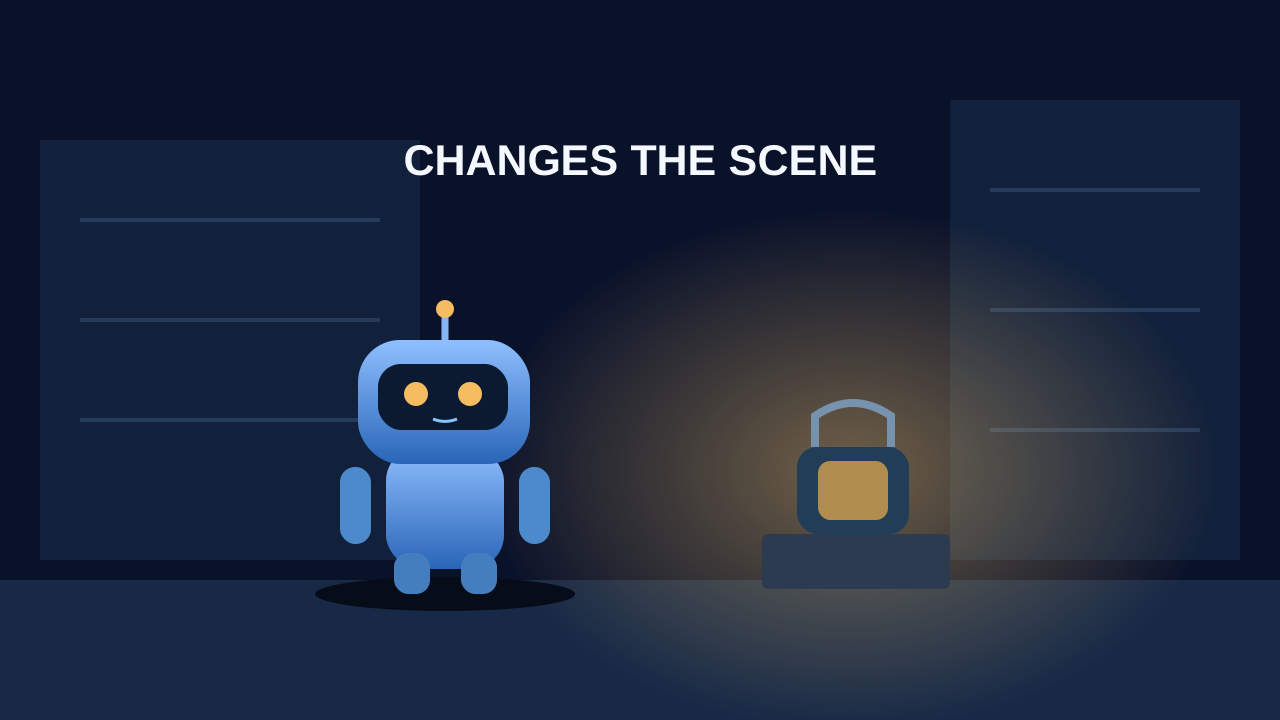
This eight-second silent example illustrates “The borrowed glow,” one of the Wonder patterns: establish the robot and lamp, brighten the lamp, then make a small character reaction. It is an original hand-built vector animation rendered from authored SVG frames, not an AI-generated result or an example of Clout's model output.
Download the original animation MP4 or download the editable vector reference frame. The MP4 is 1280 by 720 at 24 fps. The loop demonstrates a small, readable change without a crowd, complex hand contact or a new location. Its eight-second timing is a separate demonstration; the planner's fifteen-, thirty- and sixty-second outputs are editable planning targets.
Use the animation ideas generator with a real constraint
Enter a specific character design rather than a broad role. “A curious delivery robot with a cobalt body and amber eyes” gives the next step a more stable starting point than “someone interesting.” For a person, record the hair silhouette, outfit and a repeatable accessory. For an object character, record the shape, palette and eye placement.
Choose a location you can repeat. A courtyard, workshop doorway or single room is easier to understand than a new setting in every cut. Enter one objective with a visible result, such as leaving the parcel in the right place. Then choose a tone that matches what the change should feel like: funny for an expectation reversal, wonder for a discovery or calm for a small resolution.
Read all three concepts before choosing. The title is only a label; the important parts are the hook and what happens next. Open the timed shot briefs and inspect the sequence. The change is deliberately staged as an object or setting insert with no character contact. This keeps the starter plan small; adapt it if the interaction itself is the story.
Six animation ideas you can adapt today
Idea
Opening hook
Payoff
Keep it manageable
The tiny obstacle
A serious mission stops at a tiny paper cone
The character carefully steps around it
Use a simple side view and stable cone scale
The wrong applause
A small task is treated as a grand performance
The character bows to an empty place
Add the applause in editing
The borrowed glow
A small lamp changes a familiar scene
The character notices a previously dark corner
Animate brightness rather than many moving objects
The waiting message
A folded note appears in the character's path
The character returns with renewed purpose
Show the note and reaction in separate shots
The passing breeze
A ribbon interrupts a quiet routine
The character pauses and continues
Keep the camera locked and attachment points visible
The final place
One parcel remains to complete the scene
The character steps back from the finished work
Use before and after references if contact fails
These are original starter concepts, not claims that the jokes or visual effects will work in every generator. Change the objective, location and staging to fit your creator. A humorous idea may need a longer pause before the reveal; a calm idea may benefit from a sustained hold rather than more cuts.
Turn one concept into a three shot plan
Use the setup to show the character and expected situation. Use the change to reveal the one detail that matters. Use the payoff to show a reaction or a changed state. If the idea needs another shot to be understood, add it deliberately rather than forcing too many actions into one generation.
The default thirty-second plan divides the edit into three ten-second targets at 24 fps. Its frame intervals are contiguous and end at frame 720. That is timeline arithmetic, not a claim that your chosen model supports exactly ten-second clips. Trim or extend the plan around the actual usable footage and audio.
Download an example concept and shot brief for the borrowed-glow idea. It contains an objective, three beats and review notes. This is a proposed production brief. The vector loop demonstrates the general concept independently; it does not prove that the image or motion prompts produce the same result in an AI model.
Create scene references before asking for movement
Approve the character's neutral design, then create a separate first frame for each composition. Keep the visual style consistent: line treatment, shadow edges, palette and background detail. Check prop positions and the direction of light across the cuts. A repeated description helps organize the work but does not guarantee identical output.
For an image-to-video route, Runway's prompting guide distinguishes the image's visual composition from the text's motion direction and recommends beginning with the essential movement. Use the approved still to establish appearance, then direct a clear action.
Approved courtyard reference with the cobalt robot and amber lamp. The robot makes a small head movement toward the lamp. The camera stays locked in one continuous shot.
Approved close view of the lamp on a stone ledge. The amber light gradually brightens while the lamp remains fixed. Preserve the ledge and background composition.
These are untested motion briefs. Watch each generated clip from beginning to end and note the specific failure before retrying. If the robot's eyes drift, reduce the head movement or use a clearer reference. If the lamp changes shape, simplify the lighting change or revise the input image.
Choose the next tool by the production job
Need
Useful next step
Verify
More concepts
Rotate or rewrite the starter patterns
Whether the objective still fits the change
Approved character artwork
A character or image creation workflow
Identity and consistent scene references
Animated shots
A compatible image-to-video or animation workflow
Inputs, supported duration and the full motion
A soundtrack-led sequence
A music cue plan and a timeline editor
Actual phrase boundaries and final audio
A full episode
A timed script, animatic and production budget
Continuity and repeatable shot quality
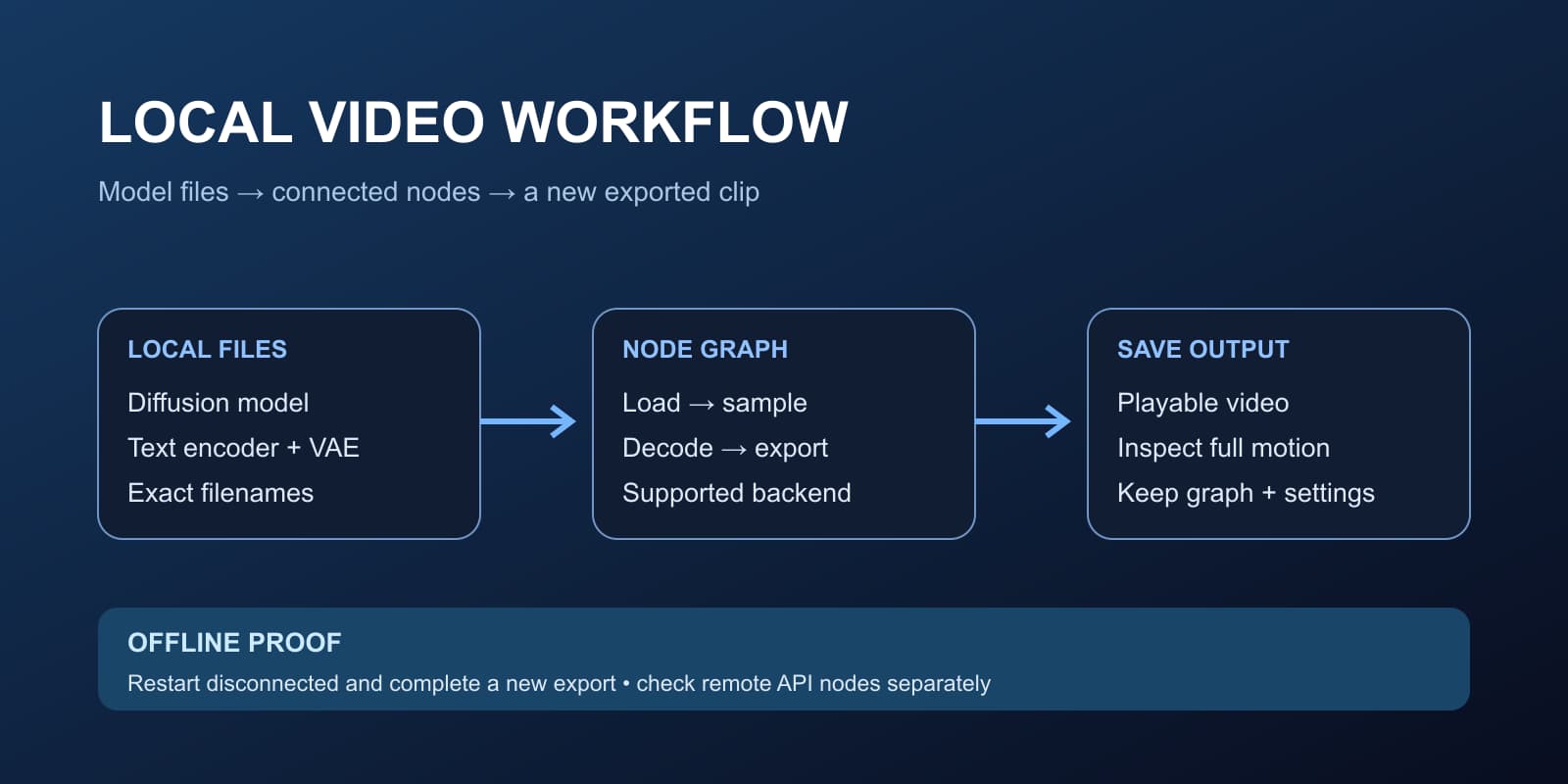
For a recurring creator and scene assets, create your original character in Clout. For a local generation requirement, see the open source video workflow. Select the route that completes the missing production step; an idea tool is not a replacement for animation or editing.
Finish a short test before expanding the idea
Assemble the accepted shots and check whether the change reads without explanation. Ask a viewer what the character wanted and what happened. If they cannot tell, revise the staging or add the missing information. Better texture and a longer runtime will not resolve an unclear action.
Keep captions in the editing layer and leave room for descending letters such as y and j. Preview the actual landscape or vertical crop, especially where text covers a face or prop. Watch the exported file at normal speed and on a phone before posting. Use the video review workspace for timestamped notes.
When the short concept works, expand with intention: an anime opening needs a sequence of visual beats, an anime music video needs musical cues, and a full anime episode needs a sustained story and workload plan. Give each format the structure it needs instead of repeating the same clip until it is long enough.
Questions, answered
Frequently asked questions
Is this animation idea generator free?
Yes. It runs in your browser without signup and returns three concept briefs from curated story patterns. You can download or copy the JSON without a generation charge.
Does the tool use AI to generate animation ideas?
It combines twelve authored narrative patterns with your character, location and objective. It does not call an AI model or render footage. Review and adapt the resulting briefs before using them in a production workflow.
How do I turn an idea into an animation?
Choose a clear objective, plan the setup, change and payoff, approve scene references, produce the shots and edit them into a readable sequence. Test a short version before expanding it.
Is the example animation AI generated?
The borrowed-glow demonstration is an original hand-built vector loop rendered from authored SVG frames with FFmpeg. It illustrates a small visual change and is not presented as AI model output.