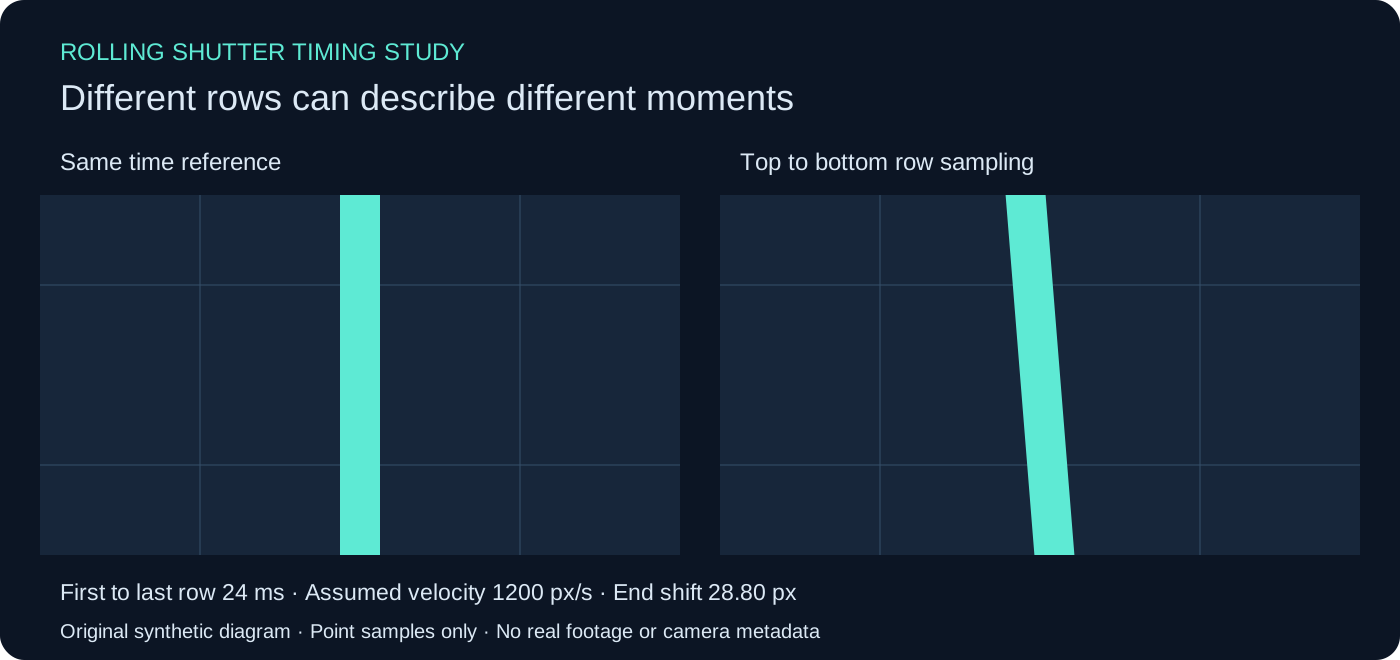
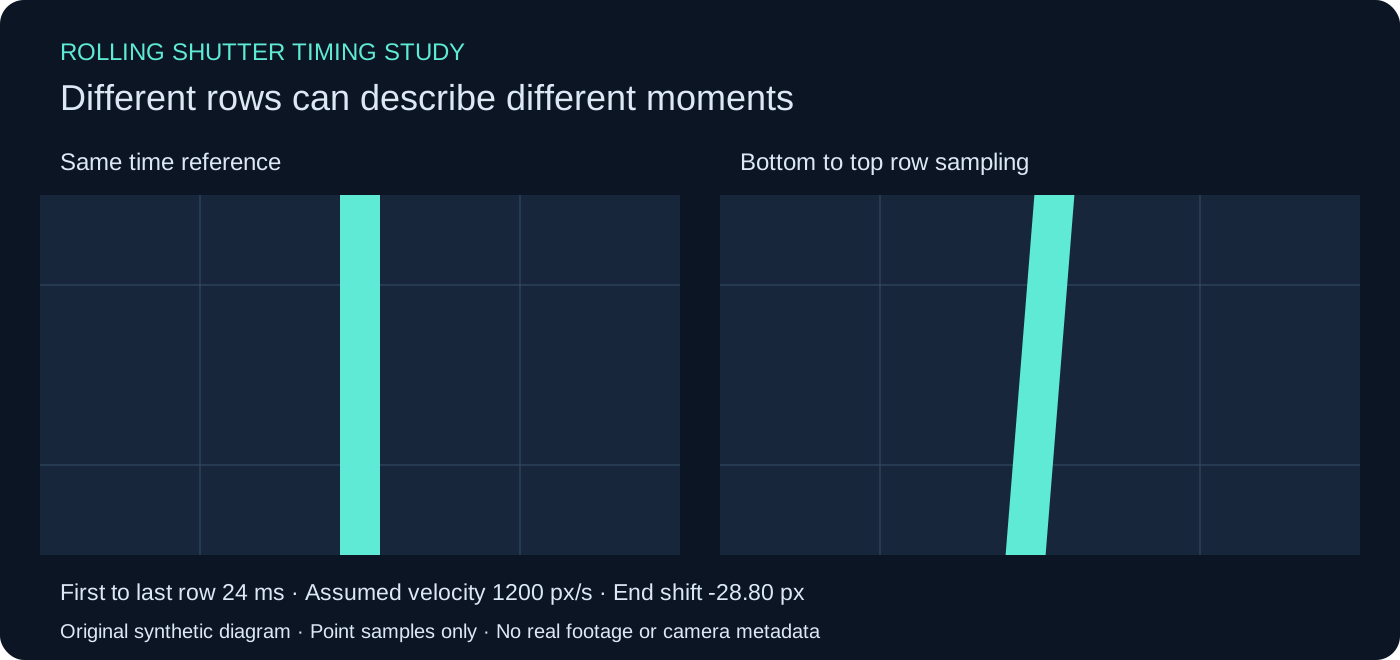
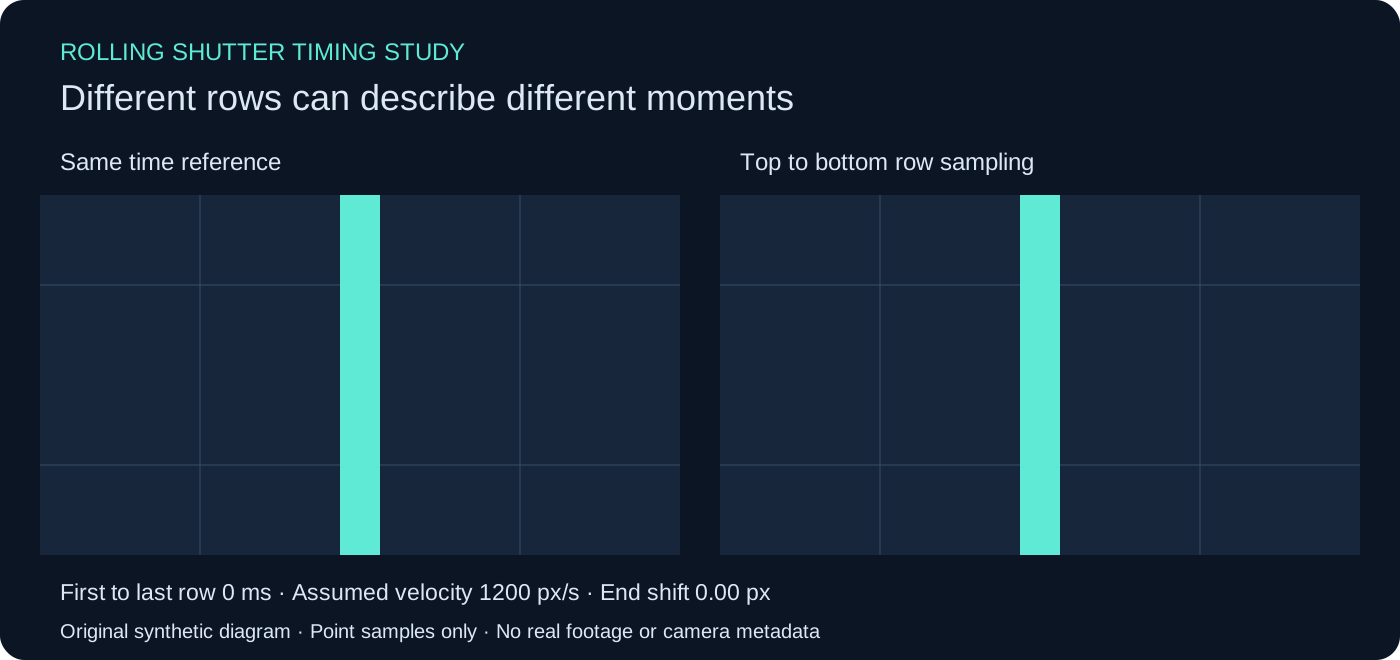
The rolling shutter effect happens when different rows of an image represent different moments while the camera or subject is moving. A straight moving object can look tilted, rotating shapes can appear distorted and vibration can produce a wobbling image. A shorter exposure can make each row sharper while leaving the timing difference between rows.
The free simulator above isolates one part of that problem: constant horizontal motion combined with a chosen first-to-last-row interval. Change the interval, motion or sampling order and inspect the same-time reference beside the staggered-row result. It is a synthetic timing exercise, not a repair tool or a measurement of your camera.
What causes the rolling shutter effect
A rolling shutter exposes rows at staggered times. If the scene moves during that stagger, the completed image combines positions that did not all occur at one instant. In a simple horizontal translation, the top of a vertical line can be recorded before the bottom, making the line appear slanted.
Basler’s electronic shutter documentation explains the row-by-row timing and distinguishes it from global shutter exposure. The relevant question is when the rows accumulate light, not merely whether a file eventually leaves a sensor one row at a time.
Global shutter exposure starts and ends together across the image. That does not make a moving subject immune to ordinary exposure blur. Conversely, staggered rows can remain individually sharp and still combine into a skewed shape. Keep the spatial blur within a row separate from the temporal offset between rows.
Rolling shutter versus motion blur and camera shake
| Observed issue | Useful distinction | What to inspect |
|---|---|---|
| Leaning moving vertical lines | Different row times can produce geometric skew | Direction of motion and stable scene edges |
| A smeared edge during movement | Light accumulates while the image moves during exposure | Exposure duration and subject movement |
| Whole-frame displacement | Camera movement can shift the composition | Background features over successive frames |
| Wobbling geometry during vibration | Motion and row timing can interact within a frame | Rigid structures during the vibration interval |
A shot may contain more than one of these. Do not assume a stabilizer has repaired rolling shutter simply because the frame moves less. Do not assume a sharp still frame means there was no row timing distortion. Use the stabilization guide for its separate global-motion exercise, and check the shutter exposure calculator for exposure-time arithmetic.
Use the row timing simulator
- Choose a first-to-last-row interval from zero to 40 milliseconds.
- Enter assumed horizontal motion from minus 3000 to 3000 pixels per second.
- Select top-to-bottom or bottom-to-top sampling.
- Compare the moving line with the equal-time reference.
- Download the SVG diagram, JSON settings and nine-row CSV table.
The default is 24 milliseconds, 1200 pixels per second and top-to-bottom sampling. The end-to-end horizontal shift is 1200 × 0.024 = 28.8 pixels across the 360 modeled rows. At the temporal midpoint the shift is zero; the first and last rows are offset by minus and plus 14.4 pixels.
Reverse the sampling order and the end-to-end sign reverses. Reverse the motion and it reverses again. Set either motion or row interval to zero and this model’s skew disappears. Those controls demonstrate a timing relationship; they do not identify the sampling orientation of a real sensor, a rotated image or a cropped recording mode.
Read the model without treating it as camera telemetry
The row time relative to the midpoint is (row / 359 − 0.5) × the first-to-last-row interval for top-down sampling. Multiplying that time in seconds by the assumed horizontal velocity gives the displacement. Bottom-up sampling reverses the temporal sign. The denominator is 359 because there are 359 intervals between the first and last of 360 rows.
The reference samples every row at the temporal midpoint. It illustrates equal-time geometry. It is not an export from a physical global shutter camera. The model uses point samples rather than integrating light during a finite exposure. It does not simulate a complete sensor, rolling exposure overlap, optical projection, scan calibration, light flicker or compression behavior.
For a real camera, confirm the selected recording mode and use a documented or measured timing value appropriate to that mode. Resolution, crop and device settings can change acquisition behavior. A nominal fps value alone does not establish the first-to-last-row interval.
Inspect the original three panel animation
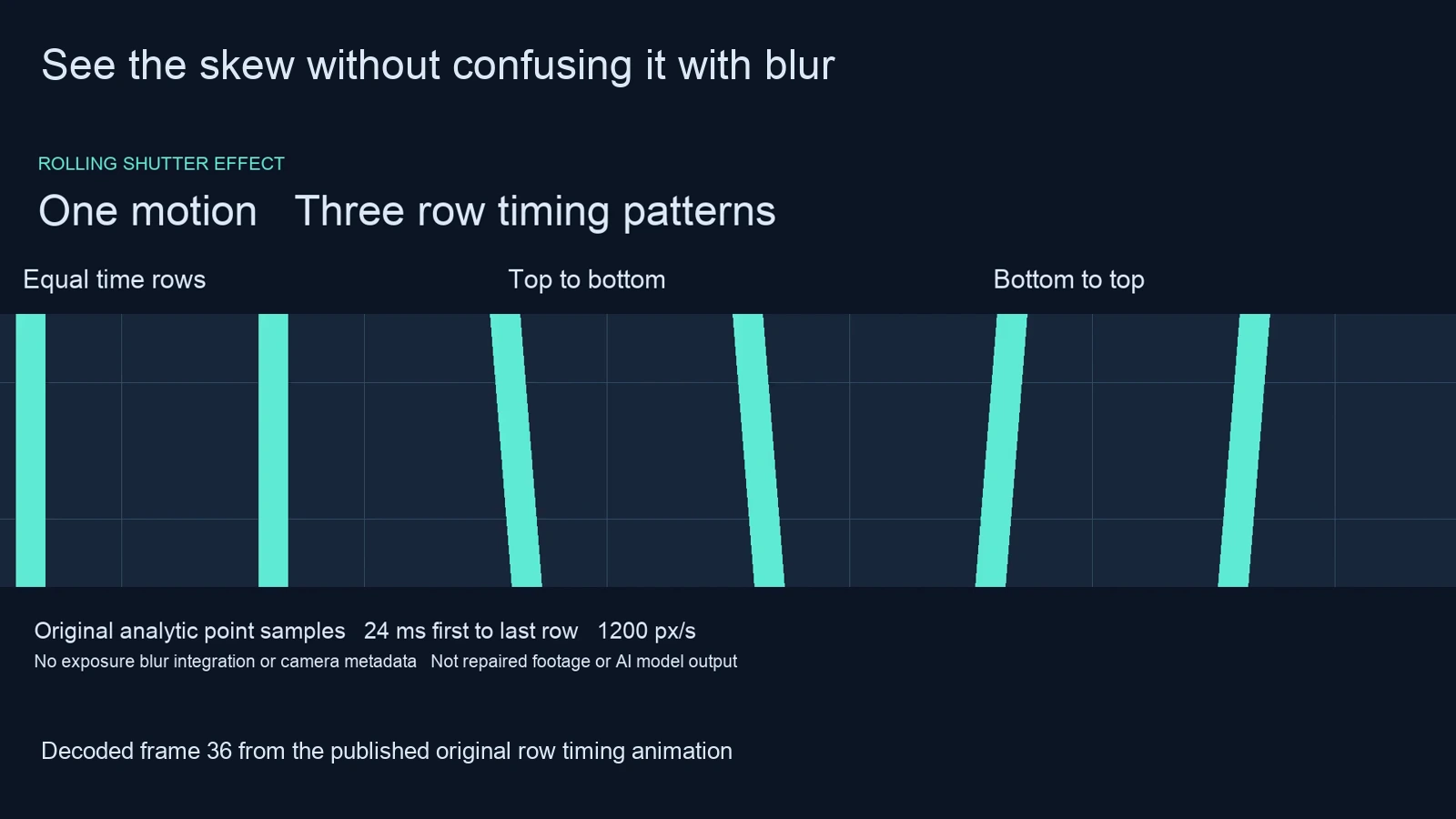
We authored repeated mint posts translating horizontally at 1200 pixels per second in a 640-by-360 model. One panel samples all rows at the same time. The next two use the same 24-millisecond interval with opposite sampling orders. A stationary grid makes the changed post geometry easier to compare.
Watch this clip and view its details
The saved MP4 contains 72 frames at 24 fps over three seconds, with no audio stream. The three panels share one output frame and the same motion function. We decoded the middle frame and compared threshold-based post centers at its first and last modeled rows. Their measured shifts are recorded alongside the expected zero, plus 28.8 and minus 28.8 pixel point-sample values.
Rounding and video compression can move a threshold edge by a fraction of a pixel. Our verifier allows a 1.2-pixel difference for that decoded measurement. It separately checks every frame timestamp against the 24 fps grid. This establishes the saved synthetic example’s timing and geometry, not the accuracy of a real camera or a rolling-shutter correction algorithm.
Reduce the problem during capture
When the shot permits it, reduce abrupt horizontal movement and vibration and test the exact recording mode before committing to a difficult take. Consider the supported acquisition behavior of the actual camera. A faster row readout can reduce the time difference that creates skew; a shorter exposure addresses a different part of motion rendering.
Use a controlled test with a rigid scene feature and repeatable movement. Compare complete exported clips at their intended playback rate. Keep the baseline settings and record one changed variable at a time. The Baumer exposure comparison and Axis shutter white paper give manufacturer explanations of row timing and exposure blur.
If you use a correction effect, preserve the source and inspect the returned edges, rigid structures, crop and moving subjects. An effect can need assumptions that a difficult shot violates. This simulator does not process an upload, estimate readout timing or claim that your shot is recoverable.
Review similar artifacts in AI cinema
A generated room bending during a camera move can resemble a capture artifact without having the same cause. The presence of a leaning edge in an AI video does not prove a real sensor scan or establish a camera’s readout time. Inspect identity, structure and motion continuity separately.
In Clout Cinema, make the intended movement explicit and start with a short take. Inspect a rigid doorway or product silhouette through the whole action. If the scene changes shape, compare a clearer reference or simpler movement before assuming a finishing effect can restore missing geometry. The camera tracking guide explains another distinct task: estimating movement for added content.
Download and reproduce the row timing study
Download the default SVG, default settings, nine-row table, reversed scan diagram and zero-interval reference. The local helper preserves the arithmetic.
The original renderer uses NumPy, Pillow and FFmpeg. Follow the reproduction notes, then use the independent verifier. Inspect the decoded validation record and asset hashes with the downloaded files.