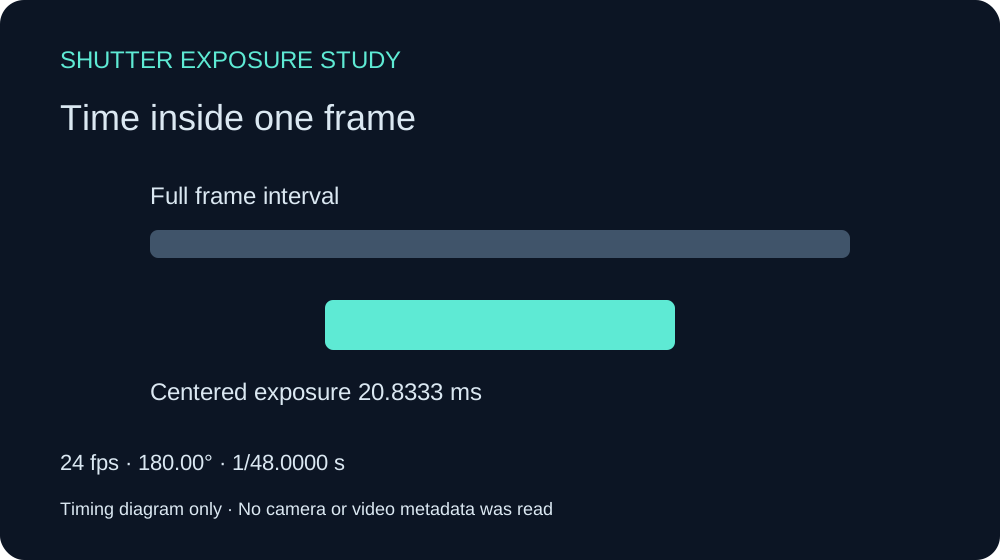
Shutter speed vs shutter angle is a choice of how to express exposure time. Shutter speed commonly names the time itself, such as 1/48 second. Shutter angle describes that time as a fraction of one frame interval. At 24 fps, 180 degrees is half a frame interval and therefore 1/48 second. Change the frame rate and the same angle produces a different exposure time.
Use the calculator above to convert either direction, compare four angles and download the timing diagram. Enter a rational frame rate such as 30000/1001 when precision matters. The movement field is your assumption for a uniform screen-space example; it is not motion measured from an uploaded clip.
For the separate geometric effect of different row times inspect the rolling shutter effect simulator.
Shutter speed and shutter angle compared
| Setting | What stays fixed | What changes when fps changes |
|---|---|---|
| Exposure of 1/48 second | Exposure time | Fraction of each frame interval |
| Shutter angle of 180 degrees | Half of each frame interval | Exposure time in seconds |
| Frame rate of 24 fps | Frame interval of 1/24 second | Exposure remains a separate choice |
Consider two shots of the same moving subject. At 24 fps and 180 degrees, exposure lasts about 20.8333 milliseconds. At 48 fps and 180 degrees, it lasts about 10.4167 milliseconds. Holding the angle fixes the exposure fraction, not the number of milliseconds and not a guaranteed amount of visible blur.
Visible motion blur also depends on subject velocity, camera movement, distance, framing and the renderer or camera. Doubling frame rate does not independently tell you how much a subject moves across the image during the exposure.
Convert shutter angle to shutter speed
For this single-frame exposure model, exposure seconds = shutter angle / (360 × frames per second). The reciprocal denominator is 360 × fps / angle. To convert back, angle = exposure seconds × fps × 360.
At 24 fps and 90 degrees, the result is 90 / 8640 second, or 1/96 second. At 24 fps and 180 degrees, it is 180 / 8640 second, or 1/48 second. At 24 fps and 360 degrees, the exposure fills the full 1/24-second interval.
| Angle | 24 fps exposure | 30 fps exposure | 60 fps exposure |
|---|---|---|---|
| 45 degrees | 1/192 s | 1/240 s | 1/480 s |
| 90 degrees | 1/96 s | 1/120 s | 1/240 s |
| 180 degrees | 1/48 s | 1/60 s | 1/120 s |
| 360 degrees | 1/24 s | 1/30 s | 1/60 s |
The Adobe time effects reference uses the same timing relationship. Some software effects support angles beyond 360 degrees. This calculator deliberately stops at one full frame interval; it does not model overlapping multi-frame accumulation or every physical camera operating mode.
What the 180 degree shutter rule means
The 180 degree convention assigns half of each frame interval to exposure. It is a starting point for comparing motion rendering, not a requirement for every scene. A shorter exposure fraction may suit a sharply articulated action study. A longer fraction may suit a softer trail. Judge the whole shot at its intended playback speed.
A useful test keeps the subject path, timing, camera and framing fixed while changing one exposure control. Check readable details during motion, the ease of tracking a subject and the transition from a hold into movement. A single paused frame cannot establish whether the sequence feels right.
Inspect an original moving marker study
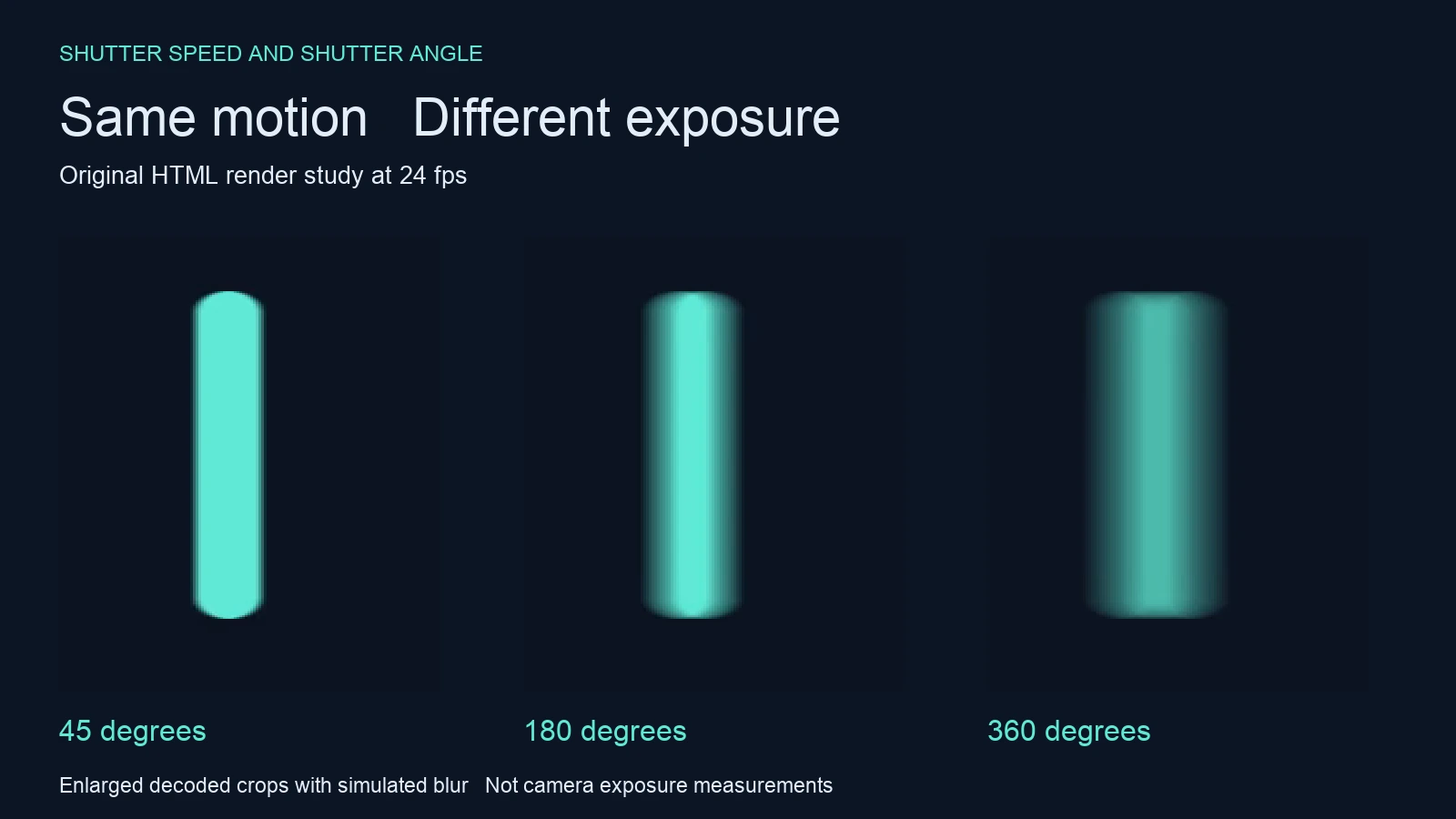
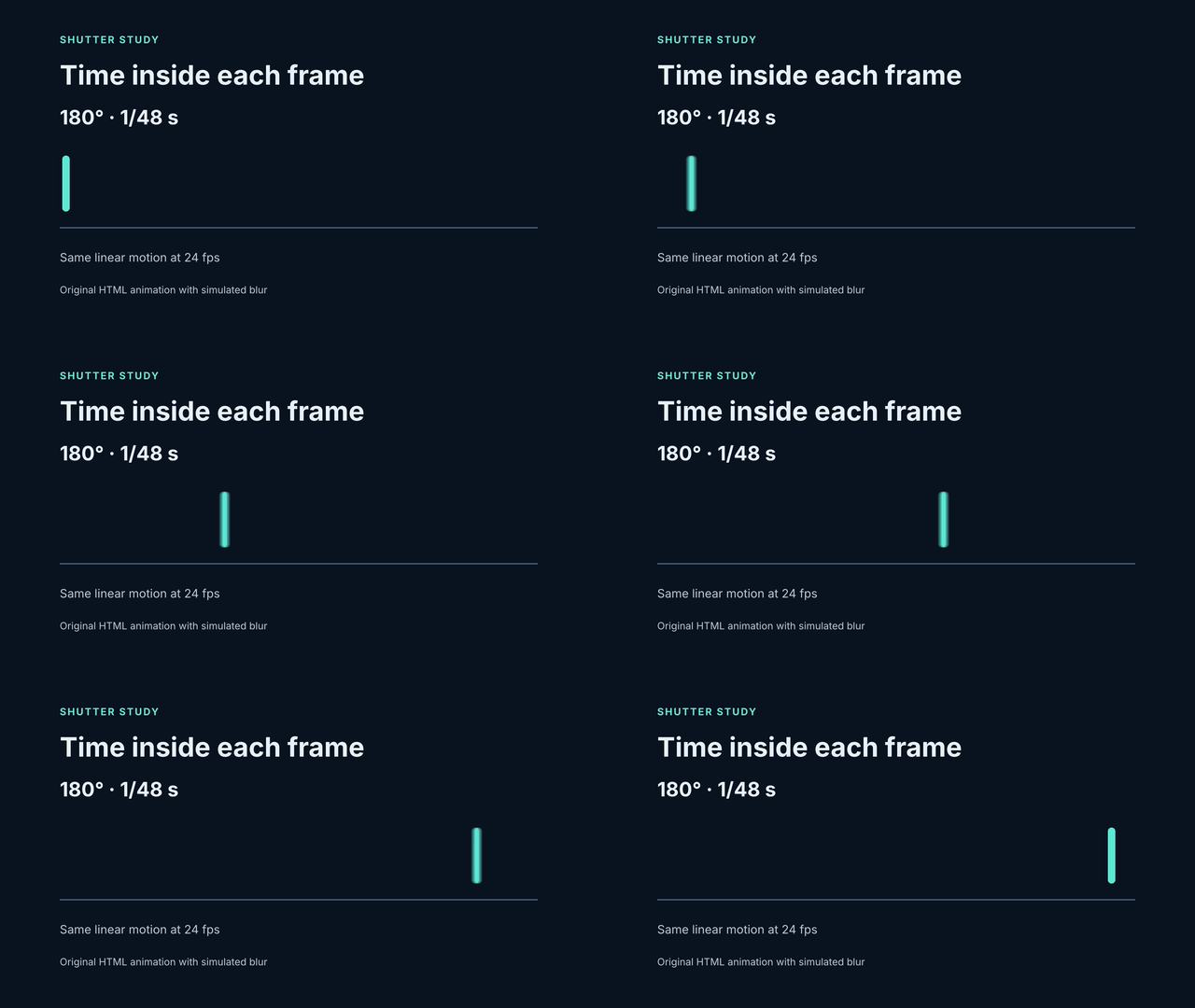
We authored a three-second HyperFrames composition at 1920 by 1080 and 24 fps. A mint marker holds for half a second, travels 1440 pixels over two seconds at a constant 720 pixels per second, then holds again. The nominal movement during the moving section is 30 pixels per frame.
We rendered 45, 180 and 360 degree variants with a filter-tier blur configuration and a samples attribute of 16. Only the shutter attribute and its displayed timing label change. These are native HTML animations with simulated blur. They are not physical camera captures or AI model outputs.
Watch this clip and view its details
Under an ideal uniform exposure model, 30 pixels per frame gives trail estimates of 3.75, 15 and 30 pixels at those three angles. Those estimates are separate from our decoded image measurements. The marker already has width, the filter distributes intensity and video compression affects threshold edges.
At the published threshold, decoded footprints at the middle frame measured 26, 30 and 36 pixels. That establishes increasing footprint width in this saved example; it does not validate the filter as a physical exposure integrator. All three clips contained 72 frames with timestamps matching the 24 fps grid within two microseconds.
Download the native 45 degree clip, 180 degree clip and 360 degree clip. The shutter angle GIF preview is converted to 15 fps for convenience and does not preserve the MP4 capture cadence.
Use exact frame rates when planning exposure
The ratio 30000/1001 is approximately 29.97003 fps. At 180 degrees its exposure is exactly 1001/60000 second, approximately 16.6833 milliseconds. Typing 29.97 approximates that ratio. For a short visual explanation the difference may be small; a reproducible timing record should preserve the rate you actually mean.
At 24 fps, an exposure of 1/60 second corresponds to 144 degrees. Enter Reciprocal denominator in the tool and use 60 to inspect that conversion. Switching between angle and reciprocal input preserves the current exposure when it fits this tool’s range.
The CSV compares 45, 90, 180 and 360 degrees at your selected rate. The JSON records your specific setting and movement assumption. The SVG shows a centered exposure interval inside one normalized frame. Download the 24 fps record, timing diagram, angle table or rational-rate example.
Separate shutter angle from shutter phase
Angle sets the exposure interval’s duration relative to the frame. Phase concerns its placement in time. The diagram centers the interval to make duration easy to compare; it does not infer a real shutter phase or camera synchronization. Adobe documents shutter phase separately in its animation tools reference.
For filmed production, confirm the camera’s supported settings and test the actual lights and intended recording mode. An arithmetic match to 180 degrees cannot establish flicker safety. A camera, LED fixture and dimmer can behave differently from a browser animation.
Apply the comparison to AI cinema and motion graphics
A generated clip exported at 24 fps does not prove that it simulates a 180 degree shutter. Frame rate describes temporal sampling of the saved file. The model may synthesize blur inconsistently across objects or frames. Adding an exposure phrase to a prompt is a direction to evaluate, not recovered camera metadata.
For an original scene in Clout Cinema, describe the action, framing and desired motion character. Inspect the resulting clip at normal speed and frame by frame before promising a delivery look. Keep a sharp reference and inspect hands, text and edges during movement. Use a small repeatable action to compare revisions.
For authored graphics, keep the timeline deterministic and inspect the actual export. The HyperFrames workflow guide provides the editable source for this study. For longer still exposures, the light painting guide addresses a different production problem.
Reproduce the timing and render evidence
Download the editable source kit, native measurement record and calculator helper. The independent timing verifier uses rational arithmetic and the published records. The asset manifest records file hashes.