

Separate the MMAudio model from a ComfyUI integration
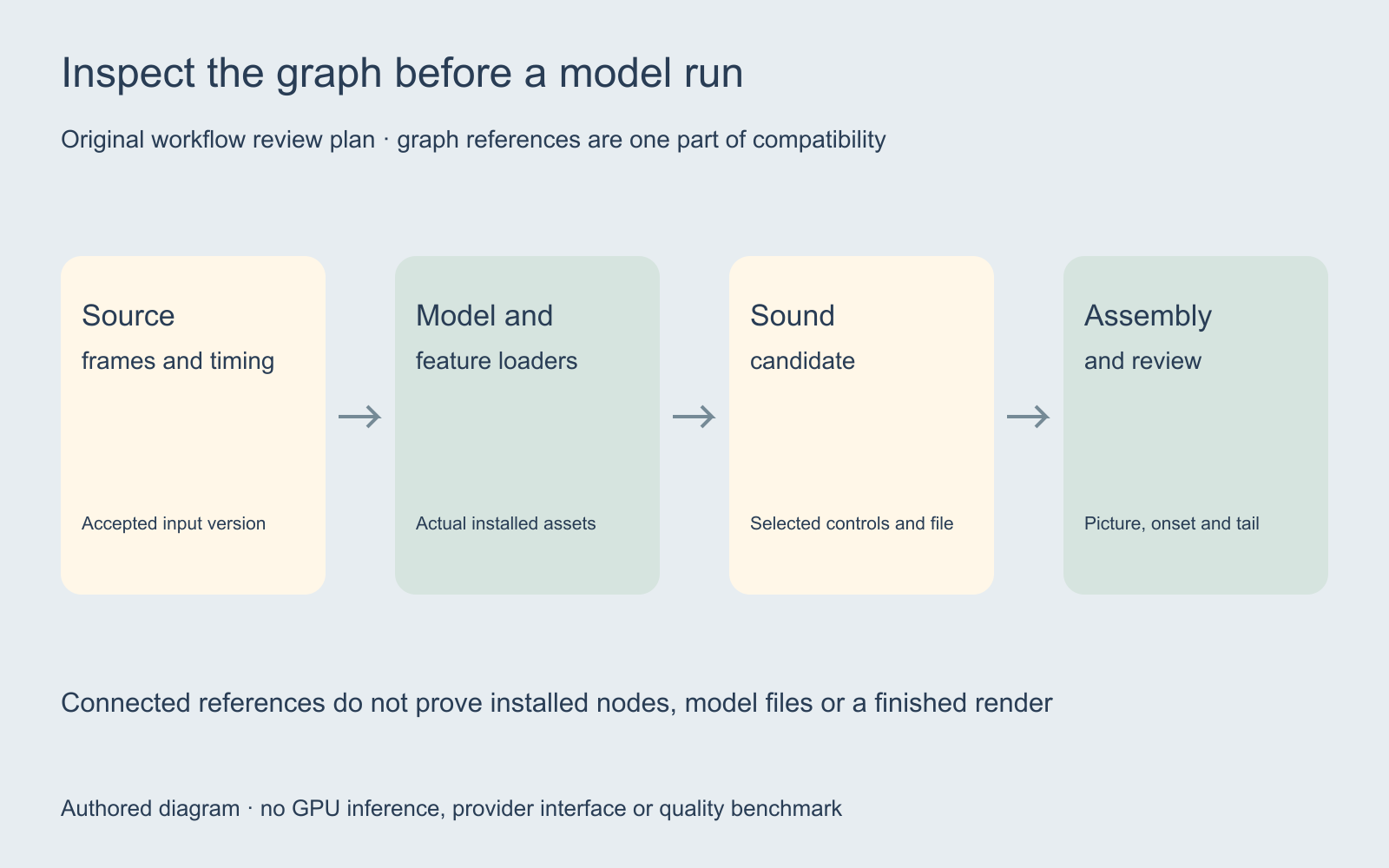
An MMAudio ComfyUI workflow combines a model, custom nodes, input media, a graph and the environment that executes it. A file opening in the editor establishes only part of that chain. Start with the intended clip and sound assignment, then inspect each dependency before running a larger production batch.
The research repository describes video- and text-conditioned sound synthesis. It lists unwanted speech-like sounds and background music among its limitations. It separates MIT-licensed code from CC-BY-NC 4.0 checkpoints and does not guarantee commercial suitability of the pretrained models. A community integration does not change that distinction. No GPU inference was executed for this guide.
Use the local graph checker for a narrow structural review
The checker above reads an exported UI workflow with nodes and tuple-style links arrays. It checks duplicate IDs, missing node references, missing slots and reciprocal link references. It also lists node types and model-looking filenames found in top-level widget values. File contents stay in the browser.
An optional inventory is a nonempty JSON object keyed by node type, such as a saved object_info response from your ComfyUI server. The checker compares names only. Without that file, availability remains unknown. A supplied inventory can itself be stale, and a matching name does not establish that the implementation or socket contract matches your graph.
API prompt JSON and other link formats are rejected explicitly. The workflow limit is 1 MB, 1000 nodes and 5000 links; inventory files can be up to 10 MB. The checker does not validate socket types, widget values, checkpoint files, environment compatibility, licenses or render quality.
Try connected and broken examples before inspecting your file
Load the connected example and select Check workflow. It contains three invented node types and two reciprocal links. The expected result is “No broken graph references found,” together with a statement that node availability is unknown. The example is not an executable MMAudio or ComfyUI workflow.
Load the broken-link example and check again. One link points at node 99, which is absent. The report identifies the dangling connection and the mismatched reference at the intended target. This demonstrates why a graph cannot be accepted merely because it contains plausible class names.
The connected example, broken example and partial example inventory are original checker fixtures. The partial inventory omits ExampleSoundCandidate intentionally, so a structurally connected graph still reports one unavailable name. Save graph report exports the current report as JSON; it does not save a rendered audio file.
Inspect the published community workflow without treating it as a render
Kijai’s community node repository labels itself work in progress. Its instructions place nodes in custom_nodes and model files in ComfyUI/models/mmaudio. Follow the instructions for the Python environment that actually runs your installation; installing dependencies into a different interpreter does not establish that the running server can import them.
We inspected the published example at the recorded revision. Our structural audit found seven nodes and nine links with no broken references. Its classes include MMAudio model/feature loaders and sampler, PreviewAudio, and VHS video load/info/combine nodes. The audit report lists the names and referenced filenames. No installed-node inventory was supplied and no model was run.
For a different community graph, the HunyuanVideo Foley connection study shows why an optional compile branch can remain unused even when all graph references pass a structural audit.
Keep the workflow and environment revisions together
Record the graph version, node repository revision, selected model filenames, runtime and actual hardware before a test. Keep that record alongside the source picture and prompt. When a graph is shared, distinguish the file that was reviewed from a later edited copy that happens to have the same filename.
A missing node, failed import, unavailable checkpoint and unsupported connection are different failures. Preserve the exact error and the layer that produced it. If a class is absent from an inventory, resolve the node installation first. If the class is present but loading fails, inspect the implementation, selected files and runtime rather than changing unrelated creative controls.
Do not treat the checker’s filename list as a disk scan. A filename in a widget is a reference in the JSON, not evidence that the file exists on your machine. The list also does not inspect every nested field or infer a complete dependency manifest.
Preserve the loaded clip timing through assembly
Use the actual frames and duration loaded by the workflow when reviewing the sound assignment. A cropped, trimmed or resampled input may differ from the original file. Record which version was actually processed and compare the returned track against that same picture before carrying it into the final edit.
The sound-effects sync guide provides an original eight-second reference with aligned and deliberately delayed mathematical clicks. It demonstrates that matching the intended object and matching the visible event are separate checks. Those references are not MMAudio generations or a test of its synchronization.
Inspect the audible onset, tail and intervening silence. Restore dialogue and music when reviewing the assembled master. An effect that works in isolation may be too busy for the final scene or continue across a cut that needs a clean ending.
Review a candidate against a concrete sound brief
Choose one visible action and name the intended object, material, acoustic distance and ending. An original unexecuted assignment might ask for one dry mechanical contact with a short tail and no speech or music. Compare the actual returned file with that request and record unexpected sounds rather than assuming every plausible texture belongs in the scene.
Keep a rejected candidate and its reason when evaluating a revision. Change one relevant setting or prompt requirement at a time so the next result answers a specific question. A preferred take is a creative decision; a complete transcript, measured duration or observed onset is a different kind of evidence.
The blank run-review ledger records source, workflow revision, node revision, model references, runtime, selected controls, output properties and acceptance. It contains no invented timings, performance scores or GPU results.
Choose the next production task around the accepted assets
For a hosted text-to-sound route, use the separate ElevenLabs sound-effects guide. For spoken words, use the voice comparison guide. These operations have different inputs, controls and acceptance requirements; a shared audio output does not make them interchangeable.
Explore Clout Marketing Studio or Image and Video for current creative work. Inspect the selected operation and quote. This page does not establish an MMAudio integration or commercial permission for its checkpoints inside Clout. Keep the accepted source, sound brief and actual returned files traceable through the final edit.


