Hy-Nomas is Tencent Hunyuan’s interactive video world-generation project with multi-turn text and camera control. This guide follows the public source, separates its standard and low-memory inference routes, and examines a small but important part of camera recording: removing a stationary tail without overlooking an intentional field-of-view change.
We pinned source revision 911cea6458a89c2663513ff7099561ec190dd491, committed October 24, 2026. We executed its standalone frontend camera-tail helper with Three 0.179.1 and compared 32 original fixtures with our local checker. We did not load model weights, run the GPU worker, generate a Hy-Nomas video or measure inference speed.
What Hy-Nomas does
The official repository describes segment-based world generation with free-form prompt and camera control. New segments can continue an interaction rather than requiring every change to be expressed as one initial prompt. The public project includes inference, demo, training and data-preparation code.
A world-generation workflow still needs an acceptance plan. A convincing current segment does not establish that a doorway, character or object remains correct after a turn or camera change. Preserve the original brief and inspect what persists, what changes and what the next instruction is meant to alter.
The official project site and model repository are starting points for current availability. A public demo or weight listing is separate from a verified local run on your own machine.
Choose an inference route before choosing a command
The pinned README recommends a prepared Docker environment on a Linux host with compatible NVIDIA support. Its manual route names Python 3.12 or later, CUDA 13 and attention-kernel dependencies. That is a different environment from this browser checker, which performs ordinary local arithmetic and JSON validation.
The standard inference configuration uses segment-autoregressive rollout, a 24 fps timeline, a 720-by-1280 video-size setting and eight inference steps. The README also shows a separate Diffusers example with its own resolution and step choices. Do not combine settings from two examples into a new claimed benchmark.
| Route | What the pinned source describes | What remains to verify |
|---|---|---|
| Standard source configuration | Segment autoregressive generation and configured model assets | Actual host kernels weights runtime and returned media |
| Single GPU low-memory preset | INT8 weights and KV cache CPU offload sliding history and FP8 decoding | Memory behavior at the selected resolution and segment length |
| Diffusers example | A HyNomasModularPipeline route with separate example parameters | The required branch components and actual device compatibility |
| Local checker on this page | Saved camera frame validation and stationary-tail inspection | The intended camera action and its later generated result |
Keep the model assets and cache policy explicit
The published asset layout distinguishes the base autoregressive DiT, distilled DiT, an INT8 distilled checkpoint, cinematic and robotics adapters, video autoencoder or decoder components and prompt enhancement. The source examples point to specific checkpoints. One downloaded file is not evidence that a complete route is ready.
The low-memory preset disables sequence parallelism, uses CPU offload and enables a sliding history window. This bounds retained context rather than promising that the full interaction history remains resident forever. CPU offload also needs sufficient host memory and introduces transfers. We did not measure its peak GPU memory or throughput.
The repository identifies Tencent’s own published code, parameters and weights as Apache-2.0, with listed third-party components retaining their original terms. Read the pinned or current license information for the components you actually use. A general model-family label does not describe every dependency.
Follow the pinned low memory launch example
After preparing the documented environment and the complete assets required by your route, the pinned source shows this launch shape. Replace the model directory, prompt file and output directory with your actual paths. These are source instructions, not a GPU command we executed for this article.
bash scripts/inference/inference_from_config.sh configs/experiment/single_gpu_low_mem_inference.yaml \
  dit_weight=/path/to/Hy-Nomas/DiT/distilled_int8/diffusion_pytorch_model_ema_0_995_int8.safetensors \
  model.vae.checkpoint=/path/to/Hy-Nomas/VAE/PixelUMM_FT_FP8/diffusion_pytorch_model_fp8.safetensors \
  inference.prompt=/path/to/prompts.json \
  inference.save_path=./outputs/single_gpu
Confirm the selected DiT and decoder match this preset, preserve the published asset layout and inspect the current README for the remaining components and prompt format. Start with a short baseline turn before adding a new action or camera instruction. Review the returned media and runtime logs before extending an interaction.
Inspect a saved camera recording before trimming
The source’s CameraFrame interface stores a frame index, millisecond timestamp, position, quaternion and field of view. Its camera drawer calls the stationary-tail helper when recording stops. The helper compares the last pair of poses repeatedly and removes only the trailing stationary suffix, retaining one final pose.
This differs from deleting every duplicate in a path. An internal pause stays when motion resumes later. A completely stationary recording keeps one frame. Those behaviors matter when a deliberate hold is part of a camera action.
The checker above accepts an array in that saved frontend shape. When a saved CameraPath includes a frames property, use that array rather than pasting the whole path object. It validates strictly increasing indices and timestamps, finite positions, nonzero quaternions and supported field-of-view values. It exports only known numeric fields. It does not record a camera, create a complete server path payload or convert a trajectory into the offline inference NPZ format.
Try the original eight frame example
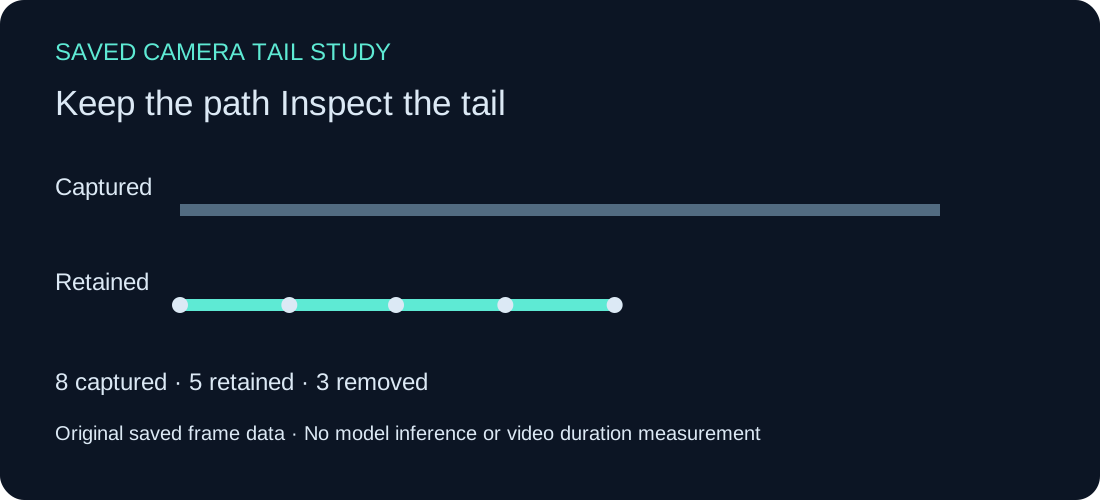
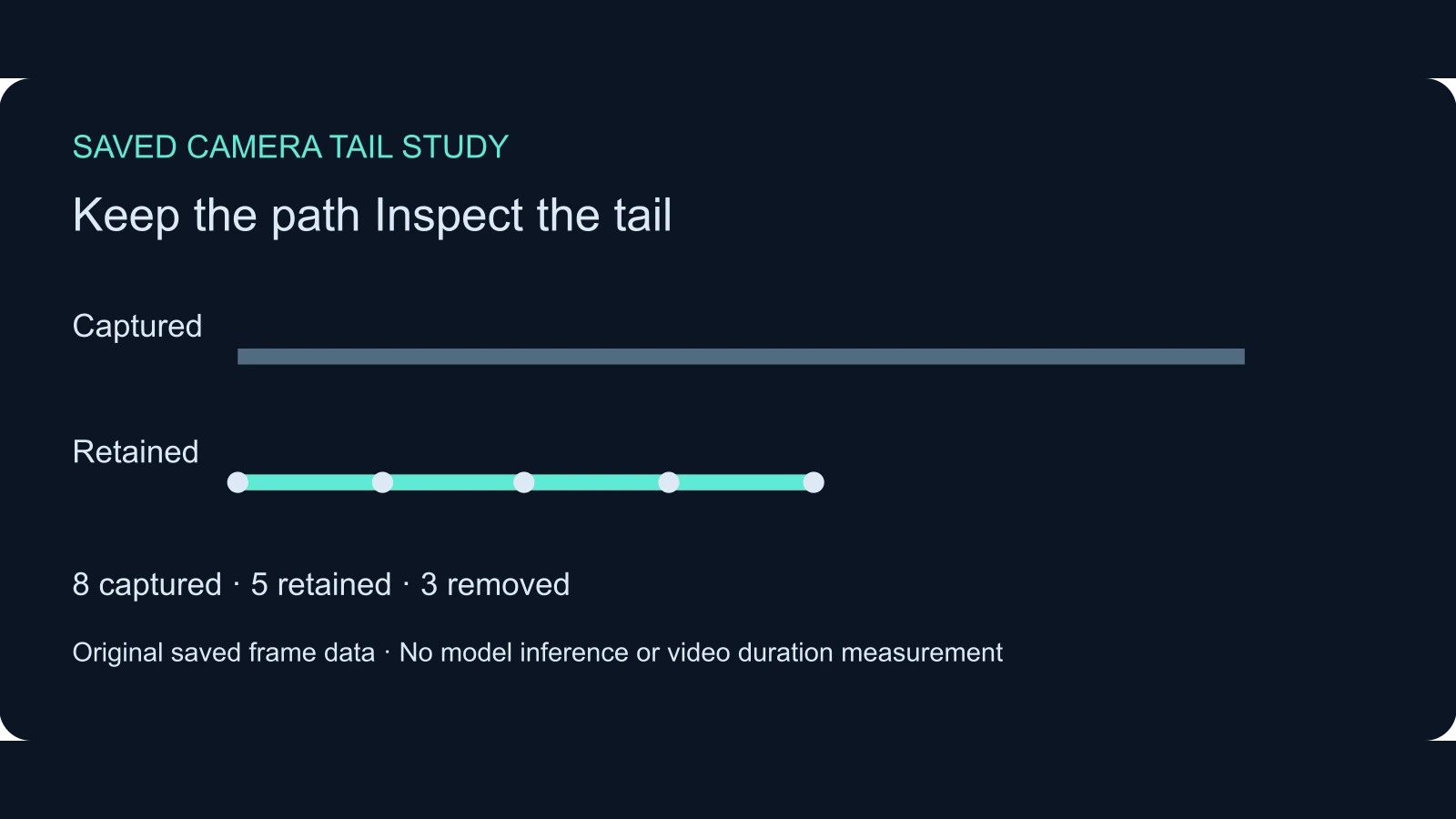
Choose Use original path. The sample moves, pauses internally, moves again and ends with repeated poses. The checker retains frames zero through four and removes frames five through seven. The internal pause remains in the retained sequence.
The helper uses a position-delta tolerance of 0.00001 and a rotation-angle tolerance of 0.0001 radians. It compares adjacent poses, so review very small repeated movement as well as deliberate ending holds. Quaternions are normalized for rotation comparison, and opposite-sign quaternions can represent the same orientation. The local checker rejects zero quaternions instead of silently assigning an orientation to invalid input.
The timestamp span in the report is the last retained timestamp minus the first. It is not an encoded video duration. The source recorder separately derives a path duration from its sampling interval and retained count. Do not substitute a time-span figure for a generation frame budget or an export duration.
Do not lose an intentional field of view change
Choose Use FOV change example. The later removed frames change the field of view from 55 to 65 degrees while position and orientation remain still. The pinned pose comparison ignores field of view, so it still removes that suffix. Our report identifies the FOV change in removed frame six for review.
A camera can change framing without translating or rotating. If that is the intended ending, inspect the saved recording and the receiving workflow before accepting the trim. The checker reports the source rule and its consequence; it does not silently change the upstream algorithm or claim that every removed hold is unnecessary.
Download the original and FOV examples separately. Keep the untrimmed recording with the review record. A later reviewer should be able to see what was removed and why, especially when a finishing pause or zoom matters to the scene.
Keep frontend frames separate from inference trajectories
A browser CameraFrame array, a full application camera-path object and an offline camera NPZ file are different representations. The repository includes separate camera geometry and trajectory tools. This checker exports a reviewed array and a human-readable CSV; it does not validate all downstream matrix conventions, normalization settings or camera-conditioning behavior.
For a new interactive scene, first define the intended camera action and the event that should remain visible. Preserve a short baseline before chaining several instructions. Check the ending pose and intentional hold, then inspect the actual generated segment before continuing.
For a separate original scene in Clout Cinema, use an approved reference and a clear camera brief. Clout generation and a local Hy-Nomas deployment are separate routes. This guide does not claim an automatic integration. The WorldForge guide and EdenLive guide cover other camera-conditioned research workflows with their own inputs and evidence.
For a separate character export workflow inspect the Prompt2Rig root position guide.
Download the source checked camera exercise
Get the original saved frames, FOV-change frames, default retained frames, default review, FOV review and retained CSV. The timeline SVG preserves the example’s scale.
The source comparison record reports 32 matching fixtures, including internal holds, end motion, scaled opposite-sign quaternions and FOV-only changes. The pinned source audit records the documents inspected. These are source-helper checks, not a full frontend deployment or inference benchmark.
Use the source comparison harness, local helper and reproduction notes for the saved exercise. The asset manifest records file hashes.