Flat lay photography shows an arrangement from overhead. A product, a few supporting objects and a chosen surface can suggest a complete use case without showing a person. The composition might describe a morning routine, a travel kit, a workspace or the ingredients behind a product.
Begin with what the picture needs to explain. An attractive collection of props can obscure the item being sold. This guide builds a fictional bath-product composition, then adapts it for a campaign image and an AI production brief. The illustrations are original vector artwork, not product photographs or model results.
Plan the final crop before arranging the objects
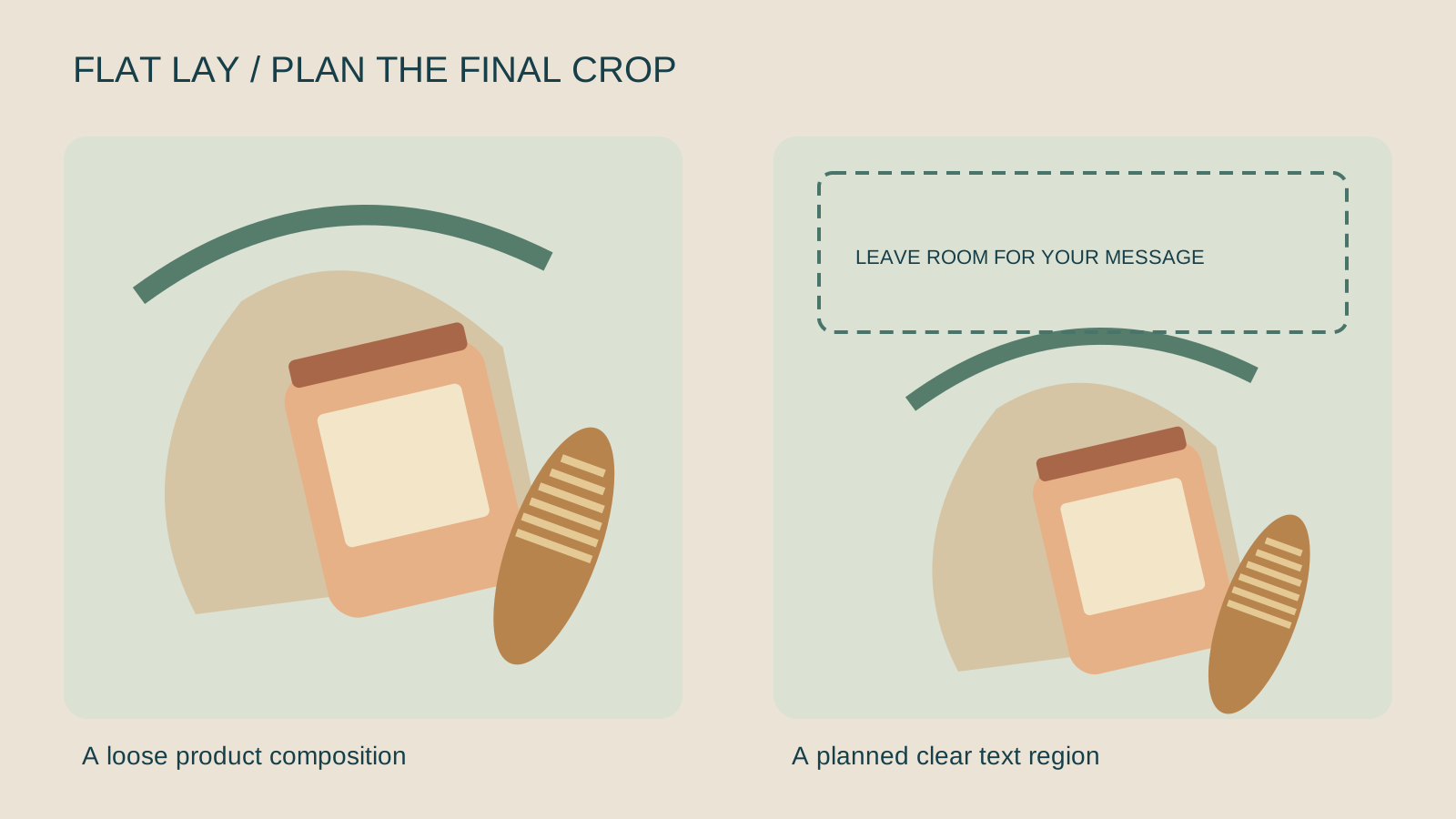
Choose where the image will appear: a square catalogue tile, a portrait campaign card or a wide page banner. These frames need different arrangements. Keeping the product centered in one wide master does not guarantee a useful portrait crop.
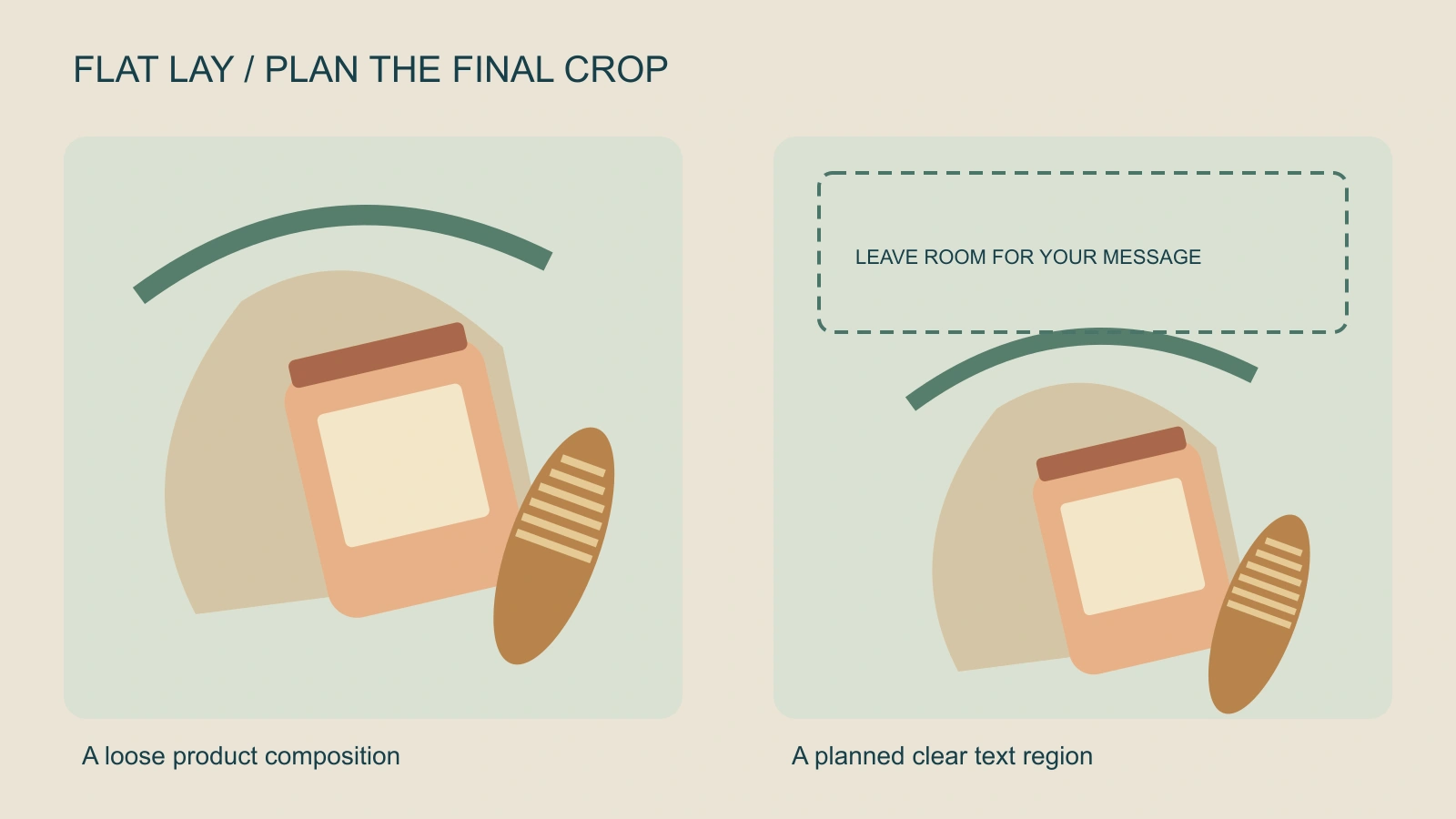
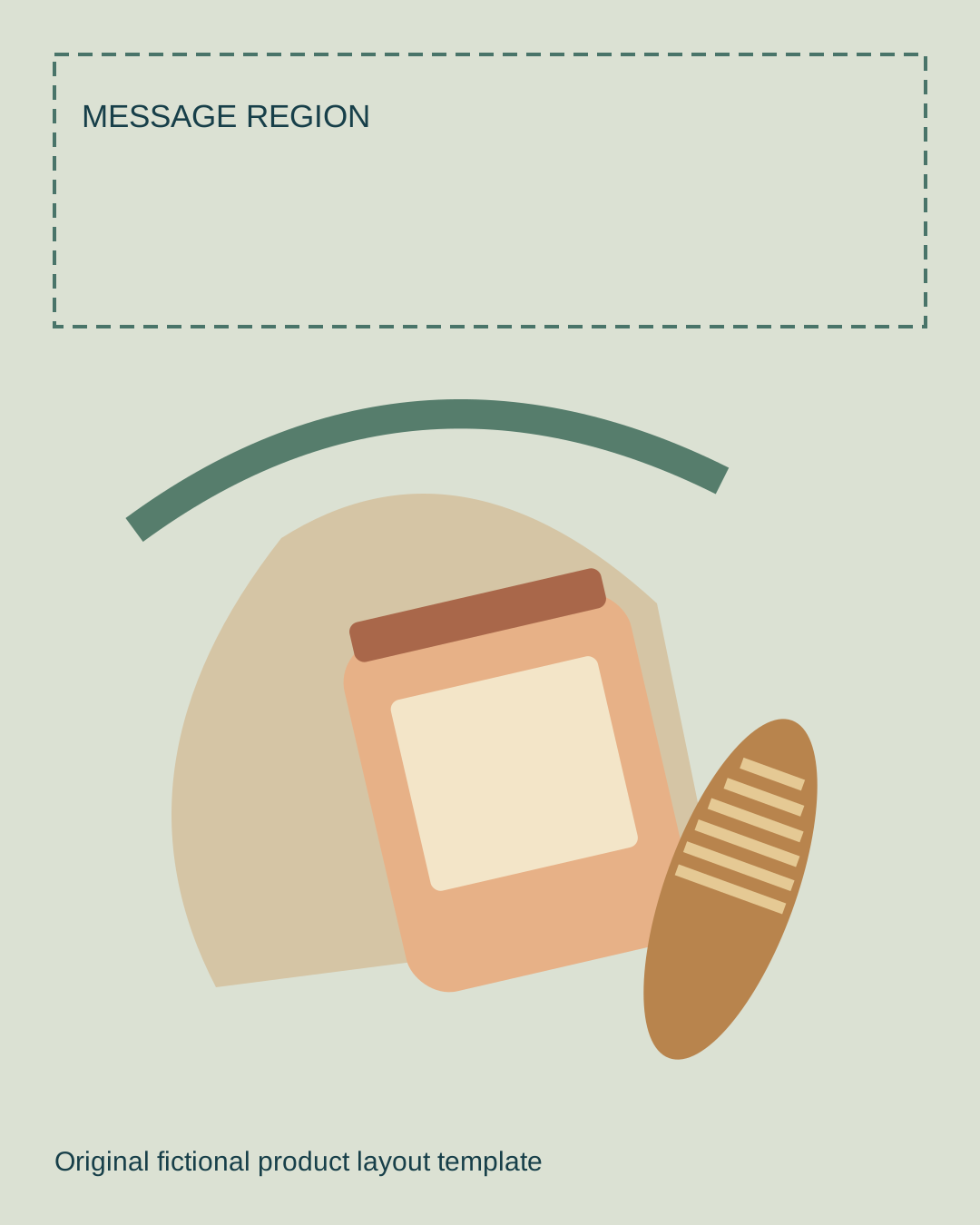
The sample has one illustrated jar, a cloth, a curved botanical shape and an elongated brush. The right-hand layout moves the objects lower so a message can sit above them. The clear region is an authored composition choice, not a universal platform safe area. Verify the actual placement, captions and controls for your destination.
Download the editable 1080 by 1350 layout template and comparison source. Replace the fictional geometry with approved product assets in your design tool. Preserve a clean master before adding your campaign wording.
Choose a hero object and purposeful supporting props
List the main item first. Then write what each prop contributes: texture, context, scale, color or a visible step in the routine. Remove objects that only fill space. A product bundle needs exact quantities; an editorial scene can use supporting objects, but it should not imply that every prop comes with the purchase.
| Creative direction | Hero | Supporting decisions |
|---|---|---|
| Quiet bath routine | The approved jar | Soft cloth, restrained color and a clear label view |
| Travel preparation | The actual travel product | A bag corner and related essentials with room around the product |
| Desk reset | A notebook or main tool | Fewer props and a repeatable arrangement |
| Ingredient story | The packaged item | Only ingredients and claims verified for that product |
A flat lay can feel loose and lived-in. If your goal is a precisely counted and aligned kit, use the knolling guide. Keep these two visual intentions distinct: overhead presentation describes the viewpoint, while deliberate alignment adds a particular organizing style.
Set up an overhead photograph
- Choose the surface: Test how it looks beside the real product. Strong grain can compete with small label details.
- Set the camera position: Keep the view overhead when the brief calls for a true flat lay. Inspect whether circles and straight package edges look coherent.
- Place the main object: Check its orientation, label visibility and relationship to the final crop.
- Add one prop group at a time: Review spacing before filling the rest of the frame.
- Test the light: Look at reflections, package highlights and the direction of contact shadows.
- Capture and inspect: Review at delivery size, then refine the layout before making variations.
For reflective lids and glossy labels, move the light or camera until the important detail remains readable. For a tall container, check whether it hides a supporting item or creates a shadow that dominates the arrangement. A darker shadow can be a deliberate style choice; it should still make spatial sense.
Adobe’s flat lay guide discusses cropping, consistent editing and adding text or graphics. Use those finishing steps after the composition works. A preset cannot correct a main product that is too small to recognize.
Write an AI flat lay brief from approved references
Overhead campaign composition using the approved bath jar and its exact package shape. Keep the label area visible and preserve the real lid and proportions. Place a soft cloth and one restrained supporting prop around it on a plain warm surface. Leave a clear region above the product for text added in the edit. Use one coherent soft light direction. No new products, duplicate lids, ingredient claims or generated lettering.
This is an original, untested creative direction for Clout Image and Video or a Marketing Studio brief. Choose a workflow that supports the references you need. An instruction to preserve packaging is not proof that the returned image did so.
Make the first version simple enough to inspect. Once the product is accepted, change one composition choice: a different background, more negative space or another prop group. Keep the source image, brief version and selected operation beside each export.
Review the product before adding the message
Compare the returned product with the approved reference. Inspect the opening, lid, proportions, label location and any distinctive component. Count the objects, check for merged edges and follow the shadows beneath each item. A generated arrangement can look polished while quietly changing what is being sold.
Add verified wording in a separate text layer. Check contrast and legibility in the final crop. A short phrase that fits the template is a layout test, not evidence for a product benefit. Use the original campaign worksheet to separate visual direction, product facts and offer wording.
For finishing and contact review, compare the RGB edge guide and ambient occlusion study before approving the final product image.
Turn a flat lay into a connected campaign
Save a clean still for each accepted composition, then plan the motion independently. A crop approach keeps the pictured scene intact; a hand entering the frame creates new contact and continuity requirements. See the Ken Burns effect guide for the first option and the stop-motion workflow for a deliberately assembled sequence.
Keep a consistent product and a clear reason for each variation. A catalogue image, an instructional sequence and a campaign headline card can share references while needing different framing. Review each exported version where it will actually be used.