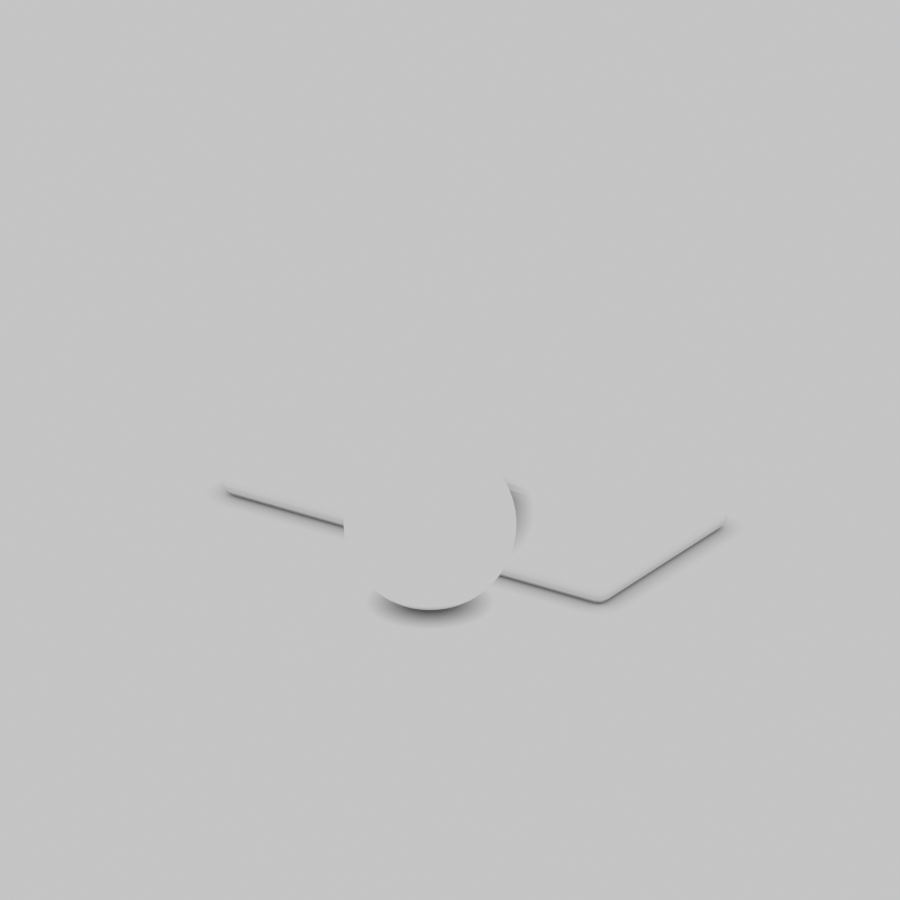
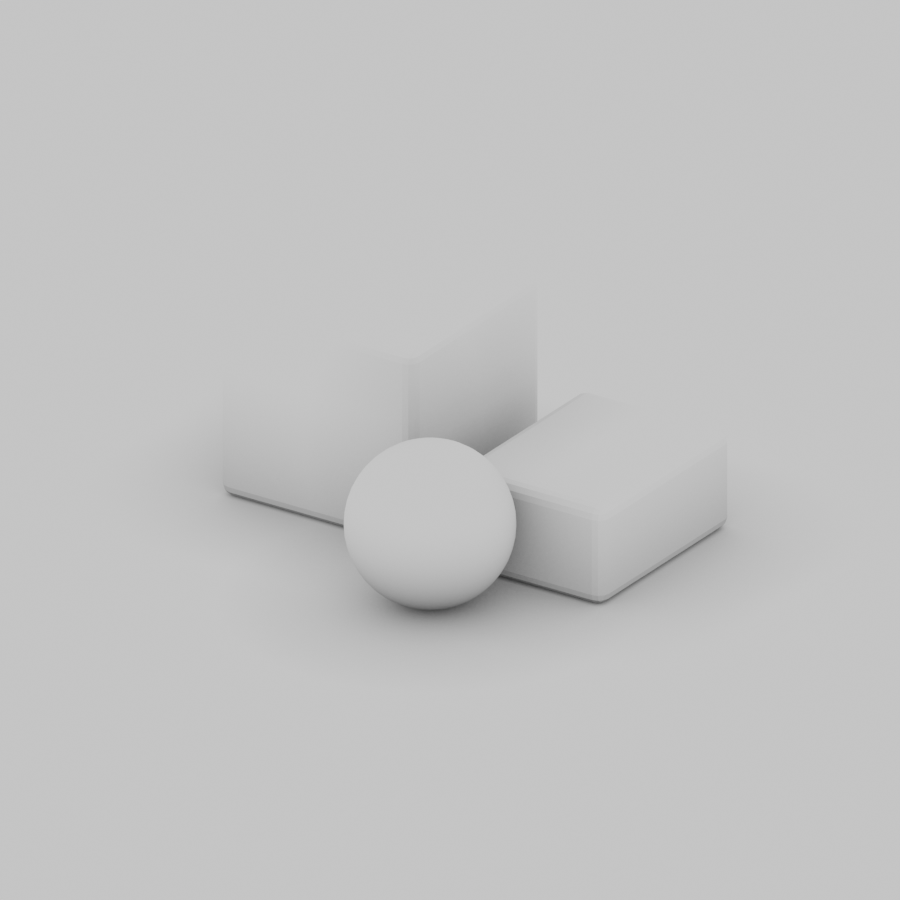
Ambient occlusion, often shortened to AO, helps describe how enclosed or exposed a surface point is to its surroundings. It is useful when inspecting the contact between a product and a table, the recess beneath a lid or a narrow gap between parts.
For an AI product image, the practical question is whether the object appears to occupy the same space as the surface beneath it. A vague request for stronger shadows can obscure the difference between contact, direct light, material response and an actual gap.
What ambient occlusion represents
The Blender Ambient Occlusion node documentation describes how much the hemisphere above a shading point is occluded. Its Distance input controls how far nearby objects are considered. A change in that distance can change the breadth of the visible occlusion.
Keep AO separate from a full scene render. It does not by itself describe the position, color and shape of all the real lights, every reflection or a material’s internal scattering. An occlusion visualization can explain geometry while still looking unlike a fully lit photograph.
| Image property | Question | What to compare |
|---|---|---|
| Surface contact | Does the object touch the table or float above it | The lowest edge and any actual gap |
| AO or enclosure | How much nearby geometry blocks the surroundings | Recesses, seams and distance-dependent shading |
| Direct shadow | Where does a light cast the object’s shadow | Light direction, softness and projection |
| Reflection | What surrounding surfaces appear in the material | Reflective shape, position and continuity |
Compare two AO distances with the same geometry
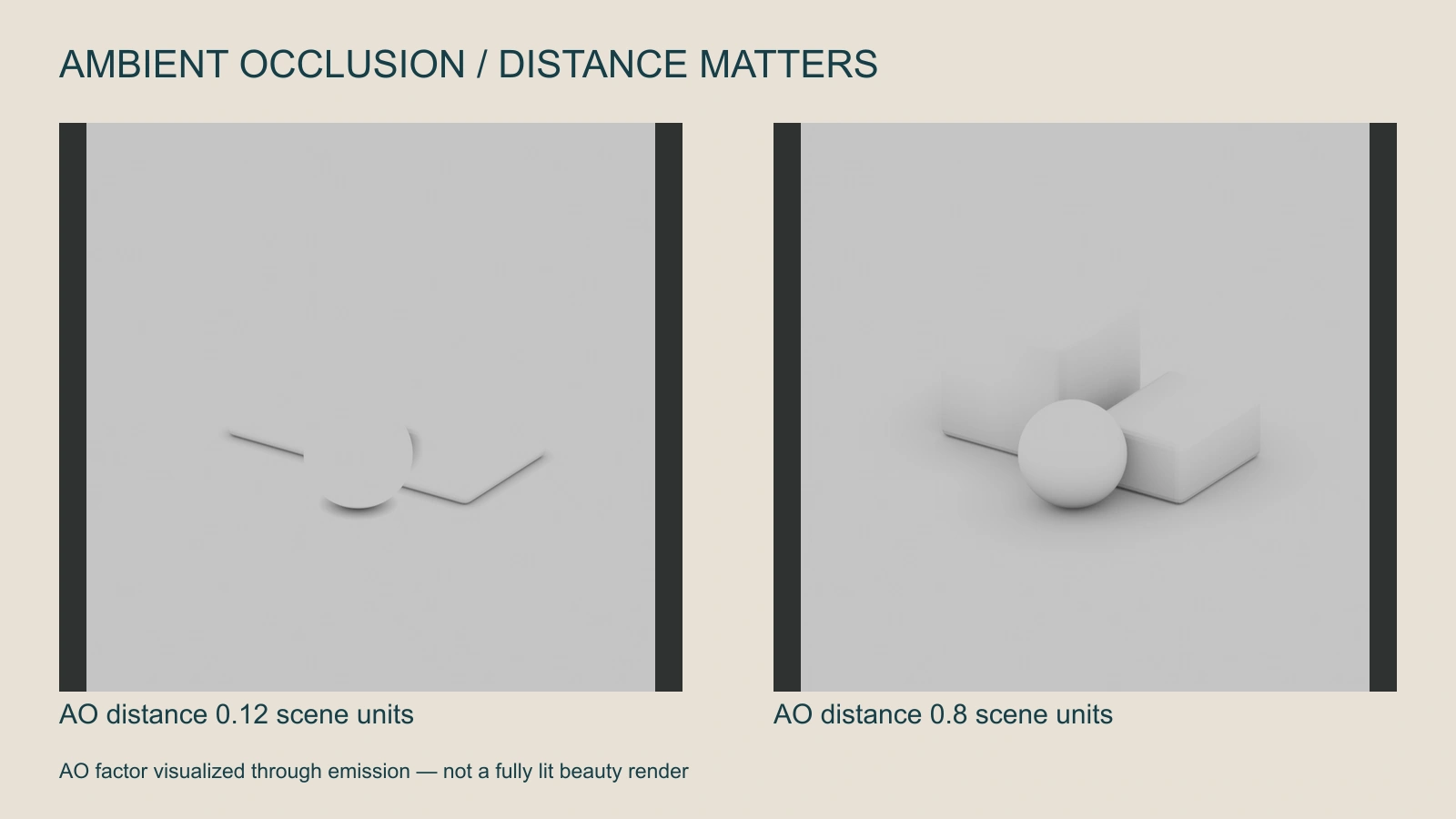
The study uses two beveled blocks and a sphere on a plane. The Ambient Occlusion factor is connected to an emission shader so the image visualizes that factor rather than a complete lighting setup. The narrow-distance version concentrates the effect close to contact; the wider version describes broader relationships around the shapes.
These values are scene units in this authored experiment, not suggested universal product settings. Changing the scene scale would change their practical relationship to the objects. Do not copy a distance into another project without checking its geometry and units.
Download the narrow-distance PNG and wider-distance PNG. Both were rendered in Cycles with the same camera, geometry, 48 render samples and seed 17. The node uses 16 AO samples in both images.
Reproduce the controlled Blender experiment
The original scene-generation script creates these comparisons in a new background Blender process. It also creates the separate scattering and studio-source studies used in this cluster. It writes images and a manifest, not a saved project file.
blender --background --factory-startup --python finishing-studies.py -- --output-root NEW_DIRECTORYUse a new output directory and a separate background process. The script refuses to run in the foreground application. The recorded renderer is Blender 5.2.3 LTS Release Candidate with Cycles on CPU. These are reproducibility details for the authored figures, not a claim about production speed or compatibility with every Blender release.
Read an AI product image for contact and enclosure
- Locate the contact: Find the exact lowest edge of the product and the surface it should touch.
- Check the geometry: Look for gaps, intersecting parts or an impossible base before changing the shading.
- Follow the direct light: Compare the projected shadow with the visible key light and surrounding objects.
- Inspect recesses: Check beneath the lid, inside handles and where parts meet.
- Review the whole composition: Keep contact believable without turning every boundary into a dark outline.
AO language can help describe a visual problem in a generated image, but it does not prove the generator has a geometry-aware AO control. A prompt, a mask edit and a 3D shader are different production operations.
Write a more precise product brief
Use the approved jar on a plain studio surface. Preserve its base, lid and body proportions. Show a clear physical contact with the surface and coherent shading in the lid recess. Keep the key-light direction consistent with the cast shadow. Avoid a dark painted outline around every edge or an unexplained gap beneath the jar.
This is original, untested creative direction for Clout Image and Video or Marketing Studio. Inspect the actual returned product rather than accepting a stronger shadow as proof of corrected geometry.
If you own a 3D asset and need explicit control, inspect the material, geometry and render setup in your 3D application. For a photographed or generated flat image, preserve the source and make targeted revisions; a painted shadow cannot establish hidden geometry.
Avoid over-darkening the image
Strong occlusion can make a seam look dirty, a light product look stained or a small gap look like a deep cavity. Compare the shaded result with the original material intent. Keep the final product and packaging details readable.
For a motion shot, inspect contact throughout the action. An object may sit convincingly in the opening and appear to float after a camera move. Record the failure with a timestamp rather than approving from one still frame.
Compare the subsurface scattering study when the problem concerns wax, skin or translucent material response. Use the flat lay workflow when overhead placement and product inventory need to be established before generation.
Download the render and processing manifest and blank finishing review ledger. They identify the authored study and provide a place to record your own review; they contain no paid generation or completed campaign result.