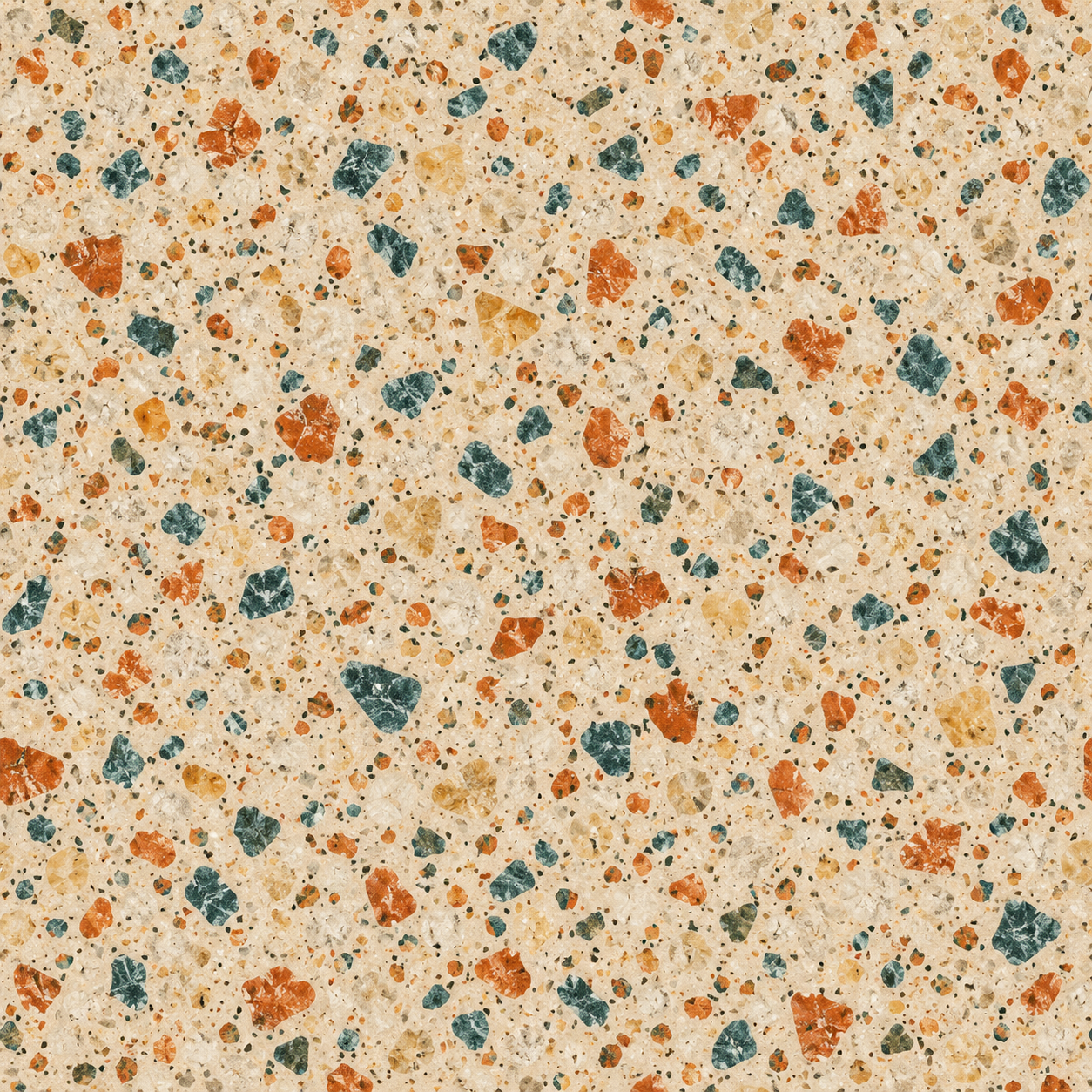
An AI texture generator can help you explore a surface, but first decide what you need to deliver: a flat picture, a repeatable tile or a textured 3D model. Those are different assets. A beautiful terrazzo image can still show boundaries when repeated, and a color image alone does not supply a complete material.
For a broader text-to-image brief, inspect the Perchance image generator guide and original prompt study.
Choose the texture workflow before generating
| Goal | Needed output | Review |
|---|---|---|
| Illustration or background | A flat image at the intended dimensions | Composition color and visible artifacts |
| Repeated surface | A tile that works across opposite edges | Boundary joins and recurring motifs |
| Textured 3D object | A mapped model and the required material channels | Surface placement lighting response and delivery format |
Meshy’s official AI texturing page describes text or image references applied to a 3D model and PBR channel outputs. That is a different workflow from generating a standalone decorative image. Its quality and export claims were not tested here. Polycam’s older material-generator address currently redirects to its AI texture generator route; the public text retrieval did not expose its controls, so this guide does not invent a current allowance or export specification.
Try the original terrazzo in repeat
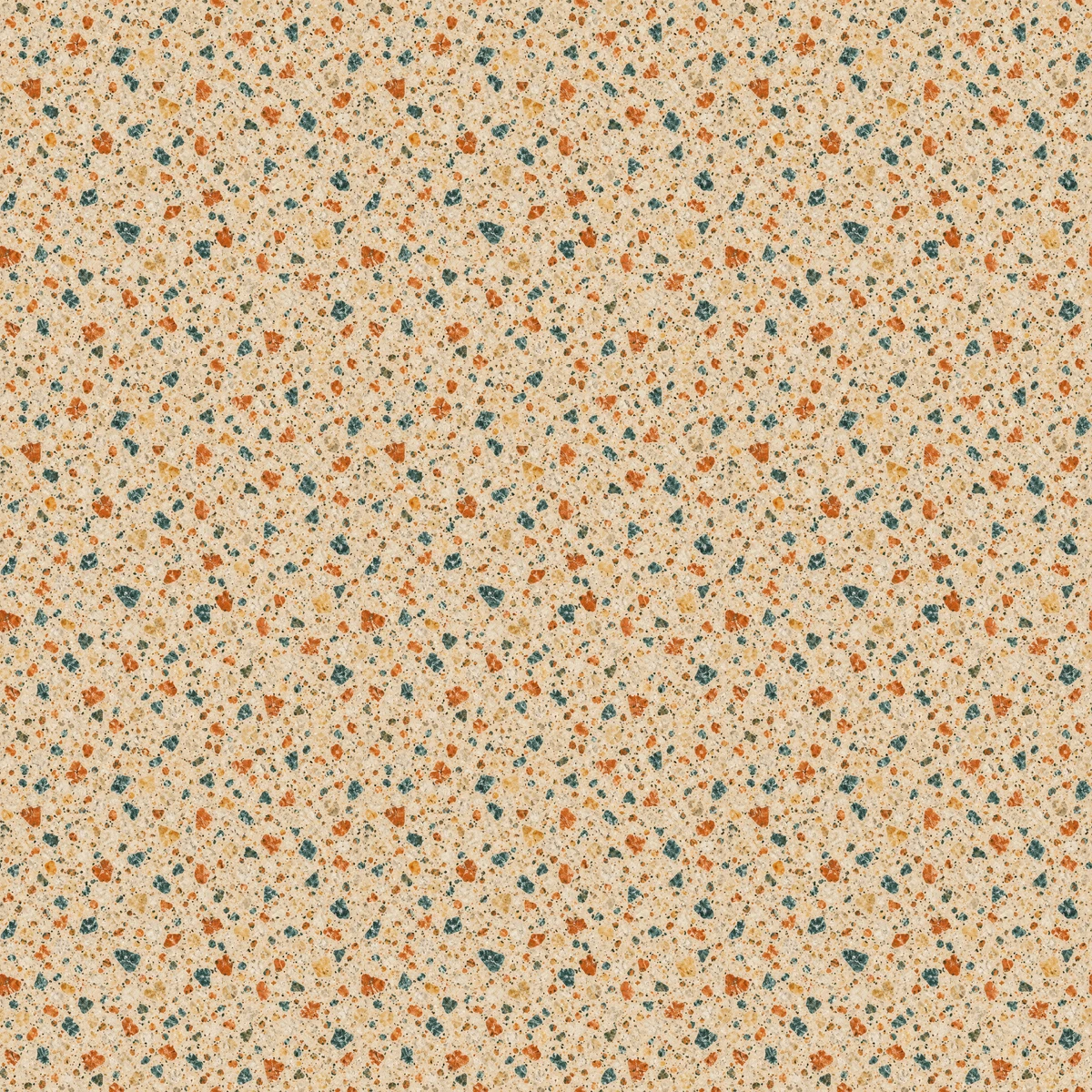
Use the local preview above to change the tile size or choose your own PNG, JPEG or WebP up to 10 MB. It repeats the image in your browser. It does not upload the file, generate a new material or fix seams. A smaller displayed tile can make a repeated motif easier to notice; it does not add detail to the source.
Download the native source PNG, repeat grid, measured edge data and the reproducible study source. The source is 1254 by 1254 pixels. Each tile in the static grid is resized to 400 by 400 before nine copies are placed in a 1200 by 1200 image.
What the edge measurements actually show
We measured mean absolute RGB channel differences on the native source. At each row, the leftmost pixel is compared with the rightmost pixel; at each column, the topmost pixel is compared with the bottommost. Internal adjacent pixels provide a separate descriptive comparison.
| Comparison | Mean channel difference |
|---|---|
| Left and right edge | 22.70 |
| Top and bottom edge | 21.68 |
| Internal horizontal neighbors | 11.47 |
| Internal vertical neighbors | 11.06 |
The boundary differences are approximately twice the corresponding internal averages. This is a numerical description on a 0 to 255 channel scale, not a perceptual seamlessness score. The measurement does not inspect whether a chip cut at one edge continues naturally at the other, and matching edge pixels alone would not establish a convincing material.
Visual inspection of the grid also shows recurring distinctive chips. The source prompt requested matching opposite edges; the result should still be inspected rather than declared seamless because of that instruction. Keep the source and the measured report together so another person can check the same image instead of judging a compressed screenshot.
Write a useful material prompt
Flat overhead material scan of matte cream terrazzo with small burnt orange, teal and pale gold aggregate chips, even coverage, matching opposite edges, no perspective, no objects, no lettering, no cast shadows and no lighting gradient
This is an original example brief, not a parameter set validated across vendors. It specifies the surface and excludes scene elements that could make a tile harder to reuse. Save both the prompt and the actual file. If the model adds a border or a strong light patch, record that failure and revise the requirement.
Decide the intended viewing distance before filling the surface with tiny detail. A close product render and a distant floor background may need different visual frequency. Inspect a preview at the intended use size as well as the full source. Avoid assuming that increasing the displayed tile size creates more material resolution.
Separate RGB appearance from PBR channels
The downloadable terrazzo is one RGB image. It has no authored normal, roughness, metallic or height map. Renaming copies of it does not create those channels. If a 3D workflow needs them, obtain or author the appropriate maps and inspect the material on the actual model under changing light.
Also separate repeating a flat image from mapping a texture over geometry. A flat repeat preview cannot verify UV placement, distortion around corners or the consistency of different surfaces on a model. Review those in the relevant 3D tool and inspect the exported files, rather than approving only the generator’s thumbnail.
Keep an honest texture handoff
Deliver the selected source, dimensions, intended use and unresolved questions. Say whether the asset is a flat concept, a repeated image or a mapped material. Include a repeat preview when repetition matters, and identify any derivative resizing so another person can reproduce it.
For broader creative image work, continue with the AI picture generator guide. For style changes around a fixed layout, see the Dzine guide and original material study. Clout is a separate creative suite; the local preview here is a file inspection aid rather than an AI generation service.