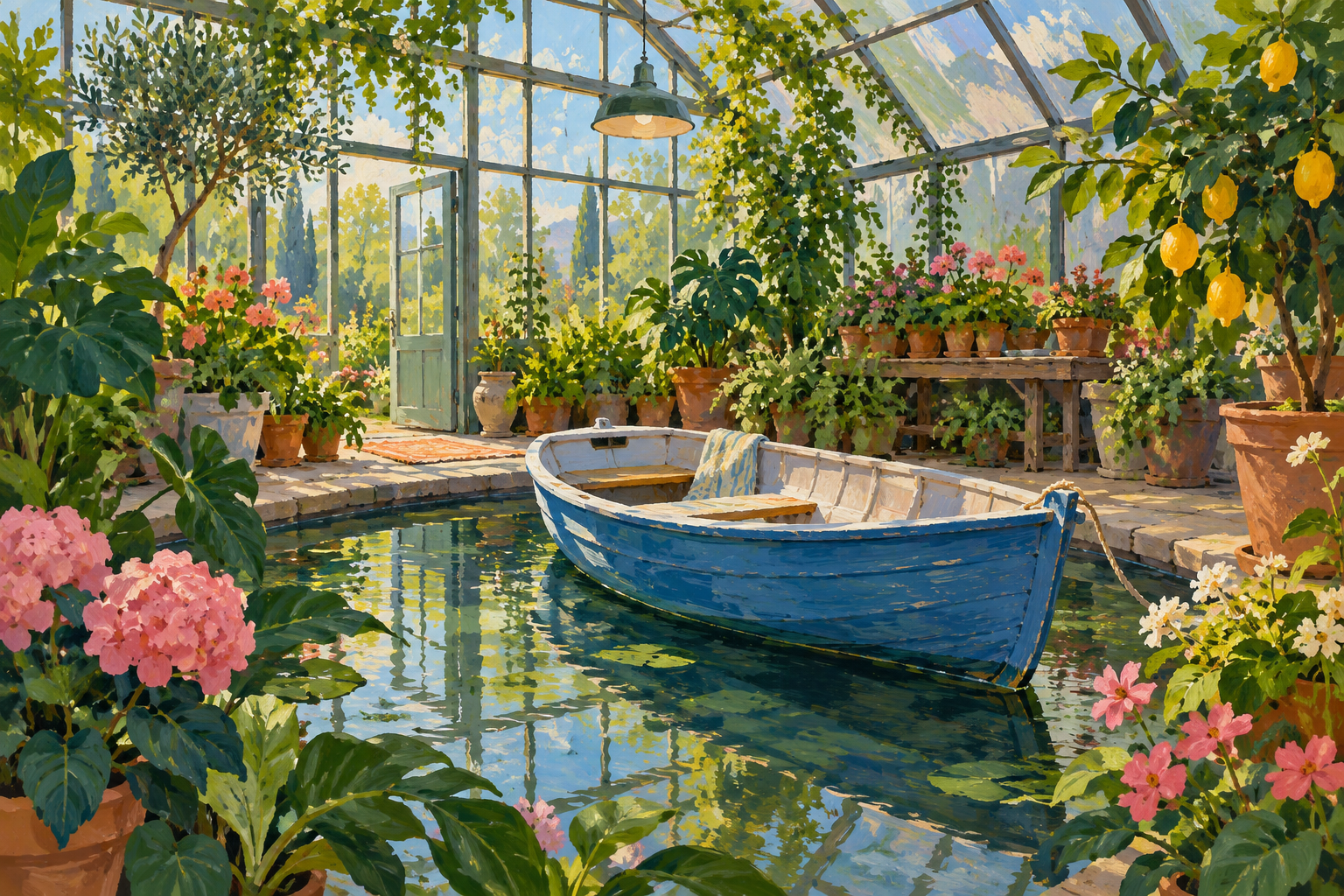
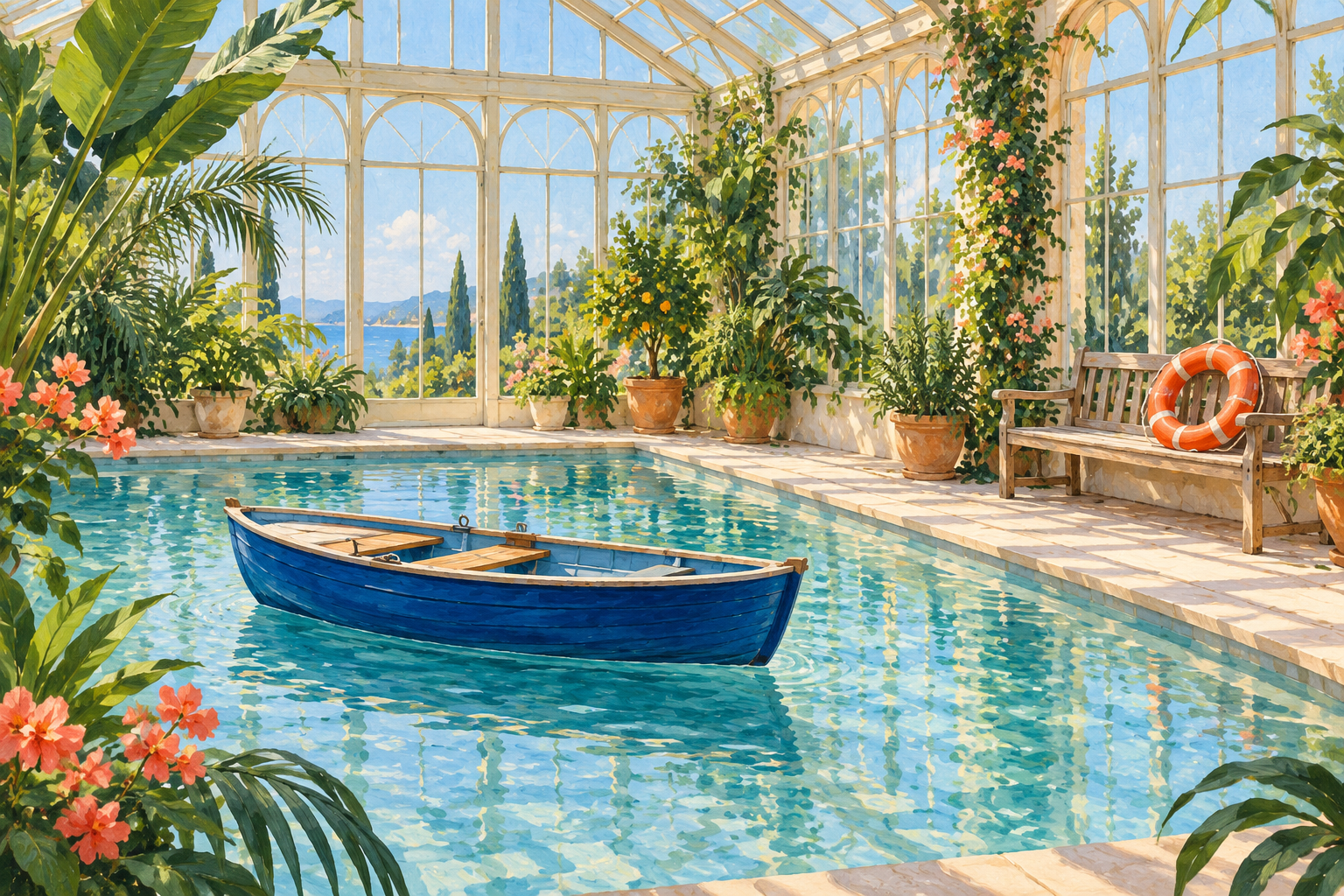
Looking for the Perchance image generator? Open the official Perchance text-to-image page. This is an independent Clout workflow guide, not the generator itself. It helps you turn an idea into a brief, inspect the delivered picture and keep useful records of the result.
Perchance also has a separate AI photo generator page. Save the exact page you use rather than treating every generator hosted on the same domain as an identical tool. The current public text retrieval exposed the page wrappers but not the complete generation interface, so this guide does not invent model names, seed controls or numerical limits.
Start with the picture you need to use
A short idea can be enough for exploration. If the image must fit a presentation, story or campaign, decide what needs to be visible before generating. Subject, setting, composition and style are separate decisions. Add a secondary object only when it contributes to the intended picture.
Our original example starts with a small blue boat inside a greenhouse. The subject is deliberately unusual but easy to review. We can look for a boat, a greenhouse and a painted visual style without pretending that an attractive image automatically meets every production requirement.
Inspect the original short brief
Create an original colorful gouache-style editorial illustration of a small blue boat inside a greenhouse. No text or logos. One landscape image.
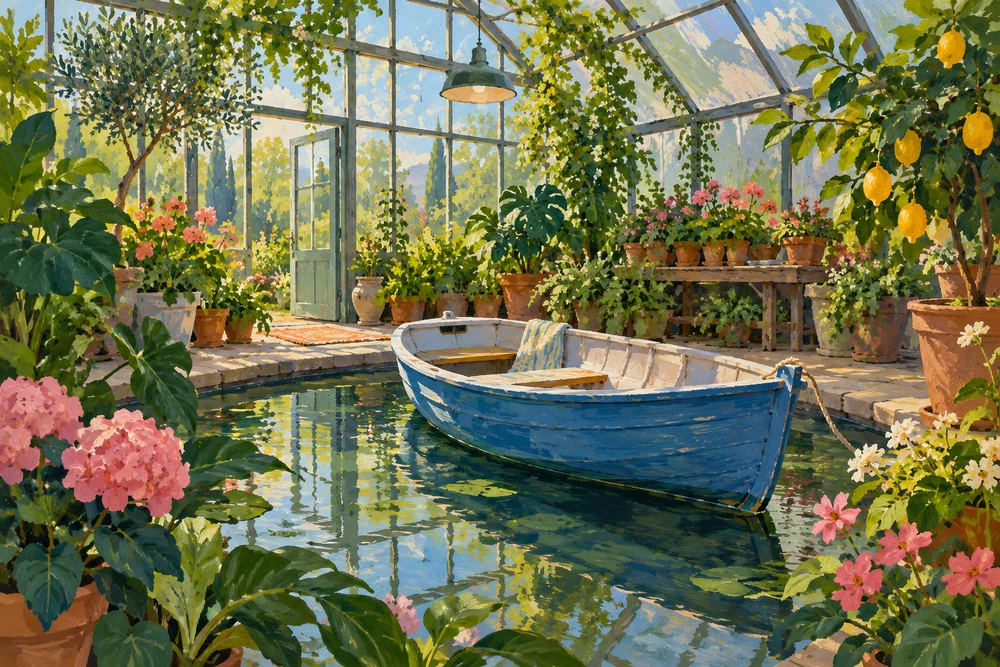
The delivered picture visibly contains a blue boat, glass greenhouse structure, water, plants and a painted texture. It is a useful interpretation of the short request. The brief did not specify a rectangular pool, an orange life ring or a particular secondary focal point, so their absence is not a failed instruction.
A good review distinguishes an unwanted result from an unstated preference. If you decide afterward that the boat needs more surrounding space, write that as a new requirement. Do not retroactively grade a simple exploratory prompt against a production brief that did not exist yet.
Make the next brief reviewable
The second request keeps the broad boat-and-greenhouse idea but adds visible acceptance criteria: one entire blue boat slightly left of center, water around its silhouette, a rectangular pool and one orange life ring on the right-hand bench. It also specifies plant framing and a cream, blue, green and coral palette.
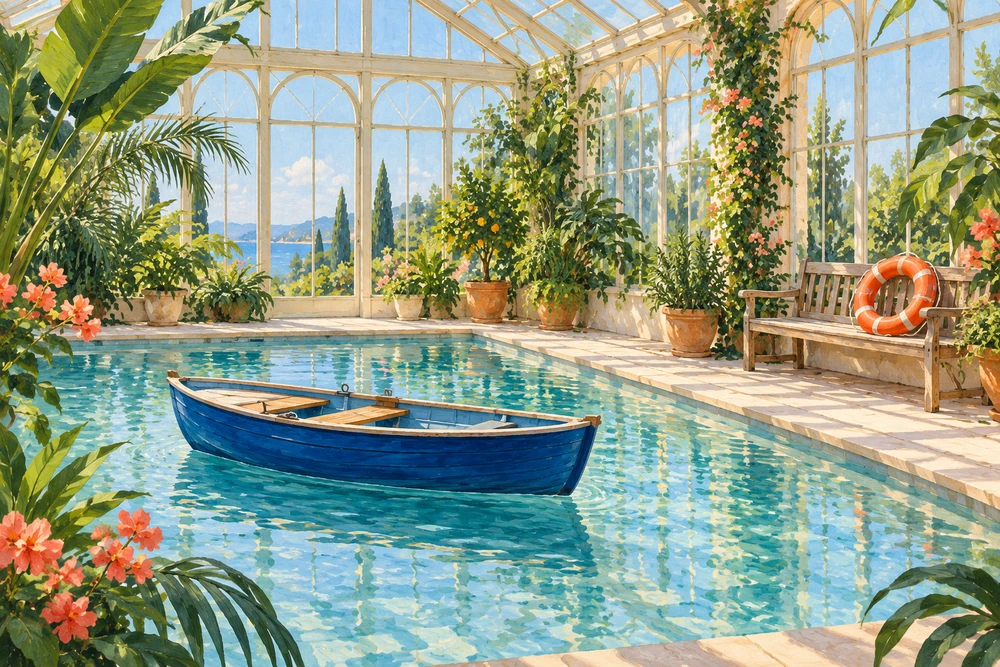
The second image visibly includes the full blue boat and a readable orange life ring on the bench at right. The pool and wider composition are also different from the first image. These are two independent generations, not an image edit, repeated seed or controlled comparison. They do not prove that prompt length caused a better result, or establish how Perchance would perform.
Download the first native PNG, second native PNG, both exact prompts and file hashes, filled observation CSV and the original brief template. Both native images are 1536 by 1024 pixels.
Use acceptance criteria instead of decorative prompt padding
| Decision | Useful instruction | Review question |
|---|---|---|
| Subject | One small cobalt-blue rowboat | Is the requested subject present |
| Composition | Show the entire boat with water around it | Are important edges hidden or cropped |
| Secondary object | One orange life ring on the right bench | Is it visible in the intended place |
| Style | Gouache illustration with visible brush texture | Does the actual picture suit the intended use |
Adding unrelated adjectives can make a prompt longer without making it clearer. State the decisions that change your approval of the picture. If a logo, exact phrase or product detail matters, record it explicitly and inspect the delivered file. A model can produce convincing-looking text or objects that still fail the actual requirement.
Keep the generator page and the output together
Record the exact generator URL, date, prompt and downloaded file. If the interface exposes settings that you use, record those as displayed. Do not assume that a control exists because a guide for a different page mentions it.
The public titles of the official Perchance image pages advertise free access, but we did not verify current runtime allowance, throughput, sign-in behavior or generation availability. Treat the current interface as the place to check access. This guide has no live Perchance connection and does not submit jobs on your behalf.
If the page or generation does not load, first identify which stage failed: page loading, submitting the request or receiving an image. Keep any returned job or error information. Repeatedly changing the prompt cannot resolve every loading or service issue, and a missing preview is not evidence of a completed file.
Review the file at its actual delivery size
Inspect the whole composition first, then the details that matter to the brief. In the boat example, that means the boat outline, pool edges and secondary object. In a product concept, it may mean packaging shape and lettering. A thumbnail can hide small defects that become obvious in the exported file.
Keep selected and rejected results with brief notes if you need to explain a creative decision later. Do not turn a single favorable sample into an accuracy or speed benchmark. The examples here are original illustrations and filled observations, not measured performance tests of a named service.
Continue into a creator workflow
For broader image planning, use the AI picture generator guide. For a different free-tool search topic, see the Craiyon guide. Clout Image and Video is a separate creative workspace; check its supported operation and references before using the accepted image as part of a larger campaign or video workflow.