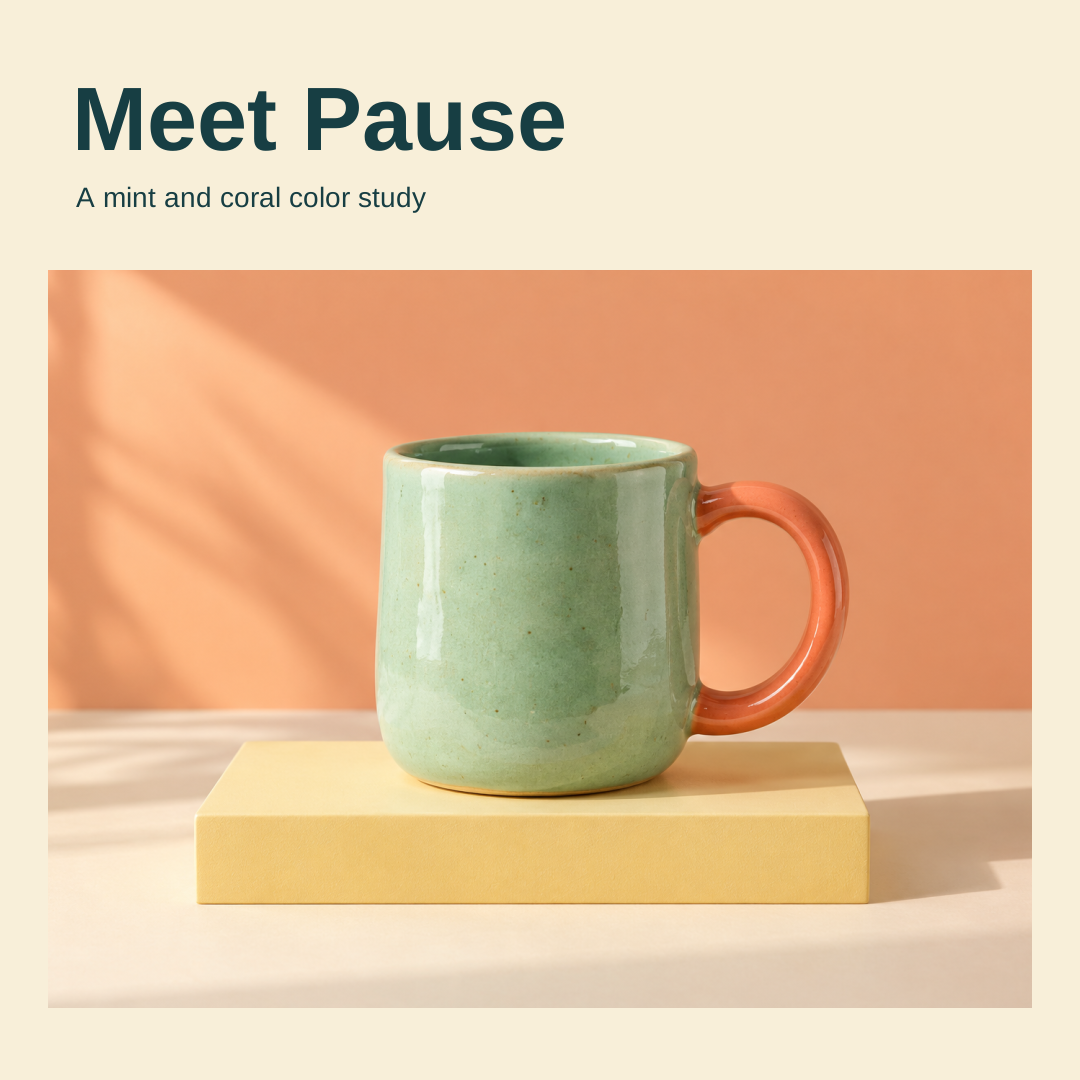
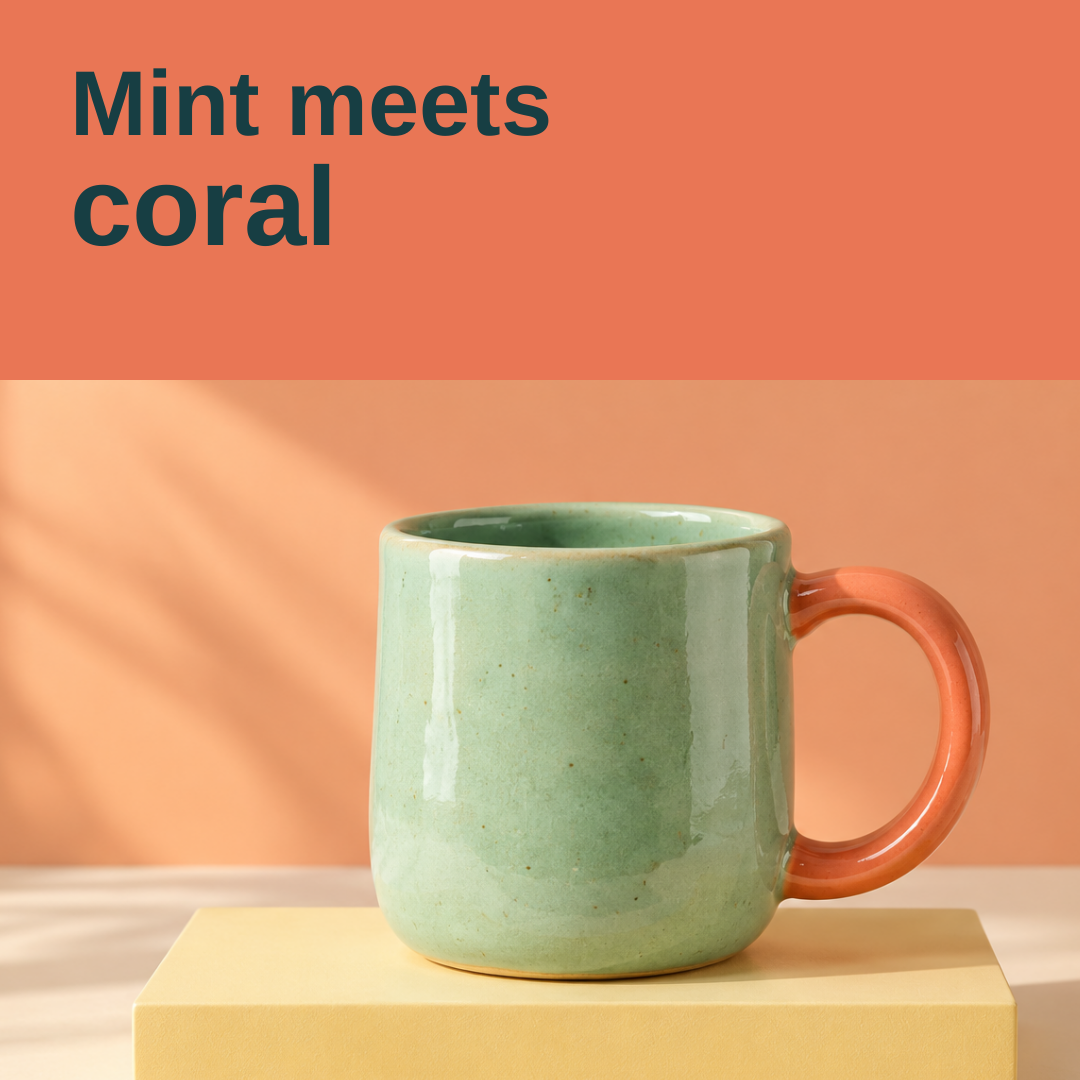
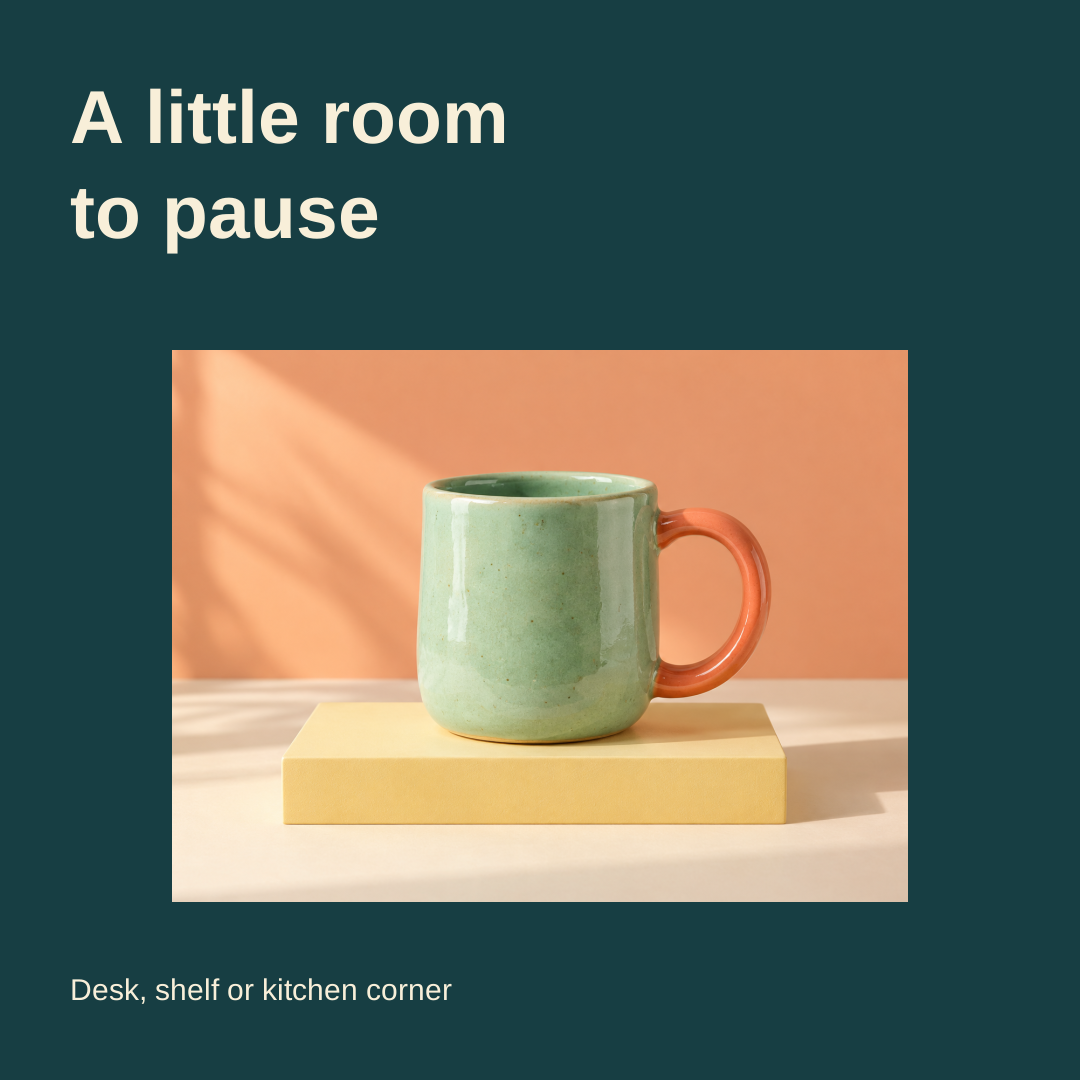
An AI social media post generator can help draft words, create a visual or assemble a design. Those jobs still need a shared brief. This guide walks through an original three-post campaign with actual designed assets, exact captions and a filled review record, so the handoff contains more than a folder of unrelated images.
For a wide campaign asset, use the AI banner generator guide and free local SVG layout tool.
Separate the caption visual and publishing stages
Buffer’s official post creator describes topic, audience and goal inputs for generated copy, with refinement and separate publishing features. Canva’s official page describes post writing, pairing copy with visuals, and design and planning features. An available writing tool does not establish access to every image or scheduling feature. Neither application was tested for this guide.
| Stage | Needed decision | Review |
|---|---|---|
| Brief | Audience product facts and purpose | Are the inputs true and relevant |
| Copy | One message and an appropriate next action | Does the wording match the actual offer |
| Visual | Source image layout and headline | Does the image support the same message |
| Publishing | Account channel approval and timing | Is this exact asset and caption approved |
The campaign below stops at reviewed drafts. No social account was connected, nothing was scheduled and no engagement or sales outcome was measured. A finished image is not evidence of a published post.
Start from one fictional product brief
Our Pause mug is an independently generated concept with a mint-colored body and coral-colored handle. The campaign has three purposes: introduce the visual idea, highlight its color detail and ask a placement question. The image is not a real retail listing, and the brief establishes no price, stock, material certification or performance benefit.
Keep those unknowns out of the captions. “Mint on the body, coral on the handle” describes the picture. “Dishwasher safe,” “selling fast” or “loved by thousands” would introduce facts that this source does not establish. A language model can make fluent copy from weak inputs, so source facts need to be explicit before generation.
Download the exact campaign and caption JSON, original product concept PNG and filled review CSV. The captions and layouts are authored examples; the product photograph was independently generated. They are not Buffer or Canva outputs.
Inspect the three original post drafts
Introduce the visual concept
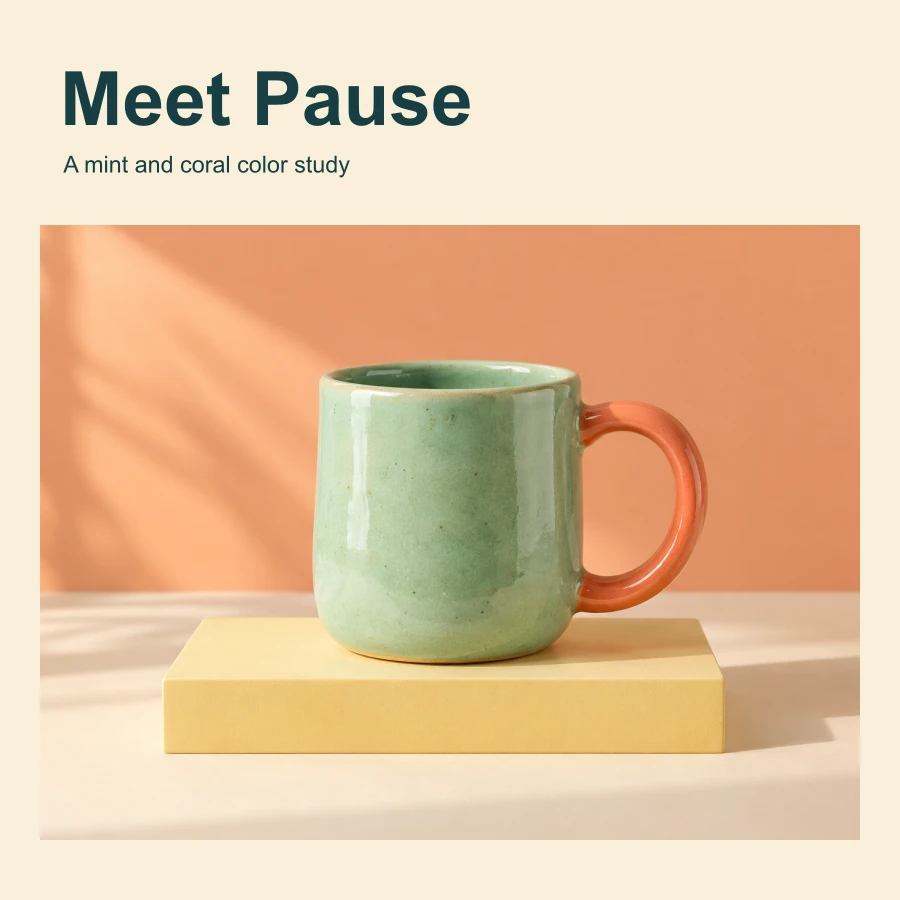
A new angle on your morning. Meet Pause in mint and coral. Save this color pairing for your next moodboard.
Download the editable SVG and WebP preview.
Highlight the visible color detail
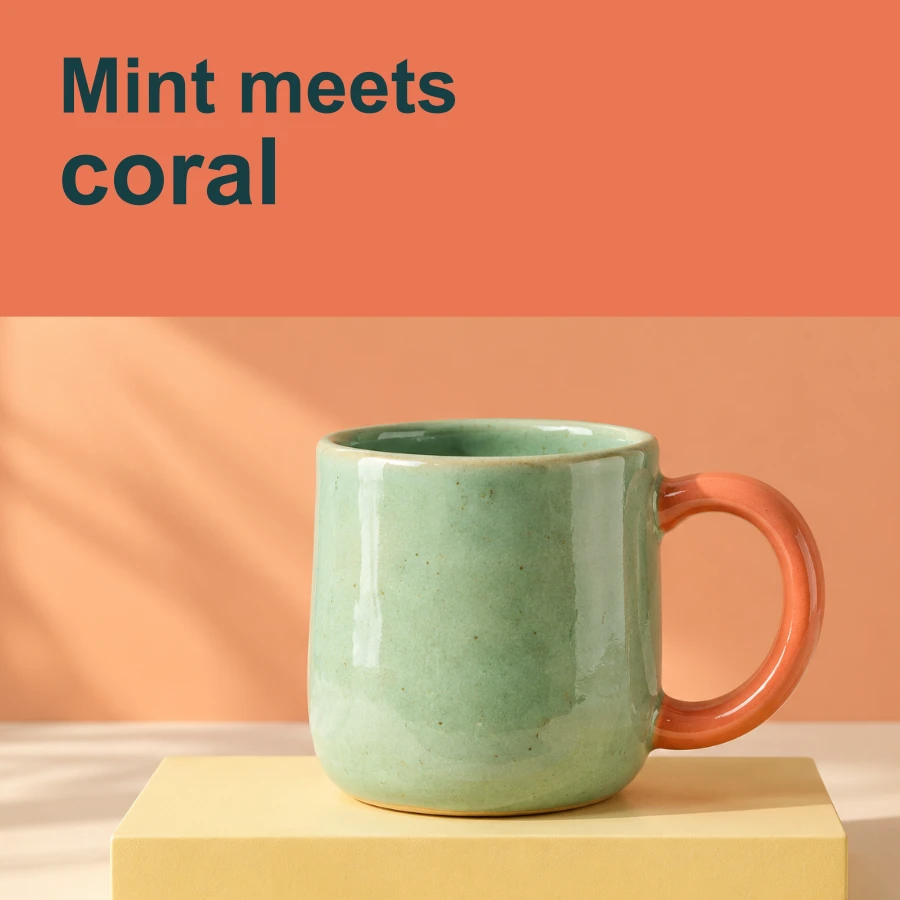
Mint on the body. Coral on the handle. One simple contrast, seen a little closer. Which pairing would you try next?
Download the editable SVG and WebP preview.
Ask a context question without inventing a product benefit
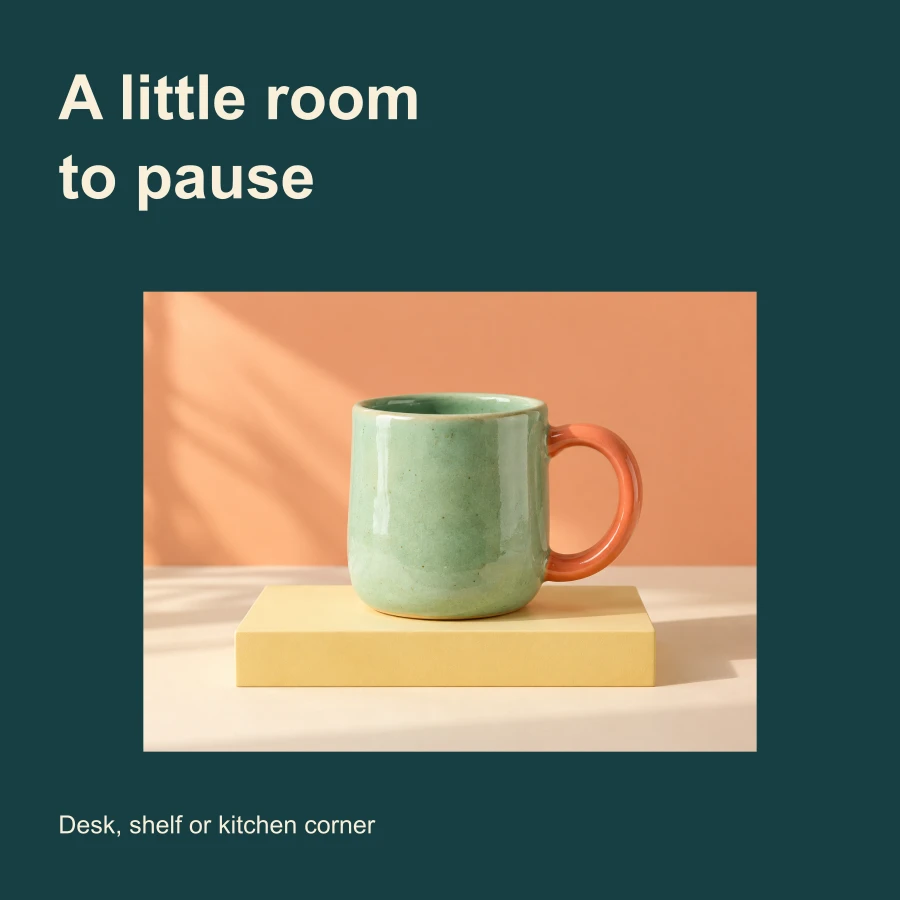
A little room for color. Where would Pause live: desk, shelf or kitchen corner?
Download the editable SVG and WebP preview.
Keep the product stable while changing the message
All three designs embed the exact same original photo. The detail post uses a closer crop; it does not invent a new angle or reveal a surface absent from the source. The question post gives the image more surrounding space. This is a deliberate layout workflow rather than three separate product generations that might drift in shape or color.
The native SVG files are 1080 by 1080 pixels with separate text and an embedded raster photo. The WebP previews are 900 by 900. These are the authored dimensions of this example, not a claim that one size is optimal for every social platform. Fonts are not embedded, and we did not test import into a particular design application.
Download the native renderer source and the source-photo hash record. Re-running the renderer reproduced all six SVG and WebP exports byte for byte in our local environment. Native SVG inspection confirmed the headline text and shared embedded photo. That verifies these artifacts, not their marketing performance.
Write a post-generation brief around actual facts
Draft three social captions for the fictional Pause mug concept. Use only the visible mint body and coral handle as product facts. The first post introduces the color idea, the second describes the detail and the third asks where the mug would fit. Keep the tone calm and concise. Do not invent a price, discount, stock level, material certification, customer quote or performance result. Return each caption with its purpose and an unresolved-facts note.
This is an original example prompt, not one we submitted to either named provider. For a real business, replace the fictional source with approved facts and the actual offer. If the post needs a link, date or price, provide the exact value and verify the final copy. A generator should not fill a missing commercial fact with a plausible guess.
Choose one next action for each post. A question, a moodboard save and an offer click are different requests. Repeating all of them in every caption can obscure the message. The example uses a different purpose for each draft without claiming any particular wording will improve engagement.
Match the caption to the exact image
Review assets and copy together. If a caption mentions a close-up handle detail, check that the handle remains visible in the delivery crop. If the design headline says one thing and the caption introduces another offer, resolve that mismatch before handoff.
The filled review records full mug visibility, legible headlines and the absence of unsupported commercial claims in these drafts. It does not mark the campaign published or successful. Keep an explicit draft status until the intended account and channel have their own approval.
Adapt the draft for a channel without inventing access
Record where the post will appear, what crop is needed and which file is the final asset. Then inspect the actual channel preview. A square design that looks good in an image viewer can still need a different crop or caption treatment for its destination.
Generation, export, account connection and scheduling are separate actions. Check the current features and access of the tool you choose. This guide does not promise free access to every stage or claim that Clout automatically publishes these drafts.
For an interactive campaign concept, use the playable ads guide and original matching-game prototype. Interaction logic and destination packaging are separate from producing a social image.
Build the next campaign from a repeatable handoff
Save the source image, source facts, prompt or authored copy, final designs, caption mapping and review status. Give each post a stable identifier so the chosen image cannot be accidentally paired with another draft’s caption. Keep later performance data separate from the creative approval record.
For editable composition, explore the Fuser guide and native design study. For product-focused visuals, see the AI product photography workflow. Clout Marketing Studio is a separate creative workflow; inspect its current templates, input requirements and output options before submitting your campaign brief.