Fuser AI is the creative workflow service at fuser.studio. For a campaign, evaluate how the process moves from generation to editable composition and then to a delivered file. A polished PNG can be ready to show while still being insufficient for the next person who needs to revise its wording.
For a different illustration use case, explore the Adobe Firefly tattoo concept guide and its original two-style moth study.
For the copy-and-asset handoff, use the AI social media post generator guide and original three-post campaign.
What Fuser Studio and Compositor describe
The official site presents a node-based creative canvas and prebuilt workflows called Recipes. Its Compositor page describes arranging media and text into layered scenes. This guide uses those public descriptions, not an account or generation benchmark.
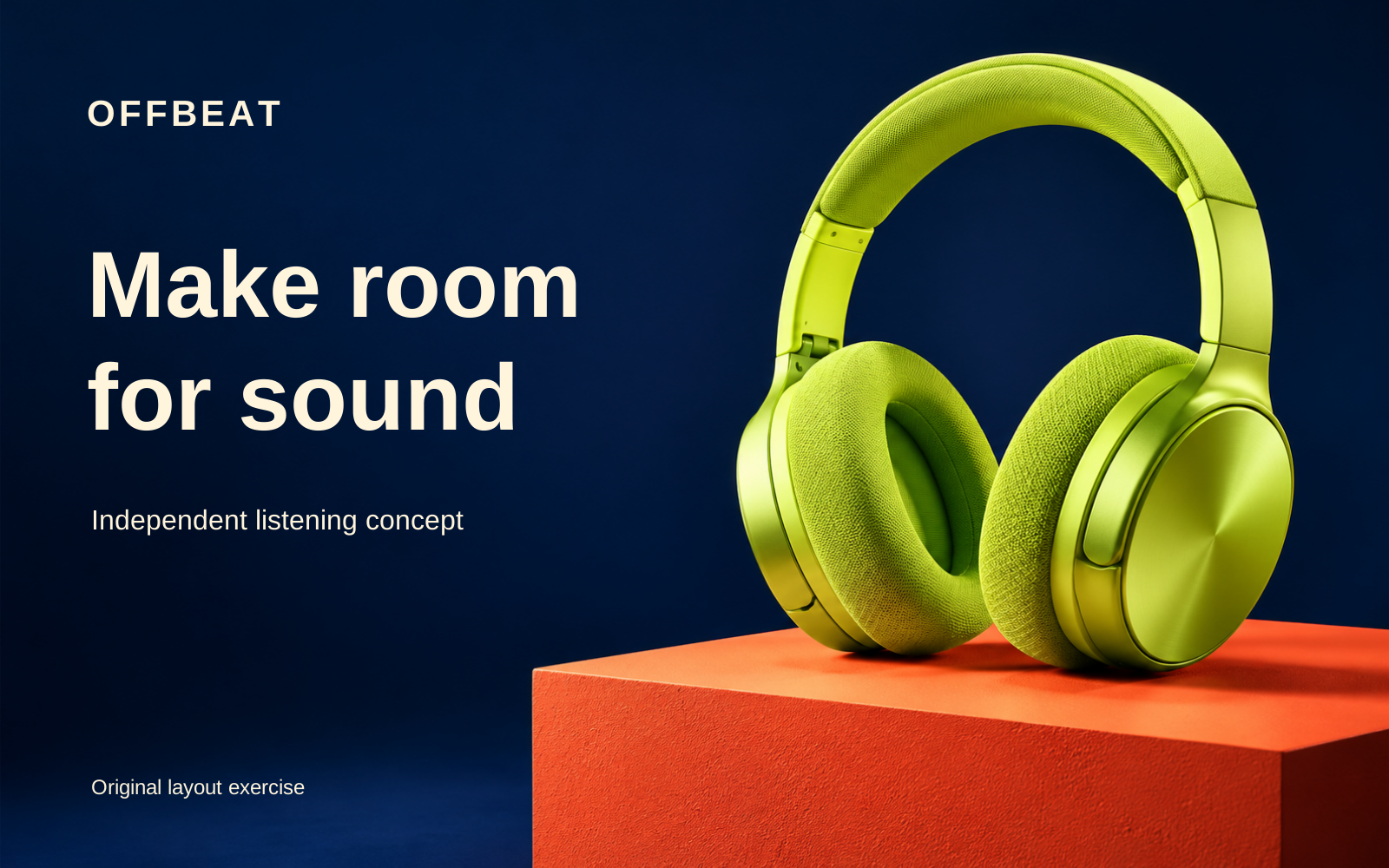
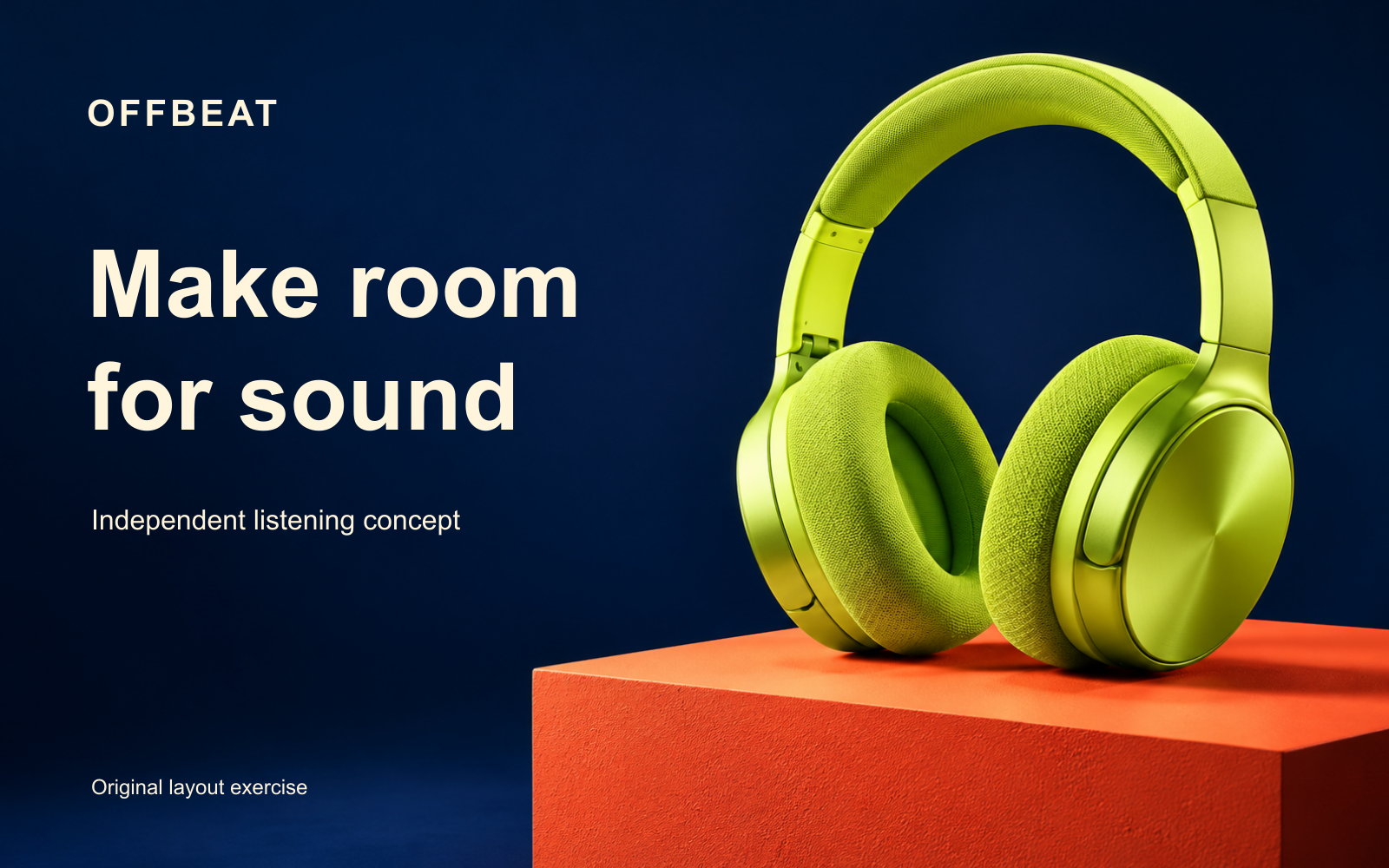
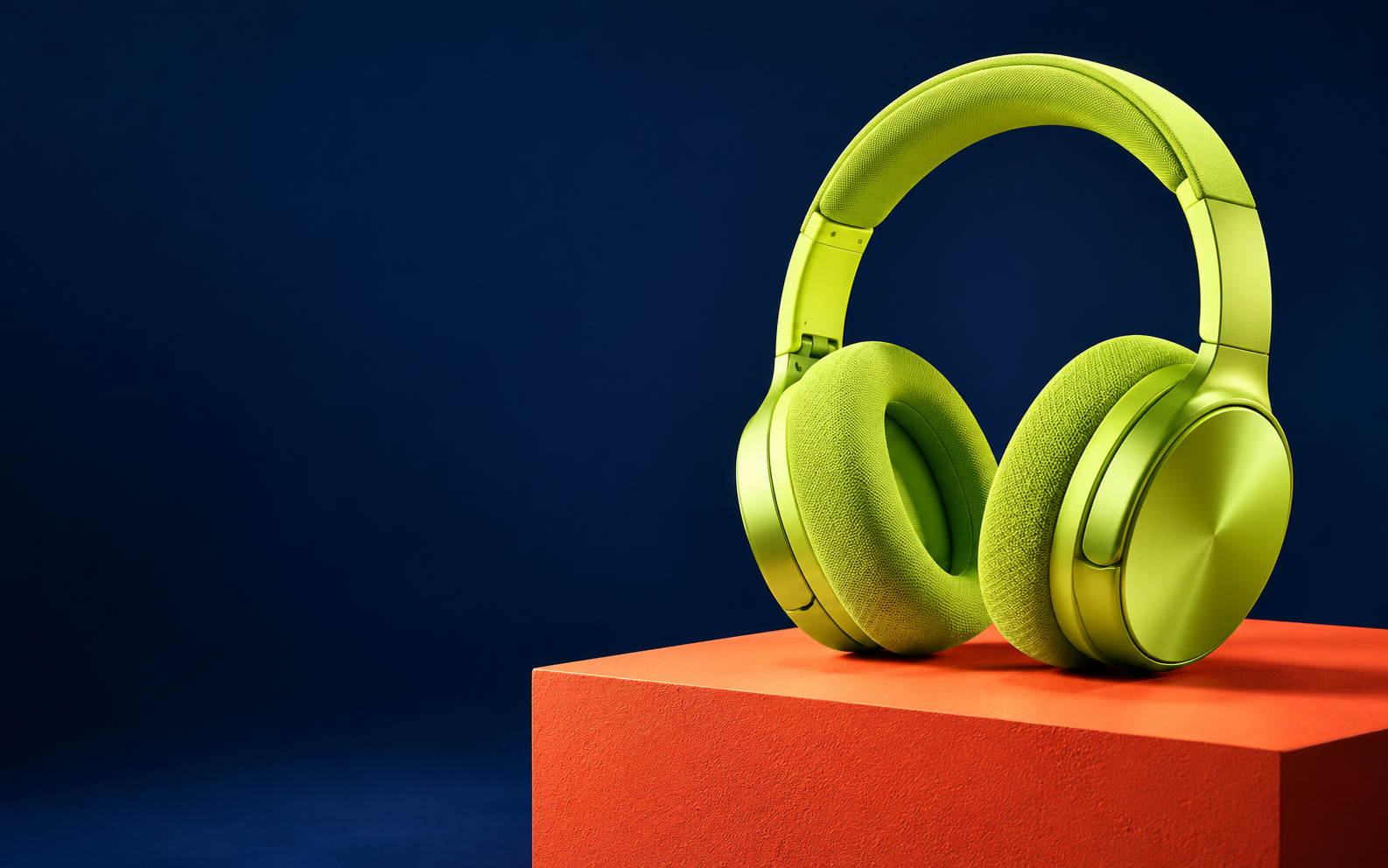
Choose a small job whose result you can inspect. Our original exercise is OFFBEAT, a fictional listening campaign with lime headphones on a coral plinth. There is no real product specification, price offer or advertising result behind the concept.
Inspect the original copy revision exercise

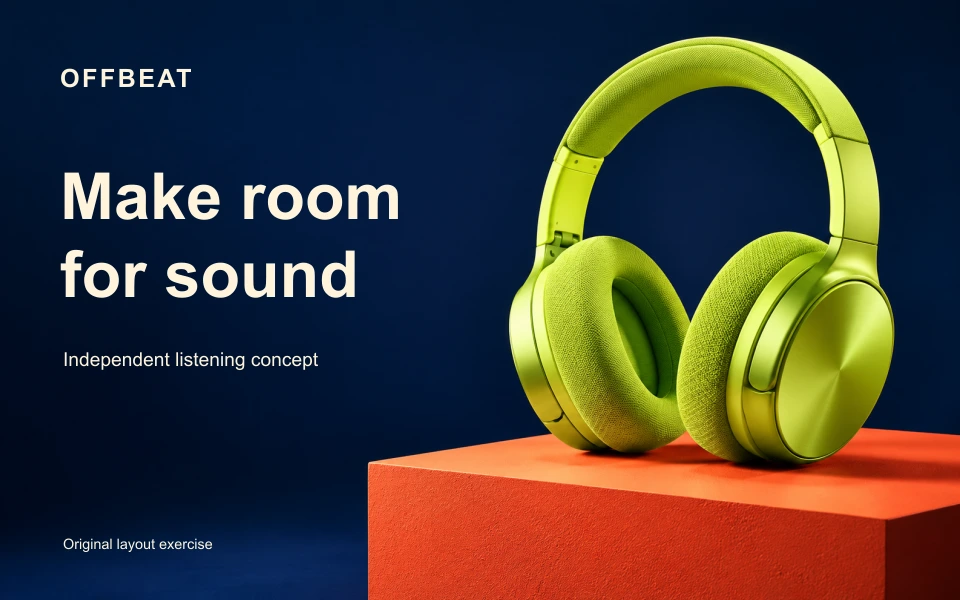
These are original locally authored compositions using one independently generated fictional image. They are not Fuser outputs. Download the editable revision A SVG and revision B SVG, or the flattened A PNG and B PNG.
The displayed headline changes while the embedded photograph and text positions remain the same. The SVG source has named photo and type groups with native text objects. The headphones themselves are part of a raster photograph, not separate vector shapes you can reshape through these files.
Keep the project and delivery file distinct
A recipient who needs to change a headline needs a usable source or project workflow. A recipient who only needs to place a finished image may prefer a PNG. Write that handoff requirement into the brief before deciding that a successful export means the job is finished.
| Item | What our exercise contains | What it does not establish |
|---|---|---|
| Native SVG source | Embedded photo plus separate text objects | A Fuser project format or tested import route |
| PNG delivery | Rendered pixels at 1600 by 1000 | Separate editable headline objects |
| Source photograph | One fictional headphone image | A real product reference or vector model |
| Review notes | Observed copy and file-structure checks | A provider quality score or editor compatibility test |
The independent SVGs teach the handoff distinction; they are not a claim that Fuser exports SVG projects. Open the actual source in your intended editor and check what remains selectable before promising that a teammate can revise it.
Use the documented Compositor scene workflow
Fuser’s Compositor overview describes a scene as canvas settings and an ordered layer stack. Its documented editor flow is Edit, make changes, Save to commit the scene, then Exit to the canvas. Confirm the current interface and selected node in your own account.
For this campaign, separate the photograph from exact copy. Keep the brand word, headline and supporting line identifiable. If the next revision changes only wording, review that text and its fit rather than asking a generator to reinterpret the whole product image.
The provider also describes replacing an upstream image while retaining layout transforms. We did not test that behavior. Even if positions persist, a different subject can collide with the same type or lose its useful negative space. Retained coordinates are not automatic design approval.
Know what PNG and MP4 export mean
The official Timeline and Export guide distinguishes a current-frame PNG at canvas dimensions from an MP4 rendered over the scene duration. It also distinguishes exporting a file from passing a scene to a connected node.
That gives you two review tasks. For a still, inspect dimensions, visible text and the destination crop. For motion, inspect the complete duration, transitions and audio if present. Our exercise supplies static compositions only; no Fuser video or export operation was executed.
A preview at one moment does not prove that an animated layer stays readable throughout a clip. Keep the accepted source and the actual downloaded delivery together, so the person finishing the campaign can identify the version that was reviewed.
Inspect the source files behind the example
Download the original fictional image, exact copy JSON and deterministic layout source. The local renderer uses Bun and Sharp to author SVG files and rasterize them; it does not call Fuser, a model or any network service.
The JSON holds the two headline revisions and shared wording. The same embedded image is used in both SVGs. A change to these particular strings is an authored composition revision, not a generative image edit or a guarantee that arbitrary longer copy will fit.
Arial with a sans-serif fallback is specified but not embedded. Font substitution in another editor can change spacing and line breaks. We inspected the local renders, not an import into every design application or a browser editing session.
Fuser AI pricing and the free trial
The pricing page checked November 1 advertises a thirty-day Professional trial and says generations consume credits during the trial. Plan cards use credit-pack selectors, so a displayed amount should not be treated as one universal flat price for every configuration.
The public FAQ ties generation costs to model and settings, including resolution and duration. It describes purchased-credit rollover and places bring-your-own-key access on Enterprise. These are provider terms to confirm, not account benefits we redeemed or tested.
Record the selected plan, billing interval, pack and current operation estimate before comparing workflows. Budget for the number of attempts you intend to review. We did not complete checkout, test a queue or measure an actual Fuser charge.
Start from a Recipe without skipping the input check
Fuser’s public homepage describes Recipes as prebuilt workflows that take inputs such as a product image, logo or brief. Before running one, inspect its required inputs and the result it is designed to produce. A promising example is not evidence that your reference or delivery requirement is supported.
For OFFBEAT, the reference is the fictional headphone image and the exact wording is separate. A real campaign should supply owned product assets and approved claims. Keep a simple acceptance note: which file is the source, which wording is locked and which delivery shape is required.
Review the actual handoff before scaling
Download the filled review sheet and native file provenance. We inspected both rendered layouts, checked their dimensions, native text and identical embedded photograph, and reproduced the files from the published source.
Those checks apply to this exercise. They do not establish a provider’s image fidelity, native project format or editor compatibility. The cover is separate fictional editorial artwork rather than a screenshot or a photograph of an actual Fuser workspace.
Choose the next creative task
For a separate moving-frame exercise, use the VideoExpress clip-planning guide and its original authored reframing video.
For a separate Clout project, explore Marketing Studio or Image and Video. Clout publishes this independent guide and is a separate service. No account connection or cross-service quality benchmark is claimed.
Use the campaign direction chooser to select a concept before a new round, the three-format vector kit for recomposed layouts or the fixed-source crop exercise when only the frame changes.