Lovart AI is the design-agent service at lovart.ai. Its official guide describes brief-led design, model selection and editing on a shared Canvas. For a useful first project, define the campaign’s fixed content and required files before asking for a batch of attractive variations.
Start with a campaign contract
A campaign is more than pictures in matching colors. The brand name, product wording, visual hierarchy and delivery dimensions must agree. Put those requirements into one brief so a revision to the headline does not create three different versions across the asset set.
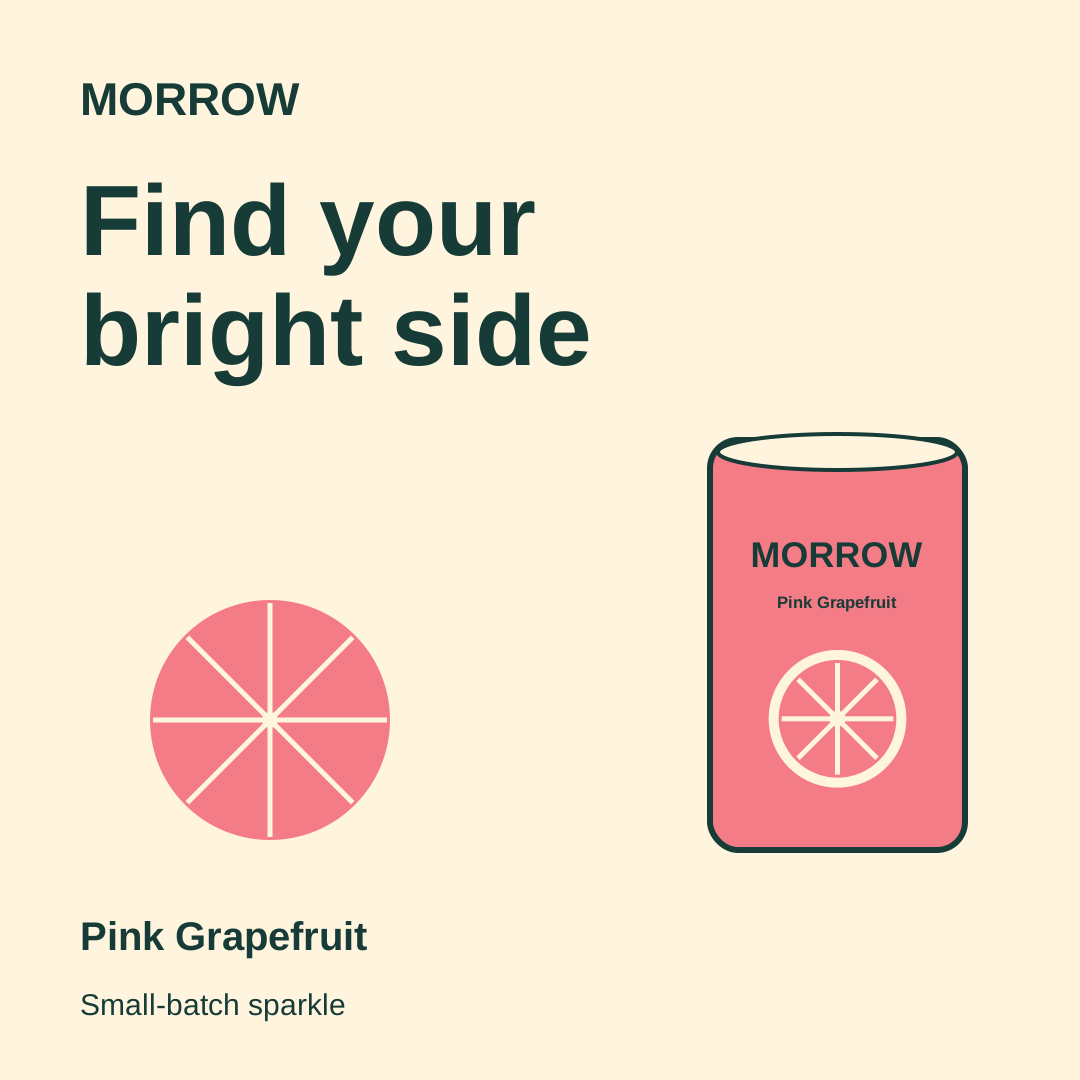
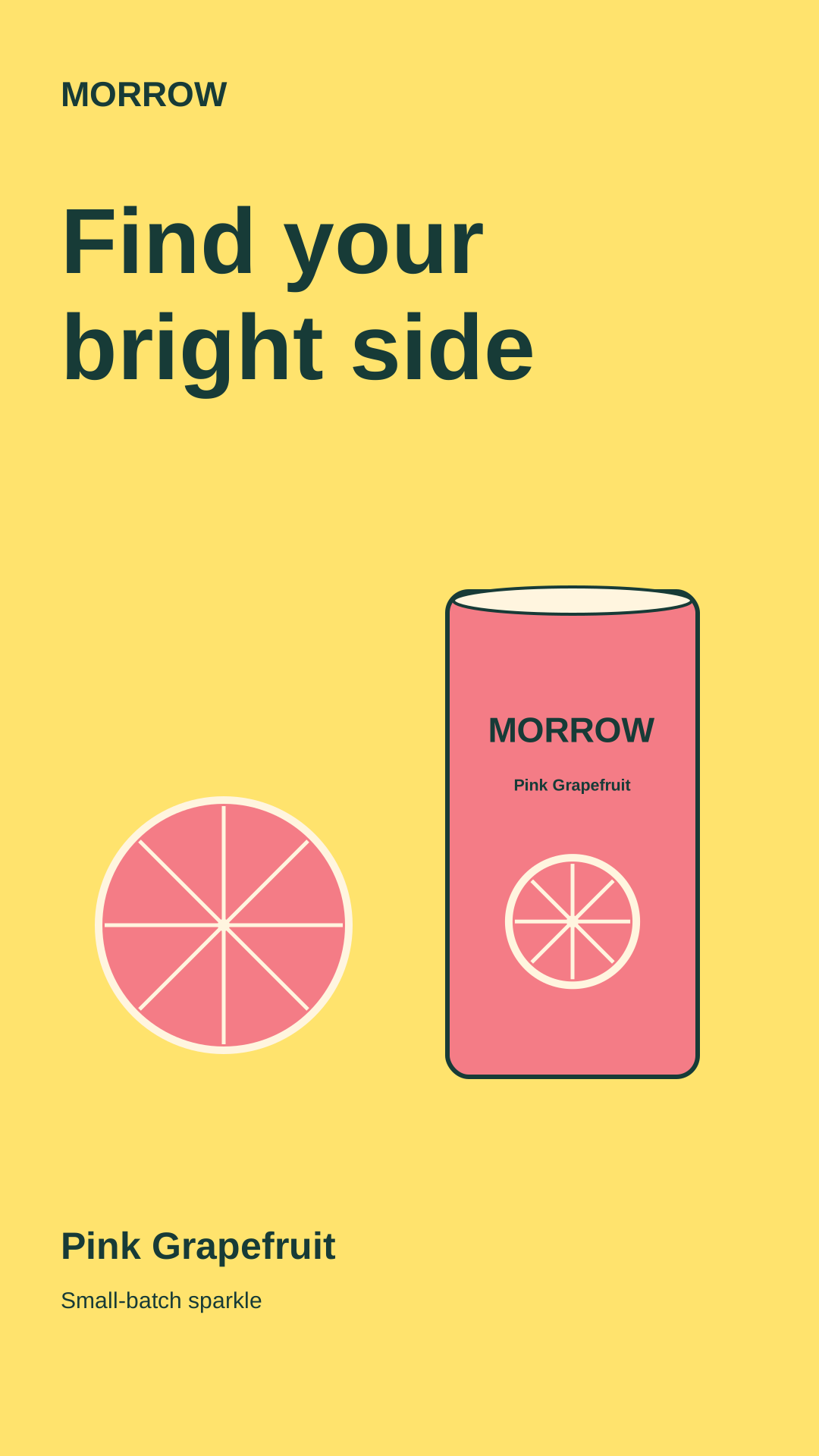
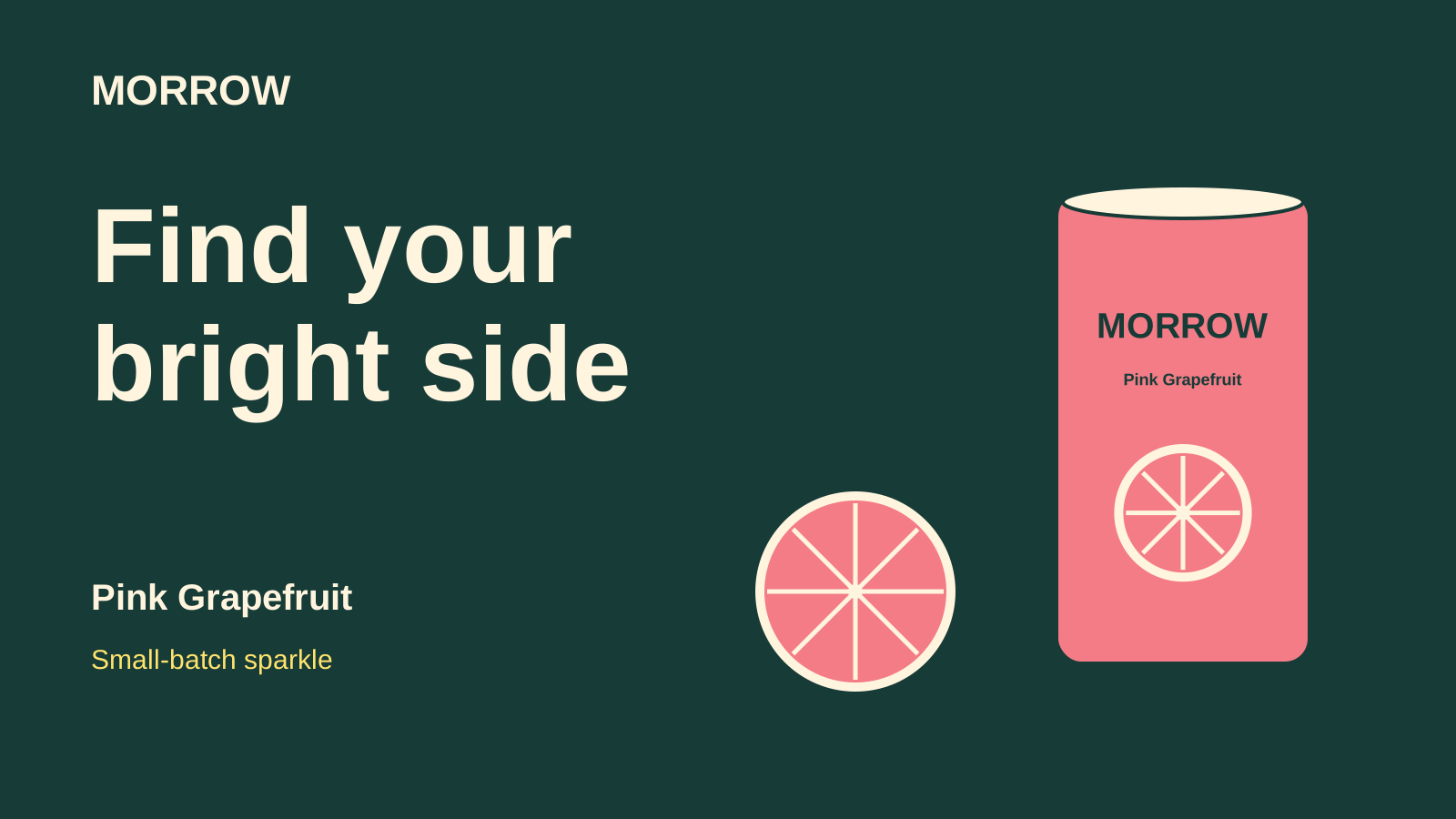
Our original exercise is MORROW, a fictional grapefruit soda concept. Its locked copy is Find your / bright side, Pink Grapefruit and Small-batch sparkle. There is no real product offer, price, ingredient statement or measured advertising result behind this exercise.
Inspect the original three format kit
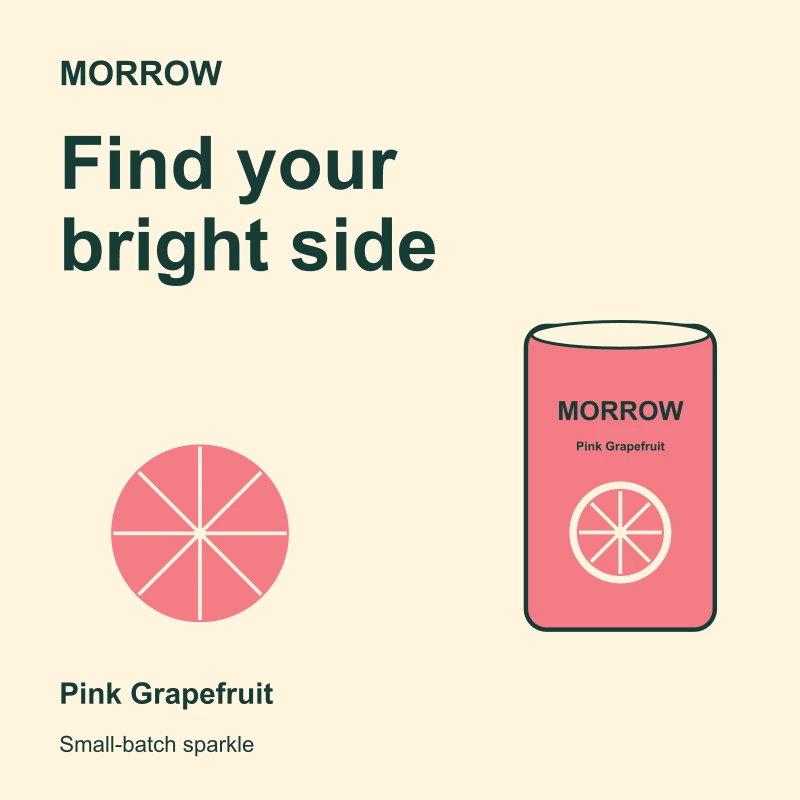
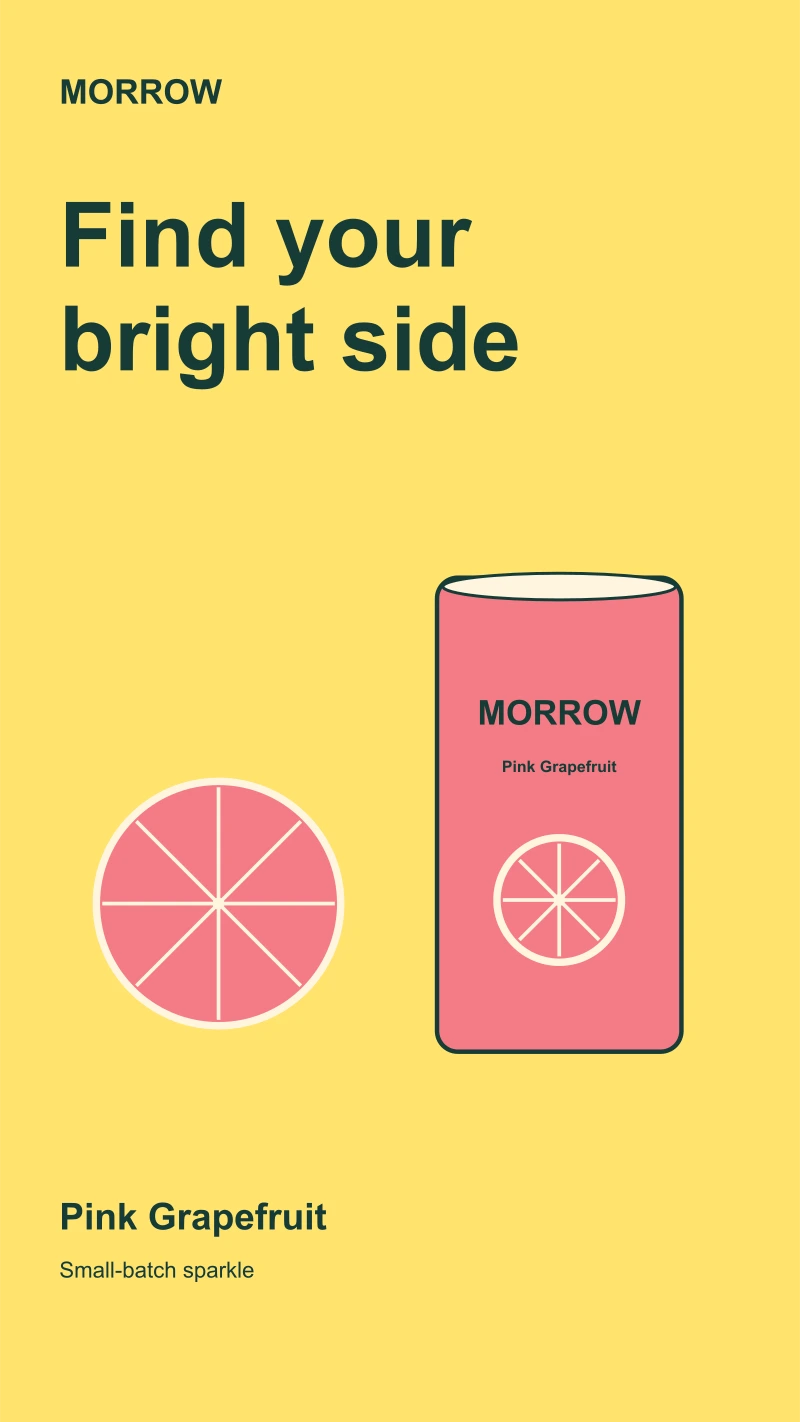
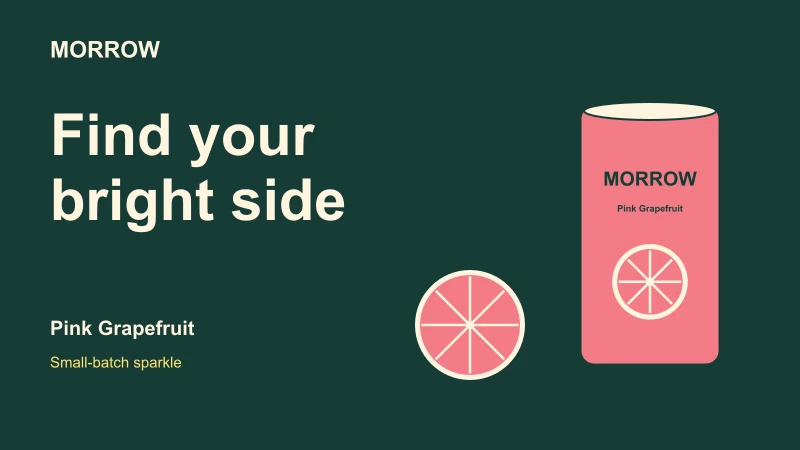
These are original authored vector designs by Clout, not Lovart outputs. Download the editable square SVG, story SVG and banner SVG. The cover is separate fictional editorial artwork rather than a photograph of these exported files.
Keep one source for copy and colors
Download the original campaign-kit JSON and portable creative brief. The JSON holds the wording, four color values, font choice and three deliverable dimensions used by our renderer. It is not a Lovart import format or API request.
| Locked requirement | What can change | What to inspect |
|---|---|---|
| Brand and product copy | Position and scale | Exact wording survives every layout |
| Approved palette | Which color leads a format | No accidental replacement color |
| Can and citrus motif | Placement and relative size | The identity remains recognizable |
| Canvas dimensions | Composition within each canvas | Actual exported width and height |
The square uses a cream field, the story uses lemon and the banner leads with deep teal. They share an identity without being one stretched composition. Treat a new format as a layout decision: move the product, adjust line breaks and protect the visual emphasis.
Prepare the Lovart Brand Kit before a batch
Lovart’s Brand Kit setup documentation describes storing logos, fonts, colors and design guidance, then applying a kit to a project or generation. Use accepted assets rather than asking the agent to infer an exact logo from a loose mood image.
Give references specific roles. A product photograph defines shape and artwork; a mood image suggests atmosphere; approved copy defines words that must remain exact. If the source materials disagree, resolve that before generating a campaign. More references do not automatically make the brief clearer.
Ask for a reviewable first output
Create one square concept for the fictional MORROW campaign using the supplied brand copy and palette. Keep all wording exact and the product motif recognizable. Propose the selected operation, model, canvas size and current cost before generating. After we review the square, recompose the accepted direction for the story and wide banner rather than stretching the first layout.
This is an original planning prompt, not an executed Lovart request. It establishes a dependency: accept a direction before expanding it. A batch full of different slogans and product interpretations creates more comparison work even when each image is individually appealing.
Is Lovart AI free and how do credits work
The public site invites free entry, but readable plan cards and an exact free quota were not exposed in our pricing-page check. No allowance was redeemed. The FAQ ties usage to the selected model, operation and settings; inspect the actual charge in your account.
The same FAQ contains conflicting purchased-credit expiry descriptions: one gives top-ups 366 days, while another says separately purchased packs do not expire. Confirm the applicable account terms or ask support before relying on either description. This guide did not resolve that through checkout.
Distinguish Fast generation from Relax access
Lovart describes credit-consuming Fast generation and queued Relax access for designated models and periods. Check the exact entitlement and expiry rather than treating Relax as unlimited access to every model. We did not test its queue or any paid entitlement.
Keep the creative plan and the account decision separate. You can approve wording and delivery requirements while checking usage. A promotional headline is not the price of a specific generation, and a slower queue does not establish a predictable delivery time.
Choose the export from the selected object
The official export documentation distinguishes image, video, vector, layout, slide and multi-object exports. It lists SVG for vectorized objects, PSD for multiple objects and an editable-text PPTX option for slides. Available formats depend on the selected asset.
Check the actual file instead of assuming its extension establishes its structure. Our example SVGs contain text objects and vector shapes, with no embedded raster image. That was inspected in these specific files; it is not a claim about every SVG exported from another service.
The example uses Arial with a sans-serif fallback and does not embed fonts. Open the native file in your intended editor and review substitution, spacing and line breaks before delivery. Destination interface overlays and final placement crops were not tested for these concepts.
Review the whole campaign before scaling
Download the filled review sheet. We checked each SVG’s canvas, required copy, palette and native text objects, rendered all three previews and inspected their layouts. The source renderer reproduced the published SVG files byte-for-byte.
Download the deterministic SVG source to inspect how the examples were authored. It uses Bun and Node file operations, makes no network requests and calls no AI model. Its placements are authored for these three layouts; changing a canvas number alone does not create a reviewed new composition.
When copy or assets change, repeat the review across the set. Check whether the new flavor name fits, whether a longer headline collides with the product and whether the banner still carries the same message at its display size. An accepted square does not automatically approve its vertical derivative.
Choose the next creative workflow
For a fixed source across square, portrait and wide crops, inspect the Weavy AI and Figma Weave workflow guide and its downloadable crop coordinates.
For a music-led campaign, use the Neural Frames music-video guide and its original beat timing reference to separate sound cues from layout decisions.
For a separate Clout campaign, explore Marketing Studio; for original media, explore Image and Video. Clout publishes this guide and is a separate service. No Lovart account connection, paid generation or cross-service quality benchmark was performed.
Use the Krea detail-review exercise when an enlarged source changes a product mark. For an editable menu rather than a campaign image set, use the local menu draft maker. For physical packaging concepts, use the separate packaging handoff guide.