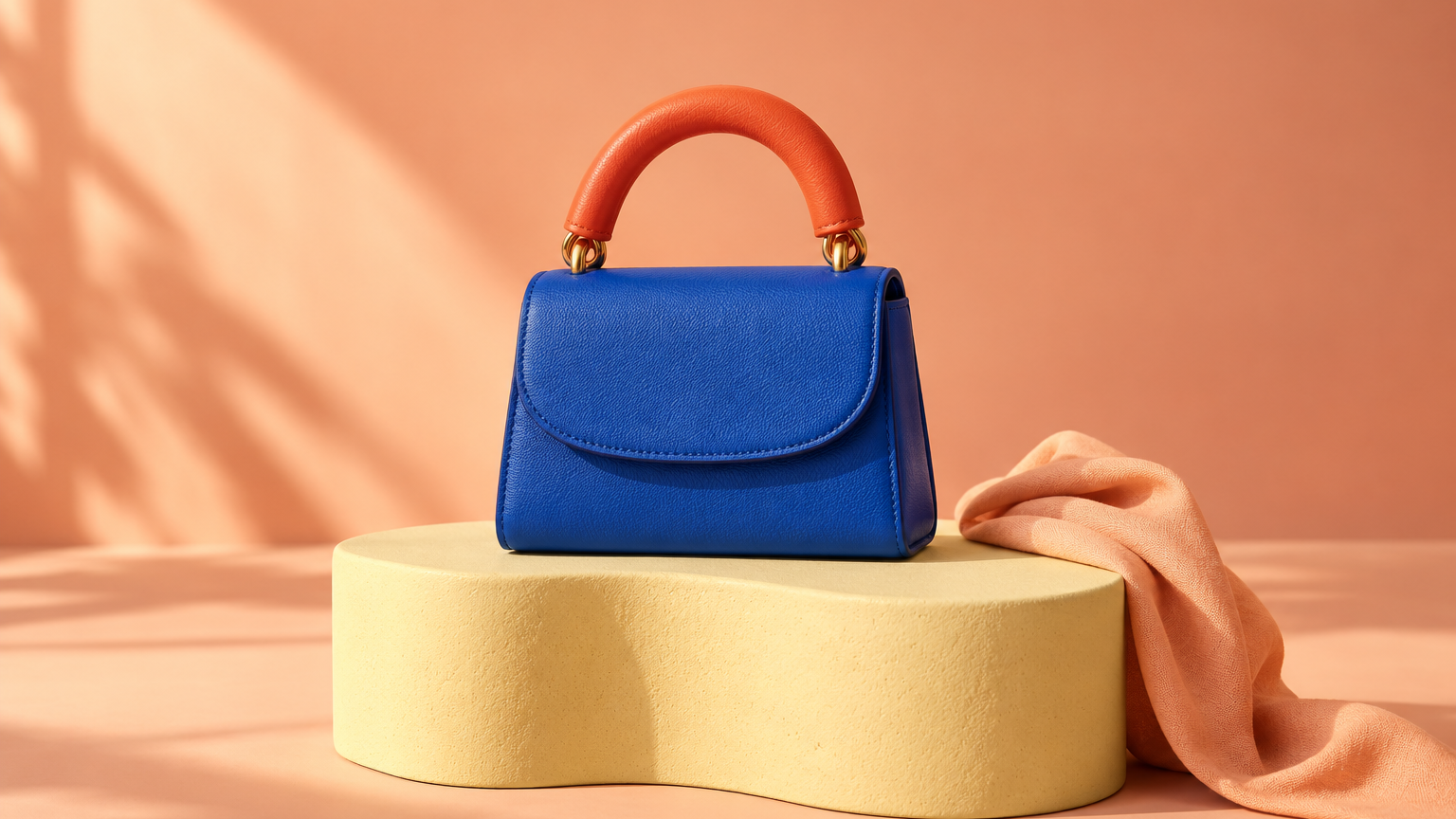
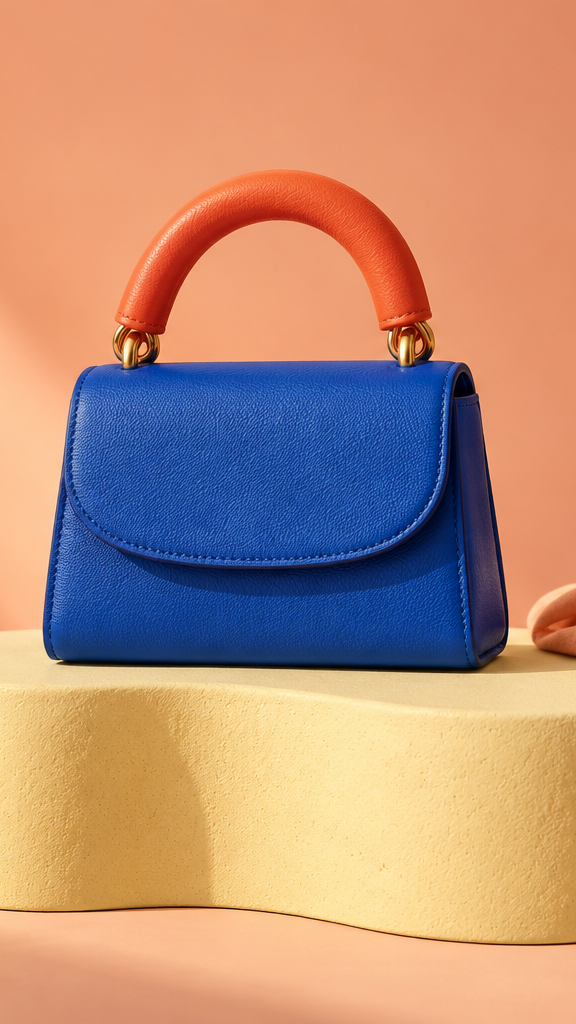
Pippit AI is a creative platform for marketing images, video and avatars. Use the official Pippit website to access the product. This independent guide focuses on a practical delivery problem: taking one product story into wide, square and vertical formats without losing the subject or inventing new claims.
Our original cobalt-and-coral handbag study includes native crops, a crop map, draft copy and a filled review. It gives you inspectable files to work with rather than a promise that one prompt will publish a complete campaign.
How the Pippit AI video workflow is described
The official Video Agent guide describes starting with text, links, media or documents, choosing settings, generating, reviewing and editing before download or publishing. It also describes reference-video and avatar routes. Available modes and account controls should be checked in your own session; we did not run a Pippit generation.
The creative decision comes first. Name the intended viewer, the product you can substantiate and what the viewer should understand by the end. An input link is a source to review, not an approval to reuse every claim or image it contains.
Build one accepted reference and a claim list
The fictional reference in our example shows a cobalt bag, a coral handle, a closed flap and gold-colored attachments. It does not establish leather composition, interior capacity, strap hardware, durability or a retail price. The brief therefore stays with the visible color story.
Use the approved cobalt bag with coral handle as the visual source. Prepare a wide, square and vertical color-story concept. Keep the complete handle and flap visible. Use the headline CARRY COLOR and avoid invented material, price, capacity or shipping claims. Show the proposed crops and copy positions before final delivery.
This is a proposed creative brief, not an executed Pippit tool call. For a real product, replace the fictional source with authorized photographs and add only approved facts. If the product is shown being carried, review the hand contact and any newly visible attachments against actual references.
Compare the three original format crops
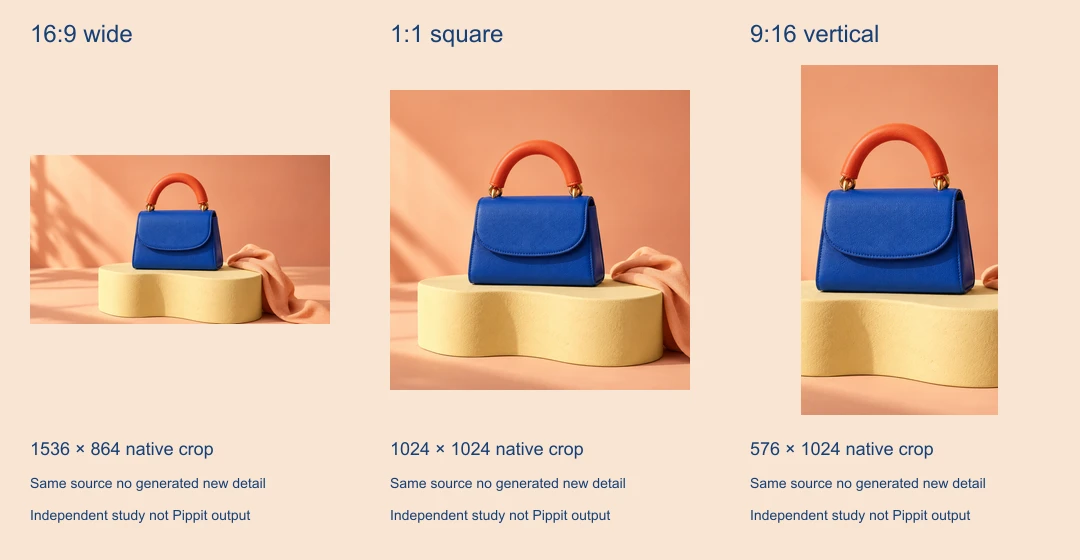
Download the 1536 by 1024 reference PNG, wide crop, square crop and vertical crop. Every crop uses an integer rectangle from the same image without resizing or generating new detail. The crop map records the source coordinates.
The wide crop is 1536 by 864, the square is 1024 by 1024 and the vertical is 576 by 1024. The complete bag and handle remain visible in all three. The vertical view loses most of the surrounding set and clips the ribbon at the side, leaving less room for copy beside the product.
These files are a planning example, not universal social-platform specifications. In particular, the vertical file is not a native 1080 by 1920 export. Enlarging it would increase pixel dimensions without recovering new source detail. Set the actual delivery requirements before encoding the final video.
Reflow the message instead of cropping finished text
The phrase CARRY COLOR can remain the campaign idea across all formats while its placement changes. In a wide composition, a short title can sit beside the product. In a vertical composition, use a shorter stack above or below it and inspect the destination controls. Do not assume a crop that preserves the bag also preserves a baked-in headline.
Our delivery plan CSV supplies three draft captions and format-specific review notes. It is deliberately a planning ledger rather than an import file for a provider scheduler. None of its rows has been scheduled or published.
| Format | Creative priority | Review before delivery |
|---|---|---|
| Wide | Product with surrounding color story | Type balance and readable product size |
| Square | Recognizable silhouette in a compact frame | Handle clearance and title placement |
| Vertical | A tighter product emphasis | Side clipping and actual interface overlays |
Treat reference videos as structure rather than evidence
If you work from a reference clip, write down what you want to learn from it: a hook, shot order, pace or reveal. Then create your own product treatment from authorized assets. A reference can suggest rhythm without providing rights to its footage, music or claims.
A product-video concept might open with the complete silhouette, cut to an approved detail and return to the product with a clear invitation. A still-image crop is only one part of that plan. It does not demonstrate moving fabric, a person handling the bag, lip sync or a functioning fastening.
For a concrete timed edit, see our Topview product-video exercise. It supplies a separate six-second three-still cut. For creator-led delivery, continue with the AI UGC workflow and review both the person and product in the actual exported frames.
Separate the finished export from scheduled publication
The official scheduling page describes connecting Facebook, Instagram or TikTok accounts and selecting a publishing time. That is a separate stage from downloading a file. We did not authorize a social account, schedule a post or test a published result.
Keep the destination account, timezone, caption, selected file and approval in the handoff. A local filename should identify a version clearly enough that the person publishing can choose the approved export. After scheduling, inspect the actual status; after publication, open the public post and review its crop and sound.
If a post fails, inspect the existing scheduled item before creating a replacement. A failed observation does not establish that the publication never happened. For campaign evaluation, record the final public URL and compare performance using a consistent window rather than calling a concept viral from its appearance.
For a separate opening-headline exercise, use the VidAU ad-variation guide with three six-second edits and a verified shared body.
Download the editable format study
The source archive includes the original reference, TypeScript crop script, filled review and delivery plan. Run bun install and bun pippit-format-source.ts . in the extracted folder. Sharp is pinned to 0.34.5. The three native crops are exact pixel extracts; the labeled contact sheet is a separate resized preview.
Use the filled review as a starting point for your own export checks. For original product scenes in a separate creative suite, explore Clout Marketing Studio. Clout and Pippit are separate products and accounts; this page does not imply shared credits or a direct integration.