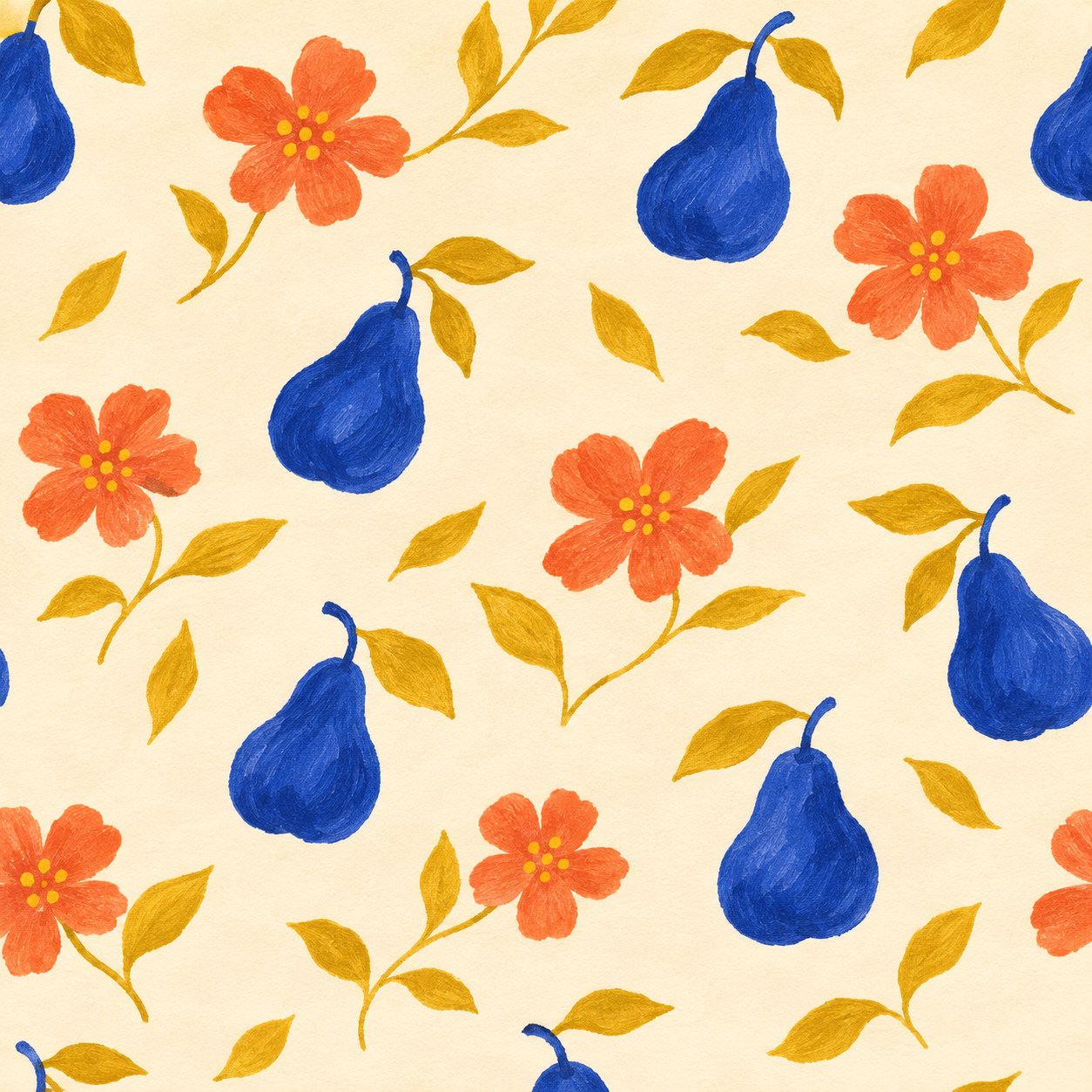
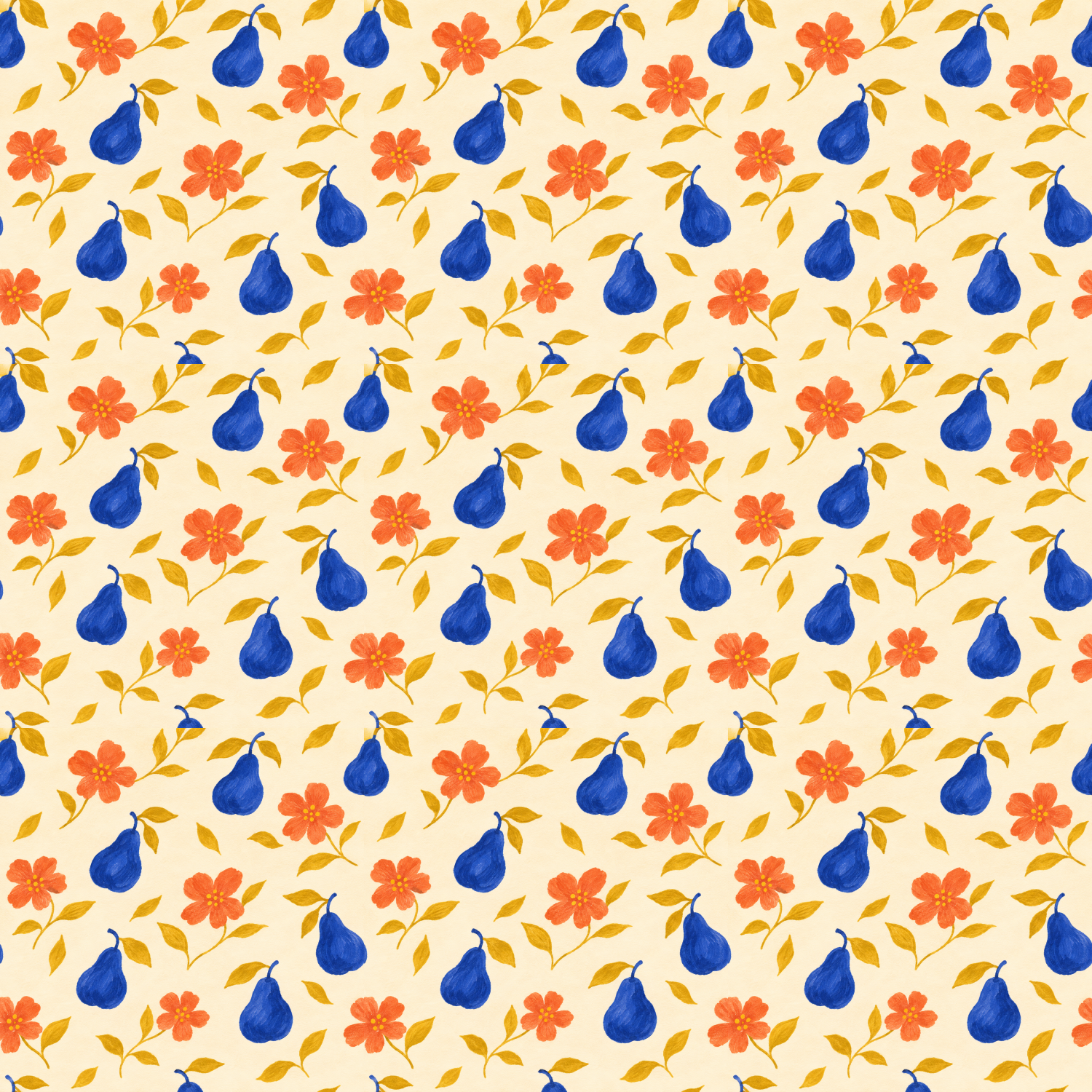
An AI pattern generator can help develop decorative artwork for a background, package concept or fabric presentation. A useful repeat needs more than a single attractive square. You have to check what happens where that square meets its neighbors, how the motif density reads across a larger field and whether the delivered file fits the intended medium.
This guide concerns visual surface patterns. It does not generate garment-cutting instructions, crochet stitches or software architecture patterns. The original pear-and-blossom study below is raster artwork with a repeat preview, not a tested fabric or manufactured product.
Decide whether you need a motif a tile or a finished surface
| Asset | Purpose | Review question |
|---|---|---|
| Motif | One flower fruit or abstract element | Does the shape work on its own |
| Repeat tile | A unit arranged beside itself | Do the edges and spacing join well |
| Surface preview | Show the repeated field across an area | Are bands gaps or obvious clusters distracting |
| Production artwork | File prepared for a specific supplier | Are size color and technical requirements accepted |
Keep the tile separate from a product mockup. A photograph of patterned wrapping paper does not expose the flat source or prove that the repeat works. Likewise, a seamless-looking raster image does not establish editable vector motifs or a supplier-approved print file.
Choose a repeat structure before writing the prompt
A block repeat places tiles directly beside and above one another. A half-drop shifts alternate columns vertically. Those are different arrangements; a tile reviewed in one structure is not automatically approved in another. Begin with a straight block repeat because the horizontal and vertical joins are easy to locate.
Choose a small motif family and one palette. Our original brief uses cobalt pears, coral blossoms and mustard leaves on ivory. Keep the density manageable so you can identify awkward overlaps rather than losing every edge in a dense texture. A good first test has enough variation to show rhythm and enough open space to reveal a join.
Write an AI pattern prompt around the delivered tile
One original square surface-pattern tile with small cobalt pears, coral blossoms and mustard leaves on warm ivory. Flat hand-painted illustration, loose diagonal rhythm and balanced negative space. Intended straight block repeat: elements crossing an edge should continue on the opposite side. No border, text, logo, lighting gradient, fabric folds or product mockup. Return the raw single tile rather than a presentation grid.
This is our original request. The word seamless describes the intended result; it does not verify the output. Use an image operation supporting your chosen inputs in Clout Image and Video, inspect the actual credit quote and keep the native tile for review. Do not assume that every model exposes a dedicated tiling control.
Inspect the original generated pattern study
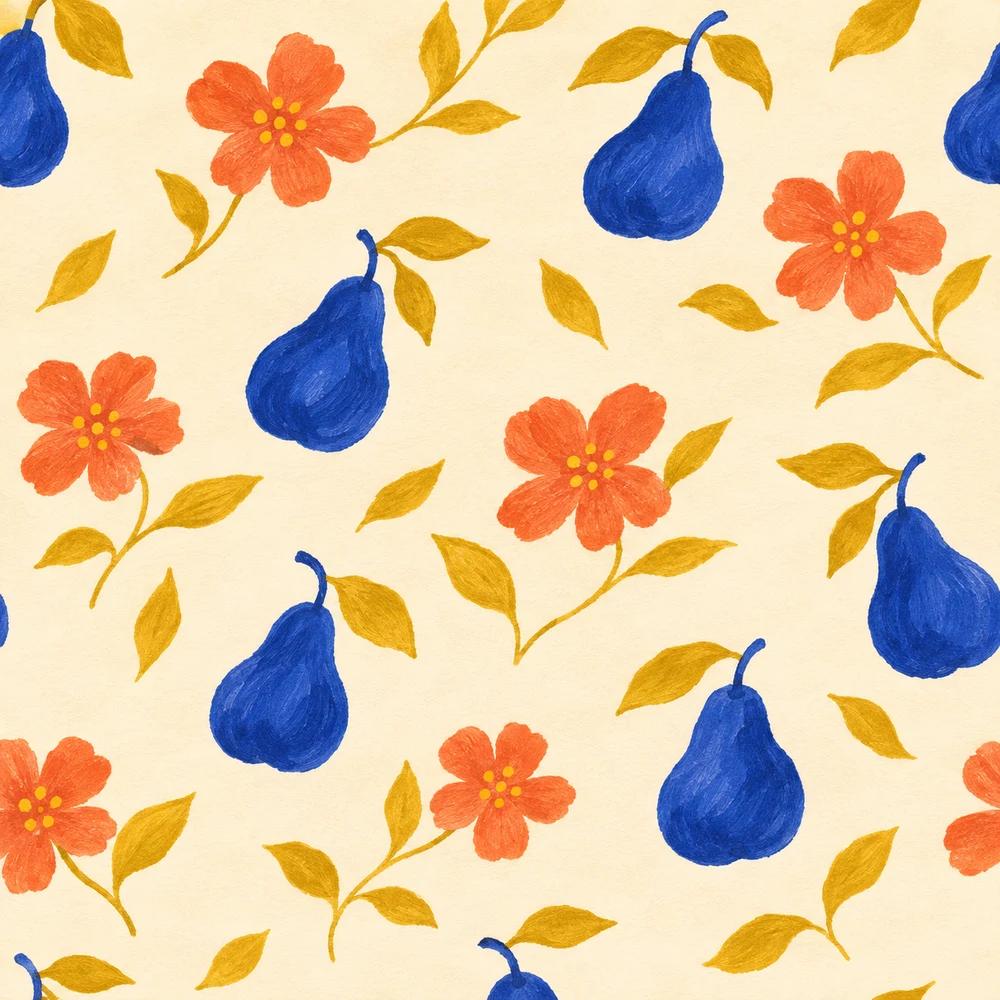
The native 1254 by 1254 pixel tile contains cobalt pears, coral blossoms and mustard leaves with visible painted texture. In the three-by-three arrangement, pears along the bottom edge do not reconnect correctly to the next row; several appear abruptly cut at the horizontal joins. The palette and motif family are coherent, but this candidate is not accepted as a seamless production repeat. The measured opposite-edge RGB mean absolute differences are about 7.36 left-to-right and 18.01 top-to-bottom on a zero-to-255 channel scale. Those values describe edge pixels, not a pass threshold or model quality ranking.
Download the native tile PNG, file and edge-inspection record and filled visual review. These files preserve the actual result rather than promising that every prompt constraint was met. The page cover is separate editorial artwork.
View a repeated field rather than one square
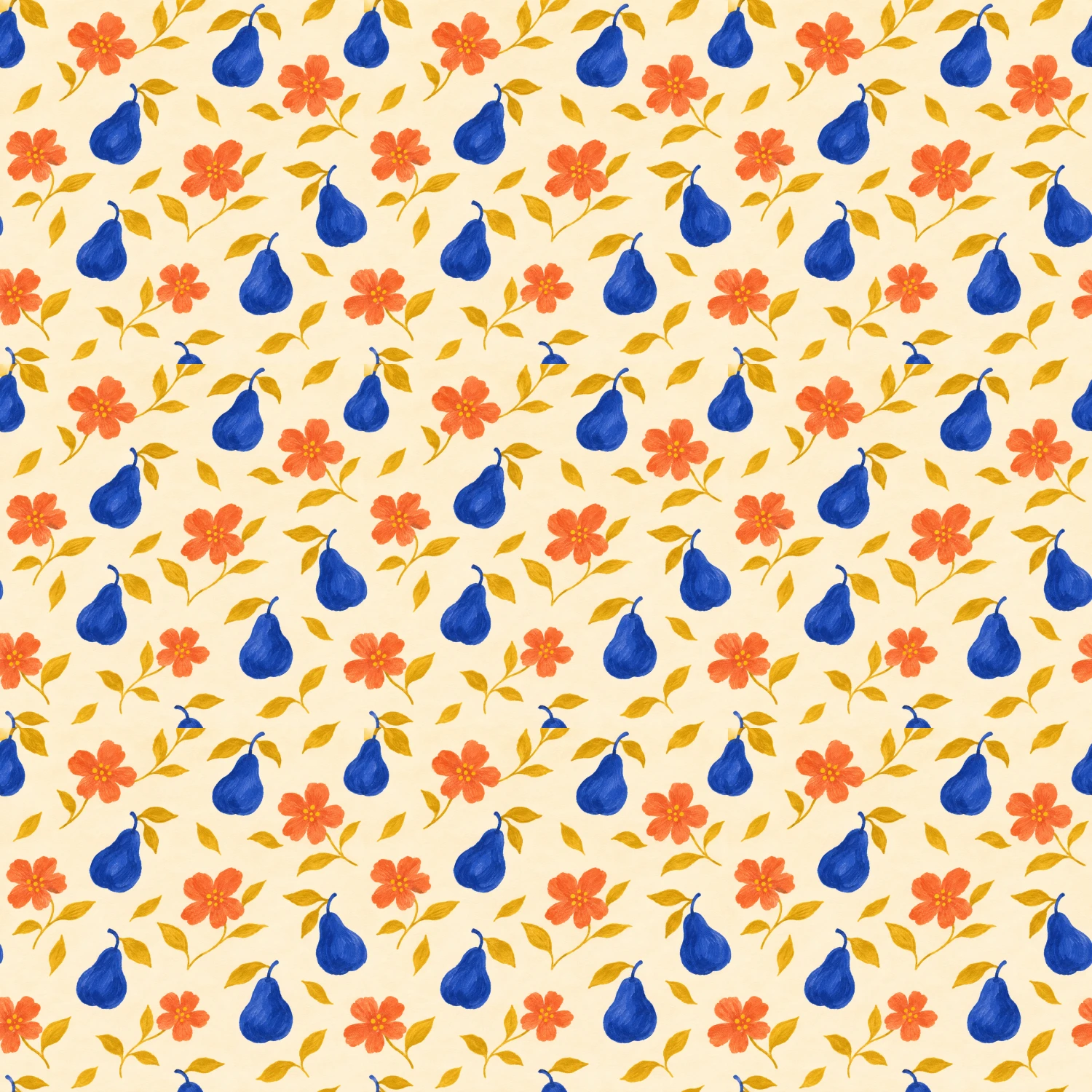
The preview places nine copies of the same source in a straight grid with no mirroring, seam repair or blending. Each displayed tile occupies 500 by 500 pixels in this 1500-square layout. Those are derived display dimensions, not extra native detail. Inspect the joins and the overall rhythm at both close and thumbnail sizes.
Download the standalone editable repeat layout. It embeds the original raster source and defines the repeated arrangement. Editing the SVG layout does not turn the embedded pears and flowers into separate vector paths. The preview is an authored layout, not nine independently generated images.
Check horizontal and vertical joins separately
Follow a motif across each boundary. Look for stems that stop abruptly, halves of fruit that do not reconnect and bands of empty background that appear only when copies meet. Then inspect the corner where four tiles come together. A tile can join acceptably along most of an edge and still produce an obvious corner cluster.
The inspection record compares the outermost RGB pixels on opposite edges using mean absolute channel difference on a zero-to-255 scale. It is a narrow diagnostic, not a seamlessness score. Neighboring edge pixels need not be identical in every valid illustration, and matching edges can still conceal a dull or awkward repeat. Use the displayed arrangement and a visual review alongside the numbers.
If the boundary fails, revise the tile in a workflow that supports editing the relevant area, then repeat the review. Do not blur the whole image merely to hide a join if it destroys the motif. Retain the previous file so you can tell whether the revision improved the boundary and preserved the intended shapes.
Compare raster and vector pattern workflows
Adobe's current Text to Pattern documentation describes generating vector pattern variations from a prompt in Illustrator. Its generated-pattern editing instructions describe preview copies and tile dimensions. Adobe notes that Tile Type and Brick Offset cannot be modified for a generated pattern. We checked the public documentation without running an Illustrator account or exporting a generated vector.
Recraft's official pattern walkthrough describes a dedicated seamless-pattern workflow, but the article is dated July 22, 2024. Treat its interface instructions as historical and confirm current controls and export access in the product. Our native study is a separate built-in image-generation result rather than a Recraft benchmark.
Prepare a pattern for its intended scale
Choose how large the motif should appear, then inspect the actual pixel dimensions and repeat size. A pear on wrapping paper may need a different scale from the same pear on a phone background. A larger preview of the same tile does not create new original detail.
For printing, ask the supplier about repeat dimensions, color handling, accepted file format and proofing. A screen preview cannot verify fabric texture, ink behavior or a physical color match. Keep an unmodified tile, the accepted repeat settings and any supplier-approved export as distinct files.
Use the blank pattern handoff planner to record the destination, intended tile size, actual file, supplier requirements and physical proof result. Its observation fields remain blank because no physical production was performed for this guide.
Use the pattern in a creator workflow
A repeated background can support product cards, a fictional character's environment or stationery concepts. Keep essential text and logos separate and check that the pattern does not compete with the message. For a single character cutout, use the sticker and transparency guide; for a product presentation, use the original mockup workflow.
For a tonal dot effect, the halftone tool answers a different question from a decorative repeat. The Recraft model guide covers the broader model family. Choose the page matching the task rather than assuming every kind of pattern uses the same generation method.