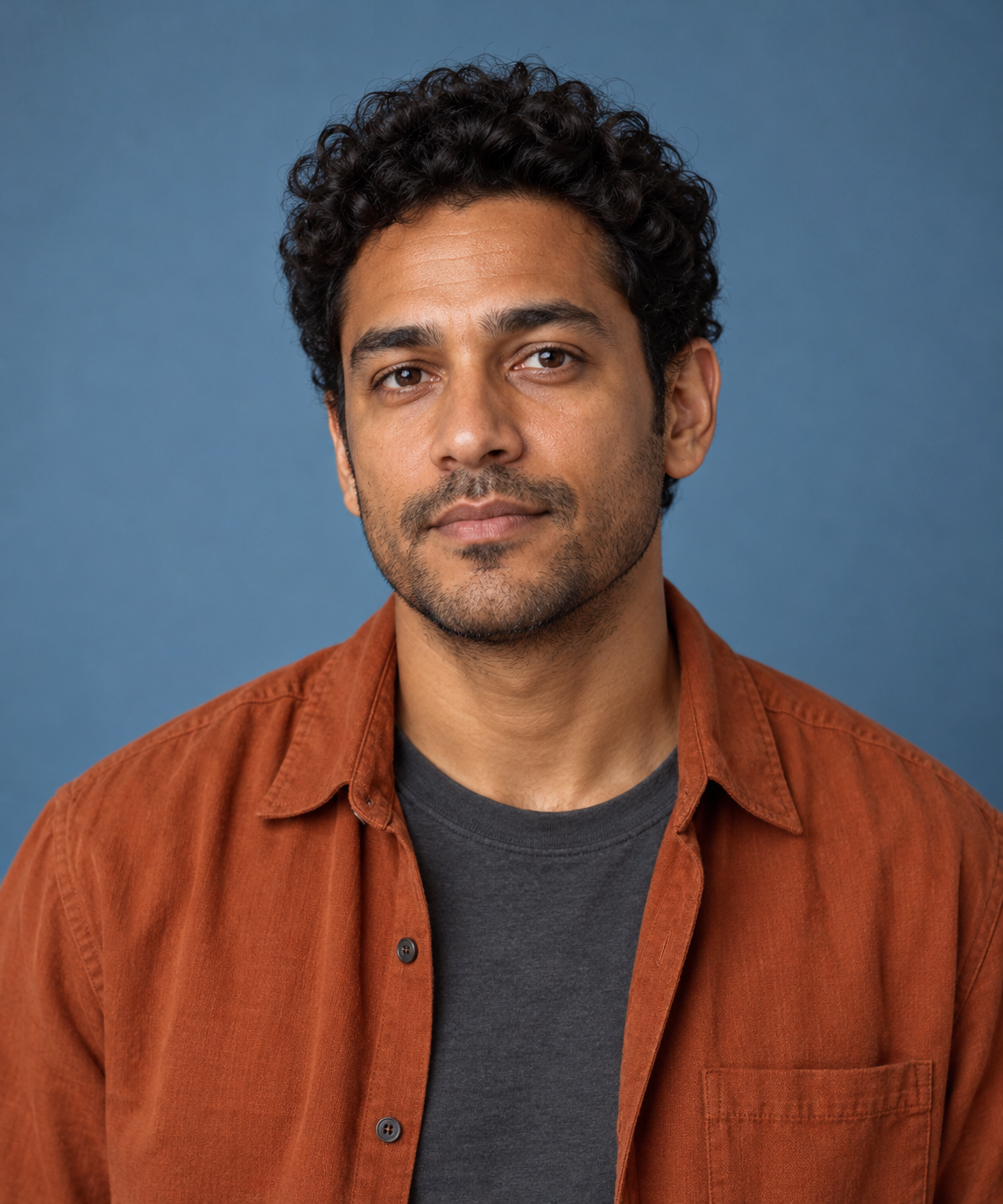
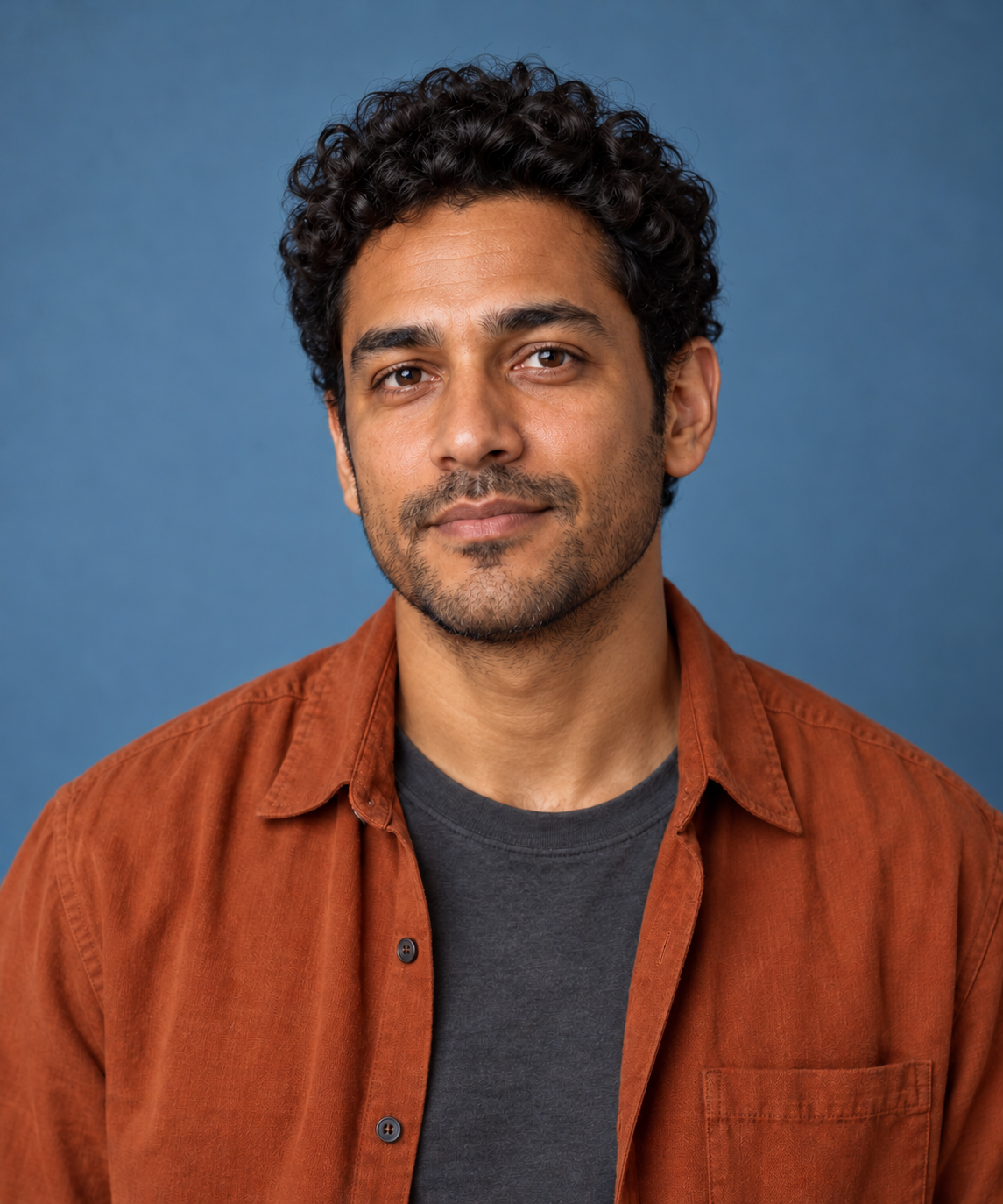
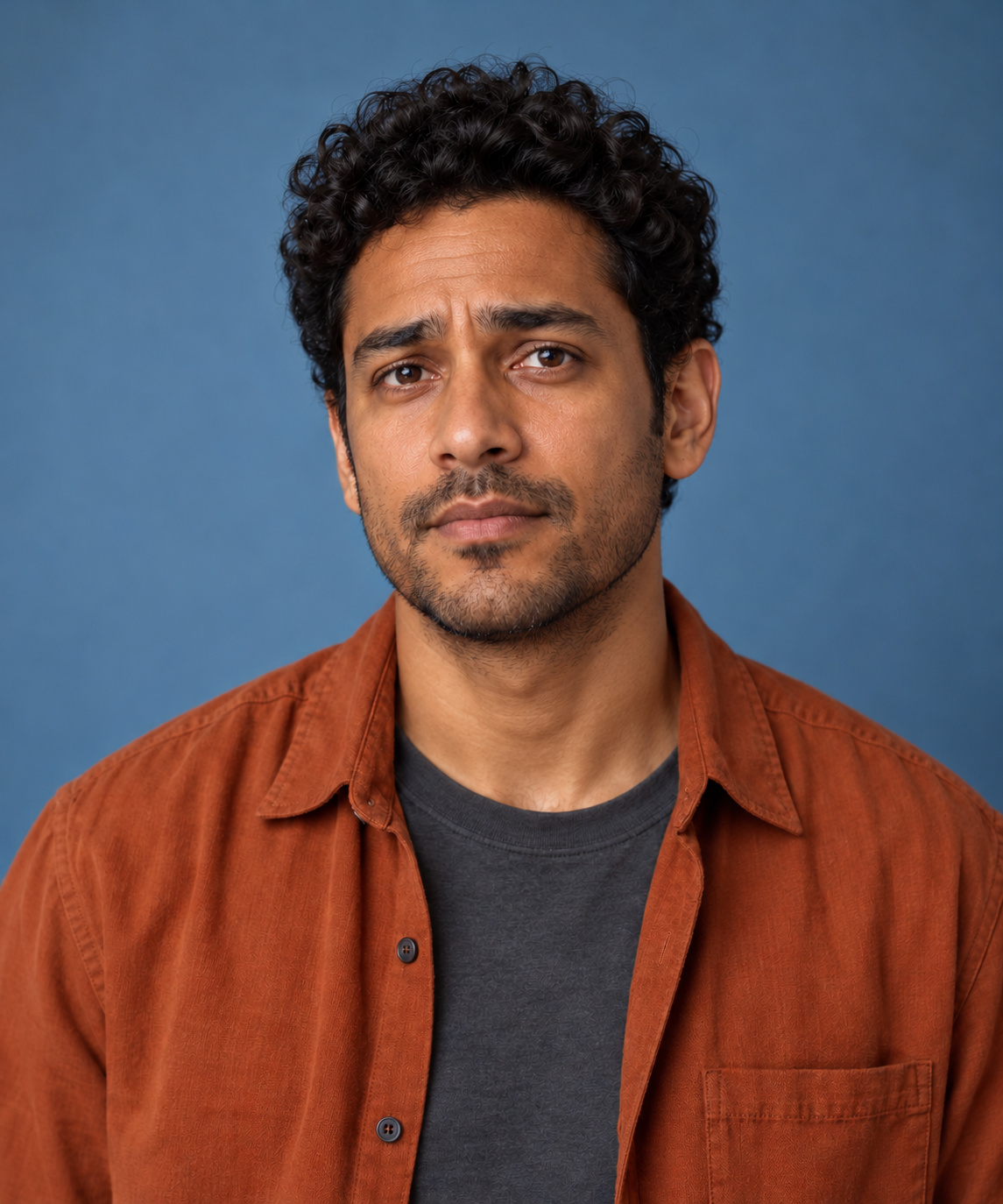
An AI face expression changer edits the visible expression in a portrait. For a creator workflow, the useful question is whether the new mouth, eyebrows and eyes communicate the intended fictional reaction while the character remains recognizable. This guide uses a real independent image-edit exercise with a neutral portrait and two restrained directions.
Choose a visible reaction before editing
Start with what should change in the picture. “A small closed-mouth smile” is more specific than “make him happy.” For a worried reaction, describe the requested brows and mouth without demanding a completely different pose. An emotional story beat can guide the brief, but the review should describe visible features rather than claim to know a real person’s internal state.
Aragon’s official expression editor page describes portrait expression changes including smiles and stronger reactions. AILab Tools describes a portrait upload, expression selection and generation/download workflow. We did not test either application, its access, speed or preservation claims. The examples below were created independently for this guide.
Compare the neutral source and two edited directions
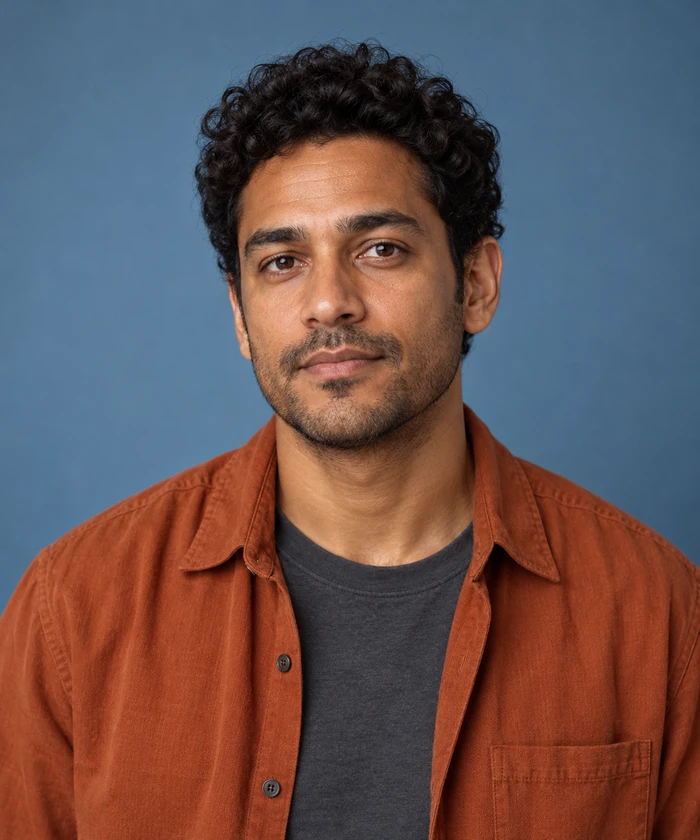
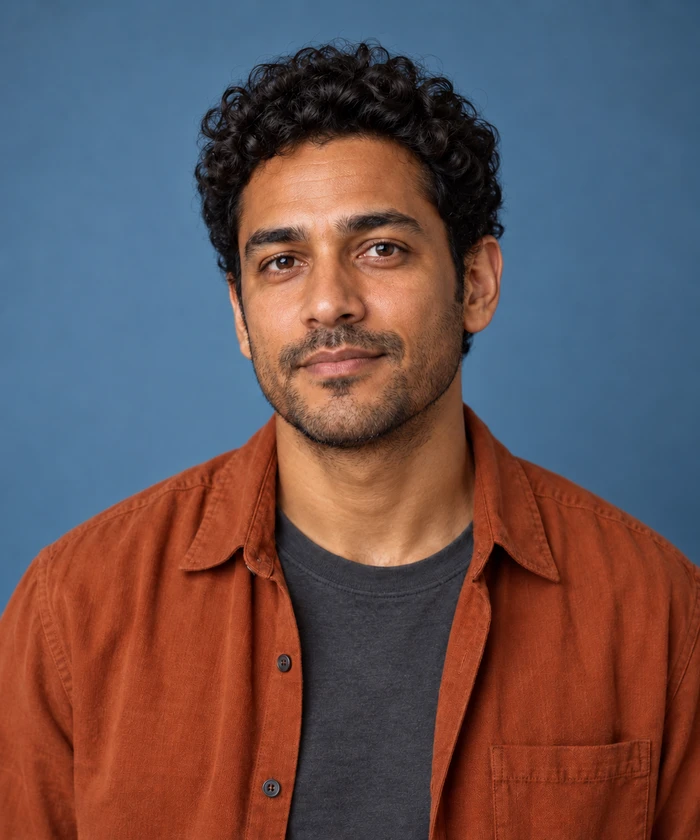
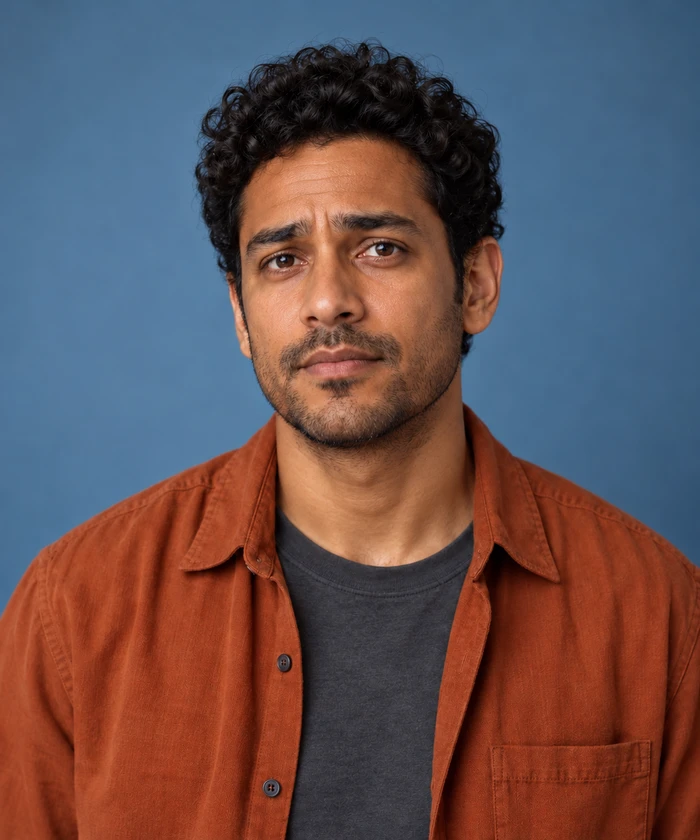
Both edits use the untouched neutral portrait as their input. The concern image was not made from the smile image. All three native files are 1145 by 1374 pixels, with the same broad chest-up framing, orange overshirt, charcoal tee and blue backdrop.
Download the original PNG, smile-direction edit, concern-direction edit, filled review CSV and source relationships and hashes. These are still-image concepts for a fictional adult character, not video frames or results from either named service.
Record what the images actually show
| Area | Smile direction | Concern direction |
|---|---|---|
| Mouth | Small closed-mouth smile is visible | Lips press together without visible teeth |
| Brow area | Appearance is softer | Inner brows rise with a visible crease |
| Scene | Blue backdrop and broad costume remain | Blue backdrop and broad costume remain |
| Unproven | Exact facial and clothing detail preservation | Exact facial and clothing detail preservation |
The result is not a perfect expression-only transformation. Fine shirt and facial details are not pixel-identical, even though the broad character presentation stays similar. We did not measure face landmarks, register the images or calculate an identity score. A reader can inspect the native files rather than rely on a blanket preservation claim.
The labels “relief” and “concern” name the fictional directions in our brief. They are not an automated diagnosis of emotion. A still image can suggest a reaction in a story without establishing what a real person feels or how a performance unfolds over time.
Write an expression prompt with a boundary
Edit this authorized fictional adult portrait to show a small closed-mouth smile, with gently lifted mouth corners and softened eyebrows. Keep the eyes open and avoid teeth or exaggerated laughter. Retain the same character, head angle, gaze, hair, stubble, costume, lighting, background and framing.
For the second direction, request slightly raised and drawn-together inner eyebrows, a subtle brow crease and gently pressed lips. Keep the rest of the source requirements stable. Those instructions were the basis of our independent edits; they are requests to inspect, not guarantees that every unmentioned pixel remains untouched.
Avoid asking for a new hairstyle, dramatic lighting, a different lens and a strong expression in the same comparison. If the result feels better, it becomes difficult to tell which change helped. Save each direction with the source identifier and exact prompt so the next revision starts from the intended reference.
Use the stills to plan a short drama beat
Download the original fictional reaction brief. In The callback, the character hears an off-camera update about an audition. One version suggests encouraging news; another suggests a delayed decision. The visual direction is deliberately restrained because the moment does not require laughter, shouting or tears.
Keep the story meaning and visible action as separate notes. The story might say “he realizes the decision is delayed.” The visual request might say “his inner brows rise and his lips press gently.” That distinction gives an image editor or a later video workflow something concrete to attempt.
These stills do not prove a natural transition between reactions. To make a performance clip, specify the starting expression, change and timing, then inspect the actual returned video from beginning to end. Do not call a sequence of selected portraits an acted video test.
Review face and costume before accepting a revision
Inspect mouth shape and any generated teeth first, then the eyes, brows and face outline. Check whether the gaze or head angle changed when you only intended a local reaction. Inspect hair, stubble, collar, buttons and background as well: a convincing expression can arrive with an unwanted redesign.
Record a concrete observation such as “shirt button placement differs” rather than simply grading the result as good or bad. If that difference matters for continuity, revise or replace the image before using it as a reference in a larger scene. A more intense expression is not automatically a better fit for the story.
Continue into a character workflow
Save the accepted neutral reference and expression directions with their open review questions. For model-operation planning, see the PixVerse V6 short-drama guide. For a different local portrait edit, inspect the hair-color study. Clout AI Cinema is a separate creative workflow for scene ideas; inspect its available operations and references before submitting a production brief.