A background is useful when it leaves room for the story. An automotive scene needs believable space beneath the wheels. A sparkle backdrop needs a quiet center so a face or caption remains readable. A travel image needs a perspective that can accommodate the traveler you intend to show.
This gallery includes three original AI-generated background images. Each download is the native 1672 × 941 image in lossless WebP, without a watermark or baked-in wording. The artwork is an imagined scene, not a photograph documenting a real location. Download the file directly rather than taking a screenshot of its preview.
Pick the background by the finished scene
| Background | Useful for | Placement cue |
|---|---|---|
| Coastal automotive | Car reveal concepts and automotive creator scenes | Level asphalt and light from upper left |
| Blue sparkle | Creator portraits, announcements and title cards | Quiet center with highlights near the corners |
| Alpine travel | Travel creator concepts and outdoor campaign scenes | Boardwalk ground plane and light from upper right |
These cues help you make a coherent scene. They are not evidence that an image editor or generator will place a subject perfectly in one request. Inspect the combined image's scale, contact and lighting before making the next asset.
Cars background images with an empty coastal turnout
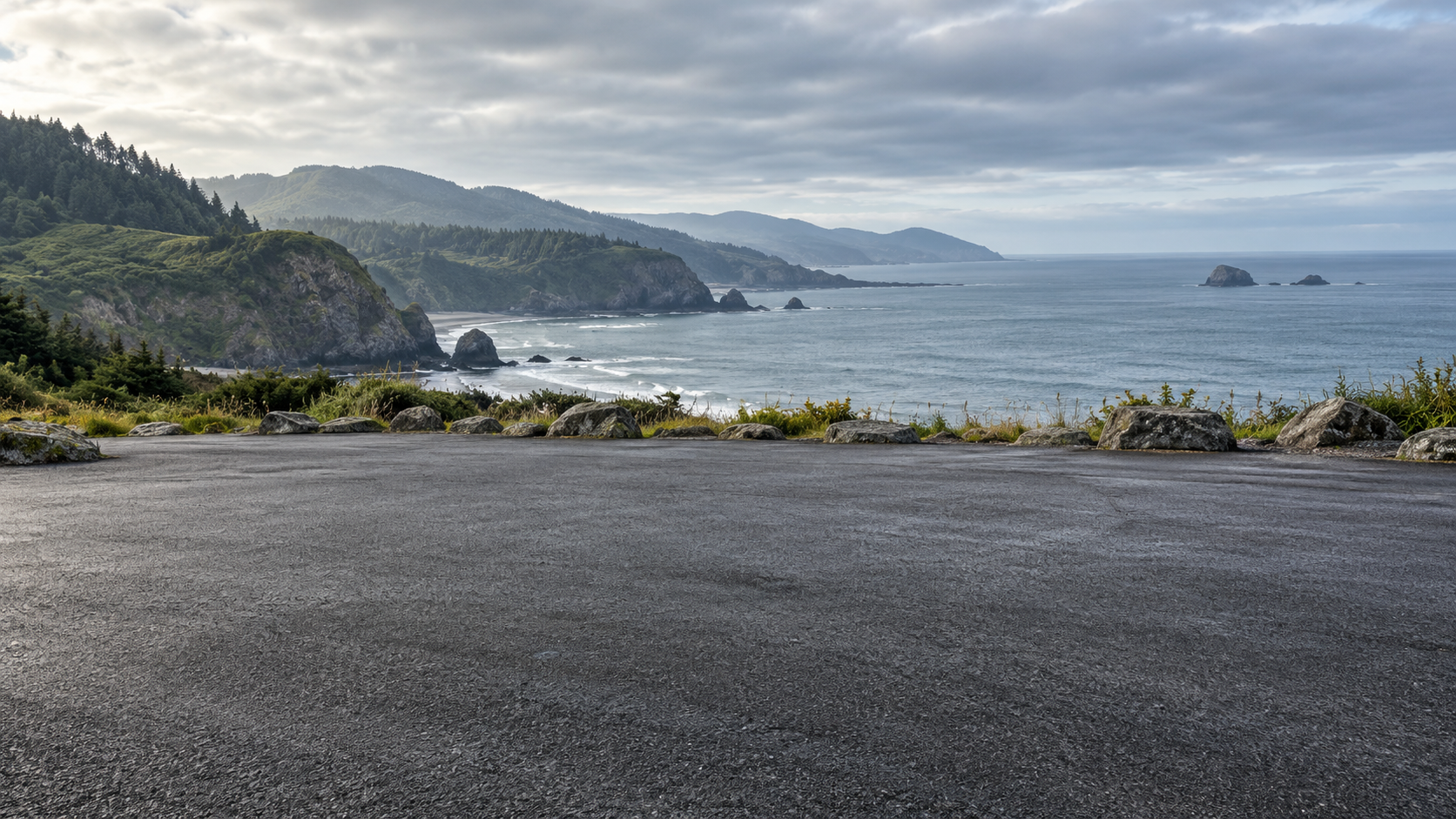
An automotive background plate with a broad empty ground plane and a restrained distant horizon. Original generated scene with no vehicle or lettering.
Download original image (1672 × 941)The open asphalt gives a vehicle somewhere plausible to sit. Use the lower middle for the car, keep the horizon above its roof, and leave room for a contact shadow. A vehicle photographed from an elevated viewpoint may not fit this lower camera angle without a new scene or reference.
For a fictional campaign, this scene can set a calm coastal mood. For a real vehicle listing, keep the actual model, trim and condition authoritative. A scenic background should not silently change the vehicle or suggest a location-based claim you did not intend.
Empty level charcoal asphalt turnout beside a rugged northern Pacific coast, calm blue-grey sea, low green hills and overcast daylight from upper left. Camera at vehicle headlight height with a normal lens. Broad clear lower-middle ground plane for a car added later, horizon in upper third. Detailed asphalt and natural distant scenery. No cars, people, words, logos or watermarks.
This is the scene brief used for the original. Keep the camera height and empty-ground requirement when creating a related variation. If you change to sunset, review whether the vehicle's existing reflections and shadows still fit. The AI car video guide covers vehicle reference and motion review.
Sparkly background images with a quiet blue center

Subtle sparkling texture around an uncluttered central area. Use the center for a creator or readable copy rather than placing type over the brightest glints.
Download original image (1672 × 941)A sparkle background can feel energetic without turning every pixel into a highlight. Keep the brightest particles near the edges of the crop. Test white or pale text against the actual center and check its smallest intended display size.
If the subject wears a reflective outfit or has a busy silhouette, use less sparkle around the head and shoulders. The purpose is a readable focal point. Avoid adding a glow to the face simply because the backdrop contains light particles.
Deep midnight navy through soft cobalt blue, fine scattered silver-blue sparkling dust and restrained out-of-focus glints concentrated near the outer corners. Broad calm dark center for a face or caption added later. Elegant photographic light texture and subtle depth. No giant starbursts, hard lens flare, objects, people, letters, borders or watermarks.
For a series, keep the same central value and change only the edge color or particle density. A consistent background system can connect several announcements without repeating an identical design. Add final wording as editable text rather than asking the image model to render every headline.
Travel background images with an alpine boardwalk
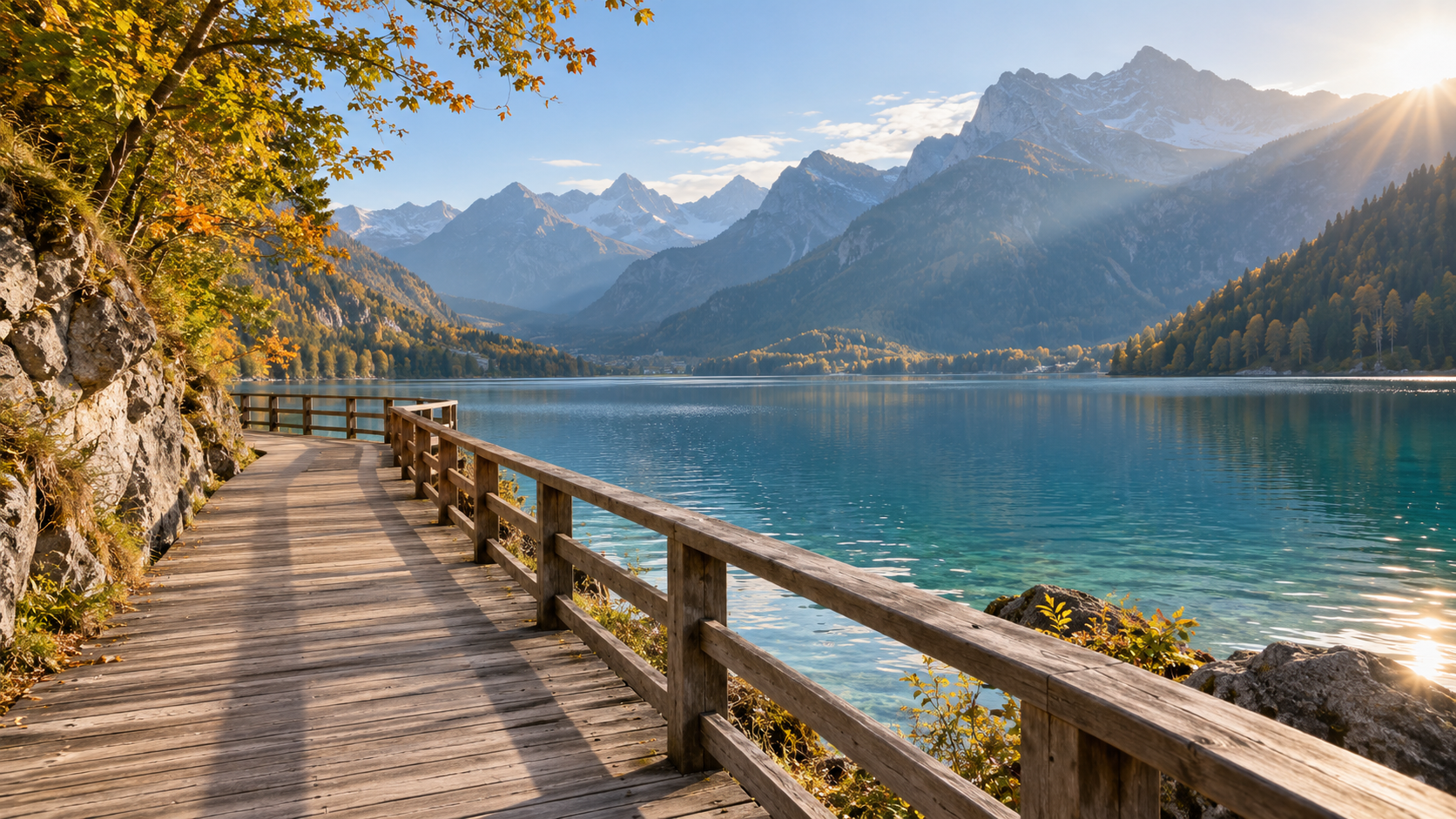
An imagined alpine travel scene with a usable foreground boardwalk. It is not a location record or proof that a creator visited a particular destination.
Download original image (1672 × 941)The boardwalk provides a clear standing surface. Place the subject where feet can meet the boards naturally, and compare the size of the figure with the railing and foreground geometry. Morning light arrives from the upper right, so a subject lit strongly from the opposite side may need a different reference.
Use the scene for a travel concept, a story setting or a coordinated creator campaign. If a post reports a real trip, use accurate location evidence for that report. An attractive invented lake should not become an unsupported caption naming a real destination.
Empty alpine lakeside wooden boardwalk in early autumn morning, clear blue-green water and layered mountain silhouettes. Golden soft sunlight from upper right. Empty foreground with a level standing surface, camera at adult chest height and a normal lens. Believable railing geometry, calm central composition. No people, luggage, famous landmarks, text, logos or watermarks.
Choose a landscape or portrait crop before production
The downloads are landscape images. A centered portrait crop retains only part of the scene. Check where the road, railing, sparkle and horizon fall after cropping, not only whether the file technically fits the output dimensions.
For a face-led portrait, the blue background has flexible texture. For a full-body travel shot, the boardwalk may need a new portrait composition to keep the ground and scenery together. For a car, a narrow crop can remove the space needed for the vehicle. Generate the intended composition when a crop changes the image's main job.
Keep an original master and create separate delivery versions. Repeatedly saving a small preview cannot restore the lost pixels later. Use the native download for editing and keep final platform exports separate from that source.
Make the creator and setting belong together
- Match camera height and viewpoint before judging color
- Check the subject's scale against foreground geometry
- Compare light direction, softness and visible reflections
- Inspect feet, wheels and contact shadows where relevant
- Review face and copy readability at phone size
Use a compatible editor or generation workflow for the scene you need. A background file is not itself a promise of automatic compositing. If the subject's perspective does not fit, choose another reference or generate a coherent scene rather than hiding the mismatch with heavy blur.
Create your campaign character in Clout and make photos and videos around a recognizable identity and a clear scene brief. Keep the accepted character and location direction together so the next travel, automotive or announcement concept feels connected to the same creator.
Keep a record of the original and the final export
These files are original generated examples published by Clout. Keep the source filename and prompt with your project. They contain no depicted people, brands or identifiable featured landmarks, but the suitability of your finished campaign still depends on the subjects, claims and materials you add.
Clout's creator workflow centers on original characters and photos and videos. For broader image planning, use the linked generation guide; for a phone or desktop background, use the wallpaper guide's composition workflow.