To compare UGC video production tools with voice cloning features, start with the audio operation you need. A reusable clone that speaks new scripts, an uploaded recording and a stock narrator can all appear in a talking video. They give you different control over delivery, corrections and the next campaign variation.
This guide compares documented workflows in HeyGen, CreateUGC and MakeUGC, with official sources checked October 2, 2026. Clout publishes the guide and provides a recurring visual creator workflow. The comparison is editorial research, not a three-tool voice quality or conversion benchmark. The original test passage and review sheet help you run your own controlled audition.
Choose the audio operation before the video tool
| Operation | What it does | What it does not establish |
|---|---|---|
| Reusable voice clone | Creates new speech from text using an approved speaker reference | Perfect pronunciation or identical delivery on every line |
| Uploaded finished audio | Uses a take you already approved | That the video tool can train or manage a voice clone |
| Selected stock voice | Generates narration using an available voice | That the voice matches your original speaker |
| Recorded human take | Preserves a directed performance by the actual speaker | Automatic revision when the product facts change |
A voice clone is useful when you need the same approved speaker identity across changing scripts. A finished recording is useful when the exact performance is already right. A stock voice may be enough for a faceless explanation. Choose the smallest operation that solves the production job instead of paying for cloning because it appears on a feature list.
Keep voice identity separate from visual identity. A familiar voice does not guarantee the avatar's face, wardrobe or product handling remains consistent. If the output includes a visible presenter, approve the audio and inspect the full video as separate steps.
Three documented UGC voice workflows
| Tool | Documented route | What to confirm in your pilot |
|---|---|---|
| HeyGen | Voice sample to a reusable clone and scripted audio or video | Selected plan, speaker verification and exported delivery |
| CreateUGC | Record or upload a custom voice sample for reuse in videos | Selected video type, sample quality and final pronunciation |
| MakeUGC | Talking-actor API with a selected voice or an existing audio URL | Audio source priority, access and complete rendered sequence |
The MakeUGC row describes a documented audio-input route. It is not proof that this API endpoint trains a clone. This distinction matters when you compare a list of products described as voice-cloning tools.
HeyGen for a voice clone inside a presenter workflow
HeyGen's official voice-cloning page describes supplying a clean sample, creating the clone and generating scripted audio or video. It describes ownership verification and written consent for a third-party voice. Confirm the plan and operation available in your account before treating that public feature description as an entitlement.
Use a short presenter script that includes your difficult brand words. Listen for misplaced emphasis and unnatural pauses before you expand the video. When you correct a line, check the transition into the adjacent sentence; a technically correct word can still sound like a different take.
For a campaign requiring an explanatory presenter, review the full exported scene. Listen first without watching, then watch with the sound on. The first pass isolates the voice; the second reveals whether the mouth timing and expression support the actual words. Read the HeyGen review for the broader production context.
CreateUGC for a reusable custom voice in product videos
The CreateUGC help guide documents a Voices section with recording or sample upload and saved custom voices available across its video types. It accepts MP3, WAV and M4A samples up to 25 MB and recommends a clean sample around 60 seconds, with 10 seconds as the minimum recommendation. Those are this provider's documented recommendations, not universal recording requirements.
Choose the specific video type before testing. A product reaction, product-in-hand shot and avatar explanation can impose different visual demands even when they share a voice. Test pronunciation in the type you intend to use, then inspect product detail and the visible performance.
For a recurring product campaign, keep one approved read as the baseline. Test a new hook while preserving the body and closing line. This makes it easier to hear whether the new sentence changed the delivery of the whole clip. Record the selected format and any account charge rather than assuming every video consumes the same allowance.
MakeUGC for selected voices or approved existing audio
The MakeUGC video API documentation lists template and account custom voices. Its talking-actor generation accepts a voice ID or an existing audio URL. The existing audio route skips text-to-speech and takes priority over a voice ID and the avatar default; the documented limit is 120 seconds. This endpoint description does not document voice-clone training.
This route is worth investigating if your bottleneck is putting an approved take into a talking-actor scene. You can finalize audio elsewhere and review whether the rendered video follows it. Confirm API access and asset requirements before building a production integration; this article has not submitted an API job.
Keep track of which source actually produced the speech. If a job includes both a voice ID and an existing audio URL, the documented priority makes the URL decisive. A comparison can otherwise credit a selected synthetic voice for a performance that came from a recording. Use the MakeUGC review for broader product and trial considerations.
Prepare a clean reference and one revealing test passage
Use your own speaker recording or a speaker who has approved the intended use. Record natural speech in a quiet room, with a stable distance from the microphone. Avoid music, clipping and multiple overlapping voices. Listen to the sample before uploading; a longer noisy recording is a poor baseline for diagnosing the result.
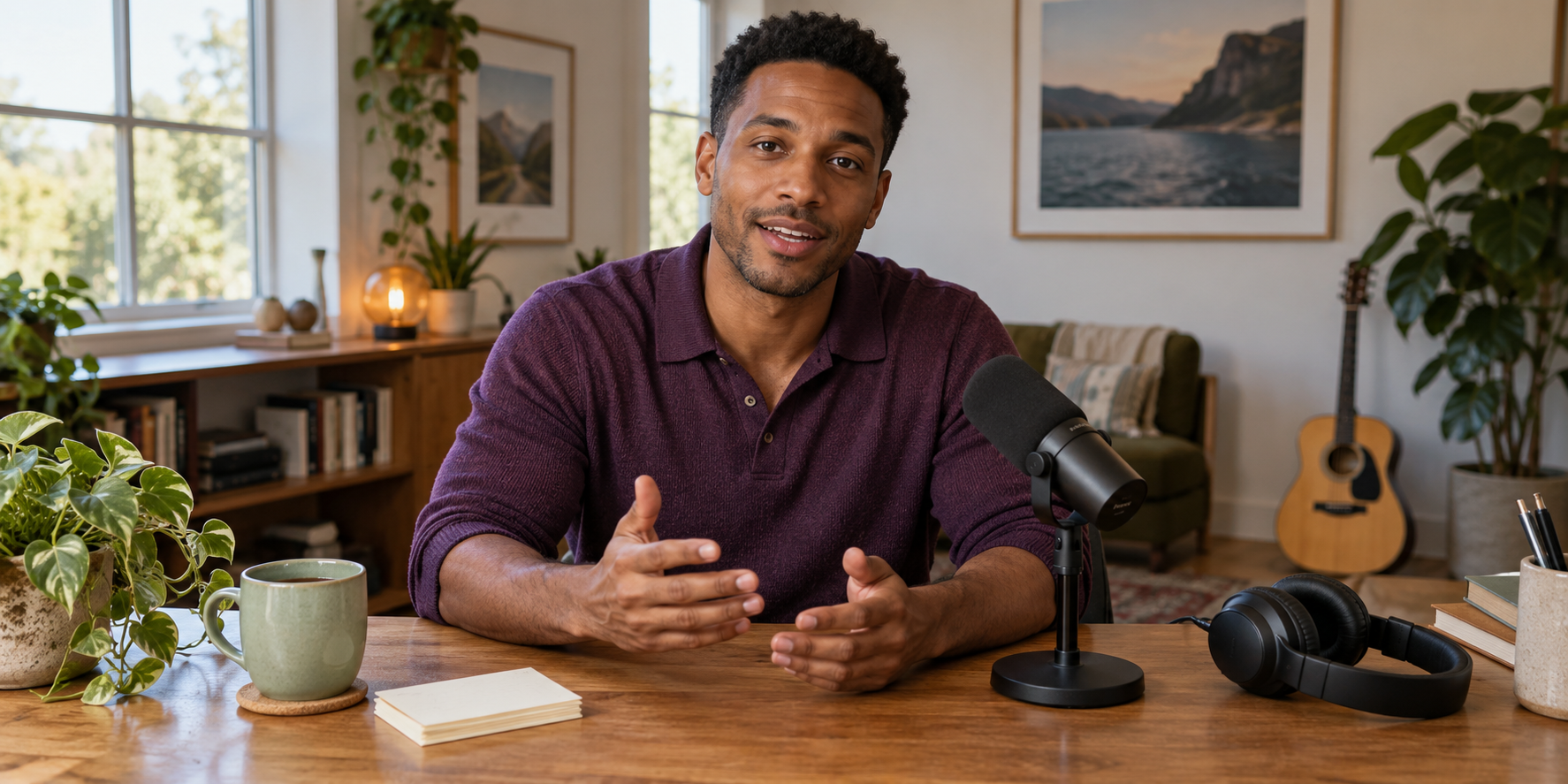
The original hero is fictional recording artwork. It is not a sample of any voice and does not demonstrate a clone. Download the full-resolution recording reference and download the original audition passage and review instructions.
Here's the everyday version, without the dramatic sales pitch. The pale green cup holds 350 milliliters. Say the brand name, LumaNest, clearly, then leave a short pause. Check the actual care instructions before washing it. Choose the color you like and see the full details on the product page.
This fictional passage is untested planning material. Replace the capacity, brand name and care wording with verified facts. Write the intended pronunciation for your real brand in the working brief. Use the same approved text across tools so you compare the audio route instead of three different scripts.
Review pronunciation and correction effort
Download the blank voice and video review sheet. The rows identify checks; observation and decision fields are empty. No provider has a prefilled quality score or approval result.
Listen for the brand name, numbers, units and the main instruction. Mark the exact line needing correction. Then change one difficult word and create the revised take. Record whether the change requires a new audio render, a new video render or both, along with the actual charge and editing time.
Review the final mix on headphones and a phone speaker. Music can hide consonants even when isolated speech sounds clear. Check captions against the final approved audio, including numbers and product names. A caption file created from an earlier take can be wrong after a small audio correction.
For a visible presenter, inspect lip timing through the entire sentence, including pauses and the ending. For a faceless video, match each spoken detail to the relevant visual. Do not make the voice race to fit footage that is too short; revise the edit or shorten the claim.
Compare the cost per approved finished clip
Count rejected attempts, revision charges and finishing work. The useful denominator is an approved exported clip, not a preview or generated minute. A cheap audio take may still require a complete video regeneration after one correction. Conversely, a reusable approved recording can save work when the visuals change.
Keep the pilot record factual: selected tool, mode, account terms, script version, observed issue and final decision. A successful pronunciation test does not prove a stronger conversion rate. Test the actual finished campaign before making a performance claim.
Pair the approved voice with a recognizable creator
Clout can help you build an original recurring creator and coordinated photos and video scenes around that identity. Establish the visual campaign direction, then choose the documented audio operation that fits the scene. Check the voice separately from the face and product details so you know which part needs correction.
Continue with the consistent creator workflow, the standalone UGC voiceover alternatives guide and the lip-sync workflow guide. For the larger ad-production decision, read the Facebook video ad generator comparison.