A useful listing video helps someone understand the actual property. Start with the approved photos and a factual room order. Then decide whether a simple edited photo sequence is enough, or whether a small generated camera movement adds useful depth. More dramatic motion is not automatically a better explanation of a room.
Use the free listing shot planner to connect each room to its source file, visible features and proposed edit position. The planner writes separate shot briefs and a review CSV. It does not upload a property, infer a floor plan or automatically create a connected tour.
Choose photos that explain the room
Use clear, approved images that show the space you intend to present. Keep a wider view for orientation and a separate detail image only when the detail matters. A cropped corner cannot establish the full room layout. Keep source names descriptive so an editor can trace each clip back to the correct photograph.
Organize the photos in the order you want viewers to understand them. If the physical connection between two rooms matters, use actual connecting footage or an approved floor plan. A smooth AI transition between two unrelated pictures is not evidence that a doorway exists between them.
| Source | Useful treatment | Review against the original |
|---|---|---|
| Wide living-room photo | Small steady push within the visible space | Window count, openings and built-in features |
| Kitchen photo | Short movement that preserves the worktop line | Cabinet layout, appliance positions and surface edges |
| Exterior photo | Restrained approach without revealing unseen property | Facade, landscaping and neighboring structures |
| Detail photo | Gentle framing change or an ordinary edited still | The actual material, condition and included feature |
Choose an edit or image to video
An edited photo sequence preserves the source pixels and gives you precise control over captions and timing. It can be the appropriate answer when fidelity matters more than inferred depth. Image-to-video creates new frames and therefore needs a different review: the result may alter a surface or invent something outside the photo.
Alibaba documents Wan's first-frame workflow separately from reference-led generation. In Clout, select the actual model and opening-frame operation, choose the supported settings and review the current quote. The Wan product page explains the current studio entry. A provider's wider documentation is not proof that every operation appears in your chosen integration.
Use a restrained room prompt
Animate the approved opening photo of the living room with one small, steady camera push. Keep the visible windows, door openings, built-in features and furniture positions consistent with the source. Do not add floor space, another doorway or a view outside the frame. End before revealing an unseen area. No added lettering. Preserve the room's existing surfaces and lighting direction.
This is an original untested prompt, not a guarantee of architectural accuracy. The practical protection is the review after generation. If the clip changes the property, use a smaller movement, a shorter accepted segment or the original photo edit. Keep your factual labels in the editing layer where corrections remain straightforward.
Plan separate shots before asking for a tour
For a short listing introduction, a living room, kitchen and exterior may be enough. A six-second plan for each produces eighteen seconds before transitions when assembled. Those are three separate proposed shots, not a claim that the model generates a continuous eighteen-second walkthrough from three photos.
Record the source image, intended movement and required visible details for each shot. The blank source-to-export worksheet leaves observations and decisions empty so you can record the actual result. The planner also exports a filled brief with blank review columns.
Inspect the whole clip for invented geometry
Watch the export from beginning to end. Then compare the opening, middle and ending with the source. Count openings, check the ceiling and floor lines, inspect mirrors and look at the view through each window. A convincing opening does not make a changed room later in the shot accurate.
Reject changes that materially misdescribe the property. An extra cabinet, altered room proportion or invented view is not repaired by a flattering caption. When a generated move cannot preserve the necessary details, the original approved image or real footage remains available.
Keep staging and illustration distinct from listing evidence
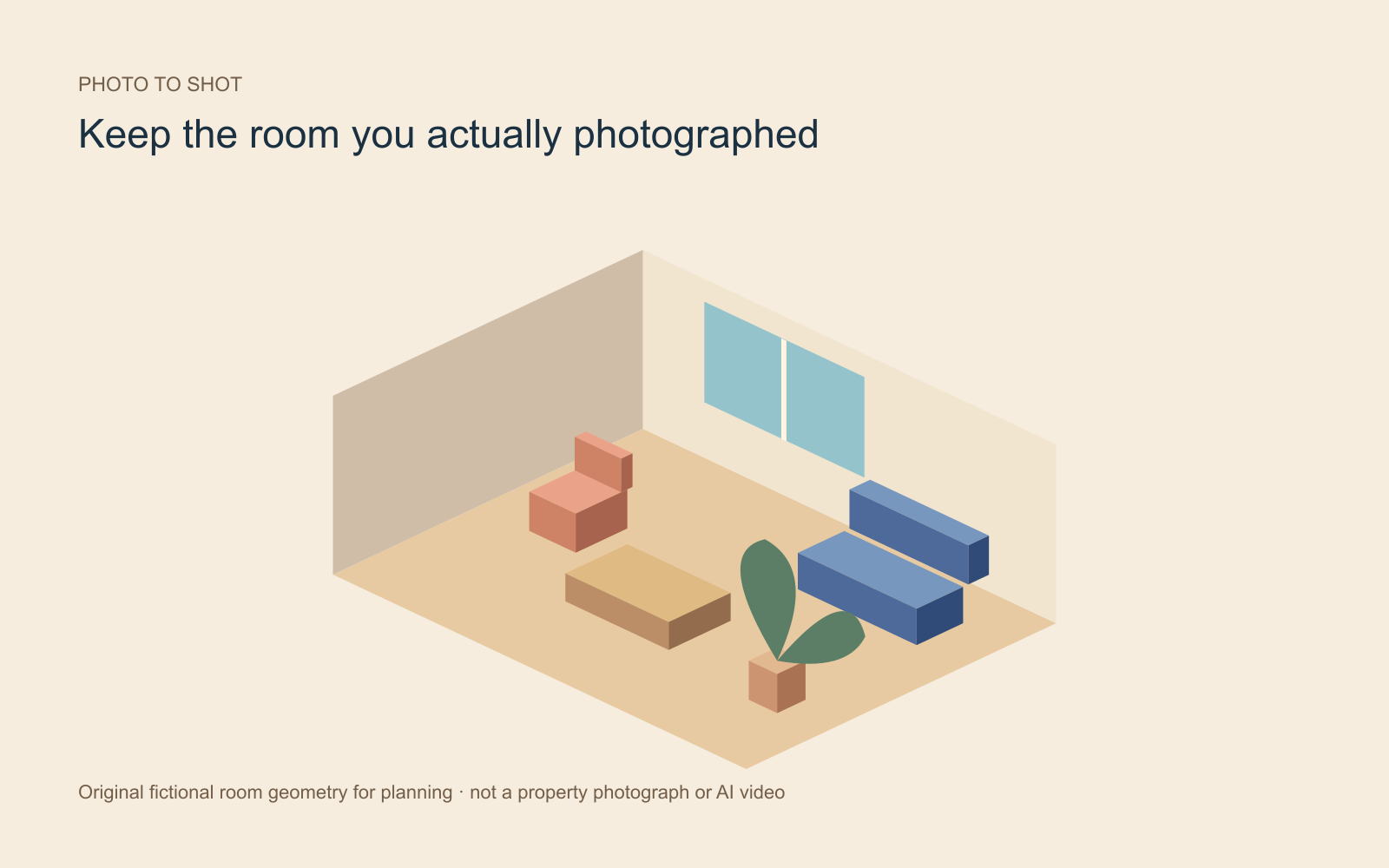
The fictional room illustration supplied here was drawn from original geometry for this guide. It is not a photograph, a real listing, a floor-plan reconstruction or an AI generation. Use it to discuss shot planning, not as property evidence.
For an actual campaign, keep approved real media, any staged or illustrative media and the factual listing copy clearly identified in your production packet. The responsible listing team should review the final representation and destination requirements. This guide provides a production method, not jurisdiction-specific legal advice.
Assemble the accepted clips with current facts
Match room labels, captions and narration to the source packet. Keep availability, contact details and any displayed price current at publication. Use real connecting footage when orientation is important. Review the vertical crop separately; a horizontal room composition may lose its important feature on a phone.
For presenter choices and service comparisons, read the separate real-estate video tools guide. For the photo-to-shot workflow itself, prepare your listing plan and open Clout Image and Video Studio.