
From approved photo to reviewed clip
AI real estate video from your photos
Make each room readable. Plan a small camera move, preserve the details in your source and create separate clips in Clout Image and Video Studio.
The planner is free. Generation uses workspace credits after you review the current studio quote.
Free listing video planner
Give every room its own shot
Start with approved photos. Name each source and the visible details to preserve. This planner writes separate briefs locally; it does not upload photos or generate a video.
Your source to shot plan
2 separate clips · 12 seconds after assembly before transitions · 16:9
Open Image and Video StudioChoose Video and a supported opening-frame model such as WAN 3.0. Add the actual photo, paste one brief and apply the settings yourself. Your planner choices are not applied automatically. Review the current credit quote before generation.
Build a photo to shot workflow
Choose approved sources
Use actual property photos that explain each space. Keep source filenames and visible details with the brief. Use real connecting footage when room relationships matter.
Create one restrained clip
In the studio, select Video, a supported model and the opening-frame operation. Add the photo and apply your brief, duration and format. The planner does not submit or prefill a generation.
Review before assembly
Compare the whole export with the original. Check windows, openings, surfaces and furniture. Assemble only accepted clips with current listing facts in your editor.
Motion should explain the visible room
A small movement can give a photo depth, but generated frames can change the space. Keep the move within what the source shows. If a clip invents a doorway, a view or extra floor area, use a smaller accepted segment, the original edited photo or real footage.
Several separately generated rooms do not become a verified walkthrough just because the edit is smooth. Keep staging and illustration identified, and have the responsible listing team approve the final representation.
Prepare the scene with the right guide
Questions about property photo videos
Can Clout turn property photos into video
Clout Image and Video Studio includes opening-frame video models such as WAN 3.0. Add an approved photo in the supported operation, review the quote and inspect the complete result against the source. A generated move does not verify hidden space.
Is the listing video planner free
Yes. It creates authored shot briefs and a review CSV locally without an account or a generation charge. Video generation separately requires account access and workspace credits.
Does the planner upload my property photos
No. You enter source names and visible details as text. Add the actual files in the studio only when you choose to generate.
Can several photos create an accurate connected tour
Generation alone does not establish the physical connection between rooms. Use actual connecting footage or approved layout evidence when that relationship matters.
Are these room illustrations real listing photos
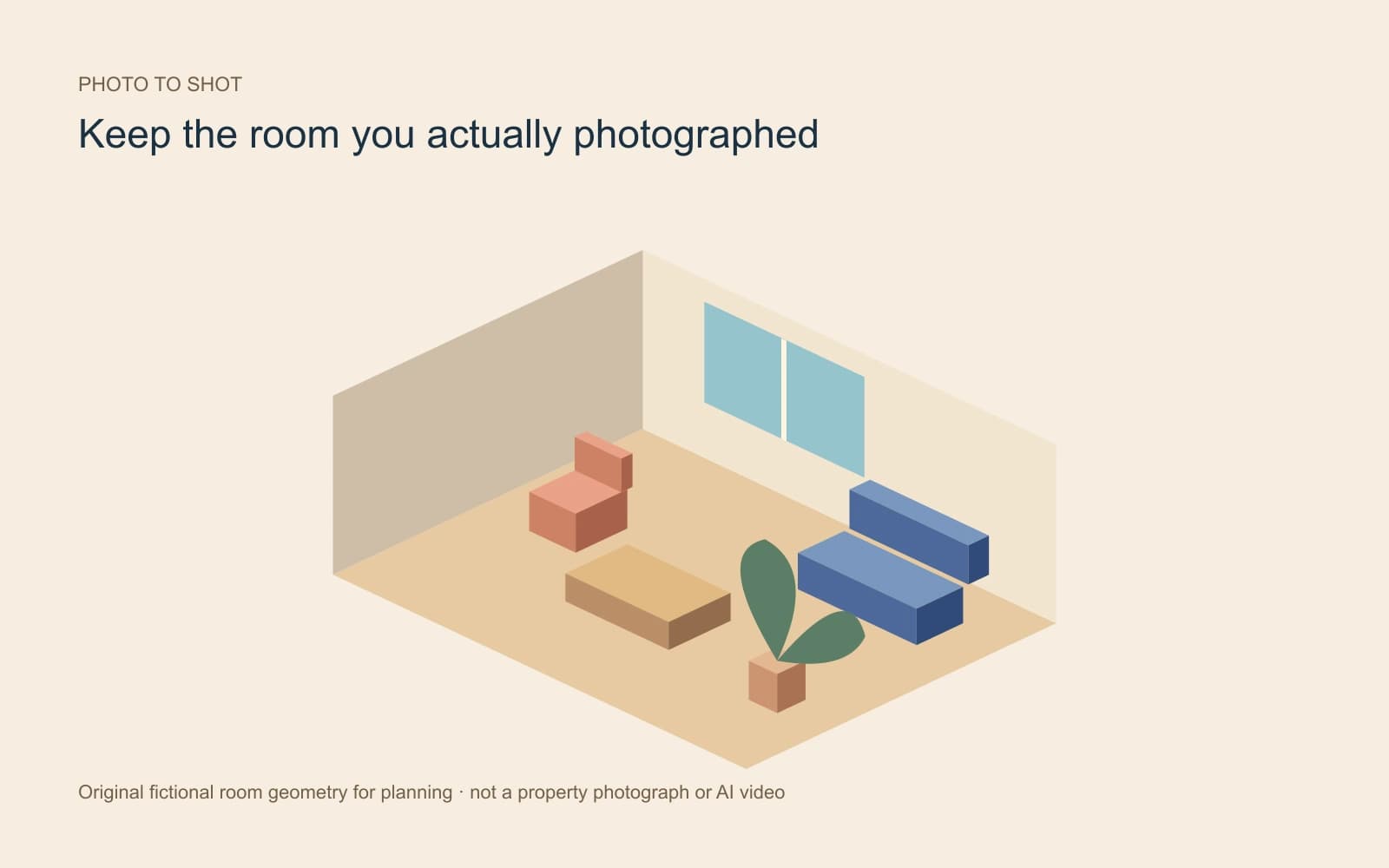
No. The illustration is original fictional room geometry for planning. It is not a property photograph, a reconstructed floor plan or a generated video.