
Wan 3 AI video generator
Start with a written idea, an opening frame or references. Shape the scene, choose your settings and create your Wan video in Clout.
In the studio, choose Video and select WAN 3.0. Your workspace credit quote appears before generation.
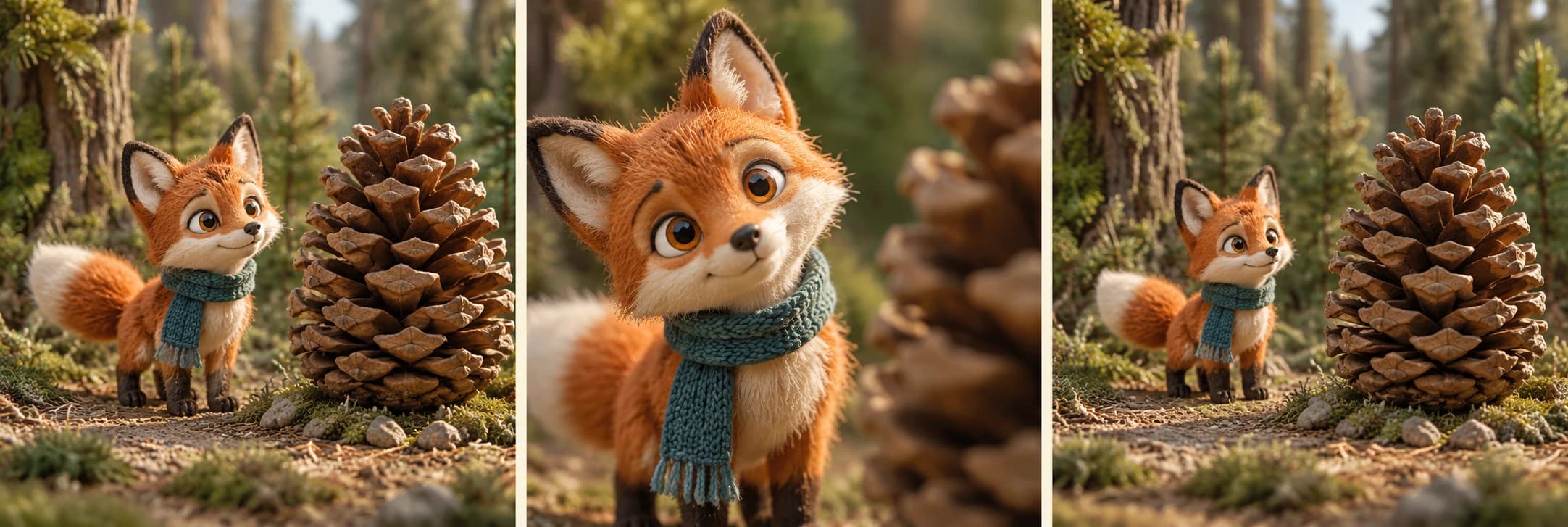
Wan 3.0 is available in Clout's Image and Video Studio for prompt-led, frame-led and reference-led video. Start with one visible action and a clear ending. Use the planner below to turn that idea into a prompt you can copy, then select the current controls in the studio.
Direct your first shot
Prepare a prompt and settings before you open the studio. This planner does not render a video or use credits.
Your Wan shot brief
Original planning instructions for your own scene. Add the actual files in the studio.
- Model
- WAN 3.0
- Workflow
- Text to video
- Duration
- 6 seconds
- Resolution
- 720p
- Format
- 16:9
- Audio
- Off
Choose Video, then WAN 3.0. Paste the prompt, apply your settings and review the current credit quote. Your planner choices are not applied automatically.
Choose what starts the shot
A written idea
Use text-to-video when you are inventing a scene. Name the subject, one action, the setting and the camera. Keep the action small enough to finish within the selected duration.
An approved opening frame
Use image-to-video when the starting composition already looks right. Describe what moves and what remains fixed. Keep your original image for comparison with the exported opening.
Character and product references
Use references when separate assets should supply the creator, product or setting for a newly directed scene. Assign their roles, then check the order and labels in the studio.
Opening and ending frames are separate from the reference workflow. Choose the operation around your inputs; the planner does not upload files or combine those modes.
Wan settings currently available in Clout
- Duration
- Automatic, or 2–30 seconds
- Resolution
- 480p, 720p, 1080p
- Format
- Automatic, 16:9, 9:16, 1:1, 4:3, 3:4
- Reference images
- Up to 10 image references in the reference workflow
- Video and audio references
- Up to 5 video clips and 5 audio files, with up to 15 seconds of video and 15 seconds of audio in their respective reference sets
- Sound
- Optional generated audio. Review the actual spoken words and scene sound in the export.
These are the current Clout controls, checked October 21, 2026. Availability, supported file combinations and the final quote are shown in the studio. The Alibaba Cloud Wan guide describes the wider model family; another provider may expose different operations.
Make one useful shot before building a sequence
For a creator scene, begin with an approved identity and a simple action such as a small turn or a glance toward a product. For a product shot, keep the construction and label visible. A short controlled scene gives you a clear basis for the next revision.
Watch the complete export, then revisit the opening, contact moments and ending. Compare faces, hands, object shape, camera movement and audio. Save the accepted prompt, settings and references alongside the video so the next scene starts from reviewed material.
Questions about Wan in Clout
Can I use Wan 3 in Clout
Yes. Open Clout Image and Video Studio, choose Video and select WAN 3.0. Choose the operation, add any required files and review the current credit quote before generating.
How long can a Wan video be
Clout's current Wan configuration offers automatic duration or 2–30 seconds. Keep the written action within your selected duration and review the actual exported file.
Can I animate an image with Wan
Yes. Use an approved opening frame for image-to-video. When you use separate reference assets for a new scene, select the reference workflow instead. Frame and reference inputs have separate roles.
Does the shot planner generate a video
No. It prepares a copyable prompt and a downloadable settings brief locally. Open the studio, select WAN 3.0 and apply the settings yourself. The planner does not use credits or submit a generation.
Is Wan video generation free
This shot planner is free to use without an account. Generation in Clout requires account access and workspace credits. The current studio quote shows the charge before you submit.
Are the fox images generated with Wan
No. They are original storyboard concept artwork for planning a scene, not frames from a Wan render or a quality benchmark.
Create with your own approved inputs. Select WAN 3.0 and review the current access requirements and credit quote before rendering. This page's planner and concept artwork are preparation resources, not a claimed generation test.