

A photo dump can feel spontaneous without being a random collection of images. The connection might be a studio afternoon, a weekend walk, a new outfit or the ordinary details between larger events. Give the post a small shared theme, then let the images vary enough that each slide adds something.
For an AI creator, that connection needs a recognizable identity as well as a mood. Six polished portraits of six slightly different people do not tell one creator's story. Start with a character reference and a few continuity choices, then generate distinct scenes around them. Below is an original fictional studio-afternoon example you can use to study the sequence or download individually.
Choose a theme small enough to photograph
For a gathering theme, the party images gallery and editable invitation adds creator scenes backgrounds and an illustration for different post formats.
“My life lately” leaves you with almost unlimited choices. “A quiet afternoon making something” gives you a place, an action and a natural ending. That makes it easier to decide which photos belong. A useful theme does not need a dramatic event; it needs a relationship between the images.
| Theme | Useful mix | Possible closing image |
|---|---|---|
| Studio afternoon | Arrival, making, materials, room, break | Tote and keys by the door |
| Weekend cafe walk | Outfit, street, drink, window, relaxed portrait | The route home |
| One outfit in a day | Full look, movement, fabric detail, setting | The jacket over a chair |
| Collection behind the scenes | Creator, setup, real product detail, workspace | Packed materials or a finished arrangement |
For a real collection, use accurate product references and actual product photos when the post needs to show construction, fit or packaging. A generated mood scene can add atmosphere, but it should not change the buying information. For a fictional creator story, keep the scenes coherent and present them as created content.
A six-photo studio dump with one creator
This example uses the same fictional adult creator, cream overshirt, blue T-shirt, charcoal jeans and cobalt tote. Afternoon light and a wooden studio provide the shared setting. The change between slides comes from the shot purpose and distance, rather than swapping the character or location. All six images are AI-generated illustrations of a fictional afternoon.
Start with a face and a place

Slide 1 introduces the creator, wardrobe and studio before the quieter details
Download this example imageThe opening should give someone a reason to understand the rest of the sequence. A doorway portrait establishes both identity and location. It can feel relaxed, but the face should be recognizable and the important objects should be easy to read. Here the tote also becomes a small recurring cue.
Show one believable action

Slide 2 changes from arrival to activity while keeping the creator and setting consistent
Download this example imageChoose a simple action the viewer can understand in a still image. Arranging materials gives the hands a purpose. Avoid a crowded work scene with several simultaneous tasks, especially if the generated fingers or tools become ambiguous. The action should support your theme rather than introduce a new story halfway through.
Move closer to an ordinary detail
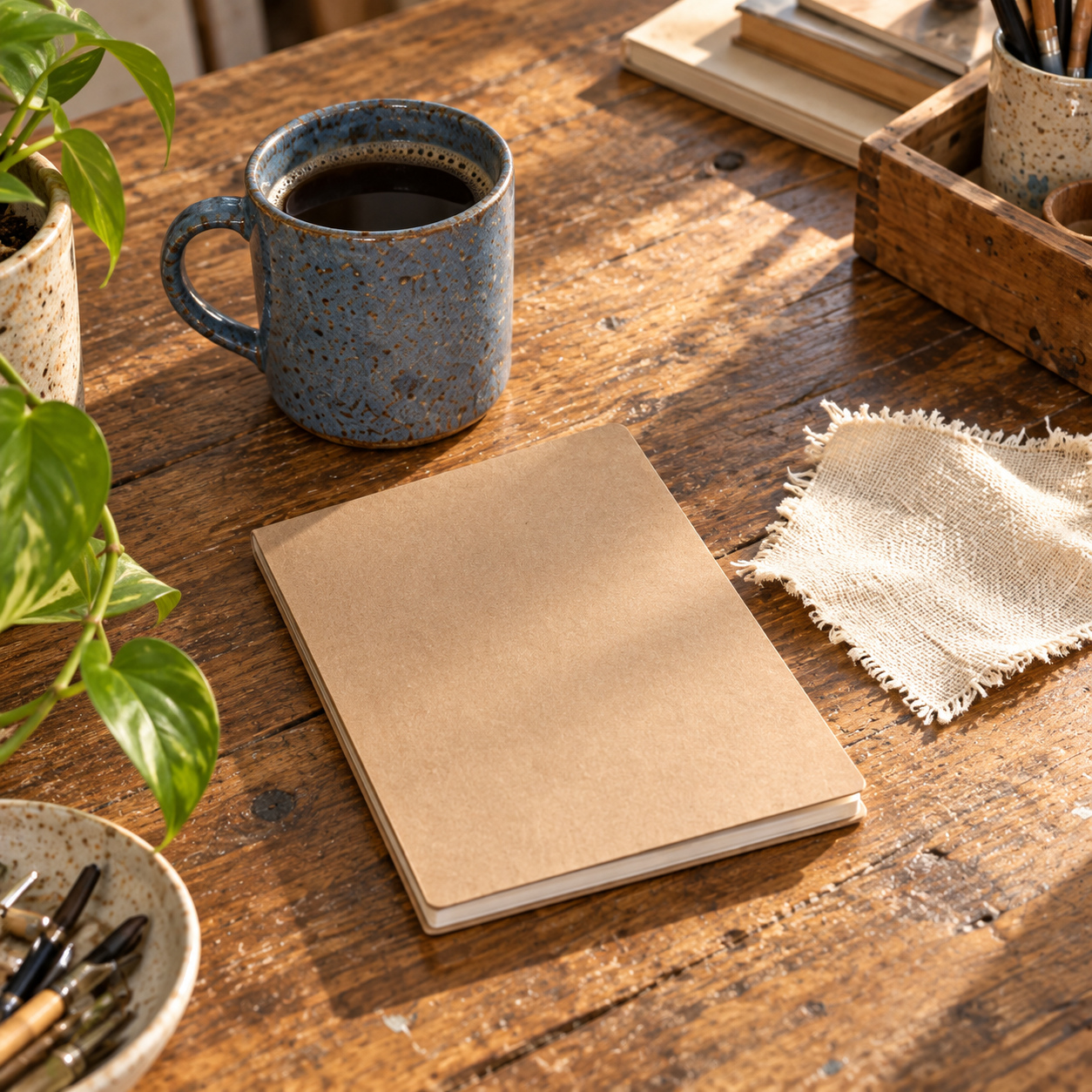
Slide 3 gives the face a break and returns to objects introduced in the action shot
Download this example imageA detail shot is useful because it changes the rhythm. It can be a cup, fabric texture, a shadow or something left on a table. Keep the object recognizable from an earlier frame; otherwise the detail may feel borrowed from another post. Check generated notebook pages and labels so accidental lettering does not distract from the scene.
Leave room for the setting
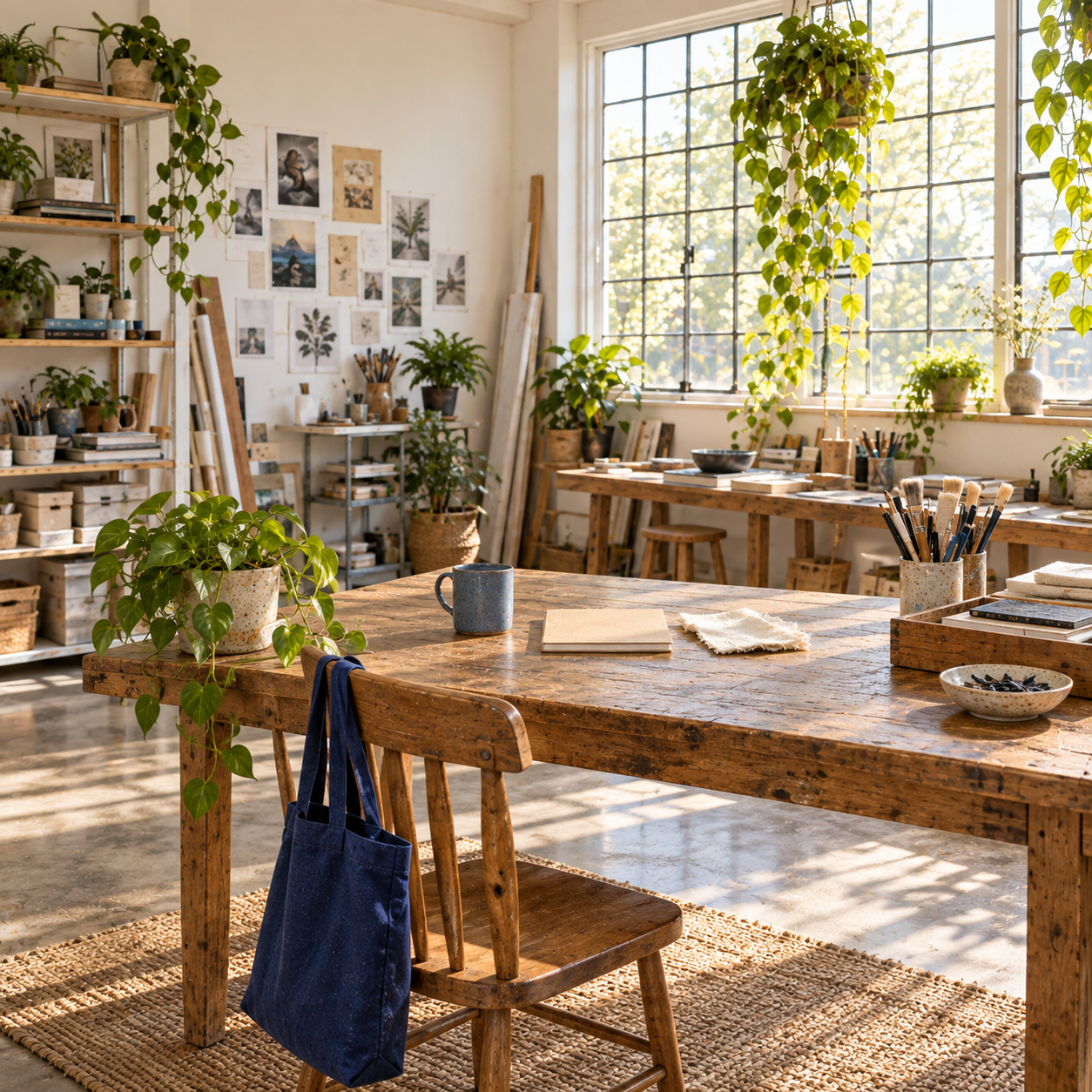
Slide 4 uses a wider room view to connect the close details back to the shared location
Download this example imageNot every slide needs the creator. A wider image can explain where the earlier activity happened. Look for a recognizable window, table or recurring object, then keep the composition calm enough to serve as a pause. A suddenly different room breaks continuity even when the lighting looks attractive.
Return to the creator in a quieter moment

Slide 5 returns to the same identity with a different pose and a quieter expression
Download this example imageThe second portrait should do something different from the first. Change the pose, distance or expression while retaining the actual face and wardrobe. A relaxed break adds an emotional beat after the activity. It does not need an exaggerated smile or a new costume to feel distinct.
Close with a small visual callback
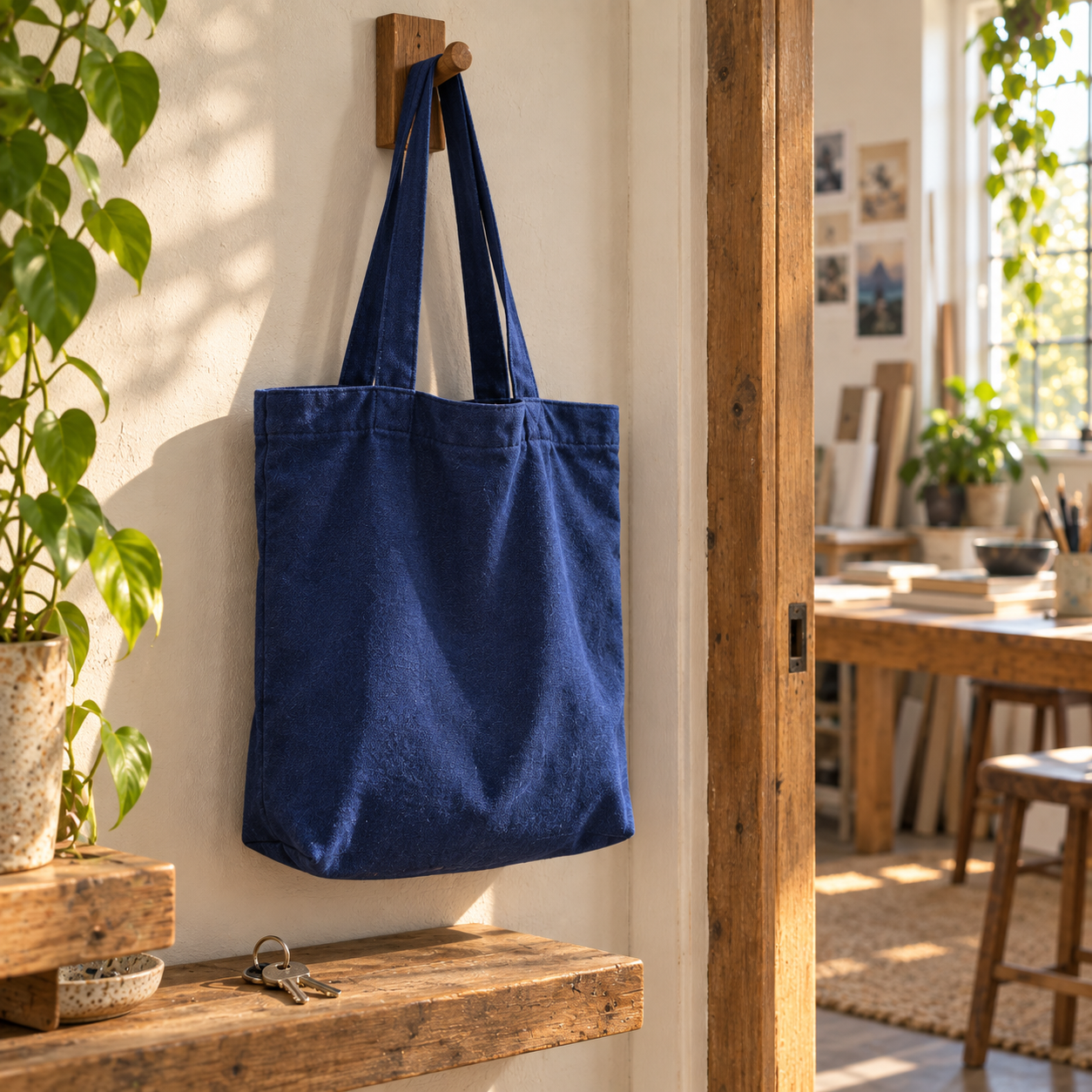
Slide 6 returns to the arrival objects and gives the fictional afternoon a natural ending
Download this example imageA closing frame can be quieter than the cover. Returning to the tote and doorway makes the sequence feel finished without a large announcement card. Choose an ending that fits your theme: shoes near the door, a folded jacket, an empty mug or packed materials can each close a different small story.
Build your own sequence from the shot plan
Download the editable photo dump shot plan. Open the CSV in a spreadsheet and replace each scene with your own theme. The asset and ready columns are blank so you can track your actual files and review status. Six slides are an editorial example, not a platform requirement.
Start by selecting the cover, then arrange the middle around changes in distance: medium portrait, action, close detail and wider setting. Finish with a callback to something already seen. Remove a slide if it repeats the same information. The planning sheet should help you choose, rather than become a reason to fill every slot.
Generate varied scenes without changing the person
Build your photo dump creator in Clout, then use a consistent character for the connected images. Write down the wardrobe, recurring props, location and light before generating. Change the shot instruction for each frame while preserving those anchors.
Keep the same adult creator identity, cream overshirt, muted blue T-shirt and charcoal jeans. In the same wooden studio with warm afternoon window light, show the creator arranging a blank notebook and blue mug on the worktable. Medium candid framing, believable visible hands, complete head inside the frame. Single photograph, no collage, readable lettering, logos or badges.
The useful part of the prompt is the division between what stays and what changes. The face, clothes and room stay; the action and framing change. Review the outputs together, not only one at a time. A beautiful standalone picture can still be the wrong slide if the hair, mug or room changes unexpectedly.
Write a caption that ties the images together
A photo dump caption can be short because the images supply much of the context. Name the shared moment, add one detail or ask a question that follows naturally from the scene. For this fictional studio example, possible captions include:
- An afternoon of making things and reheating coffee
- Little pieces of a studio day
- The work, the break and everything in between
- One blue tote and a very slow afternoon
Use wording that matches what the post actually shows. Avoid claiming a real trip, customer event or personal experience when the images depict a fictional AI creator. You can keep the voice casual while making the created nature of the series clear in the surrounding account context or caption.
Prepare the carousel and review the final order
Instagram's multiple-photo post guidance says a post can contain up to 20 photos and videos combined, with one selected orientation applying throughout. Its carousel videos are separate from Reels. Choose your orientation before finalizing the images, and preview each crop. This guide uses six square scenes to keep its example consistent.
Review the face, fingers, recurring props and crop at the actual phone viewing size. Read the sequence without the caption: the location and visual connection should still make sense. Then add the caption and confirm it does not promise something the pictures fail to show. Keep the master files so you can revise the order or crop without repeatedly saving compressed copies.


