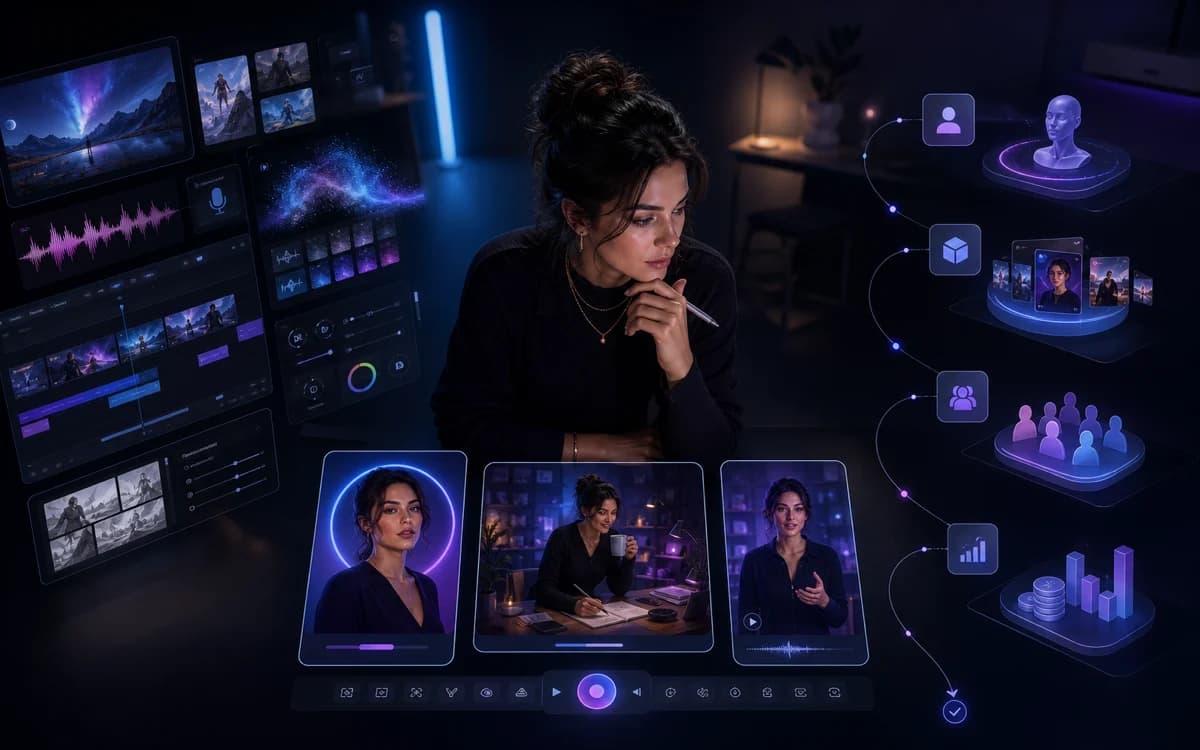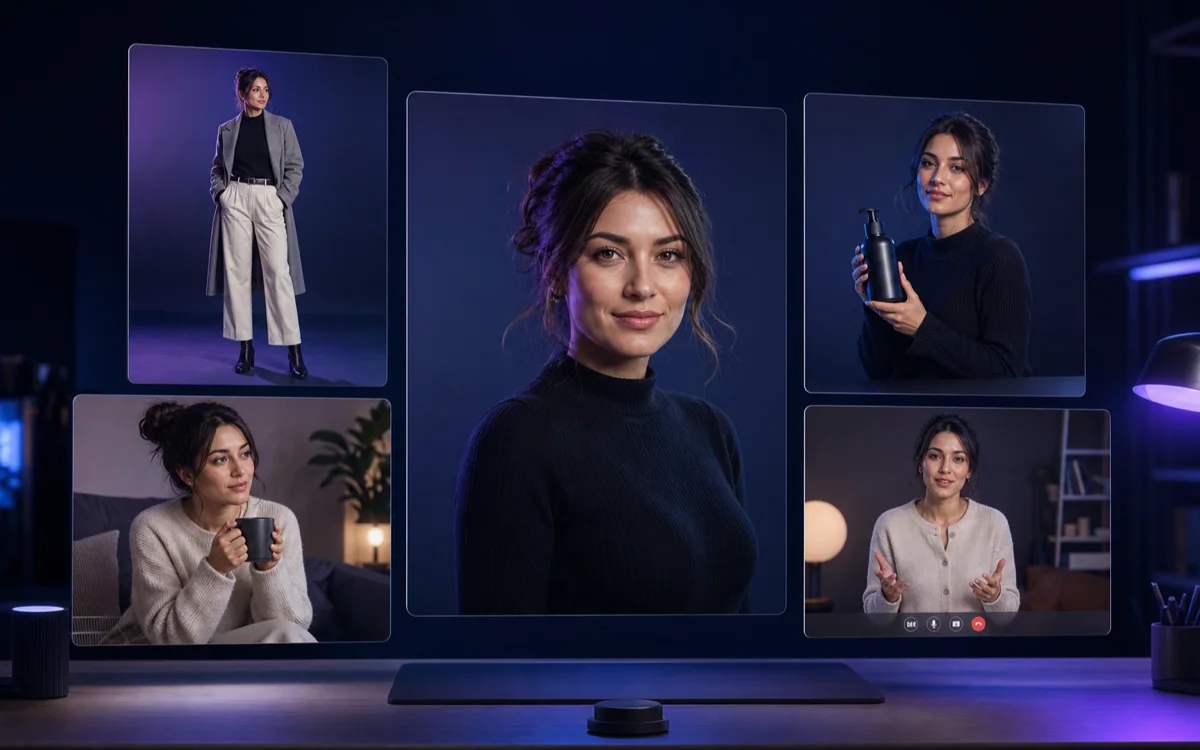
This Photo AI review examines the product as it exists today, not the older idea of a simple AI headshot app. Photo AI now combines model training, synthetic influencer creation, prompt-based photo shoots, preset photo packs, image editing, product placement, fashion try-on, talking clips, motion capture, and several video workflows.
The breadth is real, but so are the buying decisions. Commercial rights begin above the Starter tier, advanced editing and video features move higher in the plan stack, credits reset monthly, and the legal terms deserve attention when the input is a person's likeness. The right verdict depends on whether you need an AI photographer or an operating system for a creator account.
What is Photo AI?
Photo AI describes itself as an AI photographer. According to its official product page, a user can upload 5 to 15 varied photos to train a reusable model of themselves or another person they have permission to use. A separate workflow can design a fictional AI influencer from scratch without uploading a real person's photographs.
Once the model exists, the user can generate new photos through written prompts, copied compositions, or more than 200 themed photo packs. The platform also imports images for targeted edits and turns selected stills into video. This identity-centered workflow separates Photo AI from general editors that only manipulate the pixels in one uploaded image.
The direct buyer question is covered in our Clout vs Photo AI comparison. Photo AI is the broader photographer and editor; Clout is the more guided path from original persona to recurring social content and monetization.
How Photo AI creates a model or AI influencer
For a real-person model, Photo AI recommends varied close-up and full-body photos across different places, angles, clothing, and expressions. Its help center warns against group photos, hidden faces, sunglasses, hats, and low-variety uploads. For a synthetic character, the official AI influencer workflow lets the user choose appearance attributes, preview the identity, and create a new fictional model without source selfies.
The model becomes the recurring subject for future generations. That can improve continuity, but training does not remove the need for review. Test facial structure, apparent age, body proportions, hair, skin texture, wardrobe logic, and product interactions across many scenes. Keep an approved reference sheet and reject outputs that drift or invent misleading details.
The same principle appears in our consistent-character AI workflow: identity is a controlled system, not a one-time prompt.
Photo, editing, product, and video features
Photo AI's current public pages list a large production surface. Photo generation includes its Hyper Realism pipeline, Nano Banana Pro, written prompts, copied compositions, multiple parallel outputs, and themed photo packs. Imported or generated photos can be remixed, cropped, expanded, relit, combined, upscaled, or changed through Magic Edit. Premium and Ultra currently unlock the broadest editing set.
Commerce workflows include product placement, clothing try-on, and batch try-on. Video options include image-to-video, sound, talking clips from a script, motion capture, and product video. These features make Photo AI relevant to creators, ecommerce teams, and marketers, but quality and cost vary by action and underlying model.
For a creator-specific production plan, compare these tools with the AI influencer video guide and the best AI photo editors for influencers. A long feature list only matters if the identity survives the complete publishable batch.
- Identity: train a real-person model from authorized images or design a synthetic influencer
- Photos: prompts, reference compositions, photo packs, parallel generation, and multi-person scenes
- Editing: import, remix, crop, expand, relight, combine, remove or change elements, and upscale
- Commerce: product placement, clothing try-on, batch fashion workflows, and creator-style campaigns
- Video: image-to-video, sound, talking scripts, motion capture, and product video
Photo AI pricing in July 2026
Photo AI's live pricing page showed four monthly plans on July 17, 2026. Starter was $19 per month with 50 monthly credits and one model. Pro was $49 per month with 1,000 credits and three models. Premium was $99 per month with 3,000 credits and ten models. Ultra was $199 per month with 10,000 credits and fifty models.
Annual billing reduced the displayed monthly equivalents to $9 for Starter ($99 billed annually), $29 for Pro ($349 annually), $49 for Premium ($599 annually), and $99 for Ultra ($1,199 annually). Verify the live checkout because Photo AI's terms reserve the right to change pricing, credits, and included models.
The plan boundary matters more than the entry price. Starter is labeled personal use only with lower quality, lower likeness, one-at-a-time generation, and no imported-photo workflow. Pro is the first current tier with a commercial-use license, written prompts, imports, remixing, and four parallel photos. Premium adds the expanded editing, video, Civitai LoRA, clothing try-on, and eight-parallel workflow. Ultra increases quality, likeness, speed, storage, parallelism, models, and credits.
| Plan on July 17, 2026 | Published monthly price and key allowance |
|---|---|
| Starter | $19; 50 monthly credits; 1 model; personal use only |
| Pro | $49; 1,000 monthly credits; 3 models; commercial-use license |
| Premium | $99; 3,000 monthly credits; 10 models; editing and video suite |
| Ultra | $199; 10,000 monthly credits; 50 models; highest public limits |
How Photo AI credits work
Photo AI's official credit guide said a Hyper Realism photo costs one credit, a Nano Banana Pro photo five, an imported image one, a sound-enabled video thirty, a talking video three per 100 script characters, motion capture ten, 3D generation twenty, and many edits such as upscale, zoom out, and relight five. Costs can change and some workflows include additional auto-generated photos.
Subscription credits renew and expire each month, including on annual plans. Extra purchased credits currently expire after two years. This means the useful cost is not the advertised number of credits but the cost per approved output after retries, imported-source charges, edits, upscales, video, and unused expiration.
Before buying, estimate one real week: portraits, full-body scenes, product images, corrections, alternate crops, and video attempts. Then compare the approved set with a specialist workflow instead of converting credits into an unrealistic maximum-output number.
Commercial rights, input licenses, and privacy
Photo AI's current Terms of Service say users own assets they create and that the service assigns its rights in those assets for personal or commercial use, subject to the agreement and applicable limitations. The product FAQ narrows commercial licensing by plan: Pro, Premium, and Ultra are marked for commercial use, while Starter is personal only.
The same terms grant Photo AI and its successors a perpetual, worldwide, non-exclusive, sublicensable, royalty-free, irrevocable license to use, reproduce, process, adapt, publish, distribute, and create derivatives from prompts, input images, and generated assets to operate, improve, promote, and enforce the service. That is a material clause for sensitive likenesses, confidential products, or unreleased campaigns and should be reviewed directly before uploading them.
Photo AI's FAQ says users can delete gallery photos, with deleted photos permanently removed after thirty days, and says account data is deleted ninety days after cancellation. The privacy policy describes additional access, correction, deletion, portability, and objection rights depending on jurisdiction. Keep local originals and permission records, avoid unauthorized likenesses, and do not assume asset ownership cancels the input license granted to the platform.
Photo AI strengths
Photo AI's clearest strength is workflow breadth around one model. A user can move from identity creation to photo generation, targeted edits, fashion or product scenes, talking clips, and motion without immediately assembling several unrelated products. The preset packs also reduce prompt-writing work for repeatable portrait and lifestyle concepts.
It is especially relevant for people who want AI photos of themselves, teams with consented talent, synthetic-influencer experiments, and operators who value many editing and video actions in one credit account. Annual pricing can lower the displayed monthly cost for users confident they will use the workflow consistently.
- Real-person and from-scratch synthetic identity paths
- Large photo-pack library plus prompt and reference workflows
- Useful combination of generation, editing, product, fashion, talking, and motion tools
- Plan-specific parallelism and model allowances for heavier production
- Public credit guide that helps estimate representative workflows
Photo AI limitations and watch-outs
Photo AI is not a free unlimited editor. The entry tier is personal only, and many of the most relevant imported-photo, editing, video, clothing, and scale features sit on Pro or Premium and above. Subscription credits expire monthly, output quality still depends on source photos and selected models, and the platform's own FAQ acknowledges that artifacts can occur.
The product also does not remove the operating work behind an influencer account. The user still needs a distinctive niche, content pillars, captions, distribution, community management, offers, brand outreach, disclosure, and a weekly review process. Photo AI's influencer page discusses monetization possibilities, but generating assets is not the same as building demand or revenue.
Use our content-calendar workflow and monetization guide to expose the work that remains after generation.
Photo AI alternatives
Choose by the job Photo AI would perform. Adobe Firefly is relevant for controlled generative editing without a recurring model system. Canva is stronger for turning approved photography into branded social layouts. Photoroom specializes in product and catalog imagery. Pixelcut combines broad editing, product, batch, persona, and ad workflows.
Clout is the stronger Photo AI alternative when the main problem is not access to another editing control but creating one original AI influencer with a stable identity, repeatable content pillars, launch assets, and monetization direction. It is a more opinionated creator system and does not claim to replace Photo AI's complete editor or model catalog.
Photo AI review verdict: is it worth it?
Photo AI is worth shortlisting when a trained or synthetic person must appear across many photos and the buyer wants generation, editing, fashion, product, talking, and motion tools in one platform. The current Pro plan is the practical commercial starting point; Premium is more relevant when advanced editing and video are core requirements.
It is a weaker fit when the user only needs occasional object removal, when a product catalog is the primary source of truth, or when the biggest gap is creator strategy rather than media production. Run one complete content batch, calculate cost per approved asset, inspect the current legal terms, and compare the remaining strategy work before committing annually.
If your real bottleneck is turning one original persona into a recognizable account and creator business, build the AI influencer in Clout and test the complete content system—not only the best single photo.