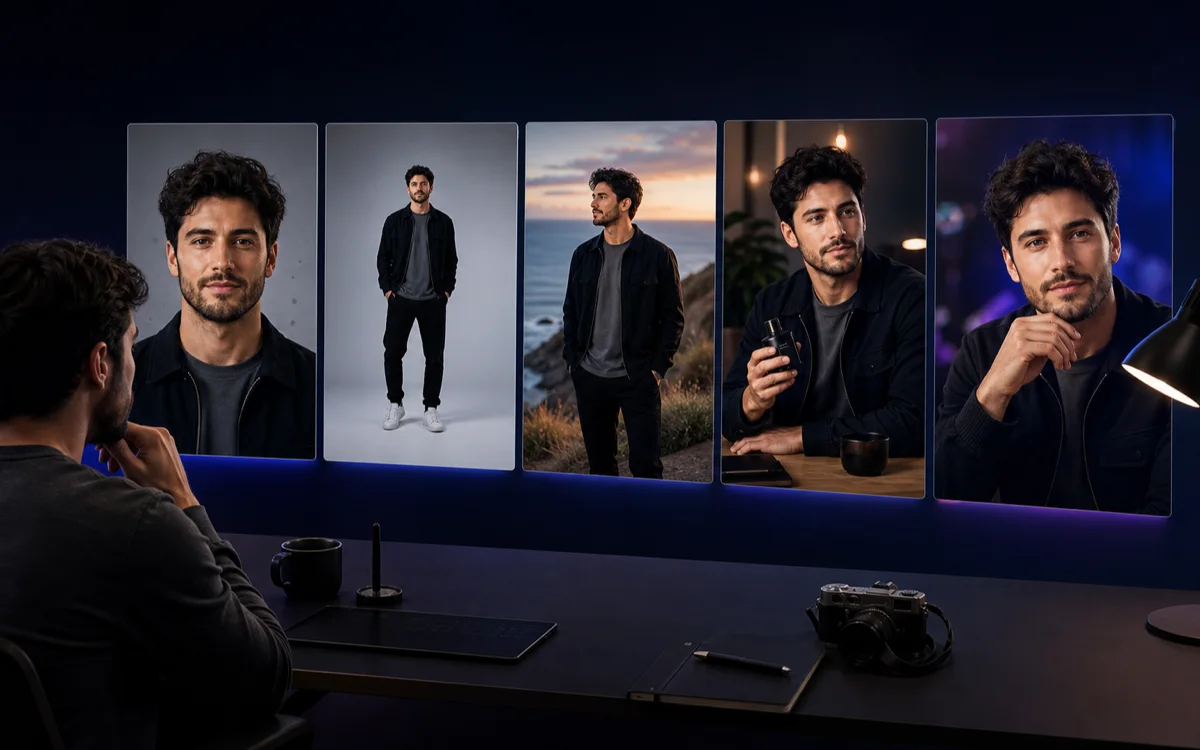
The best AI photo editors for influencers are not interchangeable. One tool may remove a background perfectly but have no concept of the creator's recurring identity. Another can keep a trained person recognizable but lacks social layouts. A third is built for hundreds of product listings rather than a personality-led feed.
This guide ranks tools by job instead of pretending there is one universal winner. It compares identity generation, prompt editing, social design, ecommerce production, batch operations, video adjacency, commercial-use terms, and the work still required after the image is exported.
Best AI photo editors for influencers at a glance
Start with the asset that must be repeatable. A human creator may need to change a background without changing their face. A virtual influencer needs the same fictional identity in every scene. A UGC team may need a product inside dozens of creator-style photos. A social manager may need templates, resizing, and brand controls after the photograph is complete.
| Best starting point | Primary creator job |
|---|---|
| Photo AI | Train a real person's likeness or design a synthetic influencer, then generate and edit photos or video |
| Adobe Firefly | Add, remove, replace, expand, or restyle image elements through prompt-based editing |
| Canva | Turn edited photos into branded social posts, thumbnails, carousels, and campaign layouts |
| Photoroom | Create polished ecommerce product photos, backgrounds, virtual models, and catalog batches |
| Pixelcut | Combine quick product edits, batch exports, AI models, personas, and creator-style ad assets |
| Clout | Build one original AI influencer and a recurring social-content and monetization workflow |
1. Photo AI: best combined identity studio and AI photographer
Photo AI is the most direct hybrid in this shortlist. Its official product page lets users train a model from 5 to 15 photos of themselves or design a completely synthetic AI influencer from scratch. The same identity can then appear in prompted photo shoots, preset photo packs, imported-photo edits, clothing try-ons, product scenes, talking clips, motion-capture video, and image-to-video generations.
That makes Photo AI relevant when the source person matters as much as the edit. It is more than a background remover, but it also asks the buyer to understand model training, likeness quality, credits, retries, and tier restrictions. Its Starter plan is marked for personal use only, while commercial use starts on Pro under the current public pricing page.
Read the detailed Photo AI review and Clout vs Photo AI comparison before choosing between a broad AI photographer and a guided creator-brand system.
2. Adobe Firefly: best for controlled generative edits
Adobe Firefly's AI photo editor focuses on natural-language changes: add, remove, or replace objects and backgrounds, use Generative Fill, transform style or mood, expand a frame, and move between Adobe and partner models. This is a strong fit when the creator already has a good source image and wants precise changes rather than a new recurring persona.
Adobe says outputs from its own Firefly models are designed for commercial use and those models are trained on licensed and public-domain material. The same statement does not automatically cover every partner model available inside Firefly, so teams should confirm the selected model and current terms for each commercial project.
Firefly is not an influencer operating system. It can repair or transform individual assets, but the user still needs a stable identity source, feed direction, publishing cadence, offers, and a review system for facial or product drift.
3. Canva: best for social design after the edit
Canva is strongest when the photo is one component of a finished social asset. Its official AI photo editor includes Magic Edit, Magic Grab, background removal, expansion, cleanup, and related tools. The edited image can move directly into templates, brand kits, carousels, stories, thumbnails, presentations, and scheduled campaign designs.
This is operationally useful for an influencer team producing many formats from one approved hero. Canva reduces layout and resizing work, but it should not be mistaken for a specialist recurring-character generator. Test identity-sensitive edits carefully, keep an approved source library, and use the brand system to control typography, color, margins, and platform-safe crops.
4. Photoroom: best for ecommerce product photography
Photoroom's official tool library is built around product visuals: background removal and generation, retouching, shadows, product staging, product beautification, virtual fashion models, ghost mannequin, resizing, batch editing, and product video. Its current pricing page separates Pro, Max, Ultra, and enterprise workflows by AI allowance, model quality, batch exports, video access, processing speed, and catalog scale.
Choose Photoroom when the product is the source of truth and the influencer image supports a listing, ad, or social-selling creative. That is a different optimization target from keeping one fictional creator recognizable across a month of lifestyle content. A brand may reasonably use Photoroom for SKU accuracy and Clout for a separate creator identity.
5. Pixelcut: best broad product editor with personas and batch tools
Pixelcut's official workspace combines background removal, upscaling, expansion, retouching, shadows, batch editing, product showcases, AI UGC ads, and custom personas. Its current site says the Identity system is intended to keep characters and brands consistent across images and video, which makes Pixelcut broader than a basic product-background app.
The public pricing page currently lists a free tier, a $10 monthly paid tier with 600 AI credits, and a $30 tier with 3,600 monthly credits, alongside different team and batch allowances. Because credits are consumed by selected third-party models and the model catalog changes, calculate a representative batch in the live product rather than treating one headline credit number as a fixed output count.
Pixelcut is a capable shortlist option when product imagery, everyday editing, personas, and bulk work need to share one workspace. Clout remains the clearer choice when the primary deliverable is the creator's niche, identity system, publishing plan, and path to revenue—not a general creative workspace.
6. Clout: best for an AI influencer content system
Clout starts one layer above the individual edit. The AI influencer generator workflow defines an original adult creator, niche, visual direction, and content logic, then produces recognizable photos, first frames, video concepts, product scenes, and campaign ideas around that identity.
This is the stronger fit when the question is not merely "how do I fix this photo?" but "how do I keep this creator coherent and publish every week?" Use the consistent-character workflow to set identity anchors, the content calendar to plan repeatable pillars, and the monetization guide to connect content to an offer.
Clout does not claim to replace every pixel-level or catalog-specific editor. A practical stack may use Clout for the creator system, a specialist editor for cleanup, and a design tool for final typography or resizing. The key is assigning each platform one job and measuring the handoffs.
How to test an AI photo editor for influencer work
For a reference-based editing walkthrough, see our ZenCreator AI image editor guide; for its overall features and credit packs, read the ZenCreator review.
Considering a credit-based editor? Our Dirtybunny review covers its public pricing and a five-output test for comparing editing and creator workflows.
Do not compare only the best homepage example. Create a small test set that reflects the hardest recurring work: one close portrait, one full-body scene, one indoor lifestyle image, one outdoor scene, one product interaction, and one alternate crop. Use an original adult persona or a real person with explicit permission.
Run the same source set and edit brief through every finalist. Review the batch at feed size, full resolution, and mobile crop. A tool can produce a beautiful single image and still fail the creator job if the face changes, the product label mutates, the hand requires repair, or the cost rises sharply after retries.
- Identity: face structure, apparent age, hairline, proportions, skin texture, and styling continuity
- Edit fidelity: only the requested object, background, crop, light, or product should change
- Operational cost: credits, failed outputs, cleanup time, export limits, and cost per approved image
- Workflow fit: batch, team access, mobile, API, templates, video, and handoff to publishing
- Rights and trust: likeness consent, source rights, commercial tier, retention, training licenses, and disclosure
Best AI photo editor for influencers verdict
Photo AI is the strongest combined AI-photographer starting point for a trained person or synthetic model. Firefly is the best fit for controlled prompt-based edits. Canva connects photos to social design. Photoroom is purpose-built for ecommerce product production. Pixelcut offers a broad product and creative workspace with identity features. Clout is the best fit when one original AI influencer needs a consistent social-content and business system.
Choose the tool that owns the most expensive recurring problem. If identity drift is the bottleneck, prioritize a persona system. If product accuracy is the bottleneck, choose a catalog workflow. If layout volume is the bottleneck, choose a social design suite. The strongest stack is often smaller and more intentional than the longest feature list.
If the recurring asset is one recognizable virtual creator rather than a collection of unrelated edits, build your original AI influencer in Clout and validate the identity across a complete content batch.


