A customized world model aims to connect a particular environment with the changes that happen inside it. The phrase is broader than one project; this guide focuses on Mundo, a recent research example with an explicit scene proxy and a program describing state. Start by separating the source views, simulated state and final rendered appearance.
What Mundo describes
The official Mundo project page describes a 3D proxy built from context images, physical properties recorded in a scene program, simulation of motion and interaction, and a video model rendering from that guidance. Its examples include spatial exploration and object interactions within a specific environment.
The authors' October 23 article explains the proxy, code-world and rendering stages. It describes MuJoCo simulation and a renderer fine-tuned from MiniMax H3's Ref2VA. Those are the authors' system descriptions. We have not run the reconstruction or renderer, compared output quality or measured its speed.
Check code and weights before planning an installation
The checked README at the inspected revision lists the project page as complete and code and weights as an unchecked item planned for the end of November. A planned release is not an available inference package. Recheck the current repository for a later change before attempting an installation.
This guide therefore provides research interpretation and an original native planning exercise. It does not supply a tested Mundo command, installed checkpoint, hosted API or Clout integration. The downloadable files below belong to our Blender study.
Inspect an original state and motion proxy
Watch this clip and view its details
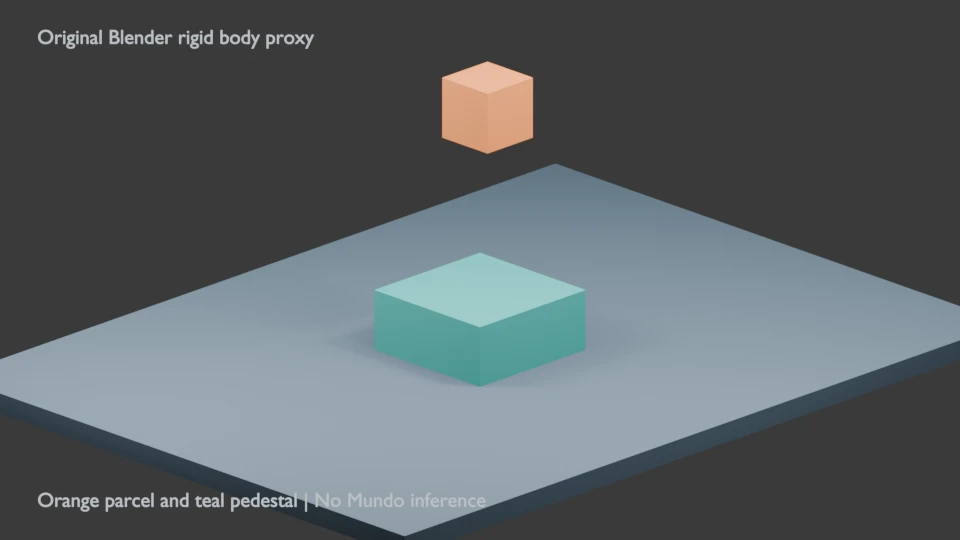
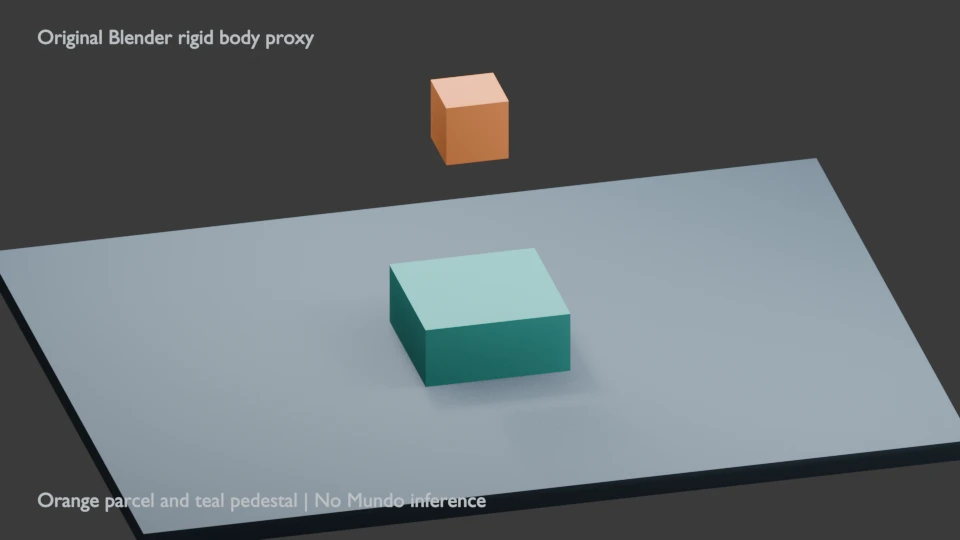
The silent clip shows an authored orange parcel falling onto a teal pedestal. We simulated it with Blender's Bullet rigid-body system, then baked the sampled parcel transforms into keyframes. It is not a reconstruction from photographs, a Mundo-rendered video or a MuJoCo run. The label remains visible in the exported clip.
The parcel begins with its center at approximately Z 2.4 Blender units and finishes around Z 0.9. The pedestal top is Z 0.6 and the parcel is 0.6 units tall, making the final center consistent with its resting placement. The sampled minimum center is approximately 0.883 during contact response; this is an illustrative native simulation, not a calibrated physical-accuracy test.
The file contains 48 frames at 24 fps for two seconds of playback. The saved native project plays baked transforms. To test a different starting height or physical parameter, edit the original script and rerun the simulation into a new directory rather than assuming that changing a keyframed project creates a new physics run.
Compare three known context views
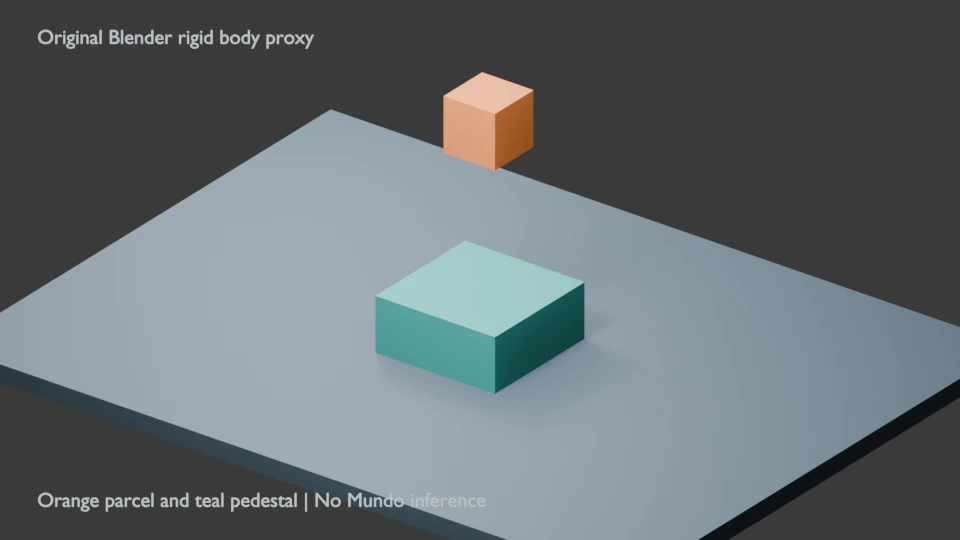
Inspect the first view, second view and third view. They show the same known geometry from different cameras at the initial pose. They were rendered from our scene and were not supplied to Mundo.
Use this exercise to name what a view reveals: the pedestal's side, the parcel's clearance or the floor behind an object. A surface missing from every source view remains an uncertainty in a reconstruction brief. Adding a camera label is more useful than collecting many nearly identical pictures without knowing which missing area they resolve.
Download the native project and motion evidence
Download the native proxy project, per-frame position and rotation ledger, study measurements and original Blender renderer. The encoding note describes how the rendered PNG frames become the silent MP4.
The motion ledger records each frame's time, position and quaternion. Its frame one is time zero, and the final pose begins at 47/24 seconds. The video includes that final frame interval, giving the complete two-second file. Save the native state and accepted render together when comparing later revisions.
Prepare a contained environment pilot
- Choose one small environment and one observable change. Avoid beginning with a crowded room full of tiny interacting objects.
- Record authorized source views and what each view contributes. Keep the actual files and camera notes with the brief.
- Identify the objects, their rough placement and the intended camera path before discussing surface detail.
- Mark which physical values are authored, estimated or measured. Our parcel mass, friction and scene scale are authored choices, not properties recovered from an image.
- Review state and appearance separately. First inspect the path and contact; then inspect identity, surfaces, occlusion and continuity in the final renderer's actual output.
- Record the exact time and observation in the blank world-review ledger. A plausible frame alone does not prove the complete interaction is consistent.
A proxy box can be enough to express rough placement while being inadequate for a hand fitting around a small handle. Choose an acceptance rule that exposes the required contact geometry. The vertex-color study shows another representation decision: color stored in a mesh attribute is different from a finished surface image.
Keep the authors' limitations visible
The authors report speed limitations, problems with fine object interactions and no long-horizon memory mechanism in the current system. Treat their demonstrations as research evidence with those boundaries. Our simple falling-box clip neither tests nor removes those limitations.
For a creative project today, develop an approved environment or shot reference in Clout Image and Video and plan connected scenes in AI Cinema. Use the supported controls of the chosen workflow and inspect the actual result. A written coordinate or proxy diagram does not guarantee that an unrelated generator will preserve the same state.
For a layered environment, see the matte-painting plate study. For explicit camera staging with flat elements, use the native depth-card study. These are available production exercises while Mundo's release status is checked separately.