

What HDR to SDR conversion is for
HDR to SDR conversion prepares a high-dynamic-range source for a standard-dynamic-range destination. It requires interpreting the source and mapping its brightness and color into the intended SDR delivery. A file that appears washed out, too dark or overly saturated may be passing through the wrong interpretation or viewing path; diagnose that before changing the creative grade.
Keep the HDR master. An SDR version is a separate deliverable with its own acceptance decision. For an AI creative project, this might be the version needed for a particular edit, player or publishing destination. Confirm the actual destination requirements rather than assuming every service handles HDR the same way.
Plan the source transform and final viewing path
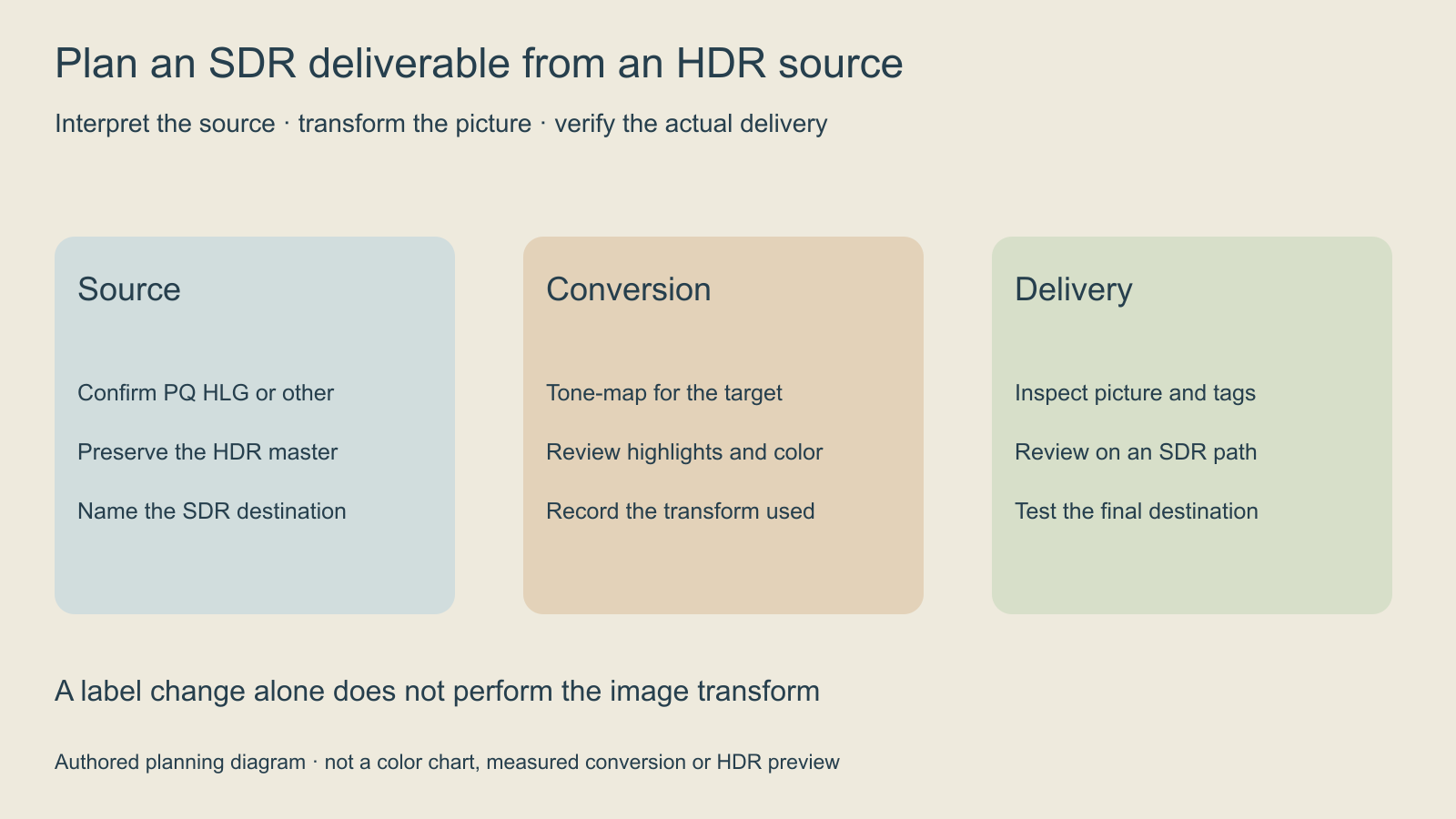
Begin with the source transfer, color primaries and actual production context. Identify whether the file is declared PQ, HLG or another interpretation and what the target SDR specification requires. If the tags are absent, ask for the source information rather than applying a guessed input transform.
Our original lantern review brief uses an amber light, a dark blue desk and a pale paper label. The SDR version should preserve the intended reading of those objects within the destination’s range. The brief does not prescribe a universal numerical grade, and this page does not present a converted lantern clip.
Read the reported color tags before choosing a transform
The inspector above reads a small ffprobe JSON report. Load its authored PQ, HLG, 10-bit BT709 or missing-tag examples, or paste a report from your own source. It lists each non-cover-art video stream independently. It does not analyze frames, inspect a monitor or determine whether a grade looks correct.
The official ffprobe documentation describes machine-readable stream inspection and JSON output. This read-only command requests the fields used by the tool. Replace input.mp4 with the actual local source path.
ffprobe -v error -show_entries stream=index,codec_type,pix_fmt,color_transfer,color_primaries,color_space:stream_disposition=attached_pic -of json "input.mp4"For a real example, the report from our original box animatic contains yuv420p but no transfer, primaries or matrix fields. The correct result is unclassified interpretation, rather than silently assuming the missing fields are BT709. The animatic guide provides the original clip and its authored production context.
The FFmpeg transfer identifiers include smpte2084 for PQ and arib-std-b67 for HLG. ARIB identifies STD-B67 as the HLG system. A BT709 transfer tag remains BT709 even when the pixel format is 10-bit. These declared fields are clues for interpretation, not proof of correct pixels, mastering metadata, gamut compliance or the final viewing experience. Preserve uncertainty when the source is untagged or contradictory.
Use a real tone-mapping workflow rather than relabeling
The FFmpeg tonemap documentation describes mapping between dynamic ranges. Its software tonemap filter works on linear-light floating-point data, with additional filtering needed to produce a usable output format. That is a transform pipeline, not a command that merely substitutes a metadata label.
This guide deliberately does not give one universal conversion command for every source. The correct input interpretation, luminance assumptions, gamut handling, target and encoder depend on the file and destination. Record them explicitly in the actual editor or processing pipeline, then test a short representative interval.
If a processing command reports success, inspect the delivered frames and metadata independently. A successful process exit does not prove that the intended source was interpreted correctly. Watch for an accidental second transform when the source has already been converted elsewhere.
Check the shot details the audience needs to read
| Area | Review question | Evidence to record |
|---|---|---|
| Bright source | Does the lantern retain the intended shape | Frames with lost highlight structure |
| Dark setting | Can the desk and background still separate | Intervals with crushed or lifted shadows |
| Neutral label | Does the pale paper look plausible | Unexpected tint or lost readability |
| Moving shot | Does brightness remain stable over time | Actual flicker or pumping intervals |
| Final delivery | Does the destination play the accepted version | Player display and file version |
Use a color-managed SDR review path and inspect the complete shot. Check readable text, faces when present, saturated objects and scene cuts. Compare results under controlled viewing conditions. A browser screenshot can document a UI or decision, but it does not certify a color-managed master.
Use the original delivery brief and blank review CSV to record the actual transform and observations. Keep the source master and accepted SDR file as separate versions with clear names.
Avoid confusing the two conversion directions
Runway Ruby is documented for SDR-to-HDR conversion, which is the opposite direction. The SDR-to-HDR guide covers that route and its current public documentation. Do not treat a tool that produces HDR as evidence that it performs the SDR finishing job you need.
Choose the operation by the target deliverable. Upscaling, changing a container, generating a new video and tone mapping solve different problems. A visually pleasing regeneration may change the shot, while the production task here is an accepted SDR version of an existing source.
Verify the export and preserve the accepted version
- Record the actual source interpretation and target specification.
- Save the selected tone-mapping and color settings.
- Render a representative interval and review it on the intended SDR path.
- Inspect the output’s reported tags without treating them as visual proof.
- Check dimensions, frame rate, duration and sound.
- Test the final file in the actual destination.
- Keep the HDR master and accepted SDR version separately.
When the source shot itself needs creative work, explore Clout AI Cinema for its current production tools. This guide does not establish a Clout HDR-to-SDR converter or automatic color-management integration. Finish the accepted shot in a workflow that supports the actual delivery specification.


