ChronoEdit is useful to investigate when an image edit needs a coherent object-state change rather than a new image with a similar mood. Start with the official project page, then match the checkpoint, runtime and output behavior to the task you want to test.
What is ChronoEdit
ChronoEdit treats image editing through a video-model formulation, using temporal reasoning to support plausible changes between a reference and edited image. The project's visualizations can show intermediate editing trajectories. The final frame is the edited image; an interesting intermediate sequence is not the same as an accepted final edit.
This guide focuses on the official 14B Diffusers workflow at repository commit 37b0da51d8a42928b23e84cc998bba200c246e57, checked October 24, 2026. The project was released in 2025. We are examining its current workflow, not claiming a new launch or measured viral trend.
Check the exact 14B runtime before planning a run
The pinned official README describes Linux and Python 3.10. It reports approximately 34 GB GPU memory with model offload and about 38 GB with temporal reasoning. Optional prompt enhancement can have a separate, larger memory requirement. These are upstream statements, not hardware measurements performed by Clout.
Inspect the official checkpoint card, its terms and the current setup instructions before downloading weights. Do not assume a repository's code license and every checkpoint's use terms are interchangeable. We have not installed the runtime or run inference.
PNG output and reasoning video are different deliverables
The pinned inference script requires an input image and prompt. It saves the last output frame as a PNG, using --output-image when supplied or the output path with a PNG extension. It exports a video only when --enable-temporal-reasoning is enabled.
That matters when checking a run that names an MP4 path but produces only an image. Inspect the selected mode and actual output files before treating the missing video as a failed edit. The ordinary editing and reasoning paths are not the same export contract.
Define one edit with an original reference pair
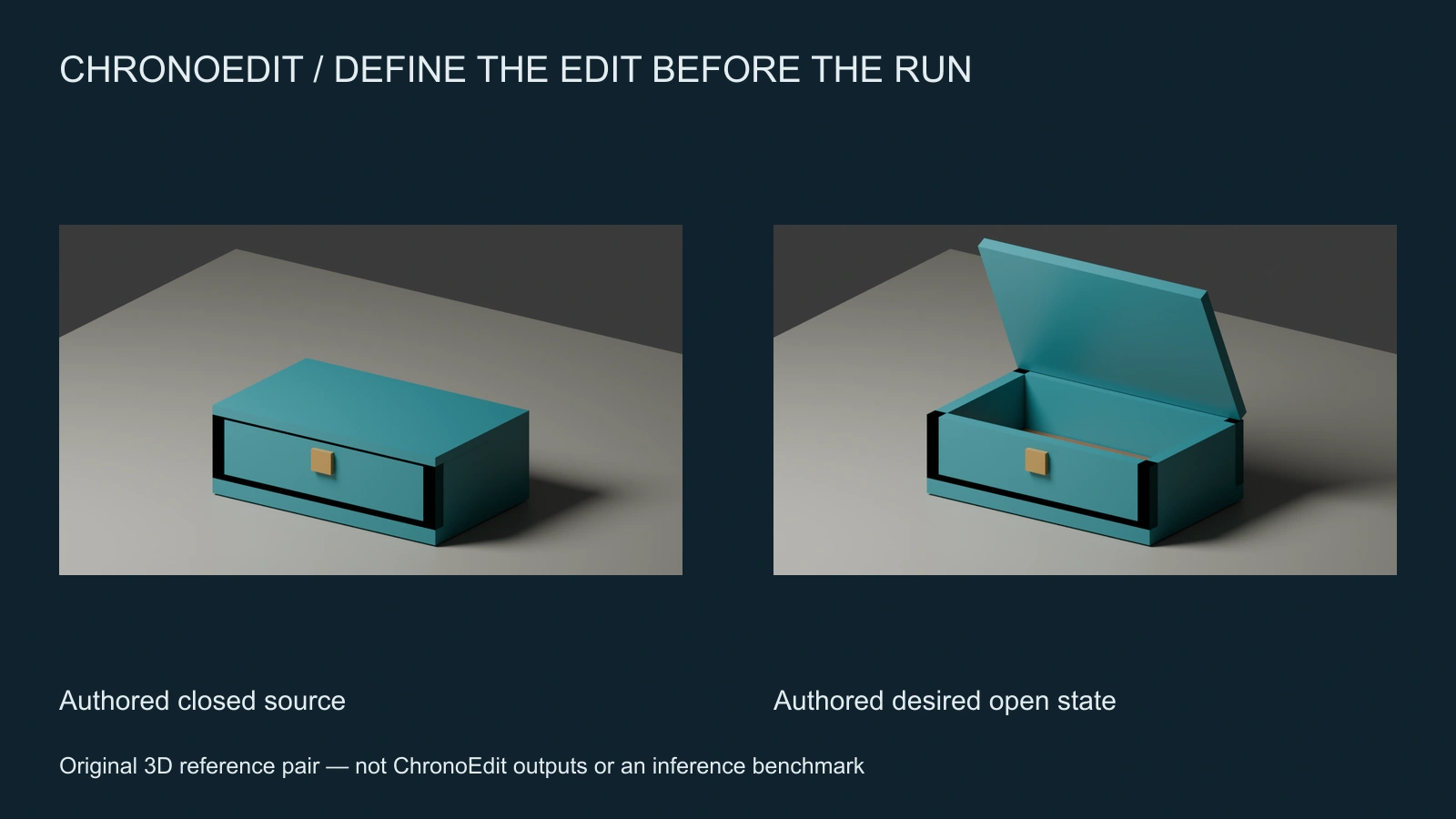
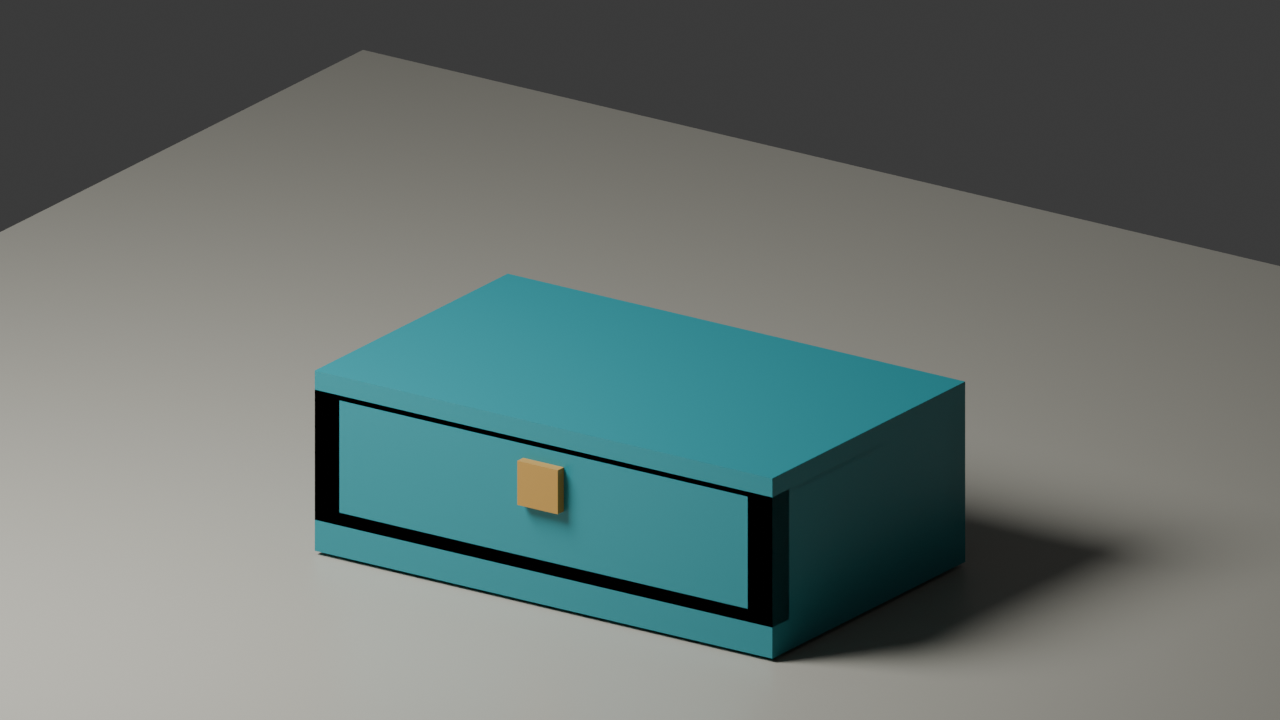
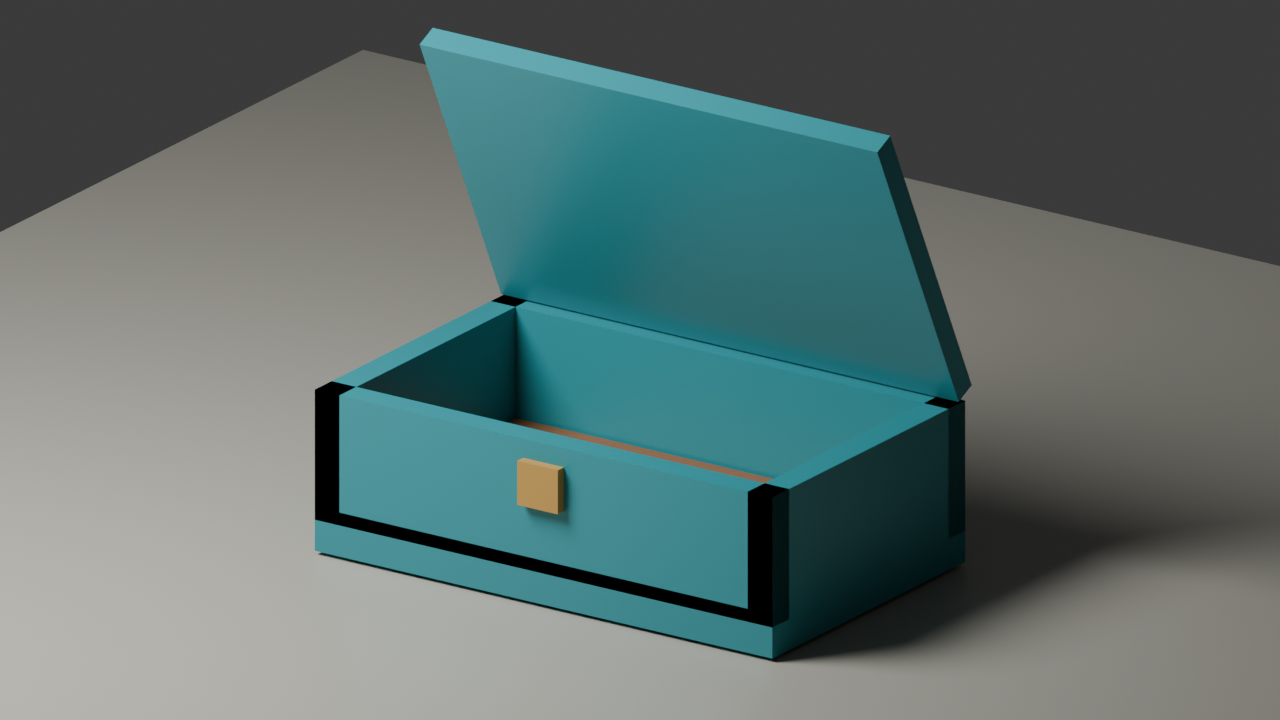
Our original exercise asks for one change: open the lid of a teal case. The source and desired-state render use the same body, single front body latch, camera, materials and light. Only the lid hinge rotates. The open state reveals previously hidden lining and changes shadows and occlusion.
Download the closed-case source PNG, authored open-state reference PNG and blank edit-review ledger. The open reference is a review aid, not an extra input accepted by the shown CLI. Both pictures are conventional Blender renders, not proof of what ChronoEdit will produce.
The original source script and manifest record the controlled setup. Keep this authored target separate from any later model result so a comparison cannot accidentally present the reference as a successful generation.
Write the change and the invariants separately
Open the lid of the teal case. Keep the case body and its single front body latch in the same position, with the same camera framing and desk. Preserve the case design while allowing the opening to reveal the interior and change the shadows naturally.
This is an original untested direction. The intended change is the lid state. The protected relationships are case identity, body location, latch count and framing. New visibility of the interior is permitted. Shadow changes caused by the lid are permitted. Requiring every surrounding pixel to remain identical would conflict with the physical consequences of opening it.
Use the ledger to record source, prompt, checkpoint, repository commit, reasoning mode and prompt-enhancement choice. Add accepted output paths only after inspecting the actual saved files. A descriptive prompt and a reference pair do not establish model performance.
Run a bounded pilot in the prepared upstream environment
After following the official setup, this unexecuted example uses arguments verified in the pinned parser:
python3 scripts/run_inference_diffusers.py \
  --input chronoedit-case-closed-source.png \
  --prompt "Open the lid of the teal case while preserving its body design, single front latch, position and camera framing" \
  --offload_model \
  --output pilot.mp4 \
  --output-image pilot.png
The example leaves prompt enhancement and temporal reasoning off. Under the pinned export logic, inspect pilot.png; do not expect pilot.mp4 from this ordinary editing path. If you deliberately enable temporal reasoning, record that change and inspect its video separately from the final PNG. Confirm current behavior against the version you actually use.
Judge the edit rather than just the trajectory
Check the final PNG for a connected lid, coherent hinge region, stable case body, one body latch and the intended framing. Inspect the newly visible interior and cast shadow. A plausible lid shape with an extra latch or a redesigned case is still a failed result for this brief.
If the image fails, simplify the instruction or improve the source before adding several unrelated requirements. Compare one deliberate change at a time. Preserve rejected outputs with the reason and location of the failure so the next revision has a specific target.
Choose the workflow that fits the deliverable
Evaluate the research runtime when its editing method is central to your test and you can operate the documented environment. For a managed creative route, inspect Clout Image and Video and the chosen operation's current inputs and quote. This page does not establish ChronoEdit model availability in Clout.
If the edited still will become part of a scene, approve the object state before planning motion. Use our tracking-shot planner or panning-shot study to define the camera behavior. Keep image editing, camera planning and the final returned video independently reviewable.