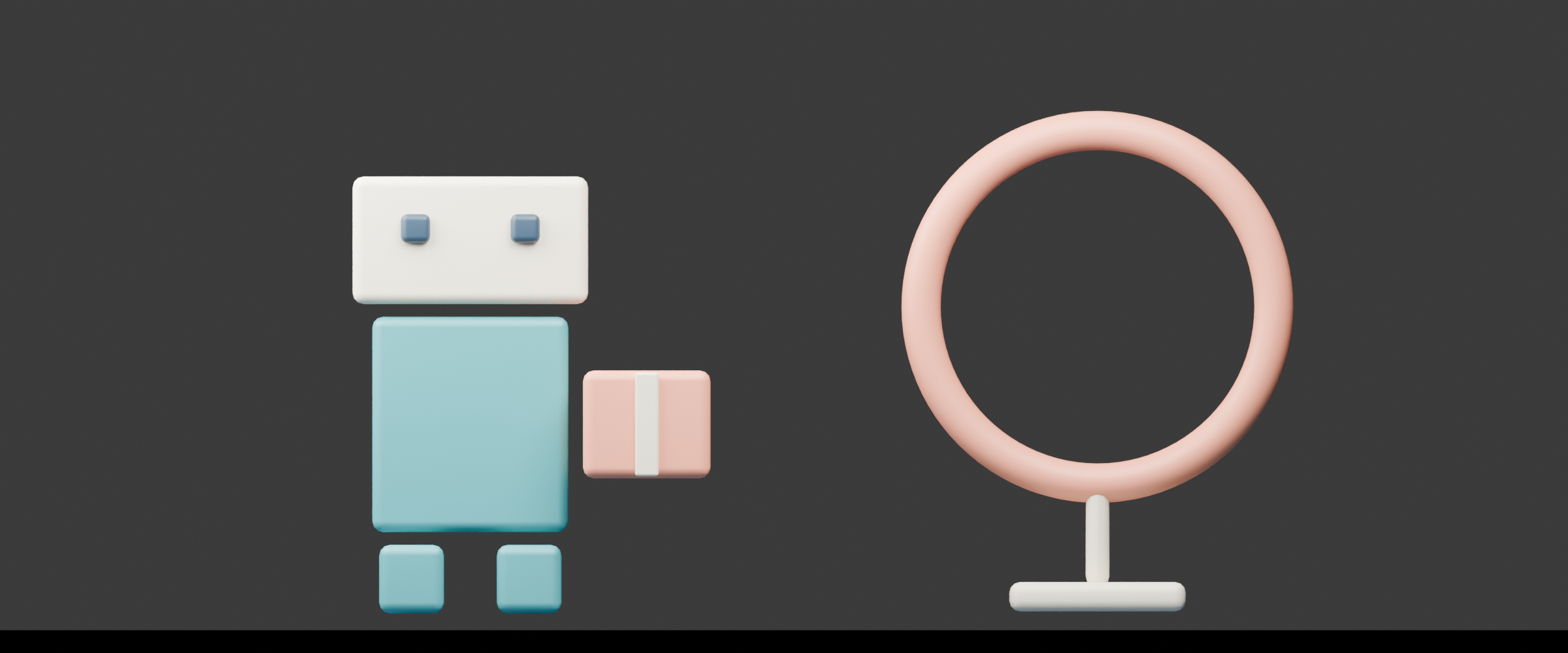
An anamorphic lens squeezes the captured image horizontally. Desqueezing restores the intended display proportions using the known lens factor. The final aspect ratio depends on both the recorded frame and that factor, so a wide crop alone does not reproduce the capture process.
Use the free local still-frame tool above to prepare a PNG, JPEG or WebP with a known squeeze factor, then optionally crop the corrected frame for delivery. The starting courier demo is an original orthographic Blender render that we squeezed digitally after rendering. It demonstrates geometry, not an anamorphic lens shoot.
What an anamorphic lens changes
ARRI’s anamorphic desqueeze primer explains the basic relationship with a circle: a spherical projection preserves its proportions, while horizontal squeeze makes it narrower in the stored image. A matching desqueeze restores its display shape.
That is a different operation from cropping a normally proportioned image into a wide frame. A crop removes part of the picture. Desqueezing changes how the stored horizontal dimension is displayed. Lens-specific optical characteristics and a chosen finishing treatment are additional decisions, not consequences guaranteed by a simple stretch.
Before applying any correction, establish whether the source is still squeezed or has already been corrected during monitoring, recording or export. A preview may display corrected proportions while the underlying file remains squeezed. Conversely, stretching a file that was already corrected makes it too wide.
Try the free local still frame desqueeze
- Inspect the original digitally squeezed courier demo or choose your own PNG, JPEG or WebP still. Keep the untouched source separately.
- Set Known squeeze factor from the actual capture or preparation record. The demo uses two times horizontal expansion. Use factor one for an already corrected image.
- Review the corrected preview before enabling the delivery crop. Check a known circle, product edge or other reliable shape.
- If needed, enable Crop to cinema delivery ratio. This applies a centered 2.39-to-one crop after the horizontal expansion.
- Download the prepared PNG and geometry JSON. Confirm the exported file’s dimensions and composition in the application that will use it.
The tool performs horizontal browser resampling and an optional centered crop. It accepts images up to 16 MB, from 16 to 8192 pixels on each side, with input and expanded output each limited to 16 million pixels. Factors range from one to two. These are this tool’s limits rather than a catalogue of supported physical lenses.
Your selected image stays in the browser. The export is a new square-pixel PNG, not a video file or a camera-metadata-preserving master. Browser interpolation may differ from your editing application. The tool does not identify a lens, read video sample-aspect metadata, restore optical detail or synthesize an anamorphic lens rendering.
Inspect the original squeezed and restored example

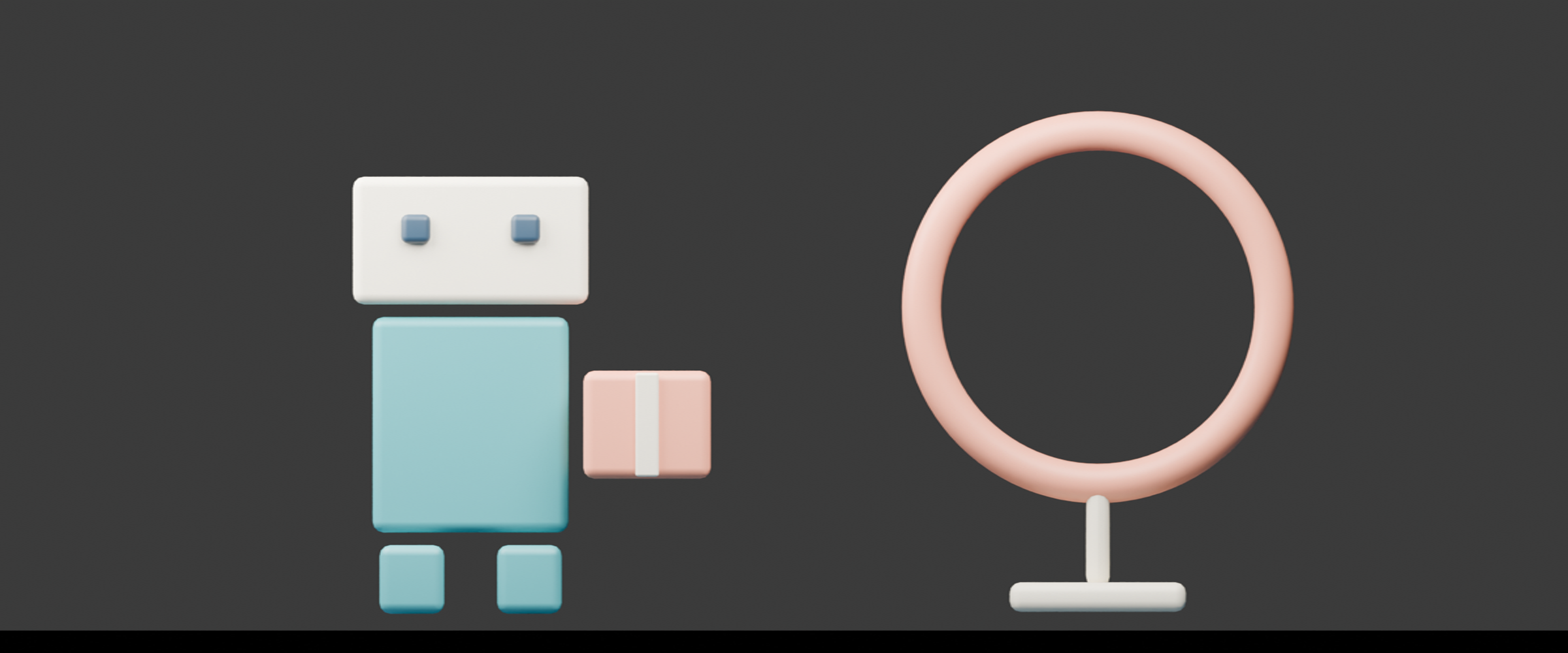
The untouched native scene is 2400 by 1000. We made the 1200 by 1000 squeezed example with a direct horizontal resize, then expanded it back to 2400 by 1000. The circular display provides an obvious shape check. Repeated resampling can change pixels; restoring the dimensions is not a claim that every original pixel was recovered.
Download the original native render, squeezed source, full desqueezed example and full geometry record. The published examples use Sharp cubic resizing. Browser PNGs follow the same dimensions without claiming pixel identity with Sharp.
Calculate the displayed aspect ratio before cropping
For a still with known horizontal squeeze, the expanded width is the stored width multiplied by the factor, rounded to a whole pixel. Height stays unchanged. The displayed aspect ratio is the expanded width divided by height.
| Stored frame | Known factor | Expanded frame | Aspect before crop |
|---|---|---|---|
| 1200 by 1000 | 2 | 2400 by 1000 | 2.4 to one |
| 1200 by 1000 | 1.33 | 1596 by 1000 | 1.596 to one |
| 1920 by 1080 | 2 | 3840 by 1080 | About 3.556 to one |
The decimal factor 1.33 is not exactly four thirds. Enter the factor your preparation record specifies rather than assuming every rounded label represents the same mathematical value. This tool does not infer the correct factor from the appearance of a face or circle.
ARRI’s sensor-area explanation shows why roughly six-to-five capture is associated with a two-times expansion toward a 2.39-to-one delivery. The relationship is between the used sensor area, squeeze factor and final frame, not a requirement that every anamorphic source already have one particular stored aspect.
Choose the delivery crop after the desqueeze
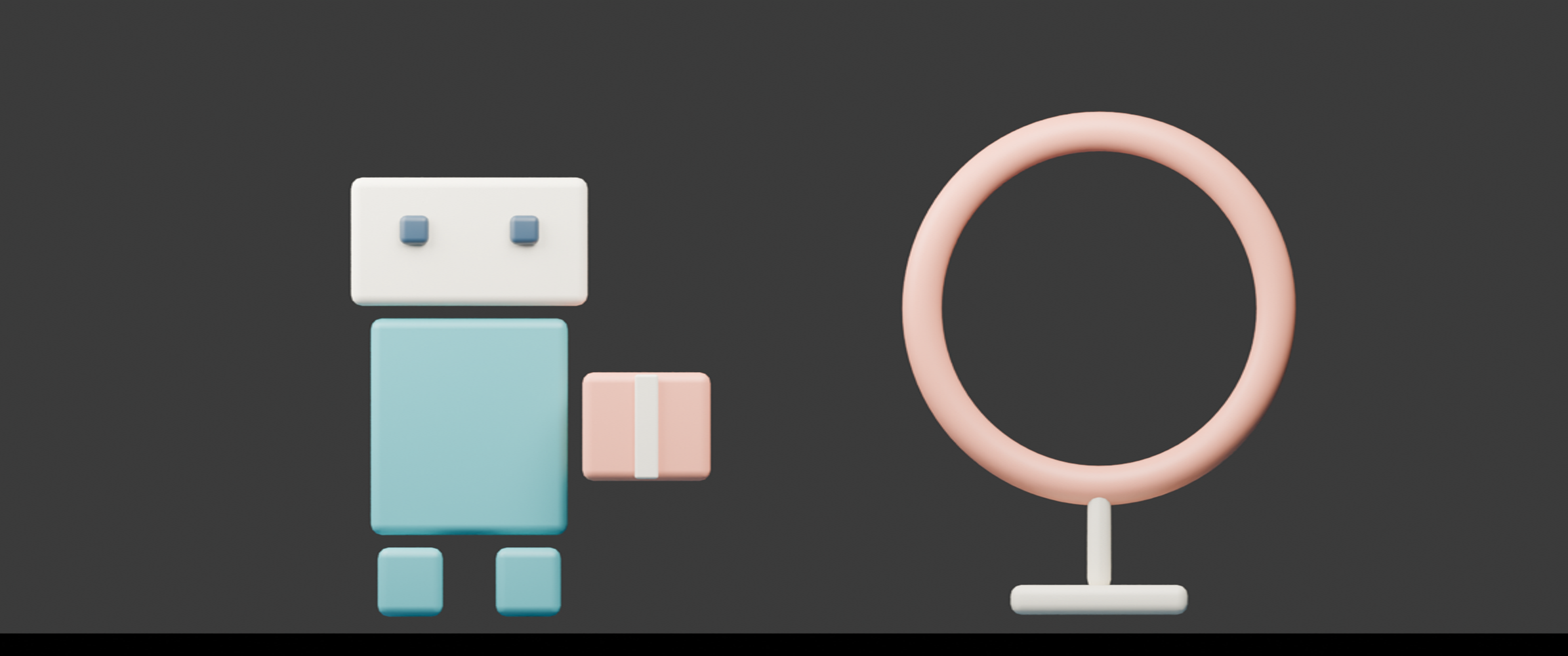
The demo expands to 2400 by 1000, an aspect of 2.4. Its optional centered delivery crop is 2390 by 1000, or 2.39. It removes five pixels from each horizontal edge and retains about 99.58 percent of the expanded area. Download the delivery PNG and crop ledger.
For a narrower expanded image, the same tool crops height instead. Whole-pixel rounding can produce a small aspect difference, and an odd number of removed pixels puts one extra pixel on the right or bottom. The JSON records every side so you can inspect what was discarded.
A centered crop is a starting point, not a guarantee of good composition. Review the courier’s head, feet, parcel and circle. For your own frame, inspect the exact product, captions and action that must remain visible. Recompose in an editor when a centered crop removes an important detail.
Keep monitor display and file interpretation separate
ARRI’s monitor quick guide instructs users to choose the desqueeze factor matching the lens. A monitor correction is a viewing decision; verify separately how the recorded or exported file should be interpreted.
Adobe’s footage interpretation reference distinguishes frame dimensions and pixel aspect. In a video workflow, inspect the source and sequence interpretation before baking another stretch into the image. This still tool exports ordinary square pixels and does not change a video’s sample-aspect flag.
Write an AI cinema brief around observable results
If you want a cinematic wide composition from an AI workflow, specify the actual frame, subject placement and delivery constraints. For the original courier exercise: keep one teal robot on the left, one coral parcel and one circular display on the right; retain the full head and feet; leave room for the final delivery crop.
That is an untested creative direction, not proof that a model simulates an anamorphic optical system. Inspect the returned file for altered circles, stretched faces, repeated objects, unwanted borders and lost edge detail. Adding a flare or a wide crop does not establish that the image was captured through an anamorphic lens.
Use supported original image and video operations in Clout Image and Video and plan connected shots in AI Cinema. For focus-related framing changes, compare the lens breathing guide. For a source-based text-to-image setup, the SeFi Image preflight separates recipe checks from actual generation results.
Reproduce the original planning resources
The native courier project and Blender builder preserve the authored orthographic scene. Its native record states the camera transform and square-pixel render dimensions. No physical lens or camera shoot was performed.
The geometry helper and asset builder reproduce the local preparation examples with Bun and Sharp. Keep companion files together and use new output directories. The useful production record contains the untouched source, confirmed factor, prepared dimensions, crop and accepted export.