

An AI birthday card generator can help you create artwork or explore a card design. The finished greeting still needs the correct name, readable wording and an export you can inspect. Keep the visual idea and exact text separate when you want to revise either without regenerating everything.
This guide includes original balloon artwork, a free local front-greeting tool and a downloadable example. The artwork was generated with the built-in image generation tool. The front layout is original code that places SVG text over that image. The cover is a separate editorial mockup, not a photograph of a printed or mailed card.
Make a greeting rather than an event invitation
| Deliverable | Details that matter | Review before sharing |
|---|---|---|
| Birthday greeting | Recipient, personal message and sender | Spelling, tone and readable layout |
| Birthday invitation | Date, time, location and response details | Every event fact and any link |
| Printed folded card | Front, inside, back and printer template | Panel order, trim, fold and physical proof |
The tool above makes a front greeting with a fixed Happy Birthday heading, your recipient and a sender line. It does not create an invitation, folded-card template or full personal message. Choose the actual deliverable before writing the prompt or arranging the artwork.
Download the original text-free card artwork
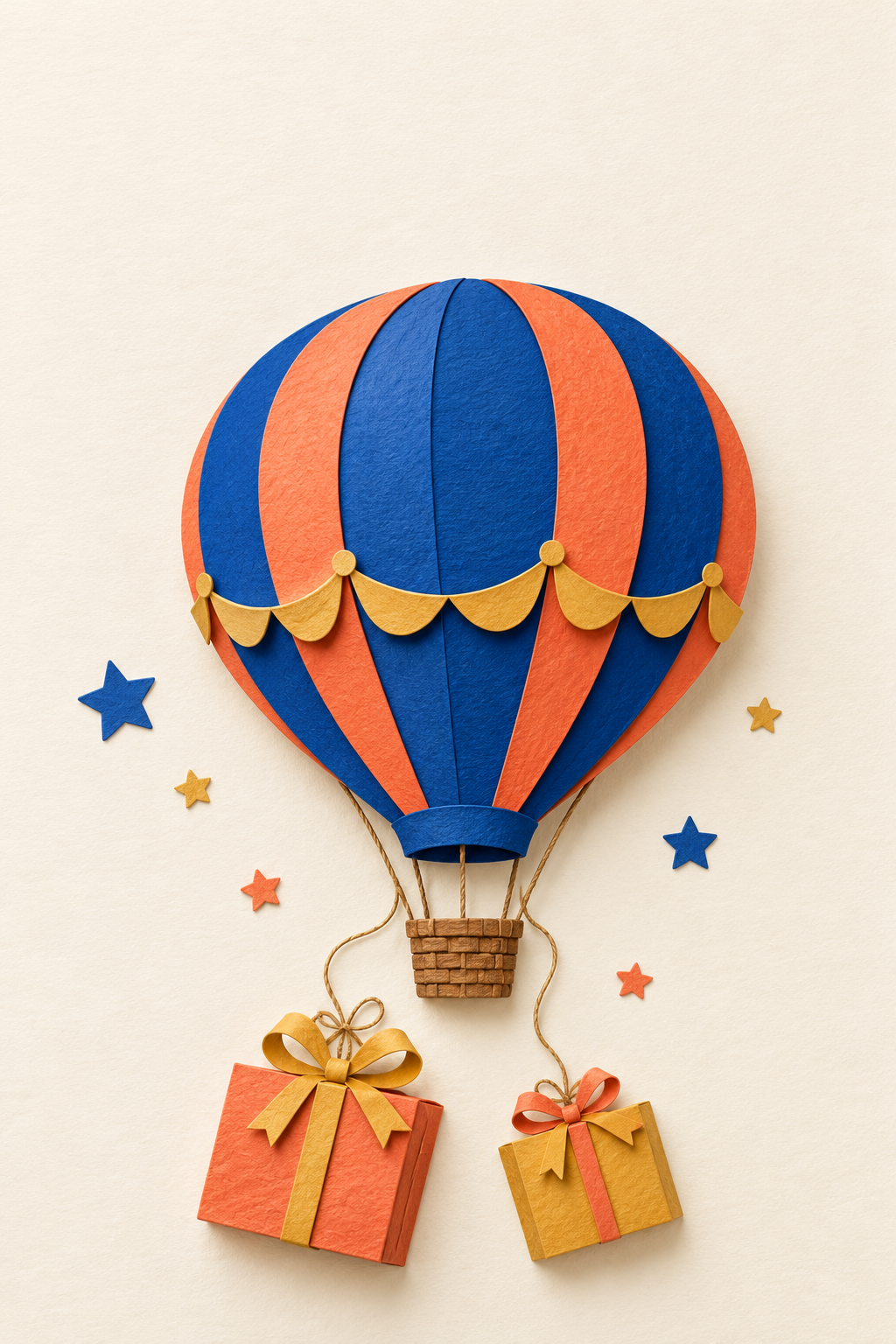
Download the native artwork PNG. It is 1024 by 1536 pixels and contains no greeting text. The visible design uses a cobalt-and-coral balloon, ochre details, stars and two gift boxes on a cream background.
The paper texture and layered shadows are generated visual features, not evidence of a hand-made or physically printed object. Use the native file as the source when making a different layout, and keep it separate from versions with names or other text.
Add the exact recipient and sender
The local tool trims the ends of each line and collapses repeated whitespace. Each line allows up to 32 Unicode code points. Longer lines use a smaller type size. The preview and export use the same wording and type-size calculation.
Try the recipient and sender you actually want to use, then check spelling and accents in the preview. A name can be correct in the input and still need a font check in the final editor. Emoji and special glyphs can render differently depending on available fonts; inspect the downloaded file rather than assuming identical appearance everywhere.
Download the SVG front when the wording is accepted. The export embeds the original PNG and adds the greeting as SVG text elements. It is self-contained, but its balloon artwork remains raster. Import behavior varies between editors, so confirm that your chosen program keeps the text editable if you plan further changes.
Inspect the downloadable example
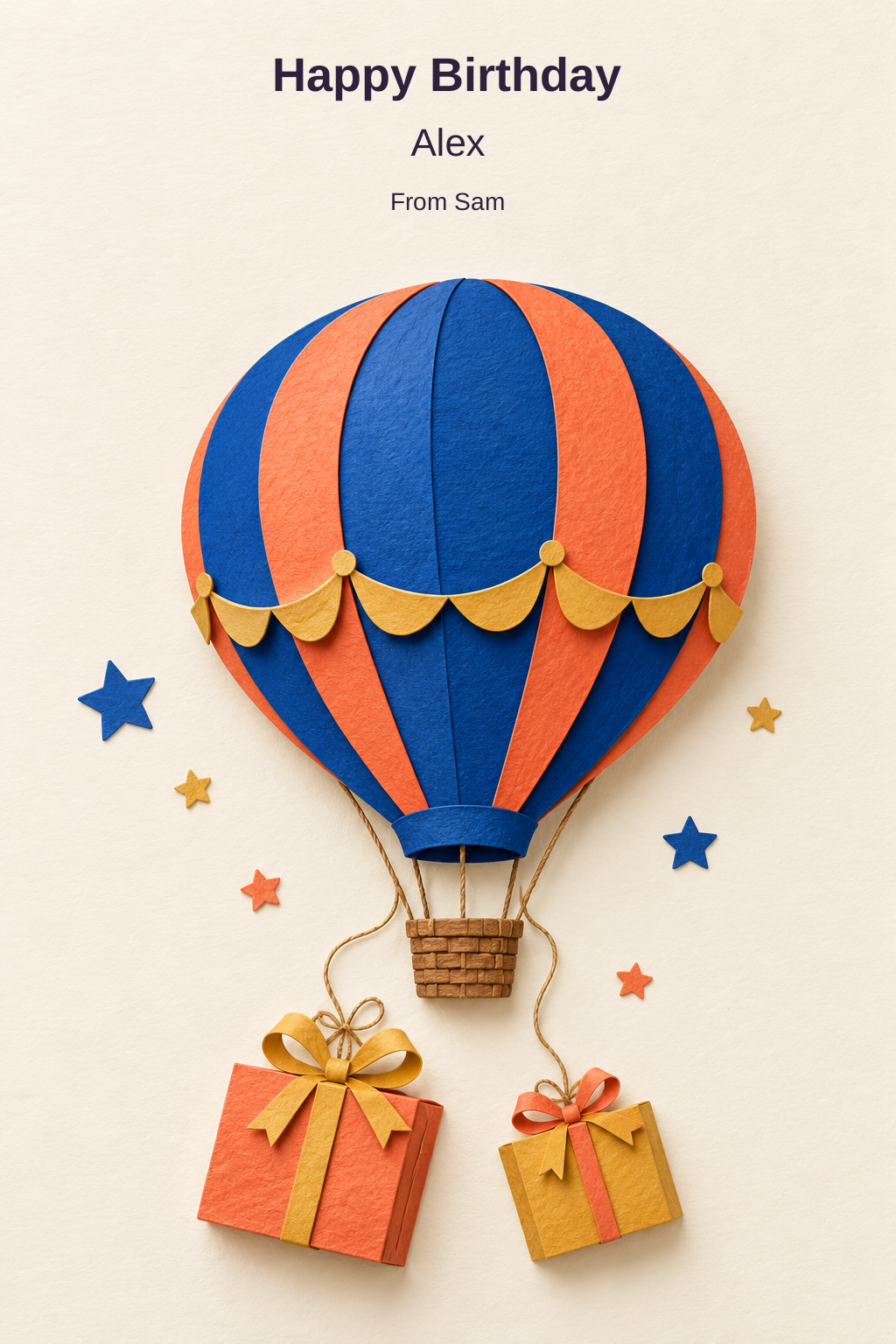
Download the Alex and Sam example SVG or inspect the artwork and example file record. We exported this example using the same helper and rendered it for visual inspection. It is not a physical print test.
The tool does not upload your photo, call an AI model or send the card. It fetches the preset artwork for the export and builds the SVG locally. To create a different illustration, use a separate image-generation workflow and bring the accepted image into your layout editor.
Write a prompt for your own birthday artwork
Original portrait birthday-card artwork, tactile layered-paper balloon and gift boxes in cobalt, coral and ochre on warm cream. Clear silhouettes, generous margins and a calm upper region for a greeting added later. No words, names, numbers, logos or border.
Adapt the theme to the recipient: a garden, a favorite instrument or a playful abstract design can be more personal than generic confetti. Keep exact names and important wording out of the generated illustration if you want direct control over spelling and placement.
A prompt requesting blank space is only a direction. Inspect the returned image to see whether the space is actually usable. If a balloon or ornament fills the greeting area, revise the composition or choose another layout instead of forcing text across an important subject.
Compare a template editor and a generated design
Canva's birthday-card page describes customizing templates with imagery and text, with JPEG, PNG and PDF export options. Fotor's birthday-card page describes prompt or optional photo inputs, generated designs and refinement.
Use those as different starting points to investigate. Check the current account, available edits and export requirements. We did not run a provider account test, verify an advertised free allowance or confirm instant print readiness. Our balloon artwork and local SVG example are separate original resources.
Keep the personal message editable
A useful greeting says something specific without inventing a shared memory. Write the message in your own words, or use a draft as a starting point and verify every personal detail. Keep the final text in a separate field or layer until you have reviewed the tone and spelling.
For the example front, a separate message could be: Wishing you a day full of good surprises and a year with room for your favorite things. That is original sample wording, not a claim about the recipient. The front-maker does not add this longer message to its artwork.
For a business layout with editable names and amounts, use the AI menu workflow and local HTML draft maker.
Review the final file at its intended size
Open the downloaded SVG in the actual viewer or editor you intend to use. Check the text, font substitutions, artwork placement and margins. If you convert it to PNG or PDF, inspect that converted file too. The SVG format does not create new raster detail in the embedded balloon image.
For a physical card, use the selected printer's template and requirements, including any fold or trim setup. The artwork print-size planner can calculate effective pixels per inch for a raster image at a chosen size; it does not approve a greeting-card print.
For related visuals, explore the party-image workflow or Clout's image workflows. Keep the accepted artwork, exact text and final export together so a later correction can be made without losing the original source.


